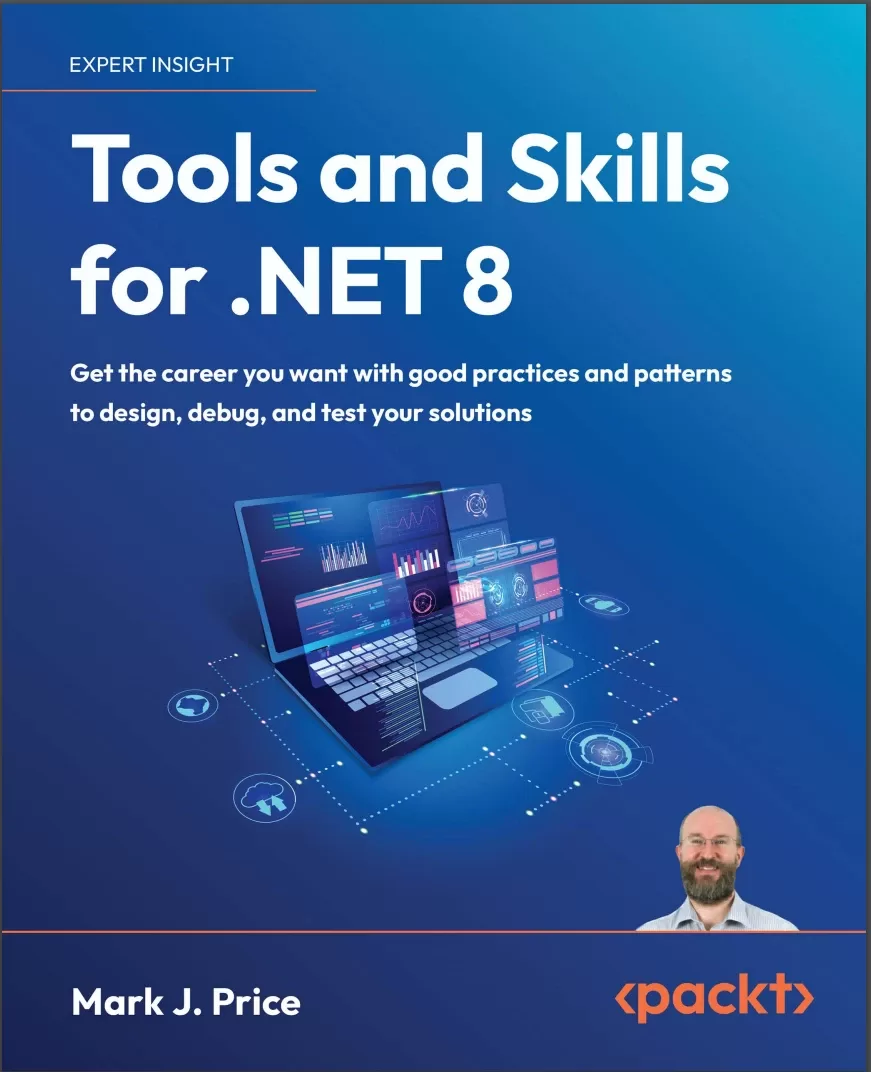
Tools and Skills for .NET 8: Get the career you want with good practices and patterns to design, debug, and test your solutions
Оглавление⌄
Cover....1 Copyright....3 Contributors....4 Table of Contents....8 Preface....32 Chapter 1: Introducing Tools and Skills for .NET....38 Introducing this book and its contents....39 Companion books to complete your learning journey....39 Audiences for this book....40 Tools....41 Skills....42 Testing....42 Design and career development....43 Setting up your development environment....43 Choosing the appropriate tool and application type for learning....43 Using Visual Studio for general development....44 Using Code for cross-platform development....44 Using GitHub Codespaces for development in the cloud....44 Using Rider for cross-platform development....45 What I used....45 Deploying cross-platform....46 Downloading and installing Visual Studio....46 Visual Studio keyboard shortcuts....47 Visual Studio Enterprise edition tools....47 Downloading and installing Code....48 Installing other extensions....49 Managing Code extensions at the command prompt....50 Understanding Code versions....50 Code keyboard shortcuts....51 Downloading and installing Rider....51 Other JetBrains tools....52 Chrome AI tools....53 Making good use of the GitHub repository for this book....53 Raising issues with the book....53 Giving me feedback....53 Downloading solution code from the GitHub repository....54 Where to go for help....54 Reading documentation on Microsoft Learn....54 Getting help for the dotnet tool....54 LLMs like ChatGPT....55 Getting better help from LLMs using prompt engineering....57 AI usage by developers....58 Getting help on Discord and other chat forums....58 Setting up a database and projects for this book....60 Using a sample relational database....60 Setting up SQL Server and the Northwind database....61 Creating the Northwind database for a local SQL Server....61 Creating the Northwind database for SQL Edge in Docker....62 Creating a class library for entity models using SQL Server....63 Creating a class library for the data context using SQL Server....66 Creating a test project to check the integration of the class libraries....69 Running tests....70 Using .NET 9 with this book....71 Practicing and exploring....73 Exercise 1.1 – Online-only material....73 Exercise 1.2 – Practice exercises....73 Exercise 1.3 – Test your knowledge....73 Exercise 1.4 – Explore topics....74 Summary....74 Chapter 2: Making the Most of the Tools in Your Code Editor....76 Introducing common tools and features....76 Refactoring features....77 Code snippets....77 Editor configuration....78 AI companions....80 Tools in Visual Studio 2022....80 Refactoring features....80 Add method parameter checks....83 Method parameter refactoring....84 Convert foreach to for and vice versa....85 Simplify LINQ statements....86 Align code elements....86 Refactor to primary constructors....87 Code snippets....87 Code snippets schema....89 Creating and importing code snippets....91 Distributing code snippets....94 Editor configuration....94 AI companions: GitHub Copilot....96 Making the most of GitHub Copilot....97 Navigating Visual Studio....98 Copying and pasting a statement....98 Switching between file tabs and tool windows....98 Features to improve the editing experience....99 Line numbers and word wrap....99 Keyboard shortcuts....100 Formatting code....101 Task list....101 Extension Manager....102 Tools in Visual Studio Code....103 Refactoring features....103 Code snippets....103 Decompiling .NET assemblies....105 Creating a console app to decompile....105 Decompiling using the ILSpy extension for Visual Studio....108 Viewing source links with Visual Studio....111 No, you cannot technically prevent decompilation....113 Lowering C# code....114 Custom project and item templates....119 Creating a project for a template....120 Testing the project template....126 Practicing and exploring....127 Exercise 2.1 – Online-only material....127 Exercise 2.2 – Practice exercises....127 Exercise 2.3 – Test your knowledge....128 Exercise 2.4 – Explore topics....128 Summary....128 Chapter 3: Source Code Management Using Git....130 Introducing source code management....130 Features of source code management....131 Types of SCM system....131 Common SCM systems....132 Introducing Git....132 Features of Git....133 Why is Git hard to learn?....134 Roles in a team for Git....134 Downloading the latest Git....134 Git integration with Visual Studio....135 Configuring your Git identity....135 Configuring SSH signature enforcement....136 Configuring your default branch....138 Getting help for Git....138 Working with Git....138 Starting with a Git repository....139 Creating and adding files to a Git repository in theory....140 Tracking changes in Git....141 Creating a Git repository in practice....141 Creating a new project....142 Committing files....147 Undoing a commit....149 Cleaning a commit....150 Stashing....150 Ignoring files....152 Reviewing Git repositories....155 Viewing differences in files....155 Viewing your commit history....157 Filtering log output....161 Managing remote repositories....162 Branching and merging....165 Walking through a branching and merging example....165 Deleting and listing branches....171 Summary of common Git commands....171 Practicing and exploring....172 Exercise 3.1 – Online-only material....172 Exercise 3.2 – Practice exercises....173 Exercise 3.3 – Test your knowledge....173 Exercise 3.4 – Explore topics....174 Summary....174 Chapter 4: Debugging and Memory Troubleshooting....176 Debugging strategies....176 Introducing debugging strategies....177 Understanding the problem....178 How to start debugging....180 When to give up debugging....180 Interactive debugging with Visual Studio....180 Creating code with objects to view....180 Setting a breakpoint and starting debugging....183 Navigating with the debugging toolbar....186 Debugging windows....187 Controlling what appears in debug panes....187 Debugging test projects....190 Asking GitHub Copilot Chat for debugging help....191 Understanding stack and heap memory....193 How reference and value types are stored in memory....193 Understanding unsafe code....196 Understanding pointers....196 Other uses of pointers....198 Understanding boxing....199 Understanding garbage collection....200 Controlling the GC....201 Managing resources with IDisposable....202 Tools and skills for memory troubleshooting....203 Common memory tools and skills....203 Visual Studio tools....204 Using Visual Studio Memory Usage....205 Practicing and exploring....208 Exercise 4.1 – Online-only material....208 Exercise 4.2 – Practice exercises....209 Exercise 4.3 – Test your knowledge....209 Exercise 4.4 – Explore topics....209 Summary....209 Chapter 5: Logging, Tracing, and Metrics for Observability....212 Logging and tracing in .NET....213 Understanding ILogger in .NET....214 How to log using ILogger....215 Building a web service for logging....218 Testing the basic functionality of the web service....223 Monitoring with metrics in .NET....224 Concepts for metrics and alerts....224 Metrics....224 Alerts....224 Scenarios for metrics and alerts....225 Implementing metrics....225 Adding metrics to an ASP.NET Core project....226 Viewing metrics....230 Introducing OpenTelemetry....231 Supported instrumentation packages....232 Instrumenting an ASP.NET Core project....233 Viewing the telemetry....235 Practicing and exploring....239 Exercise 5.1 – Online-only material....239 Exercise 5.2 – Practice exercises....239 Exercise 5.3 – Test your knowledge....239 Exercise 5.4 – Explore topics....240 Summary....240 Chapter 6: Documenting Your Code, APIs, and Services....242 Introducing documentation....242 Benefits of documentation....243 When not to document....244 Documenting your source code....245 When should you document your source code?....245 Good practices for commenting your source code....246 Documenting public APIs in class libraries....247 XML comment documentation....248 How to document code using XML comments....249 Generating documentation using DocFX....255 Creating a DocFX project....259 Adding custom documentation content....264 Markdown markup language....264 Headings....265 Formatting text....265 Creating lists....266 Links and images....266 Code blocks and syntax highlighting....266 Tables....267 Documenting services....268 Considerations for documenting services....268 Tools for documenting services....268 Understanding the OpenAPI Specification (OAS)....269 Documenting a Minimal APIs service using OpenAPI....270 Documenting visually with Mermaid diagrams....275 Rendering Mermaid diagrams....276 Flowcharts using Mermaid....277 Class diagrams using Mermaid....279 Converting Mermaid to SVG....280 Practicing and exploring....281 Exercise 6.1 – Online-only material....282 Exercise 6.2 – Practice exercises....283 Exercise 6.3 – Test your knowledge....283 Exercise 6.4 – Explore topics....283 Summary....284 Chapter 7: Observing and Modifying Code Execution Dynamically....286 Working with reflection and attributes....287 Metadata in .NET assemblies....287 Versioning of assemblies....288 Reading assembly metadata....289 Creating custom attributes....291 Understanding compiler-generated types and members....294 Making a type or member obsolete....295 Dynamically loading assemblies and executing methods....296 A warning about reflection and native AOT....302 Reflection improvements in .NET 9....303 Doing more with reflection....303 Working with expression trees....303 Understanding components of expression trees....305 Executing the simplest expression tree....306 Creating source generators....307 Implementing the simplest source generator....307 Practicing and exploring....312 Exercise 7.1 – Online-only material....312 Exercise 7.2 – Practice exercises....312 Exercise 7.3 – Test your knowledge....312 Exercise 7.4 – Explore topics....313 Summary....313 Chapter 8: Protecting Data and Apps Using Cryptography....314 Understanding the vocabulary of protection....315 Techniques to protect your data....315 Keys and key sizes....316 IVs and block sizes....317 Salts....317 Generating keys and IVs....318 Encrypting and decrypting data....318 Encrypting symmetrically with AES....319 Hashing data....326 Hashing with the commonly used SHA-256....326 Signing data....331 Signing with SHA-256 and RSA....332 Generating random numbers for cryptography....334 Authenticating and authorizing users....336 Authentication and authorization mechanisms....336 Identifying a user....337 User membership....338 Implementing authentication and authorization....339 Protecting application functionality....342 Real-world authentication and authorization....344 What’s coming in .NET 9....344 CryptographicOperations.HashData() method....344 KMAC algorithm....344 Practicing and exploring....345 Exercise 8.1 – Online-only material....345 Exercise 8.2 – Practice exercises....345 Exercise 8.3 – Test your knowledge....346 Exercise 8.4 – Explore topics....346 Summary....346 Chapter 9: Building an LLM-Based Chat Service....348 Introducing LLMs....349 How LLMs work....349 Obtaining access to an LLM....351 Using Semantic Kernel with an OpenAI model....354 Understanding Semantic Kernel....354 Understanding functions....361 Adding functions....362 Adding session memory and enabling multiple functions....368 Streaming results....370 Adding logging and resilience....371 Running local LLMs....373 Hugging Face....373 Ollama....375 Ollama models....375 Ollama CLI....377 OllamaSharp .NET package....378 LM Studio....381 Practicing and exploring....382 Exercise 9.1 – Online-only material....382 Exercise 9.2 – Practice exercises....383 Exercise 9.3 – Test your knowledge....383 Exercise 9.4 – Explore topics....384 Summary....384 Chapter 10: Dependency Injection, Containers, and Service Lifetime....386 Introducing dependency injection....386 Why use DI?....387 The mechanisms of DI in .NET....388 Examples in modern .NET....389 Constructor injection example....390 Property injection examples....391 Method injection example....392 Registering dependency service lifetimes....392 Registering multiple implementations....393 When are exceptions thrown?....394 Best practices for DI....395 Implementing .NET Generic Host....395 Key features of the .NET Generic Host....395 Building a .NET Generic Host....395 Understanding host services and events....401 Service registration methods....405 Dependency graphs and service resolution....406 Disposing services....407 DI with ASP.NET Core....407 Registering services for features using extension methods....407 When you cannot use constructor injection....408 Using scoped services in middleware....409 Resolving services at startup....410 DI and views....410 DI, action methods, and Minimal APIs....410 Practicing and exploring....411 Exercise 10.1 – Online-only material....411 Exercise 10.2 – Practice exercises....411 Exercise 10.3 – Test your knowledge....411 Exercise 10.4 – Explore topics....412 Summary....412 Chapter 11: Unit Testing and Mocking....414 Introducing all types of testing....415 Unit testing....415 Integration, end-to-end, and security testing....415 Performance, load, and stress testing....416 Functional and usability testing....416 Testing terminology....417 Attributes of all good tests....417 Test outcomes....418 Test doubles, mocks, and stubs....419 Adopting a testing mindset....419 Pros and cons of test-driven development....419 Core principles of TDD....420 Pros of TDD....420 Cons of TDD....420 Good practices for TDD....421 Unit testing....421 How isolated should unit tests be?....421 Naming unit tests....422 Unit testing using xUnit....422 Common xUnit attributes....424 Creating a SUT....425 Writing simple unit tests....426 Test methods with parameters....429 Testing theory methods using InlineData....429 Testing theory methods using ClassData....430 Testing theory methods using strongly typed ClassData....431 Testing theory methods using MethodData....432 Positive and negative test results....433 Red flags in unit tests....433 Seeing output during test execution....434 Set up and tear down....435 Controlling test fixtures....437 Mocking in tests....442 Libraries for mocking....443 Using NSubstitute to create test doubles....444 Mocking with NSubstitute example....445 Making fluent assertions in unit testing....448 Making assertions about strings....448 Making assertions about collections and arrays....449 Making assertions about dates and times....450 Generating fake data with Bogus....451 Faking data test project....453 Writing a method with fake data....455 Practicing and exploring....457 Exercise 11.1 – Online-only material....457 Exercise 11.2 – Practice exercises....457 Exercise 11.3 – Test your knowledge....458 Exercise 11.4 – Explore topics....459 Summary....459 Chapter 12: Integration and Security Testing....460 Basics of integration testing....461 Which external systems to test....462 Sharing fixtures in integration tests....462 Walkthrough of an example integration test....463 Integration testing with data stores....464 Developer instances of the database and migrations....465 Data lifecycle....467 Testing services using dev tunnels....469 Installing the dev tunnel CLI....470 Exploring a dev tunnel with the CLI and an echo service....470 Exploring a dev tunnel with an ASP.NET Core project....472 Introducing security testing....476 Open Web Application Security Project....477 OWASP Top 10....478 A1:2021 – Broken Access Control....478 A2:2021 – Cryptographic Failures....479 A3:2021 – Injection....479 A4:2021 – Insecure Design....479 A5:2021 – Security Misconfiguration....480 A6:2021 – Vulnerable and Outdated Components....480 A7:2021 – Identification and Authentication Failures....480 A8:2021 – Software and Data Integrity Failures....480 A9:2021 – Security Logging and Monitoring Failures....480 A10:2021 – Server-Side Request Forgery (SSRF)....481 OWASP Top 10 summary....481 Threat modeling....481 Microsoft Threat Modeling Tool....481 Security Development Lifecycle (SDL)....482 OWASP resources....482 Azure Security and Compliance Blueprints....482 .NET security best practices....482 Practicing and exploring....483 Exercise 12.1 – Online-only sections....483 Exercise 12.2 – Practice exercises....483 Exercise 12.3 – Test your knowledge....483 Exercise 12.4 – Explore topics....483 Summary....484 Chapter 13: Benchmarking Performance, Load, and Stress Testing....486 Benchmarking performance....486 Importance of a baseline....487 Big O notation....488 Statistical metrics....489 BenchmarkDotNet for benchmarking performance....490 Avoiding benchmarking mistakes....497 Isolating benchmarking code from setup or teardown....497 Trust the tool....499 Compare like to like....500 Beware of environmental variations....500 Identifying poor blog posts about performance....500 Load and stress testing....501 Apache JMeter....503 Bombardier – a fast cross-platform HTTP benchmarking tool....504 Using Bombardier....504 Downloading Bombardier....505 Comparing an AOT and a non-AOT web service....506 Testing the two web services with Bombardier....510 Interpreting Bombardier results....513 NBomber – a load testing framework....514 NBomber scenarios....514 Load simulations....515 NBomber types....515 NBomber project example....516 Practicing and exploring....519 Exercise 13.1 – online-only material....520 Benchmarking mistakes....520 Exercise 13.2 – practice exercises....520 Exercise 13.3 – test your knowledge....520 Exercise 13.4 – explore topics....521 Summary....521 Chapter 14: Functional and End-to-End Testing of Websites and Services....522 Understanding functional and end-to-end testing....522 Example 1: Testing a Web API service....523 Example 2: Testing an ASP.NET Core website....523 Example 3: Testing a SignalR real-time application....524 Testing web user interfaces using Playwright....524 Benefits for .NET developers....525 Alternatives to Playwright....526 Common Playwright testing types....527 Common Playwright testing methods....527 Common Playwright locator methods....528 Common Playwright locator automation methods....529 Testing common scenarios with eShopOnWeb....529 Page navigation and title verification....534 Interacting with a web user interface....537 Selecting dropdown items and clicking elements....537 Form submission, authentication, and validation....539 Responsive design testing....540 Emulating screen sizes....540 Emulating devices....540 Emulating locale, time zone, and geolocation....540 Emulating dark mode and color schemes....541 Emulating the user agent, disabling JavaScript, and going offline....541 Single-Page Applications (SPAs) and dynamic content....542 Generating tests with the Playwright Inspector....542 Testing web services using xUnit....546 Creating a web service ready for testing....547 Creating the test project....548 Practicing and exploring....550 Exercise 14.1 – Online-only material....550 Exercise 14.2 – Practice exercises....550 Exercise 14.3 – Test your knowledge....550 Exercise 14.4 – Explore topics....551 Summary....551 Chapter 15: Containerization Using Docker....552 Introducing containerization....552 How containers work and their benefits....554 Docker, Kubernetes, and .NET Aspire....555 Kubernetes....556 .NET Aspire....556 Container registries....557 Docker concepts....558 Docker tools and technologies....559 Docker command-line interface (CLI) commands....560 Building images using Dockerfiles....562 Configuring ports and running a container....564 Interactive mode....566 Setting environment variables....566 Common Docker container images....567 .NET container images....568 CVEs and Chiseled Ubuntu....568 Managing containers with Docker....569 Installing Docker and using prebuilt images....569 Docker image hierarchy and layers....573 Containerizing your own .NET projects....576 Containerizing a console app project....576 Publishing to a Docker container....579 Containerizing an ASP.NET Core project....583 Working with test containers....586 How Testcontainers for .NET works....586 Usage example....587 Practicing and exploring....588 Exercise 15.1 – Online-only material....588 Exercise 15.2 – Practice exercises....588 Exercise 15.3 – Test your knowledge....589 Exercise 15.4 – Explore topics....589 Summary....589 Chapter 16: Cloud-Native Development Using .NET Aspire....592 Introducing Aspire....593 What does the Aspire team say?....594 Code editor and CLI support for Aspire....594 Starting an Aspire solution....595 Aspire project types....595 Aspire resource types....596 Aspire application model and orchestration....597 Aspire project templates....599 Exploring the Aspire starter template....600 Creating the Aspire starter application....600 Exploring the Aspire starter solution....603 Deeper into Aspire....606 Developer dashboard for monitoring....606 AppHost project for orchestrating resources....607 ServiceDefaults project for centralized configuration....610 Participating functional projects....611 Configuring Redis....613 Aspire components....614 Logging, tracing, and metrics for observability....616 Docker versus Podman for containers....616 Waiting for containers to be ready....617 What about Dapr, Orleans, and Project Tye?....617 Dapr....617 Orleans....618 Project Tye....618 Choosing between Dapr, Orleans, and Aspire....619 Aspire for new and existing solutions....619 Creating a new Aspire solution....619 Aspire and PostgreSQL....624 Using data volumes and configuring a stable password....626 Adding Aspire to an existing solution....626 Switching to Aspire components....627 Reviewing the eShop reference application....628 Deployment with Aspire....634 Practicing and exploring....635 Exercise 16.1 – Online-only material....635 Exercise 16.2 – Practice exercises....636 Exercise 16.3 – Test your knowledge....636 Exercise 16.4 – Explore topics....636 Summary....637 Chapter 17: Design Patterns and Principles....638 SOLID principles....639 Single Responsibility Principle (SRP)....639 SRP example....639 SRP violating example....640 SRP adhering refactoring....640 SRP common mistakes....641 SRP takeaways....641 Open/Closed Principle (OCP)....642 OCP example....642 OCP violating example....642 OCP common mistakes....643 OCP takeaways....644 Liskov Substitution Principle (LSP)....644 LSP example....644 LSP violating example....645 LSP adhering refactoring....646 LSP common mistakes....647 LSP in .NET....647 LSP takeaways....648 Interface Segregation Principle (ISP)....648 ISP example....648 ISP violating example....649 ISP adhering refactoring....650 ISP common mistakes....650 ISP in .NET....651 ISP takeaways....651 Dependency Inversion Principle (DIP)....652 DIP example....652 DIP violating example....653 DIP common mistakes....653 DIP takeaways....654 Design patterns....655 Creational patterns....658 Builder pattern....659 Structural design patterns....661 Adapter a.k.a. the Wrapper pattern....662 Behavioral design patterns....664 Template Method pattern....664 Design principles....667 DRY....667 KISS....667 YAGNI....668 Law of Demeter....668 LoD example....668 LoD takeaways....670 Composition over Inheritance....670 Composition over Inheritance example....670 Composition over Inheritance violating example....671 Composition over Inheritance takeaways....672 Principle of Least Astonishment....672 PoLA example....672 PoLA takeaways....674 Algorithms and data structures....674 Sorting algorithms....675 Searching algorithms....675 Data structure algorithms....675 Hashing algorithms....675 Recursive algorithms....675 Where to learn more about algorithms and data structures....676 Practicing and exploring....676 Exercise 17.1 – Online-only material....676 Exercise 17.2 – Practice exercises....676 Exercise 17.3 – Test your knowledge....677 Exercise 17.4 – Explore topics....677 Summary....677 Chapter 18: Software and Solution Architecture Foundations....680 Introducing software and solution architecture....681 Software architecture....681 Solution architecture....682 Software architecture concepts....682 Domain-Driven Design (DDD)....683 Software Development Lifecycle (SDLC) methodologies....684 Software architecture styles....685 Command Query Responsibility Segregation (CQRS)....688 Solution architecture concepts....689 Conclusion....690 Uncle Bob’s Clean Architecture....691 Clean architecture concepts....691 Defining entities....692 Defining use cases and business rules....693 Implementing interfaces....693 Implementing presenters....693 Implementing controllers....693 Good practices in .NET Clean Architecture....694 Diagramming design using Mermaid....694 Mermaid for software and solution architecture....694 Mermaid diagram types....695 Mermaid flowcharts....696 Flowchart syntax....696 Example flowchart – a user login process....697 Example flowchart – a software development process....698 Sequence diagram syntax....700 Example sequence diagram – a user registration process....700 Example sequence diagram – website querying a database....702 Practicing and exploring....703 Exercise 18.1 – Online-only material....703 Exercise 18.2 – Practice exercises....703 Exercise 18.3 – Test your knowledge....704 Exercise 18.4 – Explore topics....704 Summary....705 Chapter 19: Your Career, Teamwork, and Interviews....706 Working on a development team....706 Being a software engineer....707 Career path....708 Roles on a development team that you will collaborate with....708 Project manager....709 Business analyst....709 Quality assurance analyst or tester....709 User experience designer....709 Database administrator....710 DevOps engineer....710 Front-end (FE) developer....711 Technical lead or architect....711 Onboarding process....711 How to ask for training and development....712 Identify specific training needs....712 Align training with business goals....713 Prepare a cost-benefit analysis....713 Propose a flexible plan....713 Request a meeting and present your case....714 Pair programming....714 Could an LLM replace a human paired programmer?....715 Applying for a job....716 Before you apply....716 Refine your skills and knowledge....716 Obtain certifications....716 Search for job openings....717 Craft your job application, resume, and online profiles....717 Your resume or curriculum vitae....718 Ask an LLM to improve your resume....718 Interview preparation....719 Do not use an LLM during an interview....720 Interviewing at the big companies....721 Applying for more experienced positions....722 Applying for tester positions....724 Selection of questions....726 Behavioral questions....727 STAR method....729 Using the STAR method effectively....730 Tips during interviews....730 How to handle difficult coding questions....733 How to handle unprepared interviewers....734 What to never do....735 Sample interview questions....736 1. .NET CLI tools....737 Good answer....737 Commonly given poor answer....738 2. Git fundamentals....739 Good answer....739 Commonly given poor answer....740 3. Entity Framework Core....740 Good answer....740 Commonly given poor answer....742 4. Interfaces and abstract classes....742 5. Properties and indexers....742 6. Generics....742 7. Delegates and events....743 8. Language Integrated Query (LINQ)....743 9. Asynchronous programming with async and await....743 10. Memory management and garbage collection....743 11. Differences between modern .NET and .NET Framework....743 12. Cross-platform capabilities....743 13. .NET Standard....743 14. Dependency injection in .NET....743 15. Middleware in ASP.NET Core....743 16. Configuration and Options pattern....744 17. Hosting and Kestrel server....744 18. Data types....744 19. Globalization and localization....744 20. Control structures....744 21. Exception handling....744 22. Git branching strategies....744 23. Code reviews and pair programming....744 24. Agile and Scrum methodologies....744 25. Documentation standards....745 26. Problem-solving skills....745 27. Project management tools....745 28. Estimation techniques....745 29. Team collaboration....745 30. Leadership and mentorship....745 31. MVC pattern....745 32. Razor syntax....745 33. Web API development....745 34. RESTful services best practices....746 35. SignalR for real-time web functionality....746 36. State management....746 37. Authentication and authorization....746 38. Blazor WebAssembly....746 39. Benefits of microservices....746 40. Challenges in microservices architecture....746 41. Docker containers and .NET....746 42. Microservices communication patterns....746 43. Resilience and transient fault handling....747 44. Distributed tracing....747 45. Health checks and monitoring....747 46. AutoMapper vs. extension method vs. implicit operator....747 47. ADO.NET fundamentals....747 48. Entity Framework Core performance tuning....747 49. Unit testing frameworks like xUnit....747 50. Mocking frameworks like NSubstitute....747 51. Integration testing strategies....747 52. Performance testing....748 53. Security testing....748 54. Automated UI testing....748 55. SOLID principles....748 56. Singleton pattern....748 57. Factory pattern....748 58. Memory leak identification....748 59. Development methodologies....748 60. Big O....748 When you’re failing, you’re learning....748 Practicing and exploring....749 Exercise 19.1 – Online-only material....749 Exercise 19.2 – Practice exercises....749 Exercise 19.3 – Test your knowledge....749 Exercise 19.4 – Explore topics....750 Summary....750 Chapter 20: Epilogue....752 Next steps on your .NET learning journey....752 Companion books to continue your learning journey....752 Ninth edition of C# 12 and .NET 8 coming soon for .NET 9....753 Planned .NET 10 trilogy....754 Packt books to take your learning further....754 Good luck!....755 Packt Page....756 Index....758
Описание
В этом материале разберём тему: development.
Elevate your career by mastering key .NET tools and skills, including debugging, source code management, testing, cloud-native development, intelligent apps and more.
Dive into source code management using Git and learn how to navigate projects while ensuring version control. Key FeaturesCoverage of key .NET tools and skills including refactoring, source code management, debugging, memory troubleshooting, and more.Practical guidance on using code editors effectively, implementing best practices, and protecting data.Explore cutting-edge techniques like building intelligent apps, cloud native development with .NET Aspire, and Docker containerization.Unlock the full potential of .NET development with Tools and Skills for .NET 8. Discover advanced debugging techniques and troubleshooting strategies to identify and resolve issues, and gain practical insights on documenting your code, APIs, and services, fostering project clarity and maintainability. Elevate your skills as you explore cutting-edge topics such as building intelligent apps using custom LLM-based chat services, mastering dependency injection, optimizing performance through testing, and Docker ontainerization. Delve into the world of cryptography, ensuring confidentiality and integrity throughout your development lifecycle. Harness the power of cloud-native development with .NET Aspire, unlocking the benefits of modern cloud platforms. Advance your career with invaluable insights on job readiness and interview preparation, positioning yourself as a top-tier candidate in today's competitive job market. With guidance on software architecture best practices, this book empowers you to build robust, scalable and maintainable applications. Whether you're a seasoned .NET professional or an aspiring developer looking to enhance your skills, this book is your ultimate companion on the journey to .NET mastery.
What you will learnMake the most of code editor tools for efficient development.Learn advanced debugging techniques and troubleshooting strategies.Understand how to protect data and applications using cryptography.Build a custom LLM-based chat service.Discover how to master dependency injection.Optimize performance through benchmarking and testing.Delve into cloud-native development using .NET Aspire.Advance your career with advice on job readiness and interviews.Who this book is for.NET professionals seeking to enhance their expertise, as well as aspiring developers aiming to advance their careers in the field. This book caters to individuals eager to master essential .NET tools, refine their development practices, explore advanced techniques and cutting-edge tools, and prepare themselves for job opportunities and interviews in the competitive landscape of .NET development
На этом основные моменты по теме закрыты.
Поделиться
Частые вопросы
Можно ли скачать «Tools and Skills for .NET 8: Get the career you want with good practices and patterns to design, debug, and test your solutions» бесплатно?
Да, «Tools and Skills for .NET 8: Get the career you want with good practices and patterns to design, debug, and test your solutions» доступна для бесплатного скачивания на нашем сайте в формате PDF. Ссылка на файл находится на этой странице.
В каком формате и какого размера файл?
Книга предоставляется в формате PDF, размер файла 7,2 МБ.
Кто автор и когда вышла книга?
автор — Price Mark J., издательство Packt Publishing Limited, год выпуска 2024, 779 страниц.
О чём книга «Tools and Skills for .NET 8: Get the career you want with good practices and patterns to design, debug, and test your solutions»?
Elevate your career by mastering key .NET tools and skills, including debugging, source code management, testing, cloud-native development, intelligent apps and more.Key FeaturesCoverage of key .NET tools and skills including refactoring, s
Похожие материалы
 Introduction to the Development of Web Applications Using ASP .Net (Core) MVC
 ASP.NET 8 Best Practices: Explore techniques, patterns, and practices to develop effective large-scale .NET web apps
 Pro ASP.NET Core 7. 10 Ed
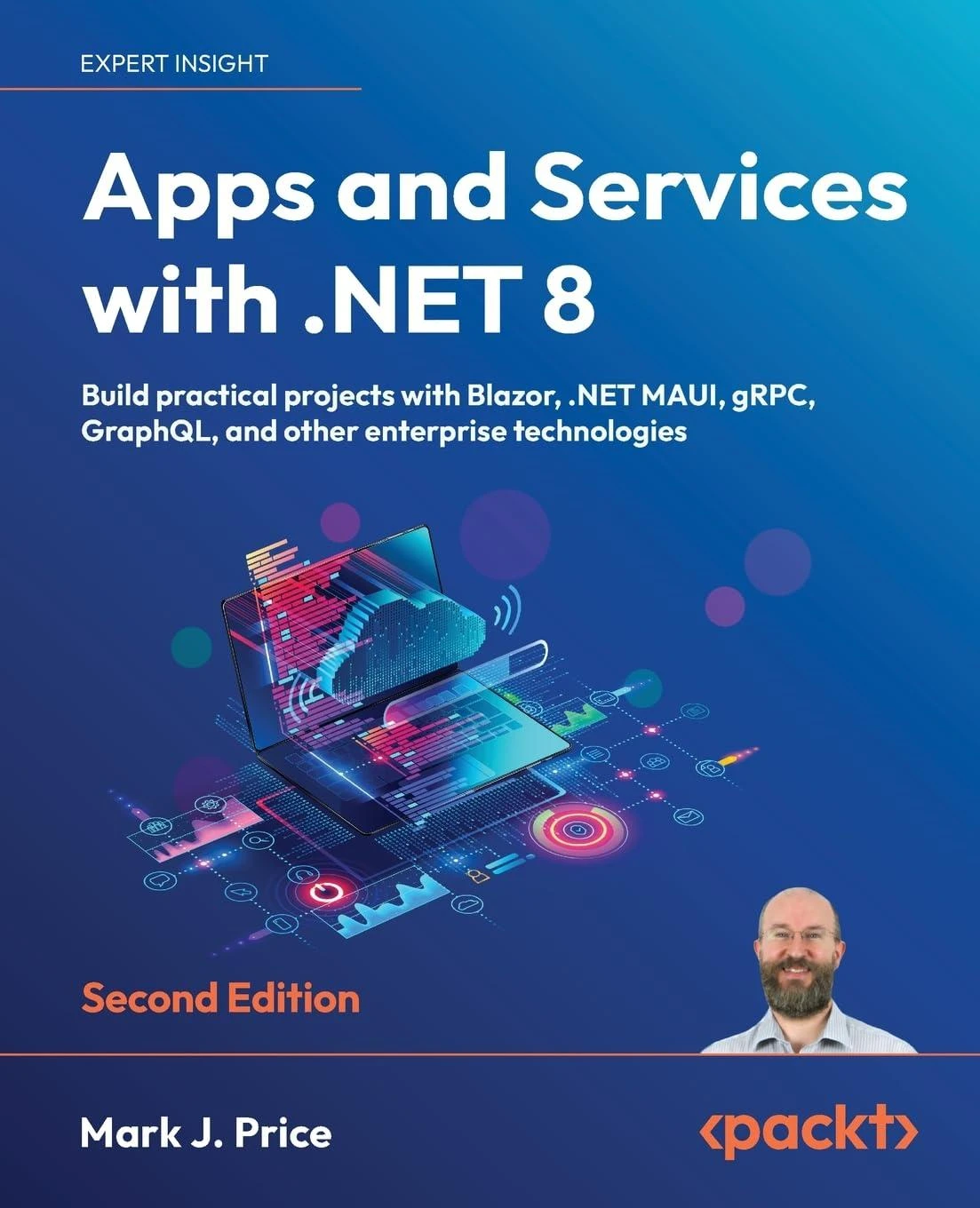 Apps and Services with .NET 8: Build practical projects with Blazor, .NET MAUI, gRPC, GraphQL, and other enterprise technologies. 2 Ed
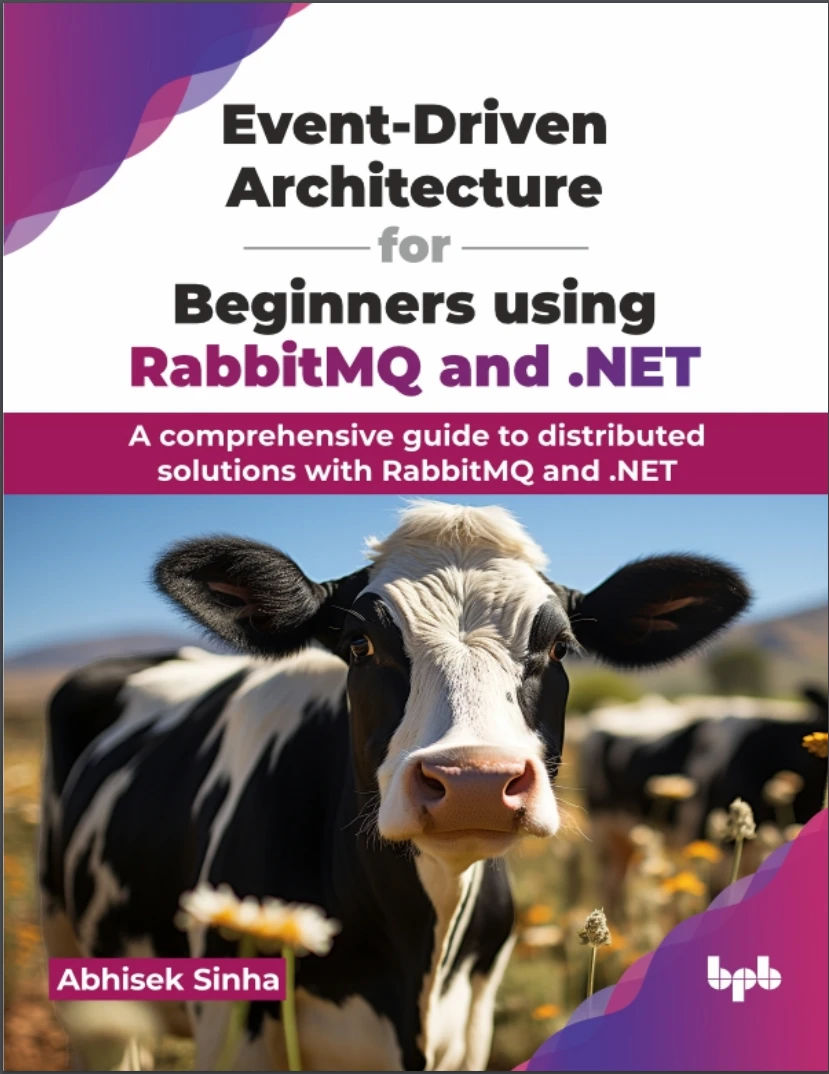 Event-Driven Architecture for Beginners using RabbitMQ and .NET: A comprehensive guide to distributed solutions with RabbitMQ and .NET
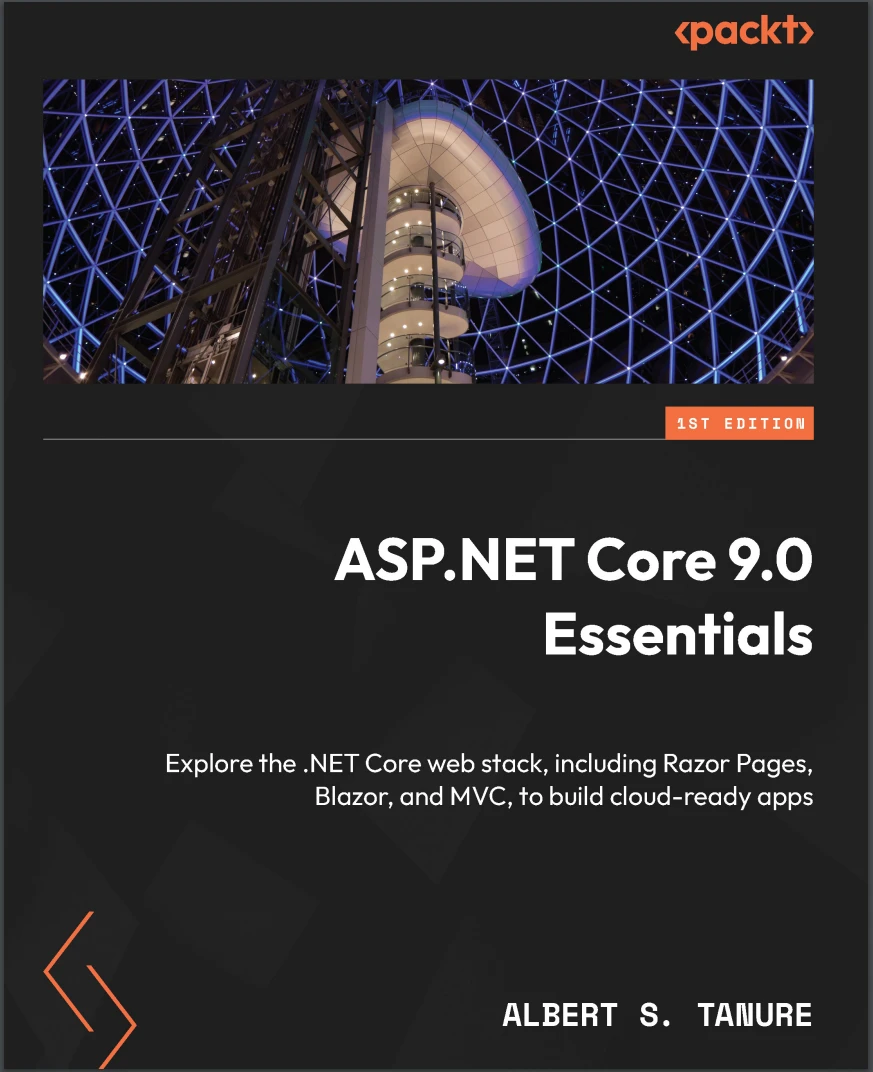 ASP.NET Core 9.0 Essentials: Explore the .NET Core web stack, including Razor Pages, Blazor, and MVC, to build cloud-ready apps
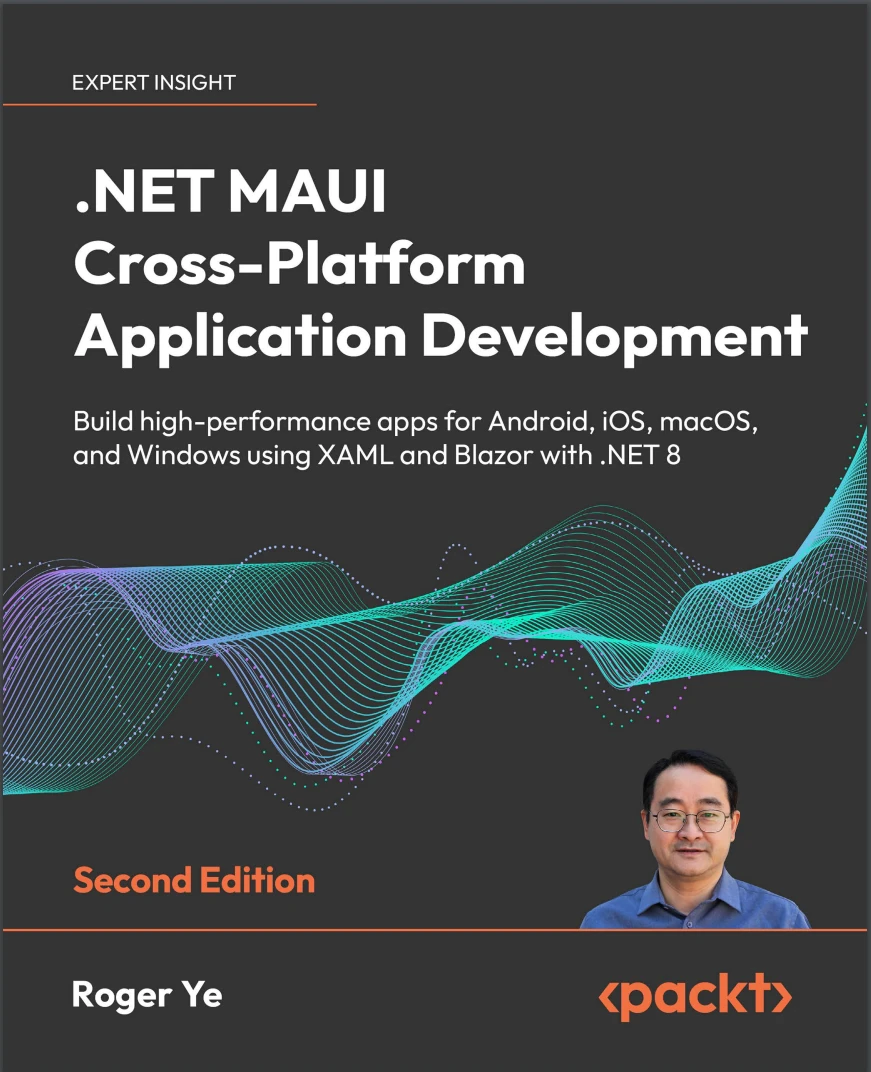 .NET MAUI Cross-Platform Application Development: Build high-performance apps for Android, iOS, macOS, and Windows using XAML and Blazor with .NET 8. 2 Ed
 Building Web APIs with ASP.NET Core