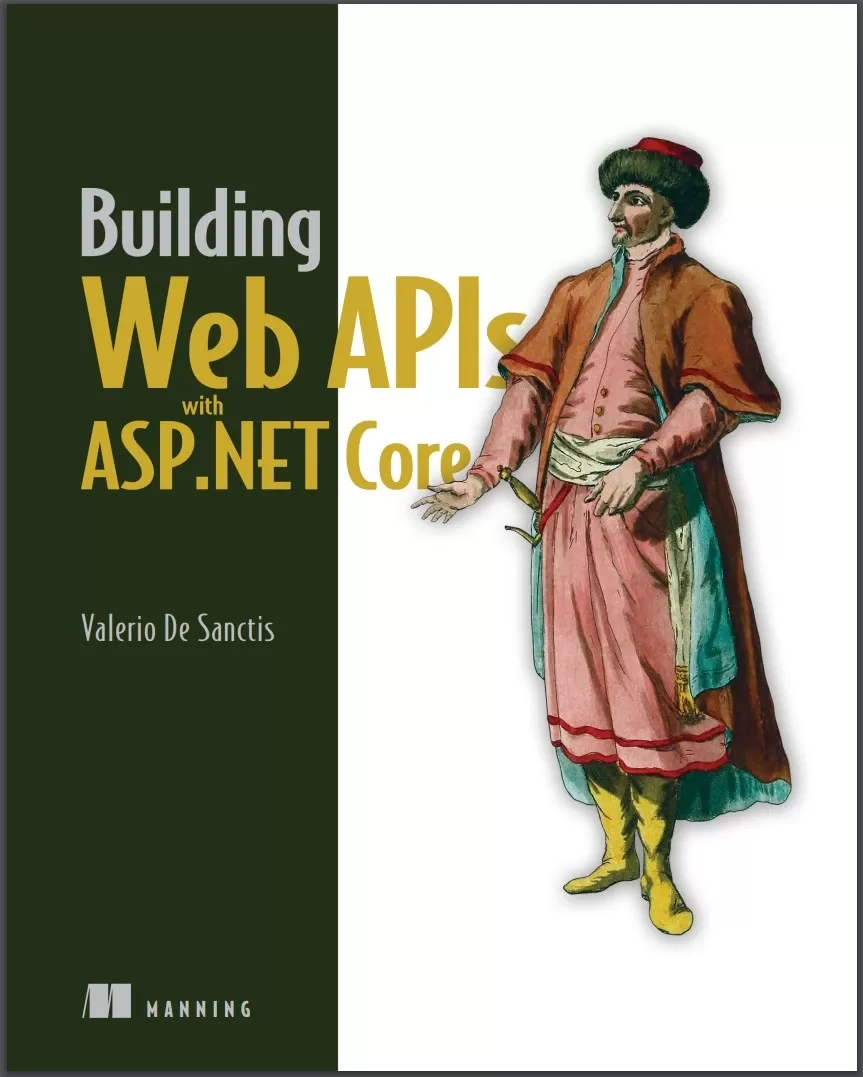
Building Web APIs with ASP.NET Core
Оглавление⌄
Building Web APIs with ASP.NET Core....1 brief contents....7 contents....8 preface....15 acknowledgments....17 about this book....19 Who should read this book....19 How this book is organized: A road map....19 About the code....21 liveBook discussion forum....21 about the author....23 about the cover illustration....24 Part 1Getting started....25 1 Web APIs at a glance....27 1.1 Web APIs....28 1.1.1 Overview....29 1.1.2 Real-world example....30 1.1.3 Types of web APIs....32 1.1.4 Architectures and message protocols....33 1.2 ASP.NET Core....39 1.2.1 Architecture....40 1.2.2 Program.cs....42 1.2.3 Controllers....43 1.2.4 Minimal APIs....44 1.2.5 Task-based asynchronous pattern....45 Summary....47 2 Our first web API project....48 2.1 System requirements....49 2.1.1 .NET SDK....49 2.1.2 Integrated development environment....49 2.2 Installing Visual Studio....50 2.3 Creating the web API project....51 2.4 MyBGList project overview....54 2.4.1 Reviewing launchSettings.json....55 2.4.2 Configuring the appsettings.json....57 2.4.3 Playing with the Program.cs file....59 2.4.4 Inspecting the WeatherForecastController....66 2.4.5 Adding the BoardGameController....69 2.5 Exercises....71 2.5.1 launchSettings.json....71 2.5.2 appsettings.json....72 2.5.3 Program.cs....72 2.5.4 BoardGame.cs....72 2.5.5 BoardGameControllers.cs....73 Summary....73 3 RESTful principles and guidelines....75 3.1 REST guiding constraints....76 3.1.1 Client-server approach....76 3.1.2 Statelessness....83 3.1.3 Cacheability....84 3.1.4 Layered system....88 3.1.5 Code on demand....89 3.1.6 Uniform interface....92 3.2 API documentation....98 3.2.1 Introducing OpenAPI....98 3.2.2 ASP.NET Core components....99 3.3 API versioning....101 3.3.1 Understanding versioning....101 3.3.2 Should we really use versions?....102 3.3.3 Implementing versioning....104 3.4 Exercises....112 3.4.1 CORS....112 3.4.2 Client-side caching....113 3.4.3 COD....113 3.4.4 API documentation and versioning....113 Summary....113 Part 2Basic concepts....115 4 Working with data....117 4.1 Choosing a database....118 4.1.1 Comparing SQL and NoSQL....119 4.1.2 Making a choice....122 4.2 Creating the database....124 4.2.1 Obtaining the CSV file....124 4.2.2 Installing SQL Server....125 4.2.3 Installing SSMS or ADS....127 4.2.4 Adding a new database....127 4.3 EF Core....131 4.3.1 Reasons to use an ORM....131 4.3.2 Setting up EF Core....134 4.3.3 Creating the DbContext....135 4.3.4 Setting up the DbContext....145 4.3.5 Creating the database structure....149 4.4 Exercises....151 4.4.1 Additional fields....151 4.4.2 One-to-many relationship....152 4.4.3 Many-to-many relationship....152 4.4.4 Creating a new migration....152 4.4.5 Applying the new migration....153 4.4.6 Reverting to a previous migration....153 Summary....153 5 CRUD operations....154 5.1 Introducing LINQ....155 5.1.1 Query syntax vs. method syntax....155 5.1.2 Lambda expressions....156 5.1.3 The IQueryable interface....157 5.2 Injecting the DbContext....159 5.2.1 The sync and async methods....160 5.2.2 Testing the ApplicationDbContext....162 5.3 Seeding the database....162 5.3.1 Setting up the CSV file....163 5.3.2 Installing the CsvHelper package....163 5.3.3 Creating the BggRecord class....164 5.3.4 Adding the SeedController....166 5.3.5 Reading the CSV file....168 5.3.6 Executing the SeedController....172 5.4 Reading data....176 5.4.1 Paging....176 5.4.2 Sorting....179 5.4.3 Filtering....183 5.5 Updating and deleting data....184 5.5.1 Updating a BoardGame....185 5.5.2 Deleting a BoardGame....188 5.6 Exercises....190 5.6.1 Create....190 5.6.2 Read....191 5.6.3 Update....191 5.6.4 Delete....191 Summary....191 6 Data validation and error handling....193 6.1 Data validation....194 6.1.1 Model binding....195 6.1.2 Data validation attributes....196 6.1.3 A nontrivial validation example....197 6.1.4 Data validation and OpenAPI....203 6.1.5 Binding complex types....209 6.2 Error handling....216 6.2.1 The ModelState object....216 6.2.2 Custom error messages....217 6.2.3 Manual model validation....218 6.2.4 Exception handling....223 6.3 Exercises....226 6.3.1 Built-in validators....226 6.3.2 Custom validators....227 6.3.3 IValidatableObject....227 6.3.4 ModelState validation....227 6.3.5 Exception handling....227 Summary....228 Part 3Advanced concepts....229 7 Application logging....231 7.1 Application logging overview....232 7.1.1 From boats to computers....232 7.1.2 Why do we need logs?....233 7.2 ASP.NET logging....233 7.2.1 A quick logging test....234 7.2.2 Log levels....235 7.2.3 Logging configuration....236 7.2.4 Logging providers....237 7.2.5 Event IDs and templates....241 7.2.6 Exception logging....243 7.3 Unstructured vs. structured logging....244 7.3.1 Unstructured logging pros and cons....245 7.3.2 Structured logging advantages....246 7.3.3 Application Insights logging provider....247 7.4 Third-party logging providers....251 7.4.1 Serilog overview....252 7.4.2 Installing Serilog....252 7.4.3 Configuring Serilog....253 7.4.4 Testing Serilog....254 7.4.5 Improving the logging behavior....254 7.5 Exercises....262 7.5.1 JSON console logging....262 7.5.2 Logging provider configuration....262 7.5.3 Exception loggings new property....262 7.5.4 New Serilog enricher....263 7.5.5 New Serilog sink....263 Summary....263 8 Caching techniques....265 8.1 Caching overview....266 8.2 HTTP response caching....267 8.2.1 Setting the cache-control header manually....267 8.2.2 Adding a default caching directive....268 8.2.3 Defining cache profiles....270 8.2.4 Server-side response caching....272 8.2.5 Response caching vs. client reload....273 8.3 In-memory caching....274 8.3.1 Setting up the in-memory cache....275 8.3.2 Injecting the IMemoryCache interface....275 8.3.3 Using the in-memory cache....276 8.4 Distributed caching....279 8.4.1 Distributed cache providers overview....280 8.4.2 SQL Server....280 8.4.3 Redis....285 8.5 Exercises....289 8.5.1 HTTP response caching....289 8.5.2 Cache profiles....289 8.5.3 Server-side response caching....289 8.5.4 In-memory caching....289 8.5.5 Distributed caching....290 Summary....290 9 Authentication and authorization....292 9.1 Basic concepts....293 9.1.1 Authentication....293 9.1.2 Authorization....294 9.2 ASP.NET Core Identity....299 9.2.1 Installing the NuGet packages....299 9.2.2 Creating the user entity....300 9.2.3 Updating the ApplicationDbContext....301 9.2.4 Adding and applying a new migration....301 9.2.5 Setting up the services and middleware....303 9.2.6 Implementing the AccountController....306 9.3 Authorization settings....316 9.3.1 Adding the authorization HTTP header....316 9.3.2 Setting up the [authorize] attribute....318 9.3.3 Testing the authorization flow....320 9.4 Role-based access control....321 9.4.1 Registering new users....322 9.4.2 Creating the new roles....322 9.4.3 Assigning users to roles....326 9.4.4 Adding role-based claims to JWT....326 9.4.5 Setting up role-based auth rules....327 9.4.6 Testing the RBAC flow....327 9.4.7 Using alternative authorization methods....328 9.5 Exercises....331 9.5.1 Adding a new role....331 9.5.2 Creating a new user....331 9.5.3 Assigning a user to roles....331 9.5.4 Implementing a test endpoint....332 9.5.5 Testing the RBAC flow....332 Summary....332 10 Beyond REST....333 10.1 REST drawbacks....334 10.1.1 Overfetching....334 10.1.2 Underfetching....335 10.2 GraphQL....338 10.2.1 GraphQL advantages....338 10.2.2 GraphQL drawbacks....340 10.2.3 Implementing GraphQL....341 10.2.4 Working with GraphQL....349 10.3 Google Remote Procedure Call....354 10.3.1 gRPC pros....354 10.3.2 gRPC cons....354 10.3.3 Installing the NuGet packages....356 10.3.4 Implementing the gRPC Server....356 10.3.5 Implementing the gRPC client....359 10.3.6 Adding Authorization support....361 10.4 Other REST alternatives....364 10.4.1 Newline Delimited JSON (NDJSON)....364 10.4.2 Falcor....365 10.4.3 Thrift....365 10.5 Exercises....365 10.5.1 Write a new GraphQL query....366 10.5.2 Fetch GraphQL data for a mutation....366 10.5.3 Implement new gRPC server features....366 10.5.4 Add new gRPC client wrappers....367 10.5.5 Test the new gRPC features....367 Summary....367 Part 4Toward production....369 11 API documentation....371 11.1 Web API potential audience....372 11.1.1 Prospectors....372 11.1.2 Contractors....372 11.1.3 Builders....372 11.2 API documentation best practices....373 11.2.1 Adopt an automated description tool....373 11.2.2 Describe endpoints and input parameters....374 11.2.3 Add XML documentation support....375 11.2.4 Work with Swashbuckle annotations....378 11.2.5 Describe responses....382 11.2.6 Add request and response samples....384 11.2.7 Group endpoints into sections....386 11.2.8 Exclude reserved endpoints....390 11.3 Filter-based Swagger customization....390 11.3.1 Emphasizing the authorization requirements....391 11.3.2 Changing the application title....394 11.3.3 Adding a warning text for passwords....396 11.3.4 Adding custom keyvalue pairs....398 11.4 Exercises....402 11.4.1 Use XML documentation....403 11.4.2 Use Swashbuckle annotations....403 11.4.3 Exclude some endpoints....403 11.4.4 Add a custom filter....403 11.4.5 Add custom keyvalue pairs....404 Summary....404 12 Release and deployment....406 12.1 Prepublishing tasks....407 12.1.1 Considering security....407 12.1.2 Choosing a domain name....408 12.1.3 Setting up a CDN....408 12.1.4 Fine-tuning our APP....414 12.1.5 Understanding the .NET publishing modes....419 12.2 Creating a Windows VM server....422 12.2.1 Accessing Azure....423 12.2.2 Creating and setting up the Windows VM....423 12.2.3 Working with the VM public IP address....426 12.2.4 Creating an SSLTLS origin certificate....429 12.2.5 Setting Cloudflare Encryption Mode to Full....430 12.3 Configuring the Windows VM server....431 12.3.1 Installing IIS....432 12.3.2 Installing the ASP.NET Core hosting bundle....432 12.3.3 Installing the Web Deploy component....432 12.3.4 Opening the 8172 TCP port....433 12.3.5 Configuring IIS....433 12.3.6 Creating the production database....437 12.3.7 Creating the appsettings.Production.json file....438 12.4 Publishing and deploying....439 12.4.1 Introducing Visual Studio publish profiles....439 12.4.2 Creating an Azure VM publish profile....441 12.4.3 Configuring the publish profile....442 12.4.4 Publishing, deployment, and testing....443 12.4.5 Final thoughts....448 Summary....448 appendix....450 Installing SQL Server....450 Installing Internet Information Services....451 Installing the IIS Management Service....452 Installing the ASP.NET Core Windows hosting bundle....452 Installing Web Deploy....453 Adding an inbound port rule in Azure....453 index....455 Numerics....455 A....455 B....457 C....458 D....459 E....461 F....461 G....461 H....462 I....462 J....463 K....463 L....463 M....464 N....465 O....465 P....466 Q....466 R....466 S....468 T....470 U....470 V....471 W....471 X....472
Описание
Ниже — практический обзор по теме «apis».
Build fully-featured APIs with ASP.NET Core! This all-practical guide is written like a real development project, taking you hands-on with modern APIs utilizing REST and GraphQL standards.
In it, you’ll develop an API that feeds web-based services, including websites and mobile apps, for a board games application. In Building Web APIs with ASP.NET Core you will learn how to:Set up your environment with VS 2022, Node, Git, and moreCreate a ASP.NET Core project from scratchIntegrate with SQL ServerUse Entity Framework Core to set up a data modelCreate back-end controllersDesign an API to serve dataWrite API documentation using Swagger and SwashbuckleConsume an API using typical web client-side frameworksHandle requests and routes using controllers and Minimal APIRelease and deploy your Web API in production on cloud-based hosting services such as MS AzureBuilding Web APIs with ASP.NET Core is a practical beginner’s guide to creating your first web APIs using ASP.NET Core. The book is cleverly structured to mirror a real-world development project, with each chapter introducing a new feature request. You’ll build your API with an ecosystem of ASP.NET Core tools that help simplify everything from setting up your data model to generating documentation.
ASP.NET Core, Microsoft’s web framework, simplifies and accelerates API creation with powerful, developer-friendly features, including an innovative “no compile” coding experience. About the TechnologyWeb APIs are the front door to an application, providing controlled access to its data and features. It is reliable, fast, free, open-source, and backed by Microsoft’s legendary support.
It’s full of best practices for modern and classic API styles, including REST and GraphQL. About the BookBuilding Web APIs with ASP.NET Coreteaches you how to write safe, maintainable, and performant REST APIs. You’ll love the groundbreaking Minimal API model that helps you build pro-quality APIs with just a few lines of code. Each chapter contains realistic user stories, backlog items, and development tasks.
What’s InsideCreate an ASP.NET Core project from scratchSet up a data model with Entity Framework CoreCreate backend controllersDesign an API to serve dataAbout the ReaderFor developers with some experience using the .NET Framework.
На этом основные моменты по теме закрыты.
Поделиться
Частые вопросы
Можно ли скачать «Building Web APIs with ASP.NET Core» бесплатно?
Да, «Building Web APIs with ASP.NET Core» доступна для бесплатного скачивания на нашем сайте в формате PDF. Ссылка на файл находится на этой странице.
В каком формате и какого размера файл?
Книга предоставляется в формате PDF, размер файла 7,0 МБ.
Кто автор и когда вышла книга?
автор — De Sanctis Valerio, издательство Manning Publications Co., год выпуска 2023, 474 страниц.
О чём книга «Building Web APIs with ASP.NET Core»?
Build fully-featured APIs with ASP.NET Core!
Похожие материалы
 Introduction to the Development of Web Applications Using ASP .Net (Core) MVC
 ASP.NET 8 Best Practices: Explore techniques, patterns, and practices to develop effective large-scale .NET web apps
 Pro ASP.NET Core 7. 10 Ed
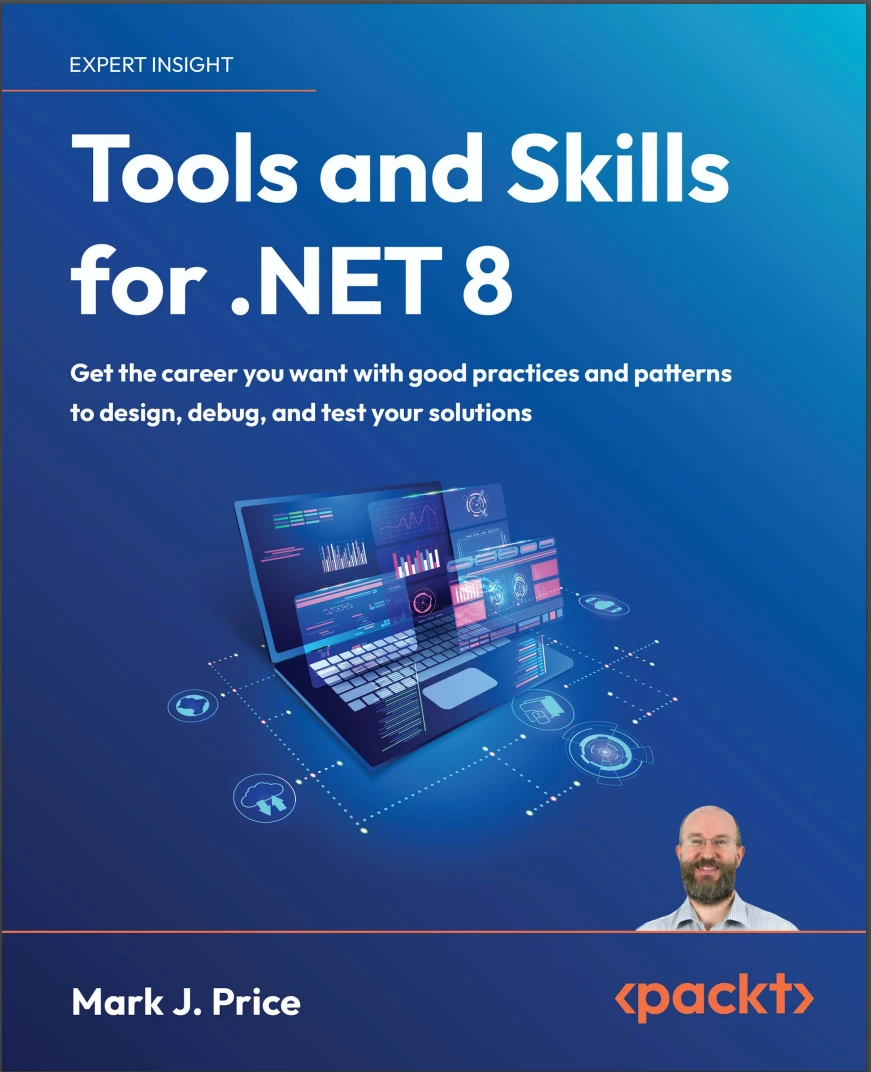 Tools and Skills for .NET 8: Get the career you want with good practices and patterns to design, debug, and test your solutions
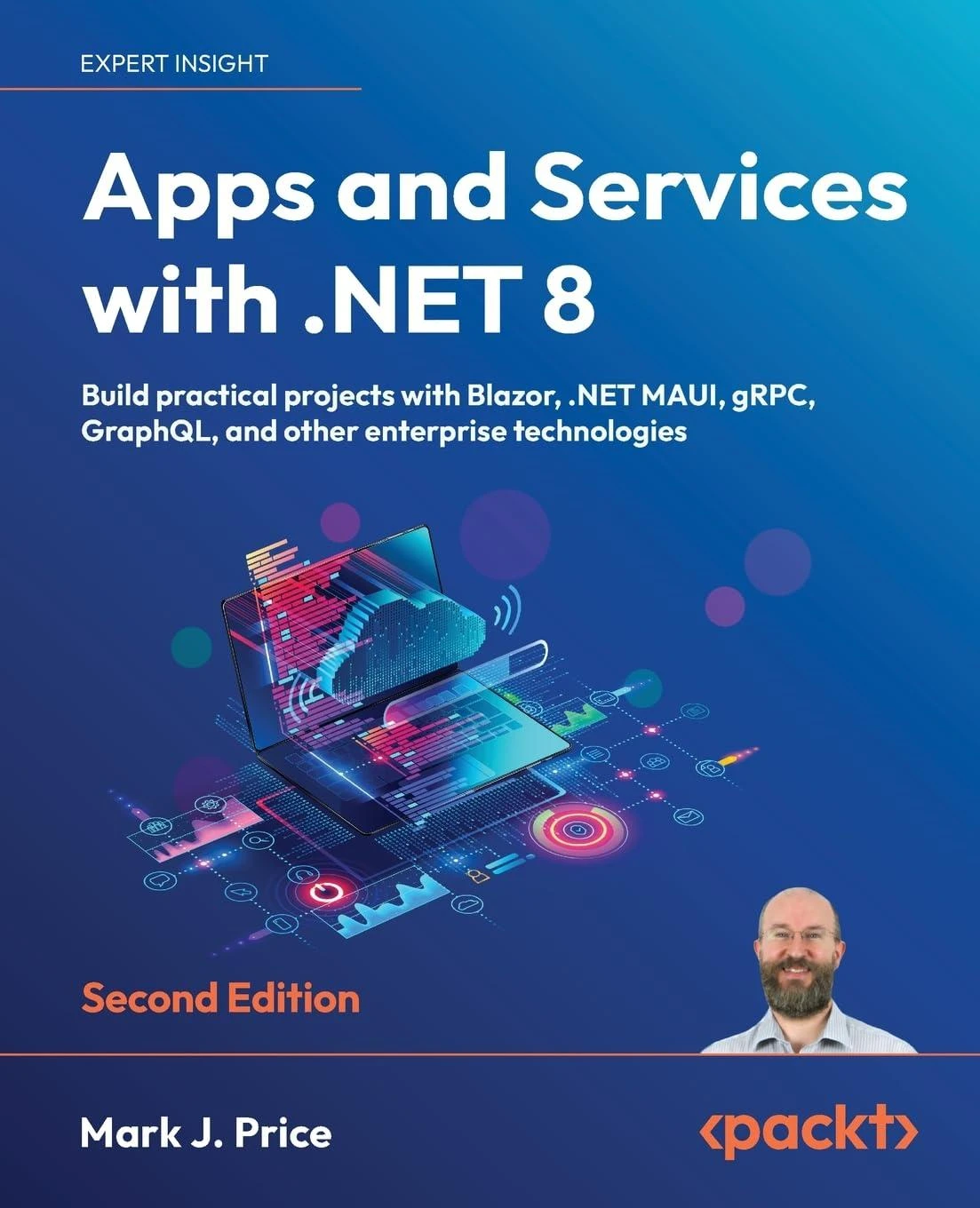 Apps and Services with .NET 8: Build practical projects with Blazor, .NET MAUI, gRPC, GraphQL, and other enterprise technologies. 2 Ed
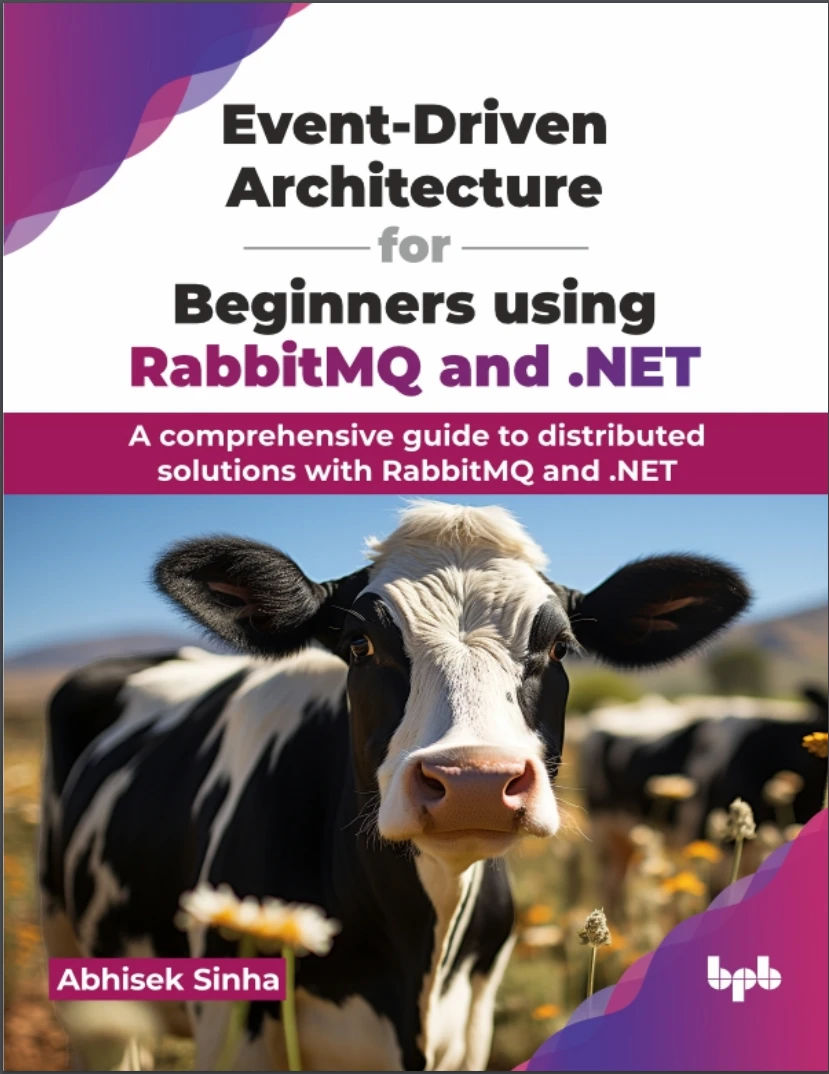 Event-Driven Architecture for Beginners using RabbitMQ and .NET: A comprehensive guide to distributed solutions with RabbitMQ and .NET
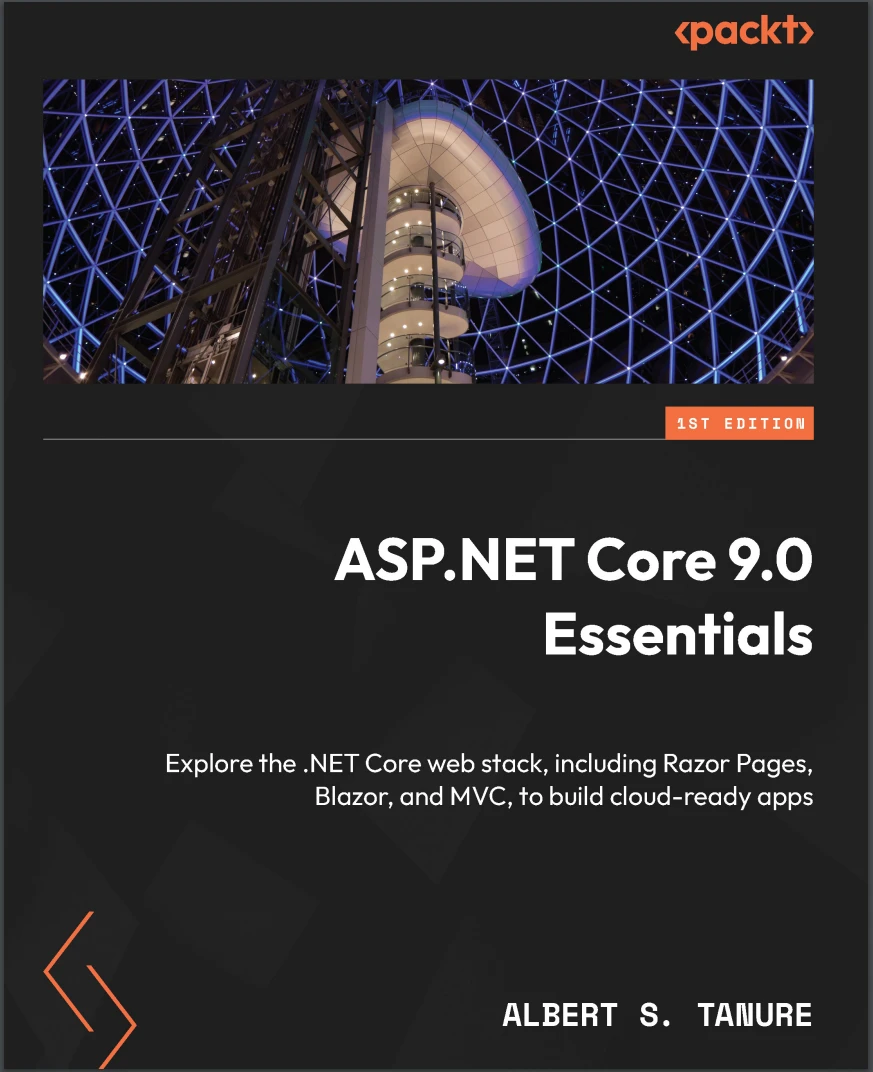 ASP.NET Core 9.0 Essentials: Explore the .NET Core web stack, including Razor Pages, Blazor, and MVC, to build cloud-ready apps
 .NET MAUI Cross-Platform Application Development: Build high-performance apps for Android, iOS, macOS, and Windows using XAML and Blazor with .NET 8. 2 Ed