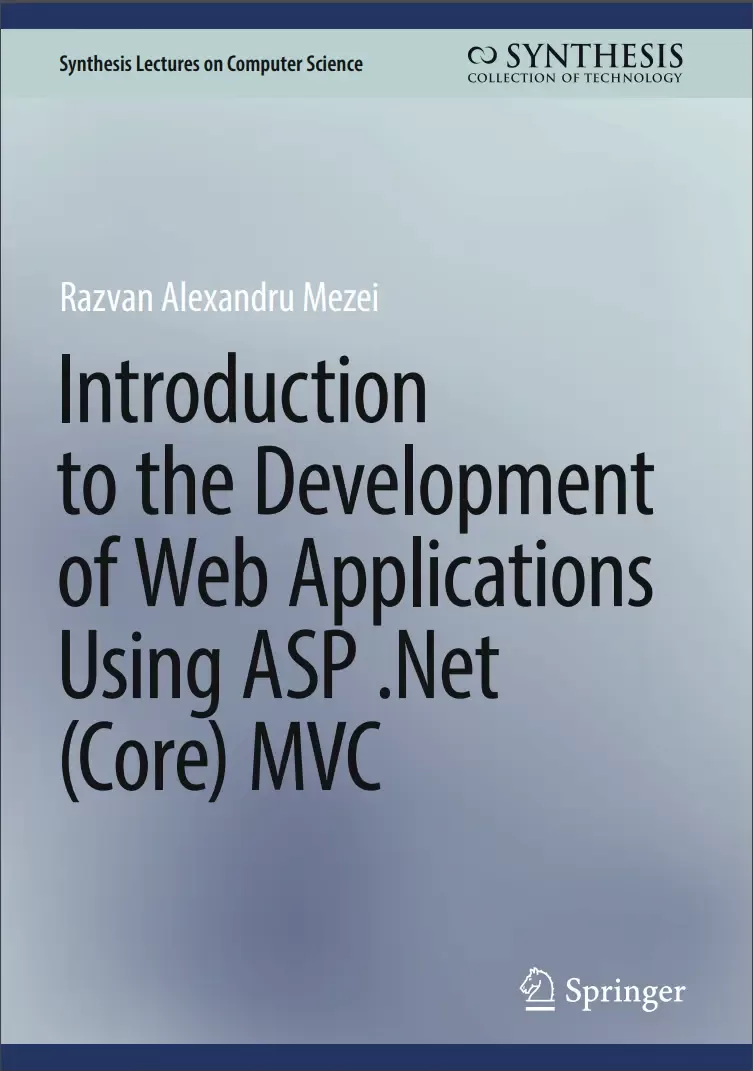
Introduction to the Development of Web Applications Using ASP .Net (Core) MVC
Оглавление⌄
Preface....7 Contents....8 1 Introduction....15 2 Prepare the Development Environment....18 2.1 Choose a Web Browser....18 2.2 Install Visual Studio Code....19 2.3 Install Visual Studio....19 2.4 Install DB Browser for SQLite....20 2.5 Miscellaneous/Optional....21 2.5.1 Show File Name Extensions....21 2.6 Microsoft SQL Server....21 2.6.1 Sample Data Generators....21 3 Brief Introduction to Html....22 3.1 Let’s Create Our First HTML Page....22 3.2 Add Titles, Paragraphs and Headings....24 3.3 Add a Second Webpage....26 3.4 Add Links and White Spaces to Our Pages....26 3.5 Add Images and White Spaces to Our Pages....28 3.6 Tables and Buttons....30 3.7 A Few Other HTML Elements We’ll Use Later....32 3.7.1 Label and Select Elements....32 3.7.2 Input Elements....33 3.8 Form and More on Input Elements and Attributes....34 3.9 GET Versus POST Request, the Action and the Method Attributes....38 4 Brief Introduction to CSS, Javascript, and Bootstrap....41 4.1 Motivation for Using CSS and JavaScript....41 4.2 Our First CSS Example....42 4.3 Introduction to CSS Syntax....43 4.4 CSS Selectors....45 4.5 Conflicting CSS Specifications....49 4.6 Other CSS Selectors....50 4.7 A Few More Examples of Property-Value Pairs for CSS....50 4.7.1 Text Color in CSS....51 4.7.2 Text Alignment in CSS....51 4.7.3 Fonts in CSS....52 4.8 The Box Model and the Developer Tools....55 4.9 The DIV Element....57 4.10 Ways to Add CSS....57 4.10.1 Internal....57 4.10.2 In-line....57 4.10.3 External....59 4.11 First Encounter with Bootstrap....60 4.11.1 Add Bootstrap 5 .css to Our Webpages....60 4.11.2 Bootstrap 5 Tables....61 4.11.3 Bootstrap 5 Buttons and Links....62 4.11.4 Bootstrap 5 Container, Padding....63 4.11.5 Bootstrap 5 Source Code....63 4.11.6 Center Contents with and CSS....64 4.12 Introduction to JavaScript....66 4.13 JavaScript Statements....68 4.14 JavaScript Functions....68 4.15 Add JavaScript to Our Webpages....69 4.16 Introduction to the Document Object Model (DOM)....70 4.17 Add Event Handlers....72 4.18 An Example: Toggle Between Dark/Light Mode....73 4.19 The Back Button....74 4.20 External JavaScript....75 4.21 More Introduction to Bootstrap....76 4.22 Ways to Include Bootstrap in Our Projects....76 4.23 Some CDNs for Bootstrap 5....76 4.24 View Bootstrap 5 Source Files....77 4.25 Bootstrap 5 navbar....77 5 Some C# Fundamentals....81 5.1 Hello World in C# (Console Application)....81 5.2 Top-Level Statements....82 5.3 Namespaces, Using Directive, and Global Using Directive....83 5.3.1 Namespaces....83 5.3.2 Using Directives....83 5.3.3 Implicit Using Directives....85 5.3.4 Global Using Directives....85 5.4 Comments....86 5.5 Existing Data Types....86 5.6 String Interpolation....88 5.7 Enumerations....89 5.8 Classes....90 5.9 References and Objects....91 5.10 Instance Variables/Non-static Fields....92 5.11 Dot Notation....93 5.12 Methods....94 5.13 The this Keyword....96 5.14 Access Modifiers....96 5.15 Properties....97 5.16 Constructors....99 5.17 Method Overloading....100 5.18 Conditionals, Loops, and Lists....100 5.19 Collections and Generic Collections....102 5.20 Inheritance....102 5.21 The base Keyword and the Constructors....104 5.22 Interfaces....107 5.22.1 Some Motivation....108 5.22.2 How to Define an Interface....108 5.22.3 How to Implement an Interface....108 5.23 How to Use an Interface....109 5.24 Lambda Expressions....110 5.25 LINQ....112 5.26 Working with null Values....114 5.27 Solution Files .sln....114 5.28 Other Resources for Learning C#....115 6 Middleware, Services, Intro to Dependency Injection....116 6.1 What Are ASP .Net (Core) MVC Web Applications?....116 6.2 An Introduction to the MVC Pattern....118 6.3 A Quick Dive into an MVC Example (Optional)....119 6.4 Let’s Start Our ASP .Net Core Application Project in Here....124 6.4.1 The Empty Web Application Starting Point....124 6.4.2 The MVC Web Application Starting Point....125 6.5 Entry Point to Our Web Application: Program.cs....125 6.6 The Middleware Pipeline....126 6.6.1 The Current Code in Our Project....126 6.6.2 Run, Use, and Map....128 6.6.3 First Example....128 6.6.4 Second Example....130 6.6.5 Third Example....130 6.6.6 Other Middleware Components....132 6.7 Static Files Middleware....133 6.7.1 What Are Static Files?....133 6.7.2 Where Do We Store Static Files?....133 6.7.3 How Do We Allow Access to Static Files?....133 6.7.4 How Can We Access Static Files?....134 6.7.5 Default (Static) Page....135 6.8 Introduction to Services (Optional)....139 6.8.1 Example—Step 1: Define a Class and An Interface....139 6.8.2 Example—Step 2: Register a Service....140 6.8.3 Example—Step 3: Use a Service....140 7 Routing, Models, and Controllers....142 7.1 A Little Cleanup Before We Continue....142 7.2 Some Essential MVC Concepts and the HTTP Request Lifecycle....143 7.3 Introduction to Routing....145 7.3.1 Adding MVC to Our ASP .Net Core Application....146 7.3.2 Default Routing, the Home Controller, and Actions....146 7.4 Add a Model, a Controller, and Views....150 7.4.1 Add a Model Class....150 7.4.2 Add a (Second) Controller Class....151 7.4.3 Add a First View....152 7.4.4 Test Our Code so Far....153 7.5 Various Action Result Types....154 7.6 Conventional Versus Attribute Routing....156 7.6.1 Conventional Routing....157 7.6.2 Attribute Routing....159 7.6.3 Mixing Routings....161 8 More on Controllers and Views, Introduction to Razor Syntax....163 8.1 A Little Cleanup Before We Continue....163 8.2 Some Essential MVC Concepts and the HTTP Request Lifecycle (Revisited)....164 8.3 Another Example of Model, Controller, and Views....166 8.3.1 The Instructor Model....166 8.3.2 The InstructorController Class....167 8.4 The Index Action and View....171 8.4.1 Add a View for Our Index Action....171 8.4.2 Strongly Typed and Weakly Typed Views....173 8.4.3 Introduction to Razor Engine and Razor Syntax....174 8.4.4 Action Using a View with a Different Name....177 8.5 The ShowDetails Action and View....179 8.5.1 The ShowDetails Action....179 8.5.2 The ShowDetails View....180 8.6 A First Look at Tag Helpers and HTML Helpers....183 8.6.1 A First Example of an HTML Helper....183 8.6.2 A First Example of a Tag Helper....184 8.6.3 Add Links to the Index View Using Tag Helpers and HTML Helpers....185 8.6.4 Add Bootstrap to the Index View....185 8.6.5 Add Links to the ShowDetails View....187 9 More on Views, Data Annotations....189 9.1 Introduction to Data Annotations....189 9.1.1 Update the ShowDetails View....189 9.1.2 Update the Index View (Optional)....194 9.2 The Add Action and View....196 9.2.1 The Add Action—GET....196 9.2.2 The Add View....197 9.2.3 The Add Action—POST....202 9.2.4 A Few More Details About the Model Binding....205 9.2.5 A Few More Details About the GET Versus POST....206 9.3 The Edit Action and View....208 9.3.1 The Edit Action—GET....208 9.3.2 Add Edit Links in the Index View....208 9.3.3 The Edit View....209 9.3.4 The Edit Action—POST....211 9.3.5 An Example of a Service....213 9.4 The Delete Action and View....217 9.4.1 The Delete Action—GET....217 9.4.2 Add Delete Links in the Index View....218 9.4.3 The Delete View....218 9.4.4 The DeleteConfirmed Action—POST....219 10 Model Validation....222 10.1 Step 1: Add (Built-in or Custom) Validation Attributes....225 10.2 Step 2: Enforce Validation by Making Use of the ModelState....226 10.3 Step 3: Display Error Messages via Validation Tag Helpers....227 10.3.1 To Display a Summary of All Error Messages....228 10.3.2 To Display In-line Error Messages....228 10.4 Let’s Test Our Model Validation....230 10.5 Custom Validation Attributes (Optional)....231 10.5.1 Create a Custom Validation Attribute....232 10.5.2 Use a Custom Validation Attribute....235 10.5.3 Let’s Test the Newly Added Custom Validation....235 10.6 Validation Text Styling....236 11 Persistent Data: Entity Framework Core....240 11.1 Introduction....240 11.2 Classes Involved: Providers, DbContext, and DbSet....241 11.3 Add Entity Framework Core to Our Web Application....241 11.3.1 Step 1: Create/Choose Your Entity Classes....242 11.3.2 Step 2: Install NuGet Packages....242 11.3.3 Step 3: Create a Class Derived from DbContext....243 11.3.4 Step 4: Data Seeding....244 11.3.5 Step 5: Register Our DbContext as a Service, and Use a Connection String....245 11.3.6 Test Our Database....248 11.4 Use Entity Framework Core in Our Web Application, Dependency Injection Revisited....249 11.4.1 Inject Entity Framework Core in InstructorController....249 11.4.2 Update the Actions to Use Entity Framework Core....249 11.4.3 Important: Automated Id Generation....251 11.4.4 Let’s Test That We Have Persistent Data....252 11.4.5 EnsureDeleted....253 11.5 Practice: Update the StudentController Class....254 11.5.1 Inject Entity Framework in StudentController....254 11.5.2 Use Entity Framework Core in StudentController Actions....254 11.6 How to Use Microsoft SQL Server Instead of SQLite (Optional)....256 11.6.1 Install SQL Server Express LocalDB Database on Your Machines....256 11.6.2 Make Changes so Entity Framework Core Now Works with a Microsoft SQL Server Database....257 12 Consistent Look: Layouts, Friendly Error Pages, and Environments....259 12.1 Filter Results....259 12.1.1 Update the Index View....259 12.1.2 Update the Index Action....261 12.1.3 Implement the Clear the Filter Button....262 12.2 Filter Results Using a Dropdown List (Optional)....263 12.2.1 Create the Dropdown List Items in the Index Action....264 12.2.2 Display the Dropdown List Items in the Index View....264 12.2.3 Use of the Dropdown List to Filter Our Results....264 12.2.4 The Code....266 12.3 Consistent Webpages—Using Razor Layouts....266 12.3.1 Create a Layout....267 12.3.2 Use the Layout in Our Views....267 12.3.3 Add a Bootstrap 5 Navbar to Our Layout....273 12.3.4 Add Navigation Links to Various Actions and Controllers....273 12.4 Layout Sections (Optional)....275 12.4.1 Define a Section....275 12.4.2 Make Use of a Section....277 12.5 Make Use of Bootstrap 5 Buttons....278 12.5.1 The Index View....278 12.5.2 The ShowDetails View....281 12.5.3 Use Bootstrap for Styling Validation Errors....281 12.6 Configure a Friendly Error Page....285 12.6.1 Introduction....285 12.6.2 Work with Multiple Environments....286 12.6.3 The Developer Exception Page....287 12.6.4 The Friendly Error Page....288 13 Work with Images (Optional)....292 13.1 Add a New Property for the Image to the Model/Entity Class....292 13.2 Modify the Add View, so It Allows a User to Upload an Image....293 13.3 Modify the Add Action so the File Uploaded Gets Saved into the Database....294 13.4 Modify the ShowDetails Action to Transform the Byte Array Back into an Image....296 13.5 Modify the ShowDetails View so It Displays the Profile Image....296 13.6 Bootstrap Card Deck for the Index Action and View (Optional)....298 14 Introduction to Authentication. User Login, Logout, and Registration....300 14.1 Introduction to Some Security Concepts....300 14.2 Introduction to ASP .Net (Core) Identity....301 14.2.1 Step 1: Install NuGet Packages....302 14.2.2 Step 2: Define Our User Class (Derived from IdentityUser)....302 14.2.3 Step 3: Update Our DbContext Derived Class to Use Identity....303 14.2.4 Step 4: Register the Identity Services....303 14.2.5 Step 5: Add Authentification and Authorization Middleware Components....304 14.2.6 Test Your Work....305 14.2.7 Step 6: Register, Login, and Logout....305 14.2.8 Step 7: Add Simple Authorization to Our Web Application (Optional)....313 References....317
Описание
Коротко и по делу о том, что важно знать про development.
Readers will learn to implement web applications using the following languages and frameworks: HTML, JavaScript, CSS, Bootstrap, C#, ASP .Net, and Entity Framework Core. This book introduces a simplified approach to web application development using the open-source ASP .Net Core MVC framework. In addition, this book addresses how to build a web application to create user accounts, store data in a database, manipulate data, and how to allow controlled access to certain parts of the application functionality. Topics include: models, views, controllers, routing, entity framework core, identity, layouts, dependency injection and services, model binder, among others. The author also covers both client-side and server-side development and the use of an object relational mapper to work with persistent data (using a database).
This book: Introduces the development of web applications using the open-source ASP .Net Core MVC frameworkImplements web applications including HTML, JavaScript, CSS, Bootstrap, C#, ASP .Net, and Entity Framework CoreFeatures client-side development, server-side development, and object relational mapper software
Файл доступен для загрузки ниже.
Поделиться
Частые вопросы
Можно ли скачать «Introduction to the Development of Web Applications Using ASP .Net (Core) MVC» бесплатно?
Да, «Introduction to the Development of Web Applications Using ASP .Net (Core) MVC» доступна для бесплатного скачивания на нашем сайте в формате PDF. Ссылка на файл находится на этой странице.
В каком формате и какого размера файл?
Книга предоставляется в формате PDF, размер файла 10,8 МБ.
Кто автор и когда вышла книга?
автор — Razvan Alexandru Mezei, издательство Springer Nature, год выпуска 2024, 321 страниц.
О чём книга «Introduction to the Development of Web Applications Using ASP .Net (Core) MVC»?
This book introduces a simplified approach to web application development using the open-source ASP .Net Core MVC framework.
Похожие материалы
 ASP.NET 8 Best Practices: Explore techniques, patterns, and practices to develop effective large-scale .NET web apps
 Pro ASP.NET Core 7. 10 Ed
 Tools and Skills for .NET 8: Get the career you want with good practices and patterns to design, debug, and test your solutions
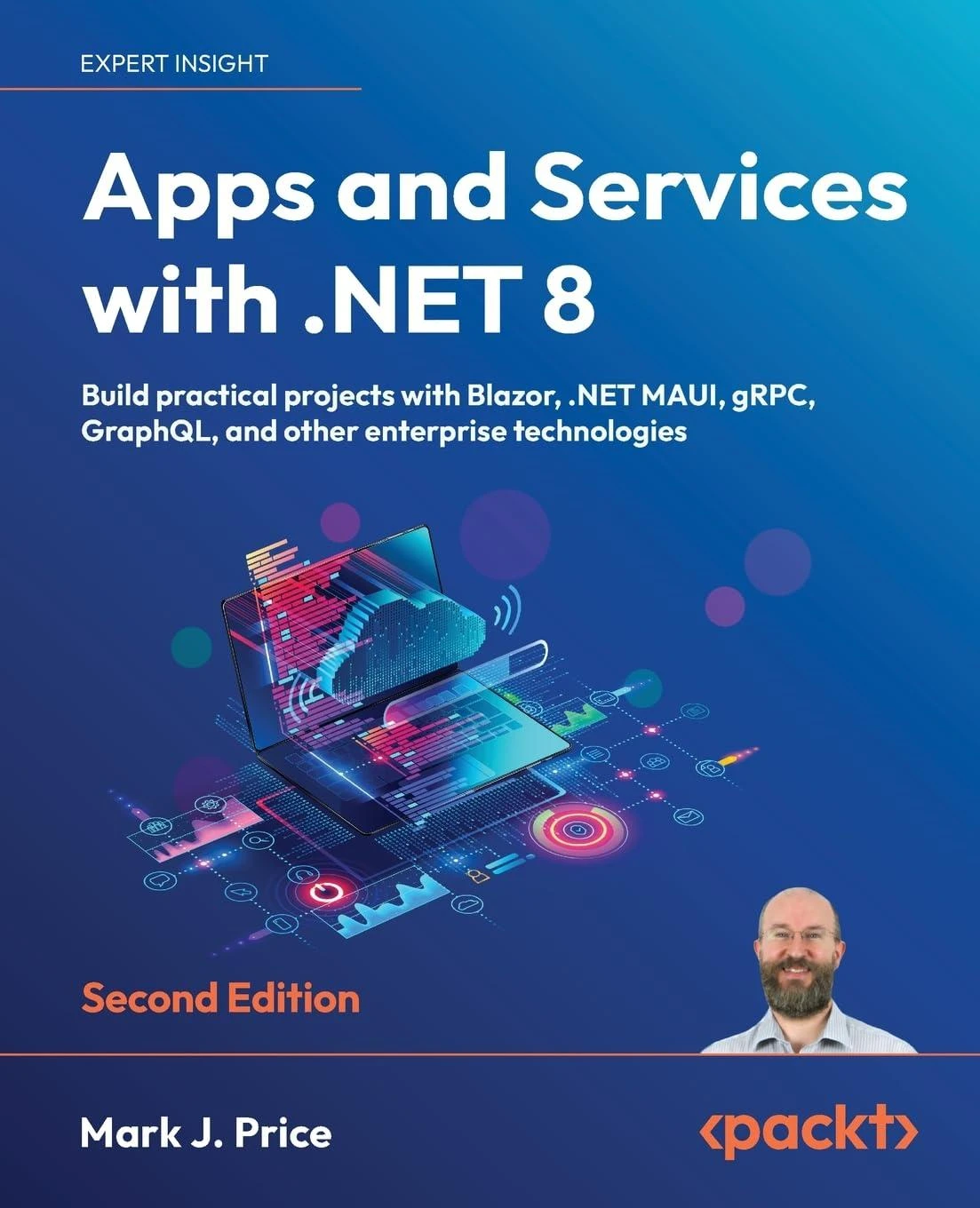 Apps and Services with .NET 8: Build practical projects with Blazor, .NET MAUI, gRPC, GraphQL, and other enterprise technologies. 2 Ed
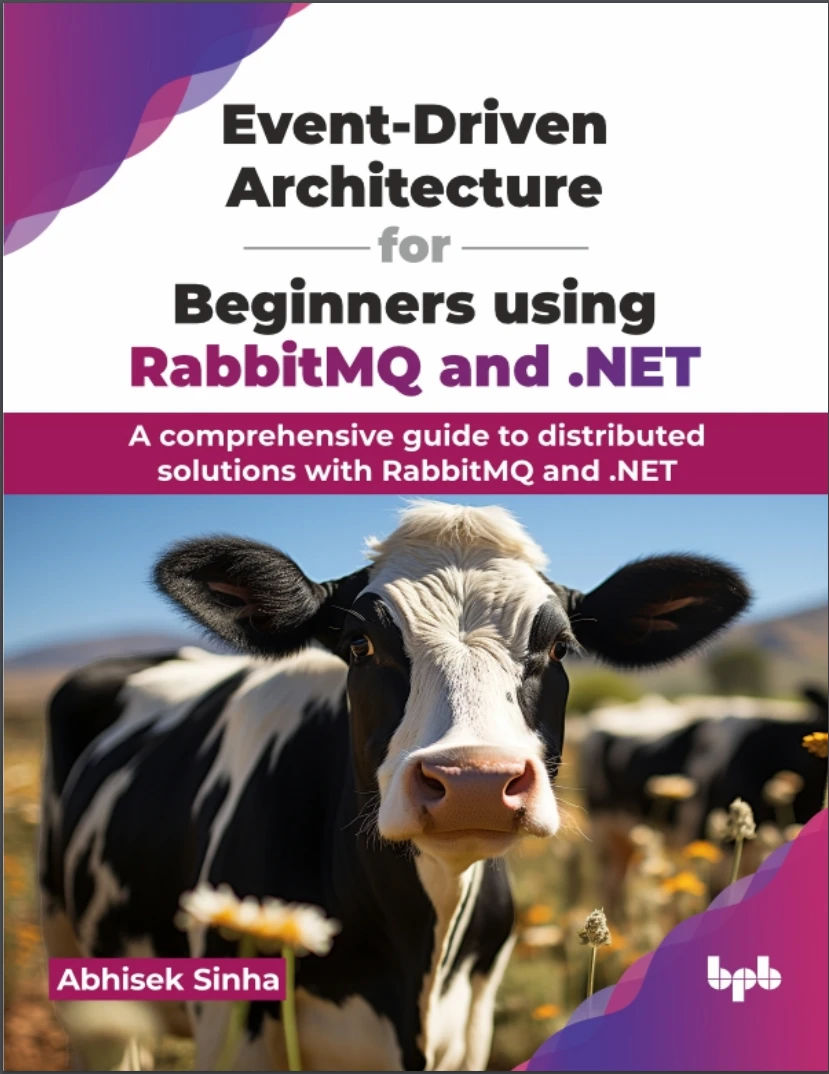 Event-Driven Architecture for Beginners using RabbitMQ and .NET: A comprehensive guide to distributed solutions with RabbitMQ and .NET
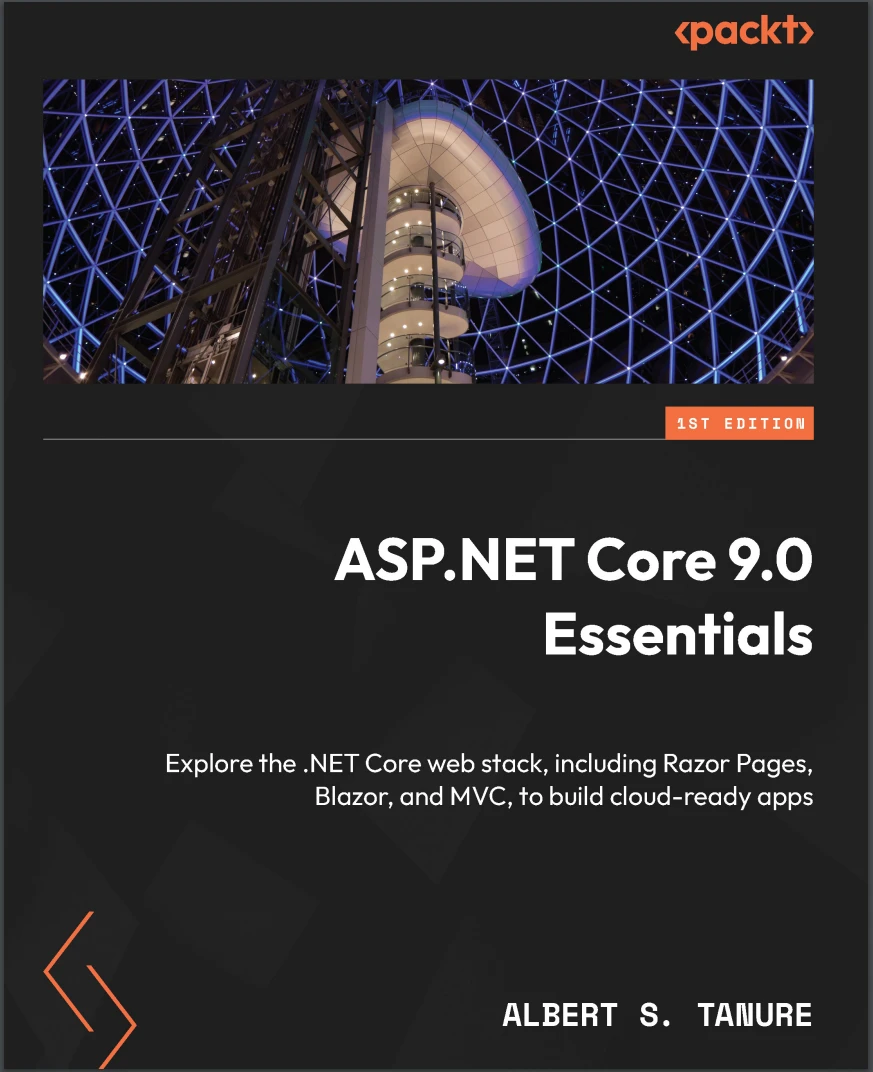 ASP.NET Core 9.0 Essentials: Explore the .NET Core web stack, including Razor Pages, Blazor, and MVC, to build cloud-ready apps
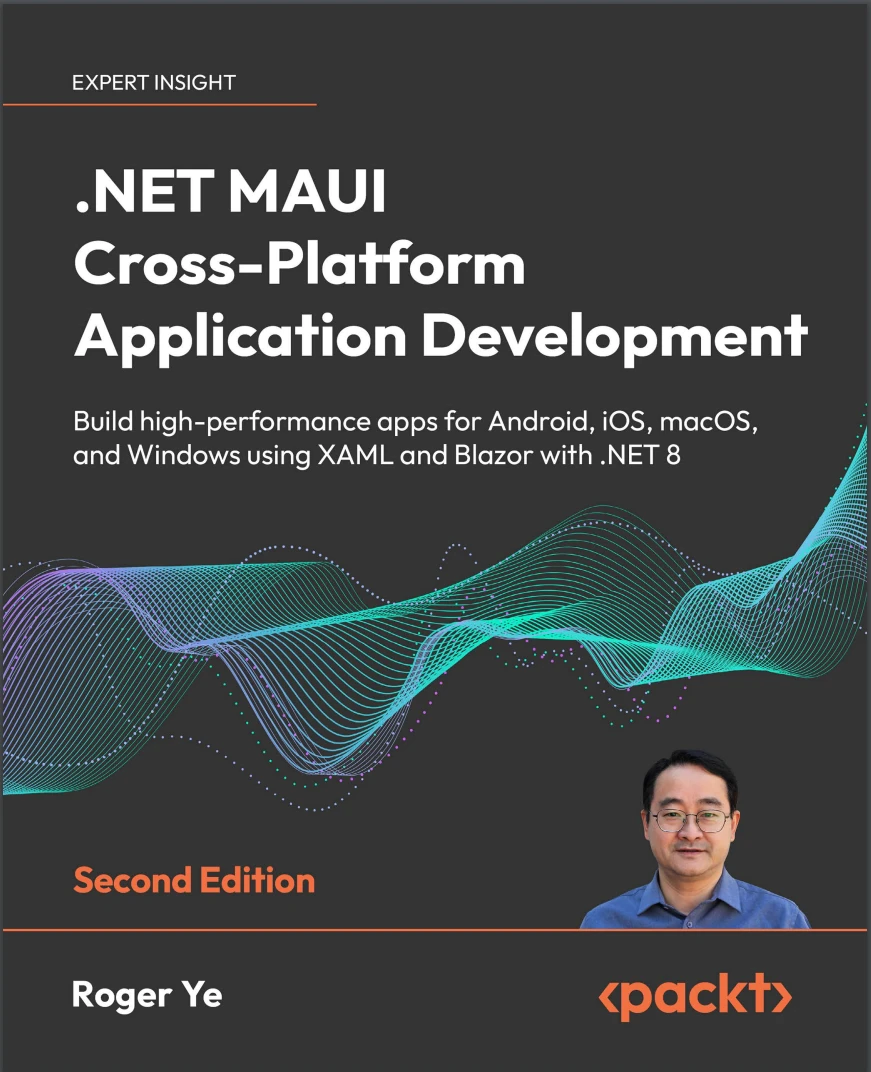 .NET MAUI Cross-Platform Application Development: Build high-performance apps for Android, iOS, macOS, and Windows using XAML and Blazor with .NET 8. 2 Ed
 Building Web APIs with ASP.NET Core