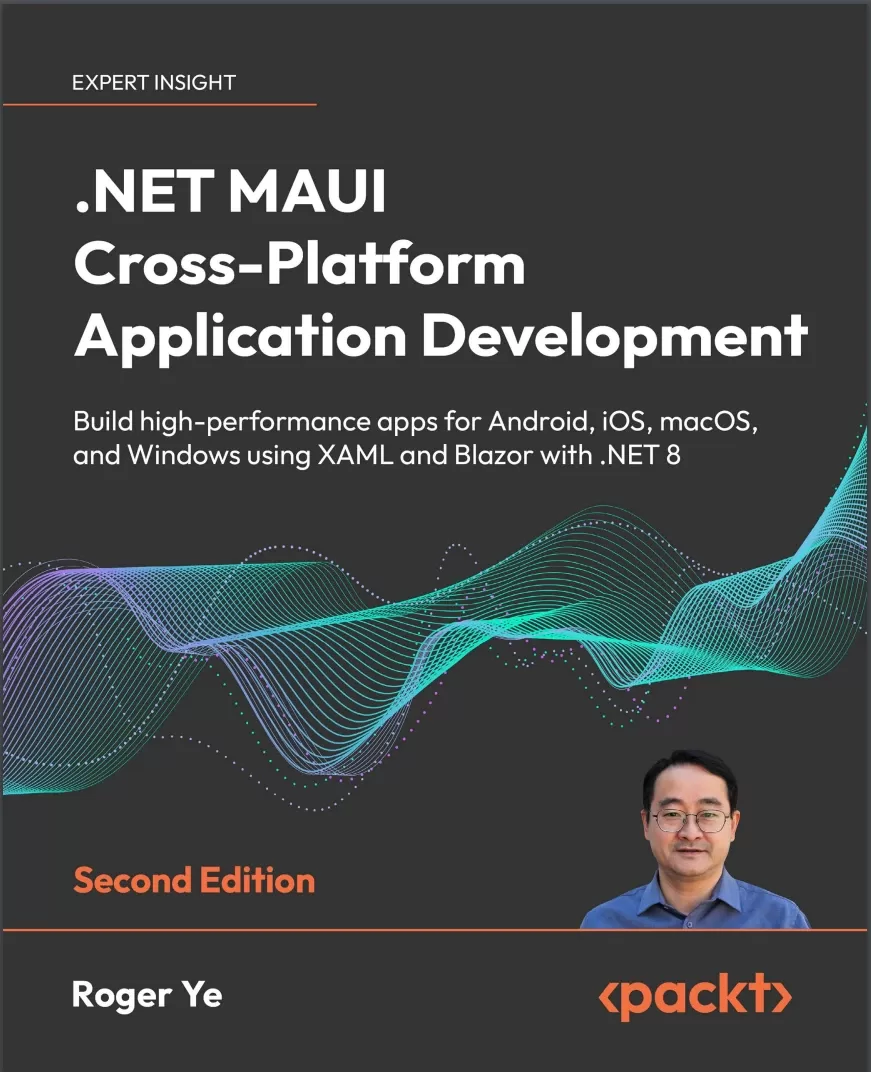
.NET MAUI Cross-Platform Application Development: Build high-performance apps for Android, iOS, macOS, and Windows using XAML and Blazor with .NET 8. 2 Ed
Оглавление⌄
Cover....1 Copyright....3 Contributors....4 Table of Contents....8 Preface....20 Part 1: Exploring .NET MAUI....28 Chapter 1: Getting Started with .NET MAUI....30 Overview of cross-platform and full stack technologies....30 Native application....31 Web application....32 Backend services....32 Managing development complexity....32 Full stack development....32 Cross-platform technologies....33 Apache Cordova....34 Ionic....34 React Native....35 Flutter....35 .NET MAUI....35 Analysis of cross-platform full stack solutions....37 Comparison of .NET and JavaScript....39 Exploring the .NET landscape....41 .NET Framework....41 Mono....42 .NET Core....42 .NET Standard and Portable Class Libraries....43 Using Xamarin for cross-platform development....44 Xamarin.Forms....45 Xamarin.Essentials....45 Comparing user interface design on different platforms....46 Moving to .NET MAUI....48 .NET MAUI Blazor apps....50 Developing native apps using .NET....51 What’s new in .NET 8 for .NET MAUI?....51 Native AOT support for iOS-like platforms....51 .NET MAUI extension of Visual Studio Code....52 Development environment setup....52 Using Visual Studio....52 Installing .NET MAUI on Windows....53 Installing .NET MAUI on macOS....54 Visual Studio Code with the .NET MAUI extension....56 Summary....58 Further reading....58 Chapter 2: Building Our First .NET MAUI App....60 Technical requirements....61 Managing the source code in this book....61 Download the source code in a compressed file....62 Clone the source code per chapter....62 Clone the source code from the main branch....62 Setting up a new .NET MAUI project....62 Creating a new project using Visual Studio....63 Creating a new project using the dotnet command....65 App startup and lifecycle....66 Lifecycle management....68 Subscribing to the Window lifecycle events....69 Consuming the lifecycle override methods....71 Configuring the resources....74 App icon....76 Splash screen....76 Setting custom font icons....77 Custom font setup....77 Displaying font icons....79 Building and debugging....82 Windows....83 Android....84 iOS and macOS....85 Building and testing the iOS target....85 Building and testing the macOS target....86 Migrating from Xamarin....87 Migrating and reusing the Shell template from Xamarin.Forms....88 Visual Studio project template....96 Summary....97 Chapter 3: User Interface Design with XAML....100 Technical requirements....101 Creating a XAML page....101 XAML syntax....103 XML declaration....104 Element....104 Attribute....106 XML and XAML namespaces....106 Creating a new page using XAML....107 Creating the same new page using C#....108 XAML markup extensions....110 Building a user interface....111 Layouts....111 StackLayout....112 Grid....113 FlexLayout....114 AbsoluteLayout....114 Views....116 Label....116 Image....116 Editor....116 Entry....116 ListView....117 Master-detail UI design....117 Side-by-side....119 Stacked....120 Navigation in the master-detail UI design....121 ItemDetailPage....121 ItemsPage....122 Supporting multiple languages – localization....128 Creating a .resx file....128 Localizing text....130 Summary....134 Further reading....134 Chapter 4: Exploring MVVM and Data Binding....136 Technical requirements....137 Understanding MVVM and MVC....137 MVVM in PassXYZ.Vault....139 Data binding....140 Binding object....141 Binding target....141 Binding source....142 Properties of a Binding object....144 Source....145 Binding mode....146 Changing notifications in ViewModels....148 .NET Community Toolkit....150 How to use the MVVM Toolkit....151 Improving the data model and service....154 KPCLib....155 Abstraction of PwGroup and PwEntry....157 PassXYZLib....158 Updating the model....159 Updating the service....160 Binding to collections....161 Using custom views....169 Summary....174 Further reading....174 Chapter 5: Navigation Using .NET MAUI Shell and NavigationPage....176 Technical requirements....177 Implementing navigation....177 INavigation interface and NavigationPage....178 Using the navigation stack....179 Manipulating the navigation stack....180 Inserting a page....180 Removing a page....180 Using Shell....181 Flyout....183 Flyout items....185 Menu items....185 Tabs....187 Shell navigation....190 Registering absolute routes....191 Registering relative routes....191 Passing data to pages....194 Improving our app....201 Understanding the improved design....203 Registering absolute routes and relative routes....204 Model and services....204 Implementation of IUserService....206 Improving the login process....208 Login view model....210 Login UI....213 Summary....215 Chapter 6: Software Design with Dependency Injection....216 Technical requirements....217 A brief overview of design principles....217 Exploring types of design principles....218 Don’t Repeat Yourself (DRY)....218 Keep It Simple, Stupid (KISS)....218 You Aren’t Gonna Need It (YAGNI)....218 SOLID design principles....218 Using design principles....219 Implementing DI....220 Lifetime management....225 Configuring DI in .NET MAUI....228 Constructor injection....232 Method injection....233 Property injection....234 Replacing the mock data store....236 Initializing the database....239 Performing CRUD operations....240 Adding an item....241 Editing or deleting an item....247 Summary....251 Further reading....251 Chapter 7: Using Platform-Specific Features ....254 Technical requirements....255 Implementing platform-specific code....255 Conditional compilation....256 Interfaces, partial class, and methods....257 .NET MAUI/Xamarin plugins....258 The evolution of .NET MAUI/Xamarin plugins....259 The introduction of Plugin.Fingerprint....261 Supporting fingerprint functionality using Plugin.Fingerprint....266 Fingerprint settings....270 Login using a fingerprint....273 Customizing controls....275 Overview of handlers....276 Using HybridWebView....277 Implementing MarkdownView....278 Summary....283 Further reading....283 Part 2: Implementing .NET MAUI Blazor....286 Chapter 8: Introducing Blazor Hybrid App Development....288 Technical requirements....288 What is Blazor?....289 Hosting models....289 Blazor Server....290 Blazor Wasm....291 Blazor Hybrid....294 Blazor Bindings....295 What’s new in .NET 8 Blazor hosting models....299 Project templates of .NET MAUI and Blazor apps....300 Blazor apps....302 .NET MAUI apps....302 Creating a new .NET MAUI Blazor project....302 Generating a .NET MAUI Blazor project with the dotnet command line....303 Creating a .NET MAUI Blazor Hybrid App using Visual Studio on Windows....304 Running the new project....305 The startup code of the .NET MAUI Blazor Hybrid App....306 Migrating to a .NET MAUI Blazor Hybrid App....309 Understanding Razor syntax....310 Code blocks in Razor....310 Implicit Razor expressions....311 Explicit Razor expressions....311 Expression encoding....311 Directives....312 Directive attributes....312 Creating a Razor component....313 Redesigning the login page using a Razor component....313 The Model-View-ViewModel (MVVM) pattern in Blazor....320 Dependency injection in Blazor....323 CSS isolation....323 Summary....326 Further reading....326 Chapter 9: Understanding Blazor Routing and Layout....328 Technical requirements....328 Understanding client-side routing....329 Setting up BlazorWebView....329 Setting up the Router component....330 Defining routes....332 Passing data using route parameters....333 Navigating with NavigationManager....335 Using Blazor layout components....336 Applying a layout to a component....339 Nesting layouts....341 Implementing navigation elements....342 Implementing a list view....343 Adding a new item and navigating back....351 Summary....353 Chapter 10: Implementing Razor Components....354 Technical requirements....355 Understanding Razor components....355 Inheritance....357 Creating a Razor class library....358 Using static assets in the Razor class library....361 Creating reusable Razor components....361 Creating a base modal dialog component....363 Data binding....365 Component parameters....366 Nested components....369 Child content rendering....370 Two-way data binding....373 Binding with component parameters....373 Communicating with cascading values and parameters....376 Understanding the Razor component lifecycle....378 SetParametersAsync....379 OnInitialized and OnInitializedAsync....380 OnParametersSet and OnParametersSetAsync....380 ShouldRender....381 OnAfterRender and OnAfterRenderAsync....381 Implementing CRUD operations....385 CRUD operations of items....385 Adding a new item....385 Editing or deleting an item....386 CRUD operations of fields....389 Refactoring Razor components....394 Creating the Navbar component....395 Creating a Dropdown component for the context menu....398 Using templated components....402 Creating a ListView component....403 Using the ListView component....404 Accessing a native API from Blazor Hybrid apps....406 Summary....407 Part 3: Testing and Deployment....408 Chapter 11: Developing Unit Tests....410 Technical requirements....410 Unit testing in .NET....411 Setting up the unit test project....412 Developing test cases for the model....415 Sharing context between tests....417 Sharing using a constructor....418 Sharing using class fixtures....420 Sharing using collection fixtures....422 Mock .NET MAUI components....425 Razor component testing using bUnit....427 Changing the project configuration for bUnit....427 Creating a bUnit test case....428 Creating test cases in Razor files....430 Using the RenderFragment delegate....433 Testing Razor pages....436 Summary....442 Further reading....442 Chapter 12: Deploying and Publishing in App Stores....444 Technical requirements....444 Preparing application packages for publishing....445 Preparing for publishing....445 Publishing to Microsoft Store....447 Publishing to Google Play Store....453 Publishing to Apple’s App Store....458 GitHub Actions....465 Understanding GitHub Actions....465 Workflows....465 Events....468 Jobs....469 Runners....469 Steps....469 Summary....475 Further reading....476 Other Books You May Enjoy....480 Index....486
Описание
Ниже — практический обзор по теме «maui».
Build apps using .NET MAUI and Blazor with this comprehensive, revised guide for .NET 8.
Purchase of the print or Kindle book includes a free eBook in PDF format.
Using .NET MAUI, you can develop apps that'll run on Android, iOS, macOS, and Windows from a single shared codebase. Key FeaturesHandle data effectively with expanded coverage on the MVVM model and data bindingIntegrate platform-specific code using plugins and custom controlsMigrate from Xamarin.Forms to .NET MAUI for the latest hybrid app development capabilitiesBook DescriptionAn evolution of Xamarin.Forms, .NET MAUI is a cross-platform framework for creating native mobile and desktop apps with C# and XAML. In this revised edition of .NET MAUI Cross-Platform Application Development you will be introduced to .NET 8 and get up to speed with app development in no time.
The book begins by showing you how to develop a cross-platform application using .NET MAUI, including guidance for migrating from Xamarin.Forms. You'll gain all the knowledge needed to create a cross-platform application for Android, iOS, macOS, and Windows following an example project step by step.
After this, you'll learn how to test and deploy your apps. As you advance, you'll integrate the latest frontend technology into your app using Blazor components, including the new Blazor Bindings feature. With new coverage on creating mock .NET MAUI components, you can develop unit tests for your application. You will additionally learn how to perform Razor component testing using bUnit.
By the end of this book, you'll have learned how to develop your own cross-platform applications using .NET MAUI.
What you will learnDevelop high-performance apps with logical user interfacesImprove the maintainability of apps using the MVVM design patternUnderstand the progression from Xamarin.Forms and how to migrate to .NETDelve into templated components and Razor class libraries for crafting Blazor UI elementsPublish your creations to major app stores with guidance on preparation and processesExtend your testing repertoire with bUnit for Razor components for reliable unit testingWho this book is for
Native app developers (desktop) or Xamarin developers who want to migrate to .NET MAUI will also benefit from this book. This book is for mobile developers interested in cross-platform application development with working experience of the .NET Core framework, as well as junior engineers who've just begun their career in mobile app development. Basic knowledge of modern object-oriented programming languages, such as C#, Java or Kotlin, is assumed.
На этом основные моменты по теме закрыты.
Поделиться
Частые вопросы
Можно ли скачать «.NET MAUI Cross-Platform Application Development: Build high-performance apps for Android, iOS, macOS, and Windows using XAML and Blazor with .NET 8. 2 Ed» бесплатно?
Да, «.NET MAUI Cross-Platform Application Development: Build high-performance apps for Android, iOS, macOS, and Windows using XAML and Blazor with .NET 8. 2 Ed» доступна для бесплатного скачивания на нашем сайте в формате PDF. Ссылка на файл находится на этой странице.
В каком формате и какого размера файл?
Книга предоставляется в формате PDF, размер файла 6,0 МБ.
Кто автор и когда вышла книга?
автор — Ye Roger, издательство Packt Publishing Limited, год выпуска 2024, 497 страниц.
О чём книга «.NET MAUI Cross-Platform Application Development: Build high-performance apps for Android, iOS, macOS, and Windows using XAML and Blazor with .NET 8. 2 Ed»?
Build apps using .NET MAUI and Blazor with this comprehensive, revised guide for .NET 8.Purchase of the print or Kindle book includes a free eBook in PDF format.Key FeaturesHandle data effectively with expanded coverage on the MVVM model an
Похожие материалы
 Introduction to the Development of Web Applications Using ASP .Net (Core) MVC
 ASP.NET 8 Best Practices: Explore techniques, patterns, and practices to develop effective large-scale .NET web apps
 Pro ASP.NET Core 7. 10 Ed
 Tools and Skills for .NET 8: Get the career you want with good practices and patterns to design, debug, and test your solutions
 Apps and Services with .NET 8: Build practical projects with Blazor, .NET MAUI, gRPC, GraphQL, and other enterprise technologies. 2 Ed
 Event-Driven Architecture for Beginners using RabbitMQ and .NET: A comprehensive guide to distributed solutions with RabbitMQ and .NET
 ASP.NET Core 9.0 Essentials: Explore the .NET Core web stack, including Razor Pages, Blazor, and MVC, to build cloud-ready apps
 Building Web APIs with ASP.NET Core