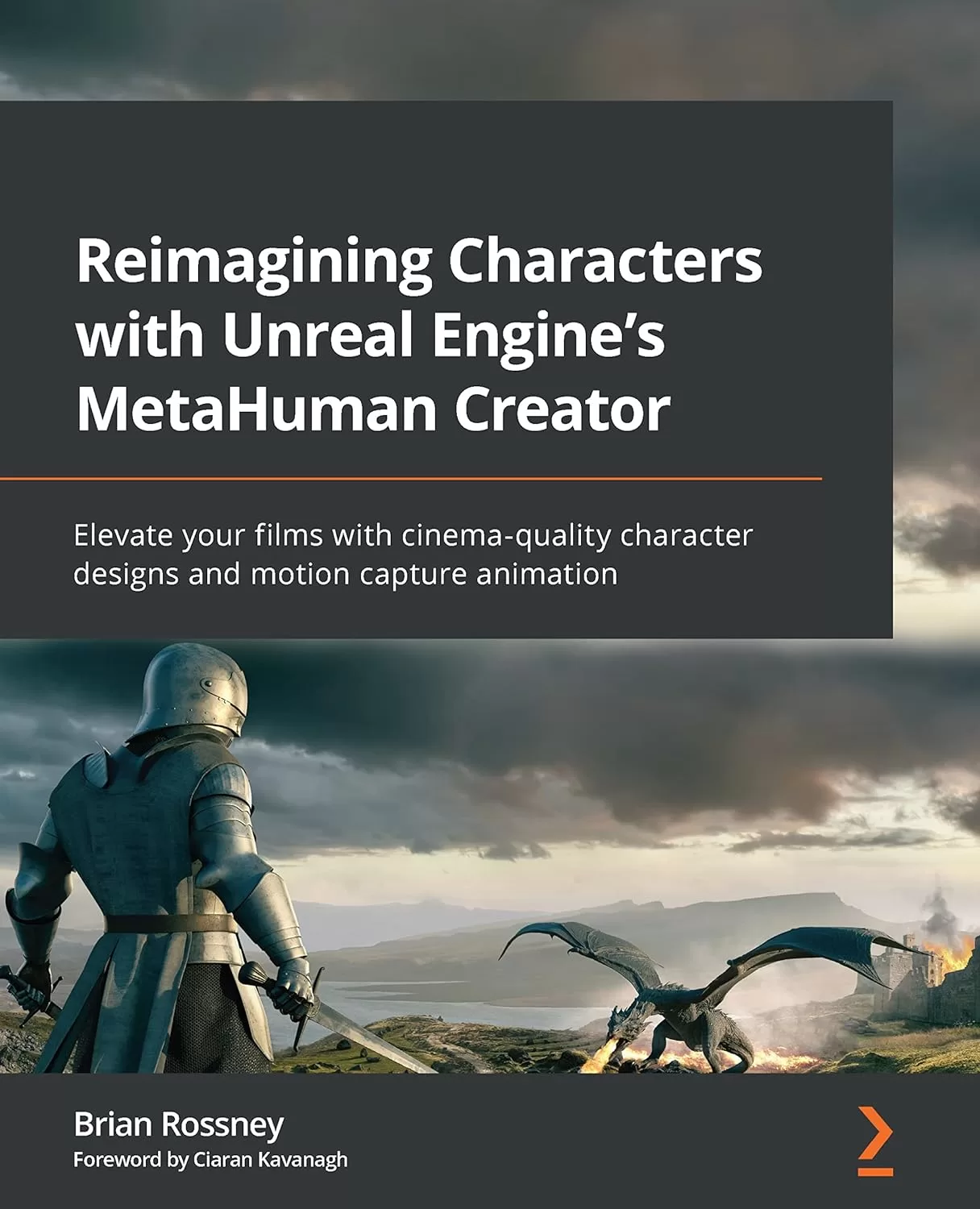
Reimagining Characters with Unreal Engine's MetaHuman Creator: Elevate your films with cinema-qulity character designs and motion capture animation
Оглавление⌄
Cover Page....2 Table of Contents....3 Preface....4 Part 1: Creating a Character....11 Chapter 1: Getting Started with Unreal....12 Technical requirements....12 What is Unreal?....14 What are MetaHumans?....16 Setting up Unreal and the MetaHuman Creator....16 Summary....39 Chapter 2: Creating Characters in the MetaHuman Interface....40 Technical requirements....40 Starting up Quixel Bridge....41 Editing your MetaHuman....49 Using the Move and Sculpt tools....93 Downloading and exporting your character....97 Summary....111 Part 2: Exploring Blueprints, Body Motion Capture, and Retargeting....113 Chapter 3: Diving into the MetaHuman Blueprint....114 Technical requirements....114 What are Blueprints?....114 Opening a Blueprint....116 Importing and editing skeletons....122 Summary....135 Chapter 4: Retargeting Animations....137 Technical requirements....137 What is an IK Rig?....137 Creating an IK Rig....144 Creating the IK chains....155 Creating an IK Retargeter....159 Importing more animation data....167 Summary....171 Chapter 5: Retargeting Animations with Mixamo....172 Technical requirements....172 Introducing Mixamo....173 Preparing and uploading the MetaHuman to Mixamo....177 Orienting your character in Mixamo....183 Exploring animation in Mixamo....188 Downloading the Mixamo animation....190 Importing the Mixamo animation into Unreal....192 Summary....210 Chapter 6: Adding Motion Capture with DeepMotion....212 Technical requirements....213 Introducing DeepMotion....213 Preparing our video footage....214 Uploading our video to DeepMotion....217 Exploring DeepMotion’s animation settings....221 Downloading the DeepMotion motion capture file....232 Importing the DeepMotion animation into Unreal....234 Retargeting the DeepMotion motion capture....237 Fixing position misalignment issues....245 Summary....248 Part 3: Exploring the Level Sequencer, Facial Motion Capture, and Rendering....249 Chapter 7: Using the Level Sequencer....250 Technical requirements....250 Introducing the Level Sequencer....251 Creating a Level Sequencer and importing our character Blueprint....252 Adding the retargeted animation to the character Blueprint....256 Adding and editing the Control Rig....261 Adding a camera to the Level Sequencer....267 Rendering a test animation from the Level Sequencer....272 Summary....275 Chapter 8: Using an iPhone for Facial Motion Capture....277 Technical requirements....277 Installing the Live Link Face app....278 Installing Unreal Engine plugins (including Take Recorder)....281 Connecting and configuring the Live Link Face app to Unreal Engine....286 Configuring and testing the MetaHuman Blueprint....291 Calibrating and capturing live data....294 Summary....304 Chapter 9: Using Faceware for Facial Motion Capture....305 Technical requirements....305 Installing Faceware Studio on a Windows PC....306 Installing Unreal’s Faceware plugin and the MetaHuman sample....309 Setting up a webcam and the streaming function....314 Enabling Live Link to receive Faceware data....329 Editing the MetaHuman Blueprint....330 Recording a session with a Take Recorder....332 Importing a take into the Level Sequencer....336 Baking and editing facial animation in Unreal....339 Summary....347 Chapter 10: Blending Animations and Advanced Rendering with the Level Sequencer....348 Technical requirements....348 Adding the MetaHuman Blueprint and body mocap data to the Level Sequencer....349 Adding facial mocap data to the Level Sequencer....360 Exploring advanced rendering features....363 Summary....380 Chapter 11: Using the Mesh to MetaHuman Plugin....382 Technical requirements....382 Installing the Mesh to MetaHuman plugin for Unreal Engine....383 Introducing and installing KIRI Engine on your smartphone....384 Importing your scanned mesh into Unreal Engine....400 Modifying the face mesh inside the MetaHuman Creator online tool....414 Summary....419 Index....421 Why subscribe?....436 Other Books You May Enjoy....437 Packt is searching for authors like you....440 Share your thoughts....440 Download a free PDF copy of this book....441
Описание
В этом материале разберём тему: using.
MetaHuman Creator (MHC) is an online, user-friendly 3D design tool for creating highly realistic digital humans that can be animated within Unreal Engine (UE) and enhanced with motion capture technology. This means that filmmakers and game developers now have access to a high quality, affordable solution that was previously only available to specialist studios.
Firstly, you’ll understand how to use the online MHC to create a digital character, changing its facial structure, body type, and clothing. This book will focus on using UE5 and MHC from a filmmaker angle. After that, you’ll learn all the necessary steps to bring the character into UE5 and set it up for animation. On top of that, you’ll learn how to create a rendered video file for film production using both the Level Sequencer and a VR Cinematic Camera. Then, using an iPhone and a webcam to capture face and body movements, you’ll mix these motion capture files, refine the animations using the MetaHuman Control Rig, and save these takes to be reused and edited again within the Level Sequencer. By the end of this book, you’ll have created your own MetaHuman character, as well as face and body motion capture data, and learned the necessary skills to give your future projects further realism and creative control.
No experience with Unreal Engine is required, however it is useful to have some knowledge of 3D development applications and concepts like wireframes, skin weights, transform tools, and motion capture. What you will learnCreate your own bespoke character using MHCDevelop custom faces based on real peopleUtilize Blueprints to take control of your digital characterRetarget animations using the Unreal MannequinUse DeepMotion and Live Link for complete body and face animationUse the Control Rig to refine animationsExport and render your characterWho this book is forThis book is for filmmakers and hobbyists who are planning to make a film using Unreal Engine for the first time, having worked in live action or purely digital media previously, either professionally or as a hobby. It is recommended that you have access to an iPhone X (or a later model). Alternatively, you can use a free or paid version of Faceware, along with a basic webcam.
Если материал оказался полезен — сохраните страницу.
Поделиться
Частые вопросы
Можно ли скачать «Reimagining Characters with Unreal Engine's MetaHuman Creator: Elevate your films with cinema-qulity character designs and motion capture animation» бесплатно?
Да, «Reimagining Characters with Unreal Engine's MetaHuman Creator: Elevate your films with cinema-qulity character designs and motion capture animation» доступна для бесплатного скачивания на нашем сайте в формате PDF. Ссылка на файл находится на этой странице.
В каком формате и какого размера файл?
Книга предоставляется в формате PDF, размер файла 11,0 МБ.
Кто автор и когда вышла книга?
автор — Rossney Brian, издательство Packt Publishing Limited, год выпуска 2022, 442 страниц.
О чём книга «Reimagining Characters with Unreal Engine's MetaHuman Creator: Elevate your films with cinema-qulity character designs and motion capture animation»?
MetaHuman Creator (MHC) is an online, user-friendly 3D design tool for creating highly realistic digital humans that can be animated within Unreal Engine (UE) and enhanced with motion capture technology.