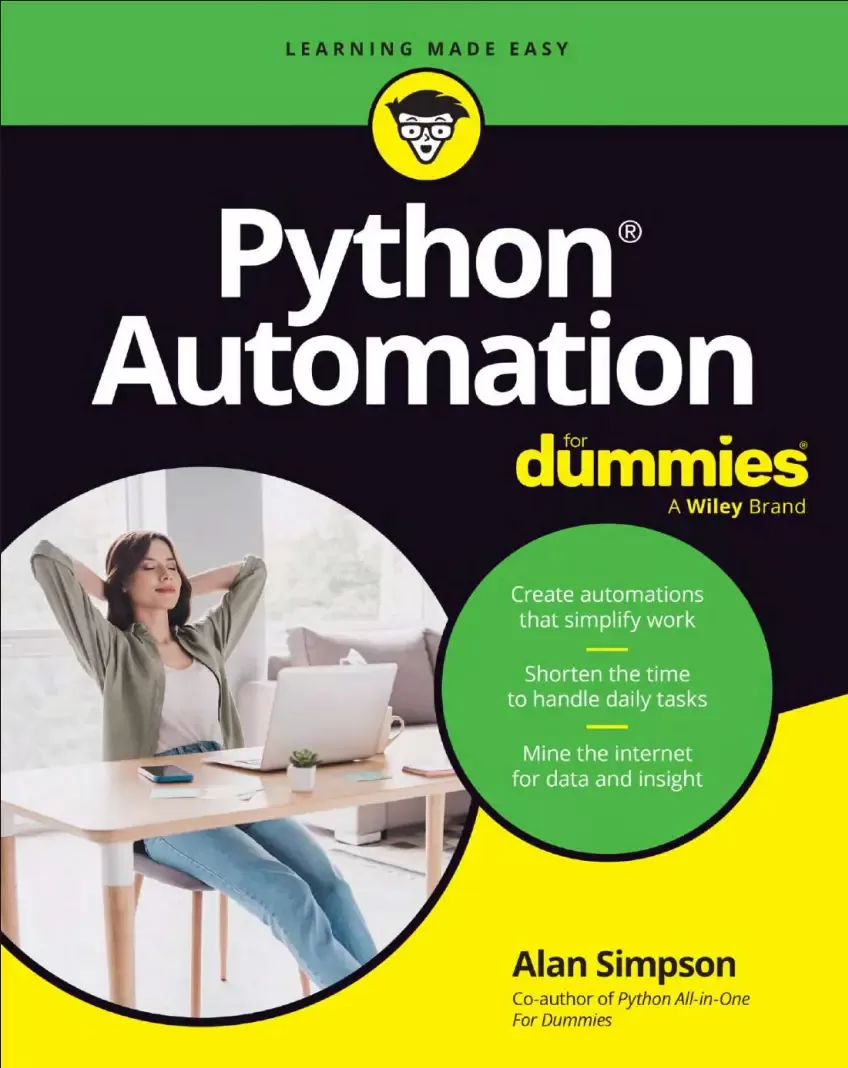
Python® Automation For Dummies®
Оглавление⌄
Title Page....3 Copyright Page....4 Table of Contents....5 Introduction....13 About This Book....13 Foolish Assumptions....14 Icons Used in This Book....14 Beyond the Book....14 Where to Go from Here....15 Part 1 Getting Started with Python Automation....17 Chapter 1 Automating with Python....19 Choosing a Programming Language....20 Understanding Python Syntax....22 Getting Python....23 Identifying the hardware requirements....23 Installing Python....24 Chapter 2 Choosing a Code Editor....27 Installing VS Code....28 Installing Python Extensions....30 Creating a Folder for a New Project....31 Opening a projects folder in VS Code....32 Selecting your Python version....33 Opening the Terminal in VS Code....34 Checking your Python version....35 Using Virtual Environments....36 Creating a virtual environment....37 Activating a virtual environment....38 Installing Modules....40 Writing and Running Python Scripts....42 Writing a Python script....42 Running a Python script....44 Chapter 3 Python Basics for Automation....47 Understanding Python Comments....47 Mastering Variables and Data Types....48 Working with numbers....49 Working with text (strings)....50 Deciding true or false with Booleans....51 Using lists....51 Making immutable lists with tuples....52 Defining key–value pairs in dictionaries....52 Leaving things hanging with None....53 Formatting Output....54 Dealing with Dates and Times....57 Manipulating Data with Operators....59 Using arithmetic and string operators....59 Using assignment operators....60 Recognizing other operators....61 Getting Loopy with Loops....63 Looping with for....63 Looping for a while....64 Bailing out of loops....65 Making Decisions....67 Deciding with if. . .else....67 Compacting decisions with a ternary operator....68 Deciding with match....69 Defining Python Functions....70 Defining default values for parameters....72 Using type hints in Python functions....72 Creating Classes and Objects....73 Handling Exceptions....75 Part 2 Automating Common Computer Tasks....79 Chapter 4 Automating Files and Folders....81 Demystifying the Buzzwords....82 Drives, directories, folders, and files....83 Absolute versus relative paths....84 Backslashes in Windows paths....85 Playing It Safe....86 Navigating Folders and Files....86 Organizing Files by Type....93 Using mkdir for subfolders....98 Moving files with shutil....98 Making the script your own....99 Renaming Files in Bulk....99 Renaming files with Python....102 Using the bulk renaming script....103 Chapter 5 Automating File Management....105 Deleting Old and Temporary Files....105 Identifying old files....108 Matching the file pattern....108 Sending files to the trash....109 Using the deletion script safely....109 Backing Up Files....110 Creating folders from Python....113 Copying files with Python....113 Personalizing the backup script....114 Finding and Removing Duplicate Files....115 Calculating a file hash....118 Finding duplicate files....119 Deleting duplicate files....120 Tweaking the find duplicates script....120 Compressing Files....121 Compressing files with Python....124 Setting your compression parameters....125 Decompressing Files....126 Unzipping files with Python....128 Using the decompression script....129 Chapter 6 Automating Image and Video Files....131 Resizing, Rotating, Flipping, and Cropping Images....132 Resizing images....137 Rotating images....138 Flipping images....138 Cropping images....139 Customizing the image processor....140 Converting Image File Types....141 Converting files with Python....143 Personalizing the conversion script....144 Extracting Frames from Video Files....145 Importing modules for video extraction....147 Looping through a video....148 Tweaking the video conversion script....150 Chapter 7 Automating Mouse and Keyboard....151 Granting Permissions on a Mac....152 Moving the Mouse, Clicking, Dragging, and Scrolling....153 Understanding screen coordinates....153 Controlling the mouse speed....153 Stopping a wild mouse....154 Finding the screen locations of things....154 Using mouse control with a specific app....156 Trying out mouse control....156 Typing Text with Python....158 Controlling the typing speed....159 Typing long passages of text....159 Pressing special keys....160 Pressing hotkeys....160 Detecting the operating system....161 Detecting Keystrokes....162 Creating Your Own Keyboard Shortcuts....163 Automating Screenshots....167 Taking screenshots with Python....169 Personalizing the auto screenshot script....170 Chapter 8 Automating the Office....171 Automating Microsoft Word....171 Naming your Word document....174 Defining your Word content....175 Automating Microsoft Excel....176 Specifying your workbook....179 Defining content for your workbook....179 Creating and Opening PDFs....180 Defining content for your PDF....184 Identifying your PDF....184 Watermarking PDFs....185 Creating your watermark image....188 Adapting the script to your needs....189 Part 3 Automating the Internet....191 Chapter 9 Interacting with APIs....193 Obtaining API Keys....193 Safely Storing API Keys....194 Creating a .gitignore file....196 Using an API key in your script....197 Handling JSON Data....197 Parsing and serializing JSON data....199 Reading and writing JSON files....200 Understanding REST APIs....202 Making API requests....203 Parsing API responses....205 Reviewing a Complete REST API Script....206 Chapter 10 Automating the Web....209 Automating Web Browsers....209 Loading drivers for your browser....210 Finding text boxes to fill....212 Automating Filling Forms Online....213 Finding a control....215 Submitting a form with Enter....216 Filling Multiple Text Boxes....216 Clicking a forms Submit button....219 Adapting the script to your needs....219 Filling Text Boxes from a File....220 Chapter 11 Scraping Web Pages....225 Picking the Right Tools for Web Scraping....225 Scraping Links from a Web Page....226 Sending a browser header....227 Parsing a web page....228 Extracting Data from a Web Page....229 Finding elements to scrape....230 Scraping data from the page....233 Automating Data Extraction....234 Determining whether a business is open....237 Scraping stock market data....239 Chapter 12 Automating Email and Text Messages....241 Sending Bulk Email Automatically....241 Collecting account information....242 Creating a .env file....242 Creating your email-sending script....243 Sending HTML mail....246 Putting email recipient addresses in a file....247 Automatically Sending Text Messages....248 Storing SMS account information....249 Defining your recipient list and message....251 Storing recipient numbers....251 Chapter 13 Automating Social Media....255 Acquiring API Keys and Modules....255 Automating Posting....256 Setting up your project....257 Making the script your own....261 Creating Content for Your Posts....261 Tracking Performance Metrics....263 Getting Instagram API access....263 Setting up your script....263 Defining your metrics and timeframe....266 Analyzing Trends....267 Viewing the trends....269 Setting your own keywords and timeframe....269 Part 4 Automating More Advanced Stuff....271 Chapter 14 Scheduling Tasks....273 Using the Schedule Module....273 Understanding how the schedule module works....275 Scheduling tasks for intervals....276 Using the APScheduler Module....277 Using APScheduler with intervals....279 Using APScheduler with dates and times....280 Automating Python Scripts....283 Running scripts as subprocesses....283 Running scripts as imports....286 Chapter 15 Integrating with Artificial Intelligence....289 Accessing Free AI through an API....289 Warming Up to a Local Chatbot....294 Installing and running Ollama....295 Downloading AI models with Ollama....295 Building a simple local chatbot....296 Creating a Conversational Chatbot....299 Developing an AI Image Generator....302 Showing the generated image onscreen....307 Hitting up Hugging Face....313 Part 5 The Part of Tens....321 Chapter 16 Top Ten Zen of Python Guidelines....323 Beautiful Is Better than Ugly....323 Explicit Is Better than Implicit....326 Using type hints....327 Using comments....328 Handling errors....328 Simple Is Better than Complex....329 Complex Is Better than Complicated....332 Flat Is Better than Nested....333 Flattening nested conditionals....333 Using list comprehension....334 Sparse Is Better than Dense....336 Readability Counts....337 Special Cases Arent Special Enough to Break the Rule....338 Practicality Beats Purity....340 Errors Should Never Pass Silently....341 Chapter 17 Top Ten Python Error Messages....343 Command Not Found....343 No Module Named . . .....345 SyntaxError....346 NameError....347 TypeError....348 IndexError....349 KeyError....351 AttributeError....352 ModuleNotFoundError....354 FileNotFoundError....355 IndentationError....357 Index....359 EULA....371
Описание
Коротко и по делу о том, что важно знать про python.
Streamline Your Workflow and Boost Productivity with Python Automation
Python Automation For Dummies delivers, with simple explanations of how you can use Python to automatically wrangle data files, manage media files, create shortcuts, find and organize web data, and even analyze social media for trends. In today's workplaces, there's a high demand for know-how on the Python programming language, especially for writing time-saving scripts that can simplify routine work tasks. With this easy-to-follow Dummies guide, you can upskill, expand your productivity, and speed up the process of generating data-driven insights. You'll even learn to enhance your Python automations with AI, for workflows that are faster and smarter.
Review the basics of Python coding and follow steps for automating all sorts of tasksManage large file sets, organize and analyze data, and speed up research processesAutomate scheduling and other time-consuming tasks—and optimize work with AIFree up time and resources by automating routine work, so you can foucs on more important issuesThis is a great Dummies resource for Python developers interested in applying the popular coding language to make workflows more efficient.
Если материал оказался полезен — сохраните страницу.
Поделиться
Частые вопросы
Можно ли скачать «Python® Automation For Dummies®» бесплатно?
Да, «Python® Automation For Dummies®» доступна для бесплатного скачивания на нашем сайте в формате PDF. Ссылка на файл находится на этой странице.
В каком формате и какого размера файл?
Книга предоставляется в формате PDF, размер файла 2,5 МБ.
Кто автор и когда вышла книга?
автор — Simpson Alan, издательство John Wiley & Sons, Inc., год выпуска 2026, 371 страниц.
О чём книга «Python® Automation For Dummies®»?
Streamline Your Workflow and Boost Productivity with Python AutomationIn today's workplaces, there's a high demand for know-how on the Python programming language, especially for writing time-saving scripts that can simplify routine work ta
Похожие материалы
 Основы программирования на Python
 Python для детей. Самоучитель по программированию
 Python. Сборник упражнений. Введение в язык Python с задачами и решениями
 Структуры данных в Python: начальный курс
 Python за 7 дней. Краткий курс для начинающих
 Python in a Nutshell: A Desktop Quick Reference. 4 Ed
 Python for Microcontrollers: Getting Started with MicroPython
 Programming with MicroPython