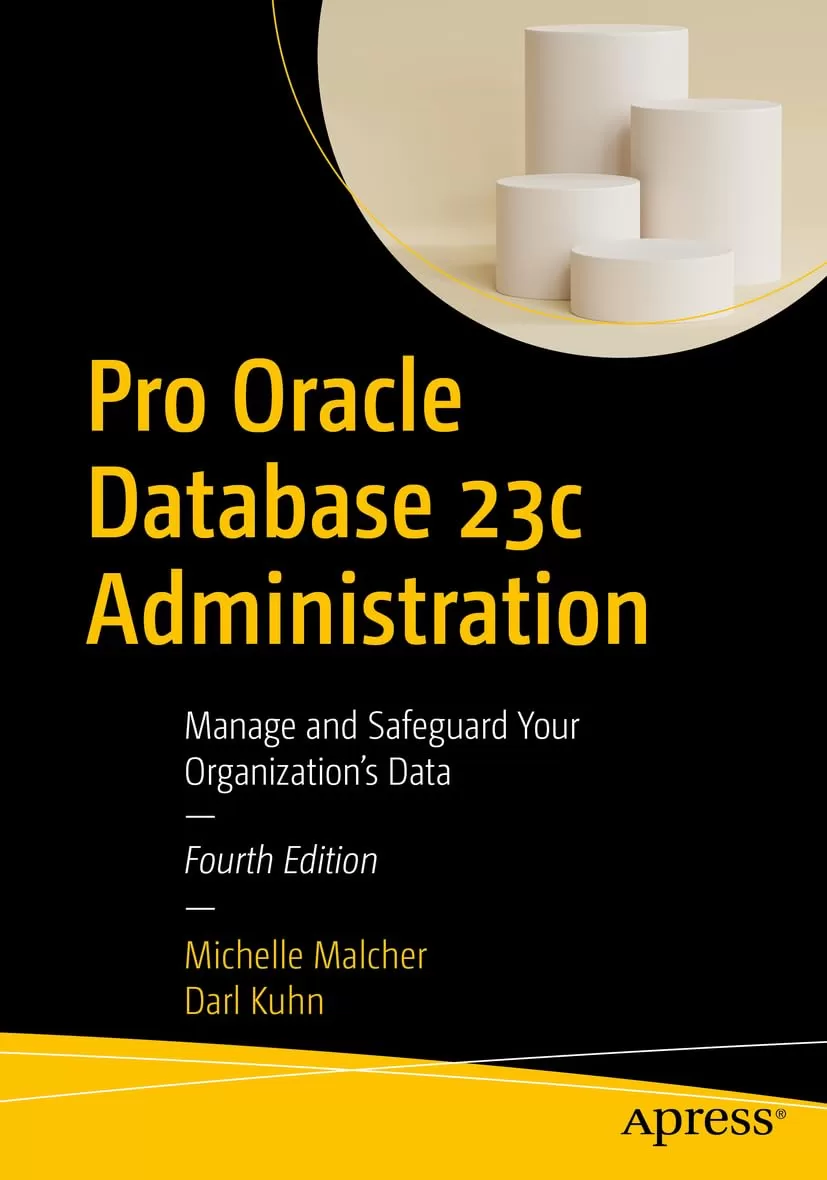
Pro Oracle Database 23c Administration: Manage and Safeguard Your Organization’s Data. 4 Ed
Оглавление⌄
Table of Contents....4 About the Authors....63 About the Technical Reviewer....64 Acknowledgments....65 Introduction....65 Chapter 1: Installing the Oracle Binaries....67 Understanding the OFA....68 Oracle Inventory Directory....71 Oracle Base Directory....72 Oracle Home and Grid Directories....72 Oracle Network Files Directory....73 Fast Recovery Area Directory....73 Installing Oracle....74 Step 1: Create the OS Groups and Users....76 Step 2: Ensure That the OS Is Adequately Configured....80 Step 3: Obtain the Oracle Installation Software....83 Step 4: Unzip the Files....83 Installing Remotely with the Graphical Installer....83 Step 5: Run the Installer for Grid....84 Step 6: Run the Installer for Database....90 Step 7: Save the Response File for Additional Installations....92 Step 8: Troubleshoot Any Issues....93 Step 9: Apply Any Additional Patches....93 Installing in the Cloud....94 Chapter 2: Creating a Database....97 Using the Database Configuration Assistant....99 Setting OS Variables....104 Understanding oratab....105 Using oraenv....106 Taking Another Approach to oraenv....107 Creating a Database....110 Creating a Database Using a SQL Statement....112 Database vs. Instance....118 Stopping and Starting the Database....119 Understanding OS Authentication....119 Starting the Database....120 Stopping the Database....123 Configuring the Listener....125 Using the Net Configuration Assistant....126 Connecting to a Database Through the Network....127 Creating a Password File....128 How Many Database Instances on One Server?....130 Understanding Oracle Architecture....132 Dropping a Database....135 Exercising Caution....136 Creating the Database in the Cloud....138 Autonomous Shared/Serverless....139 Autonomous Dedicated....140 Summary....141 Chapter 3: Configuring an Efficient Environment....141 Customizing Your OS Command Prompt....142 Customizing Your SQL Prompt....145 Creating Shortcuts for Frequently Used Commands....146 Using Aliases....146 Locating the Alert Log....147 Using a Function....148 Rerunning Commands Quickly....150 Scrolling with the Up and Down Arrow Keys....150 Using Ctrl+P and Ctrl+N....151 Listing the Command History....151 Searching in Reverse....152 Setting the Command Editor....152 Developing Standard Scripts....153 dba_setup....154 conn.bsh....155 filesp.bsh....156 top.sql....159 lock.sql....160 users.sql....164 Organizing Scripts....165 Step 1: Create Directories....165 Step 2: Copy Files to Directories....166 Step 3: Configure the Startup File....166 Automating Scripts....167 Chapter 4: Tablespaces and Data Files....169 Understanding the First Five....171 Need for More Tablespaces....172 Container Tablespaces....173 Creating Tablespaces....176 Creating a Bigfile Tablespace....178 Renaming a Tablespace....179 Changing the Write Mode....180 Dropping a Tablespace....181 Using Oracle Managed Files....182 Displaying the Tablespace Size....184 Displaying Oracle Error Messages and Actions....185 Altering Tablespace Size....186 Additional Data File Operations....187 Move SYSTEM and UNDO....188 Using ASM for Tablespaces....188 Chapter 5: Managing Control Files, Online Redo Logs, and Archivelogs....191 Managing Control Files....191 Displaying the Contents of a Control File....194 Viewing Names and Locations of Control Files....196 Adding a Control File....196 Moving a Control File....200 Removing a Control File....201 Online Redo Logs....202 Displaying Online Redo Log Information....205 Determining the Optimal Size of Redo Logs....207 Determining the Optimal Number of Redo Log Groups....208 Adding Online Redo Log Groups....211 Resizing and Dropping Online Redo Log Groups....211 Controlling the Generation of Redo....213 Implementing Archivelog Mode....214 Marking Architectural Decisions....215 Setting the Archive Redo File Locations....216 Using the FRA for Archive Log Files....218 Enabling Archivelog Mode....220 Disabling Archivelog Mode....220 Reacting to Lack of Disk Space for Archive Logs....221 Backing Up Archive Redo Log Files....223 Summary....224 Chapter 6: Users and Basic Security....224 Types of Users....224 Managing Default Users....227 Default Accounts as Schema-Only....228 SYS vs. SYSTEM....228 Passwords....229 Creating Users....231 Choosing a Username and Authentication Method....231 Creating a User with Database Authentication....232 Creating a User with OS Authentication....233 Configuring a Centrally Managed User....234 Common and Local Users....235 Understanding Schemas vs. Users....237 Schema-Only Accounts....238 Assigning Default Permanent and Temporary Tablespaces....239 Modifying Users....240 Dropping Users....241 Profiles....242 Limiting Database Resource Usage....243 Managing Privileges....245 Assigning Database System Privileges....245 Assigning Database Object Privileges....246 Grouping and Assigning Privileges....247 Schema Privileges....248 PL/SQL and Roles....249 Chapter 7: Tables and Constraints....251 Understanding Table Types....251 Understanding Data Types....255 Character....256 VARCHAR....256 CHAR....257 NVARCHAR2 and NCHAR....258 Numeric....258 JSON....260 Date/Time....261 INTERVAL....262 RAW....262 ROWID....263 LOB....263 Creating a Table....264 Creating a Heap-Organized Table....266 Table Recommendations....267 Implementing Virtual Columns....268 Implementing Invisible Columns....270 Creating Blockchain Tables....270 Making Read-Only Tables....271 Using an Identity Column....272 Default Parallel SQL Execution....274 Compressing Table Data....276 Avoiding Redo Creation....277 Creating a Table from a Query....279 Enabling DDL Logging....279 Modifying a Table....280 Obtaining the Needed Lock....280 Renaming a Table....282 Adding a Column....282 Altering a Column....282 Renaming a Column....282 Dropping a Column....282 Displaying Table DDL....284 Dropping a Table....286 Undropping a Table....287 Removing Data from a Table....288 Moving a Table....289 Oracle ROWID....291 Creating a Temporary Table Global Temporary Table....292 Temporary Table Redo....293 Private Temporary Tables....294 Creating an Index-Organized Table....295 Managing Constraints....296 Creating Primary Key Constraints....298 Enforcing Unique Key Values....299 Creating Foreign Key Constraints....301 Checking for Specific Data Conditions....303 Enforcing NOT NULL Conditions....304 Disabling Constraints....305 Enabling Constraints....308 Chapter 8: Indexes....312 Deciding When to Create an Index....314 Proactively Creating Indexes....314 Reactively Creating Indexes....316 Planning for Robustness....319 Determining Which Type of Index to Use....320 Estimating the Size of an Index Before Creation....322 Creating Indexes and Temporary Tablespace Space....324 Creating Separate Tablespaces for Indexes....324 Establishing Naming Standards....326 Creating Indexes....327 Creating B-tree Indexes....327 Viewing Index Metadata....330 Creating Concatenated Indexes....331 Creating Multiple Indexes on the Same Set of Columns....332 Implementing Function-Based Indexes....333 Creating Unique Indexes....334 Implementing Bitmap Indexes....336 Creating Bitmap Join Indexes....337 Implementing Reverse-Key Indexes....338 Creating Key-Compressed Indexes....339 Parallelizing Index Creation....340 Avoiding Redo Generation When Creating an Index....341 Implementing Invisible Indexes....343 Making an Existing Index Invisible....343 Guaranteeing Application Behavior Is Unchanged When You Add an Index....344 Maintaining Indexes....345 Renaming an Index....346 Displaying Code to Re-create an Index....346 Rebuilding an Index....347 Making Indexes Unusable....348 Dropping an Index....349 Indexing Foreign Key Columns....349 Implementing an Index on a Foreign Key Column....350 Determining Whether Foreign Key Columns Are Indexed....351 Table Locks and Foreign Keys....354 Chapter 9: Views, Duality Views, and Materialized Views....356 Implementing Views....357 Creating a View....357 Updatable Join Views....359 Modifying and Dropping a View....362 JSON Relational Duality Views....363 Materialized Views....376 MV Terminology....376 Creating Basic Materialized Views....380 Going Beyond the Basics....385 Creating an Unpopulated MV....385 Creating an MV Refreshed on Commit....386 Creating a Never Refreshable MV....387 Creating MVs for Query Rewrite....388 Creating a Fast Refreshable MV Based on a Complex Query....389 Real-Time Materialized Views....394 Oracle Views....395 Chapter 10: Data Dictionary Fundamentals....395 Data Dictionary Architecture....396 Static Views....396 Dynamic Performance Views....399 A Different View of Metadata....401 A Few Creative Uses of the Data Dictionary....404 Derivable Documentation....404 Displaying User Information....407 Determining Your Environment’s Details....409 Displaying Table Row Counts....410 Showing Primary Key and Foreign Key Relationships....412 Displaying Object Dependencies....414 The Dual Table....418 Chapter 11: Large Objects....419 Describing LOB Types....419 Illustrating LOBs, Locators, Indexes, and Chunks....421 SecureFiles....423 Creating a Table with a LOB Column....425 Implementing a Partitioned LOB....426 Maintaining LOB Columns....430 Moving a LOB Column....430 Adding a LOB Column....431 Removing a LOB Column....431 Caching LOBs....432 Storing LOBs In and Out of a Row....432 Viewing LOB Metadata....434 Loading LOBs....435 Loading a CLOB....435 Reading BFILEs....439 Chapter 12: Containers and Pluggables....439 Paradigm Shift....445 Administrating the Root Container (CDB)....446 Connecting to the Root Container....447 Network Connections....447 Displaying Currently Connected Container Information....448 Starting/Stopping the Root Container....449 Create Common Users....450 Creating Common Roles....452 Creating Local Users and Roles....452 Switching Containers....453 PDB Open Modes....453 Open Order for PDBs....455 Starting/Stopping a PDB....455 Creating a Pluggable Database Within a CDB....456 Cloning the Seed Database....457 Cloning an Existing PDB....457 Local....458 Remote....458 Refreshable Clone....459 Cloning from a Non-CDB Database....459 Unplugging a PDB from a CDB....461 Plugging an Unplugged PDB into a CDB....462 Relocating a PDB....463 Checking the Status of Pluggable Databases....464 Administrating Pluggable Databases....465 Connecting to a PDB....465 Managing a Listener in a PDB Environment....466 Modifying Initialization Parameters Specific to a PDB....467 Renaming a PDB....468 Limiting the Amount of Space Consumed by PDB....469 Restricting Changes to SYSTEM at PDB....469 Viewing PDB History....470 Dropping a PDB....471 Chapter 13: RMAN Backups and Reporting....473 Understanding RMAN....474 Types of Backups with RMAN....478 Starting RMAN....479 RMAN Architectural Decisions....481 Run RMAN Remotely or Locally....482 Specify the Backup User....482 Use Online Backups....483 Set the Archivelog Destination and File Format....483 Configure Channel Format....483 Set the Autobackup of the Control File....484 Back Up Archivelogs....485 Determine the Location for the Snapshot Control File....486 Use a Recovery Catalog....486 Configure RMAN’s Backup Retention Policy....487 Delete Backups, Based on Retention Policy....487 Use Backup Sets or Image Copies....488 Use Incremental Backups....489 Use Block Change Tracking....489 Configure Informational Output....490 Put It Together in a Script....490 Check for Corruption....492 Using VALIDATE....493 Using BACKUP … VALIDATE....494 Using RESTORE … VALIDATE....494 Using a Recovery Catalog....495 Creating a Recovery Catalog....495 Registering a Target Database....497 Backing Up the Recovery Catalog....498 Synchronizing the Recovery Catalog....498 Recovery Catalog Versions....499 Dropping a Recovery Catalog....499 Querying for Output in the Data Dictionary....500 RMAN Reporting....500 Using LIST....502 Using REPORT....503 Using SQL....503 Chapter 14: RMAN Restore and Recovery....510 Determining Whether Media Recovery Is Required....511 Determining What to Restore....513 How the Process Works....513 Using Data Recovery Advisor....515 Listing Failures....515 Suggesting Corrective Action....516 Repairing Failures....518 Changing the Status of a Failure....519 Complete Recovery....519 Previewing Backups Used for Recovery....519 Validating Backup Files Before Restoring....522 Testing Media Recovery....522 Restoring and Recovering the Entire Database....523 Using the Backup Control File....524 Restoring and Recovering Tablespaces....525 Restoring Tablespaces While the Database Is Open....525 Restoring Tablespaces While the Database Is in Mount Mode....525 Restoring Read-Only Tablespaces....526 Restoring Temporary Tablespaces....526 Restoring and Recovering Data Files....527 Restoring and Recovering Data Files While the Database Is Open....527 Restoring and Recovering Data Files While the Database Is Not Open....528 Restoring Data Files to Nondefault Locations....529 Performing Block-Level Recovery....530 Restoring a Container Database and Its Pluggable Databases....532 Restoring and Recovering Root Container Data Files....532 Restoring and Recovering a Pluggable Database....533 Restoring Archivelog Files....534 Restoring to the Default Location....535 Restoring to a Nondefault Location....535 Restoring a Control File....536 Using an Autobackup....537 Specifying a Backup Filename....538 Restoring the Spfile....538 Incomplete Recovery....540 Determining the Type of Incomplete Recovery....543 Performing Time-Based Recovery....544 Performing Log Sequence–Based Recovery....545 Performing SCN-Based Recovery....545 Restoring to a Restore Point....546 Restoring Tables to a Previous Point....547 Flashback....548 Flashing Back a Table....548 FLASHBACK TABLE TO BEFORE DROP....550 Flashing Back a Table to a Previous Point in Time....550 FLASHBACK TABLE TO SCN....551 FLASHBACK TABLE TO TIMESTAMP....551 FLASHBACK TABLE TO RESTORE POINT....552 FLASHBACK DATABASE....552 Restoring and Recovering to a Different Server....554 Chapter 15: External Tables....557 SQL*Loader vs. External Tables....558 External Table Types....560 Creating External Tables....560 Loading CSV Files into the Database....561 Create a Directory Object and Granting Access....562 Create Table....562 Generating SQL to Create an External Table....564 Viewing External Table Metadata....567 Loading a Regular Table from the External Table....568 External Tables with Oracle Cloud Database....570 DBMS_CLOUD Create Table....570 Inline SQL from External Table....571 Unloading and Loading Data Using an External Table....572 Oracle Data Pump....574 Data Pump Architecture....575 Taking an Export....576 Import a Table....577 Use a Parameter File....578 Export and Import an Entire Database....580 Schema Level....580 Table Level....580 Tablespace Level....582 Export Tablespace Metadata....582 Specifying a Query....583 Exclude Objects from Export or Import....584 List Contents of Dump Files....585 Monitoring Data Pump Jobs....586 Chapter 16: Automation and Troubleshooting....587 Automating Jobs with Oracle Scheduler....588 Creating and Scheduling a Job....589 Viewing Job Details....590 Modifying Job Logging History....591 Modifying a Job....591 Stopping a Job....592 Disabling a Job....592 Enabling a Job....592 Copying a Job....593 Running a Job Manually....593 Deleting a Job....594 Examples of Automated DBA Jobs....594 Starting and Stopping the Database and Listener....596 Checking for Archivelog Destination Fullness....597 Checking for Locked Production Accounts....600 Checking for Too Many Processes....601 Verifying the Integrity of RMAN Backups....603 Autonomous Database....605 Database Troubleshooting....607 Quickly Triaging....607 Checking Database Availability....608 Locating the Alert Log and Trace Files....610 Inspecting the Alert Log....611 Viewing the Alert Log via OS Tools....611 Identifying Bottlenecks via OS Utilities....612 Identifying System Bottlenecks....613 Using vmstat....614 Using top....615 Mapping an Operating System Process to a SQL Statement....615 Finding Resource-Intensive SQL Statements....617 SQL Plan Management....618 Running Oracle Diagnostic Utilities....620 Using AWR....623 Using ADDM....623 Using ASH....625 Using Statspack....625 Detecting and Resolving Locking Issues....626 Resolving Open-Cursor Issues....628 Troubleshooting Undo Tablespace Issues....629 Determining Whether the Undo Is Correctly Sized....630 Handling Temporary Tablespace Issues....631 Determining Whether Temporary Tablespace Is Sized Correctly....632 Chapter 17: Migration to Multitenant and Fleet Management....633 Migration to Multitenant....634 Plug-In Method....636 No-Copy or Copy Options....638 Fleet Management....640 Oracle Fleet Patching and Provisioning....640 Types of Patching....641 FPP Steps....641 User Groups....644 Methods of Patching....644 Fleet Management with Autonomous....645 Provisioning....645 Policies....646 Network....647 Exadata Infrastructure....648 Monitoring....654 Chapter 18: Data Management....655 Models....655 JSON....657 Graph....660 Machine Learning....661 Data Studio....667 DBMS_CLOUD....668 REST and ORDS....671 Data Sharing....675 Index....678
Описание
Коротко и по делу о том, что важно знать про data.
This new edition covers the tasks you’ll need to perform to keep your databases stable, tuned, and running. Master Oracle Database administration in both on-premises and cloud environments. The book also includes administrative tasks specific to cloud environments, including the Oracle Autonomous Database running in the Oracle Cloud Infrastructure. The book covers some of the machine learning features now in Oracle and shows how the same SQL that you know for database administration also helps you with data management tasks. New in this edition is help for DBAs who are becoming involved in data management, and a look at the idea of a converged database and what that means in handling various data types and workloads. The information in this book helps you to apply the right solution at the right time, mitigating risk and making robust choices that protect your data and avoid midnight phone calls.
This book addresses this fast-growing new role for database administrators and helps you build on your existing knowledge to make the transition into a new skill set that is in high demand. Data management is increasingly a DBA function, and DBAs are often called upon for help in getting data loaded into analytics environments such as a data lakehouse or a data mesh. You’ll learn how to look at data optimization from the standpoint of data analysis and machine learning so that you can be seen as a key player in preparing your organization’s data for those type of activities. You’ll become familiar with the tools that Oracle Database provides to make analytics easier and more straightforward. You’ll know how to pull back information from a combination of relational tables and JSON structures. And you’ll learn simpler ways to manage time-based tables that eliminate the need for painfully creating triggers to track the history of row changes over time.
This book builds your skills as an Oracle Database administrator with the aim of helping you to be seen as a key player in data management as your organization pivots toward cloud computing and a greater use of machine learning and analytics technologies.
For any DBA who is tasked with managing Oracle databases in cloud, hybrid cloud, and multi-cloud configurations. What You'll LearnConfigure and manage Oracle 23c databases both on-premises and in the cloudMeet your DBA responsibilities in the Oracle Cloud and with Database Cloud ServicesPerform administrative tasks for Autonomous Database dedicated environmentsPerform DBA tasks and effectively use data management toolsMigrate from on-premises to the Oracle Cloud InfrastructureTroubleshoot issues with Oracle 23c databases and quickly solve performance problemsArchitect cloud, on-premises, hybrid, and multi-cloud database environmentsWho This Book Is ForOracle database administrators (DBAs) who want to be current with the new features in Oracle Database 23c. Also helpful for data architects who are designing analytic solutions in data lakehouse and data mesh environments.
На этом основные моменты по теме закрыты.
Поделиться
Частые вопросы
Можно ли скачать «Pro Oracle Database 23c Administration: Manage and Safeguard Your Organization’s Data. 4 Ed» бесплатно?
Да, «Pro Oracle Database 23c Administration: Manage and Safeguard Your Organization’s Data. 4 Ed» доступна для бесплатного скачивания на нашем сайте в формате PDF. Ссылка на файл находится на этой странице.
В каком формате и какого размера файл?
Книга предоставляется в формате PDF, размер файла 4,3 МБ.
Кто автор и когда вышла книга?
автор — Kuhn Darl , Malcher Michelle, издательство Apress Media, LLC., год выпуска 2024, 716 страниц.
О чём книга «Pro Oracle Database 23c Administration: Manage and Safeguard Your Organization’s Data. 4 Ed»?
Master Oracle Database administration in both on-premises and cloud environments.
Похожие материалы
 Pro T-SQL 2022: Toward Speed, Scalability, and Standardization for SQL Server Developers. 2 Ed
 Pro Encryption in SQL Server 2022: Provide the Highest Level of Protection for Your Data
 PostgreSQL Query Optimization: The Ultimate Guide to Building Efficient Queries
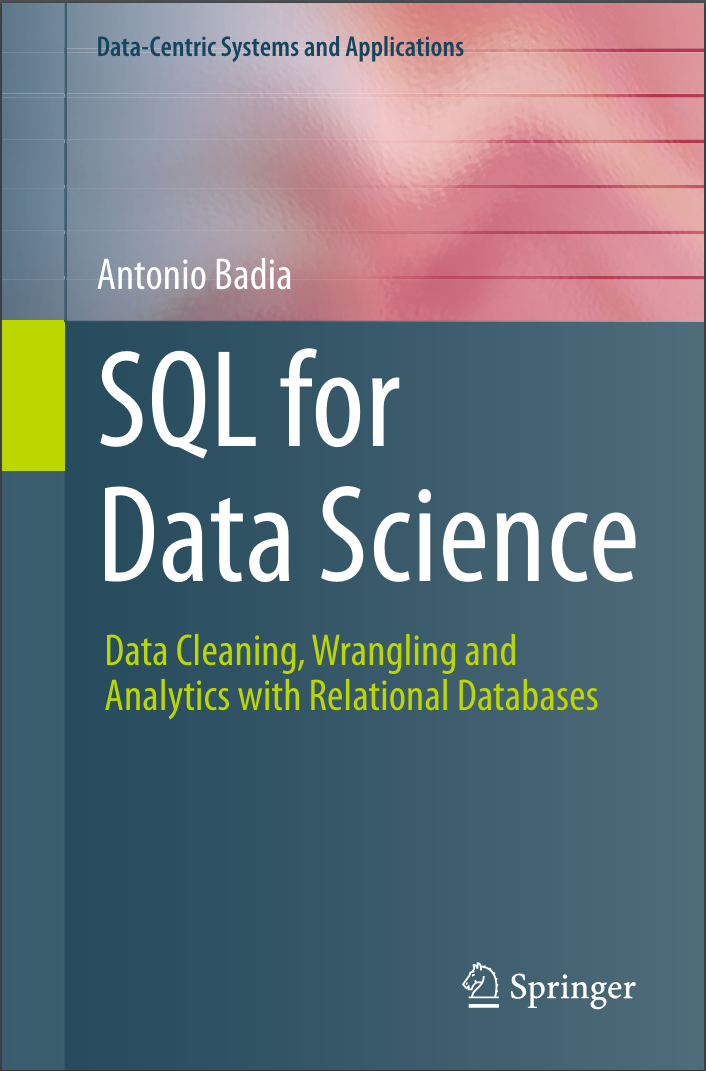 SQL for Data Science: Data Cleaning, Wrangling and Analytics with Relational Databases
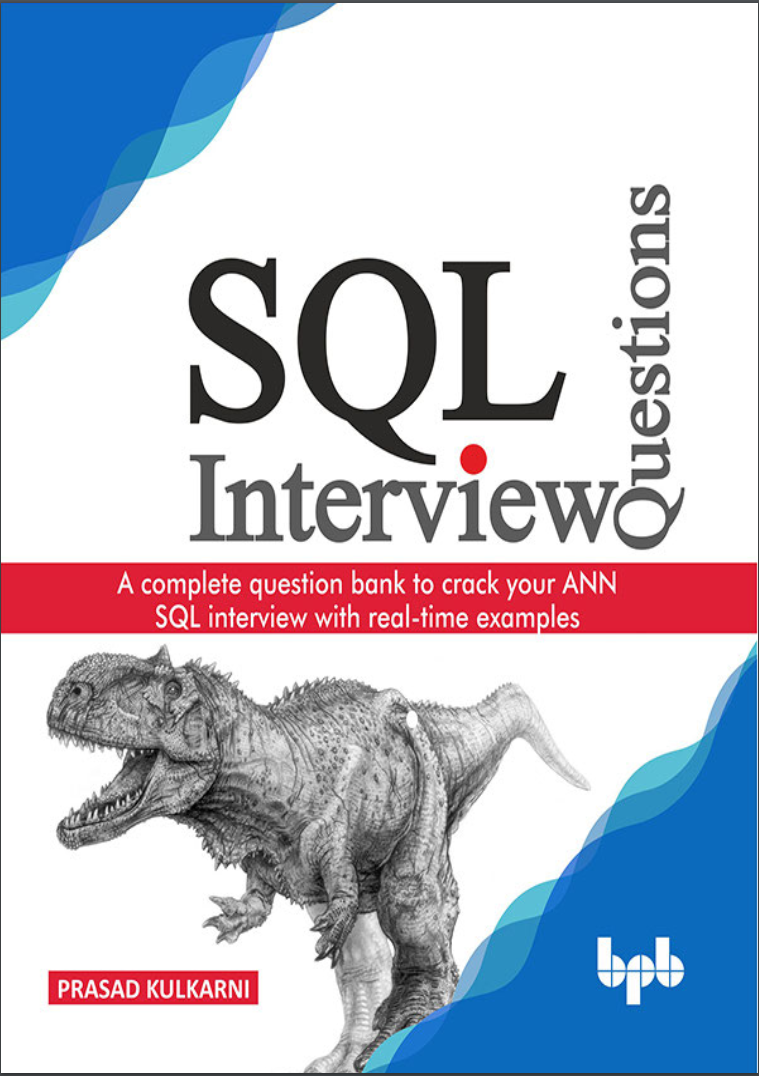 SQL Interview Questions: A complete question bank to crack your ANN SQL interview with real-time examples
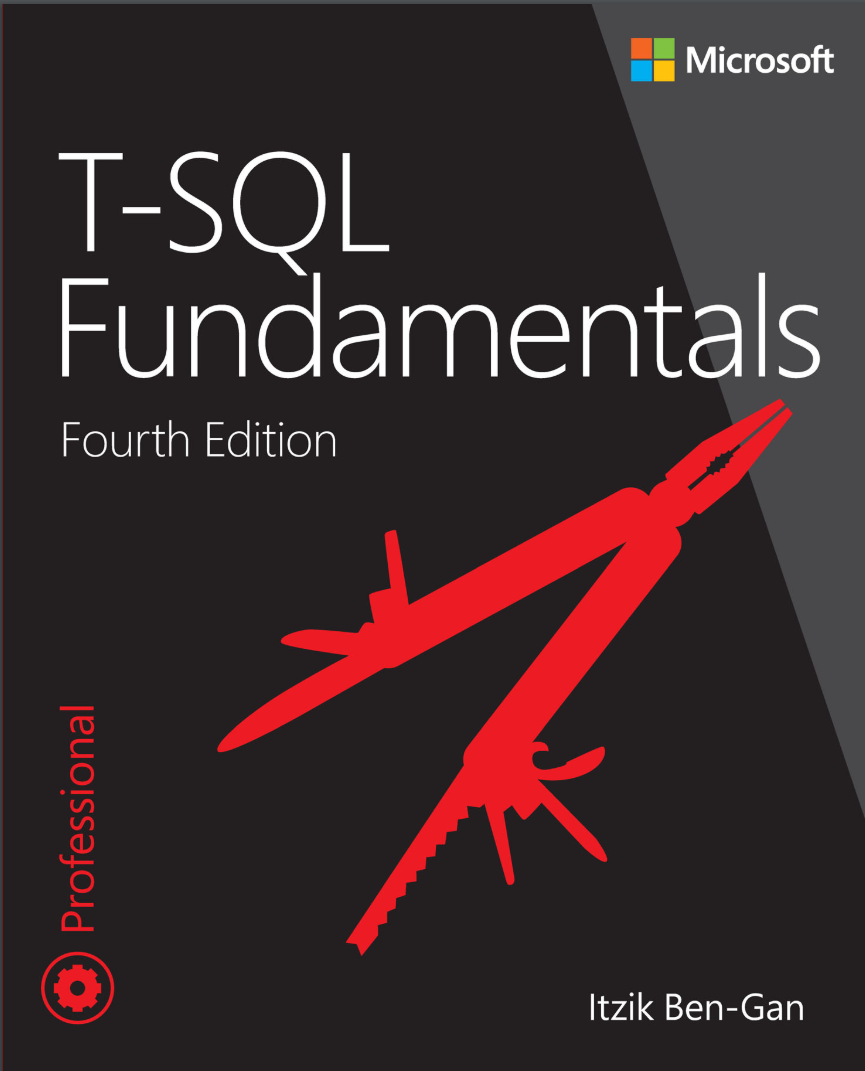 T-SQL Fundamentals. 4Ed
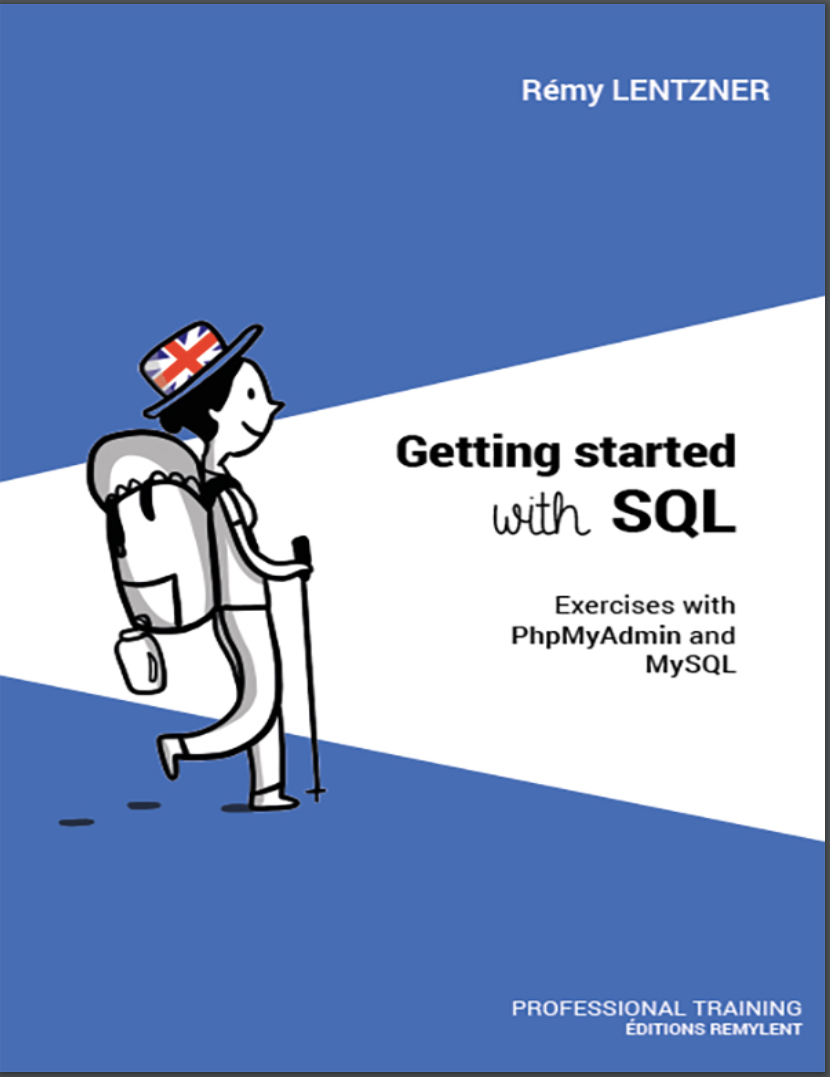 GETTING STARTED WITH SQL. Exercises with PhpMyAdmin and MySQL
 A Comprehensive Study of SQL: Practice and Implementation