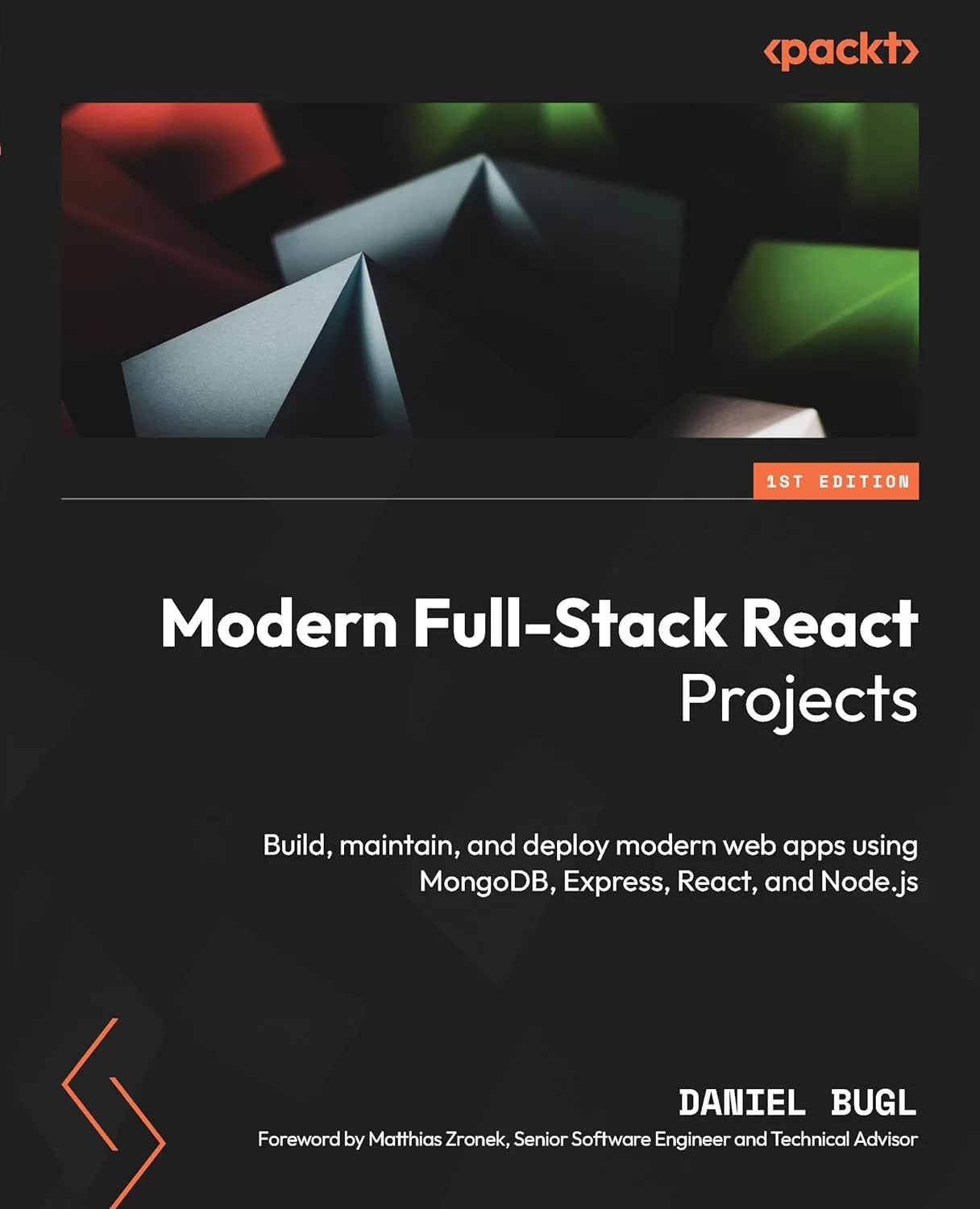
Modern Full-Stack React Projects: Build, maintain, and deploy modern web apps using MongoDB, Express, React, and Node.js
Оглавление⌄
Cover....1 Title Page....2 Copyright and Credits....3 Dedication....4 Contributors....5 Foreword....7 Table of Contents....8 Preface....18 Part 1: Getting Started with Full-Stack Development....26 Chapter 1: Preparing for Full-Stack Development....28 Technical requirements....28 Motivation to become a full-stack developer....29 What is new in this release of Full-Stack React Projects?....29 Getting the most out of this book....29 Setting up the development environment....30 Installing VS Code and extensions....30 Setting up a project with Vite....33 Setting up ESLint and Prettier to enforce best practices and code style....36 Setting up Husky to make sure we commit proper code....41 Summary....45 Chapter 2 Getting to Know Node.js and MongoDB....46 Technical requirements....46 Writing and running scripts with Node.js....47 Similarities and differences between JavaScript in the browser and in Node.js....47 Creating our first Node.js script....48 Handling files in Node.js....49 Concurrency with JavaScript in the browser and Node.js....50 Creating our first web server....53 Extending the web server to serve our JSON file....54 Introducing Docker, a platform for containers....55 The Docker platform....56 Installing Docker....57 Creating a container....57 Accessing Docker via VS Code....59 Introducing MongoDB, a document database....59 Setting up a MongoDB server....62 Running commands directly on the database....63 Accessing the database via VS Code....67 Accessing the MongoDB database via Node.js....70 Summary....72 Part 2: Building and Deploying Our First Full-Stack Application with a REST API....74 Chapter 3: Implementing a Backend Using Express, Mongoose ODM, and Jest....76 Technical requirements....76 Designing a backend service....77 Creating the folder structure for our backend service....78 Creating database schemas using Mongoose....80 Defining a model for blog posts....81 Using the blog post model....82 Defining creation and last update dates in the blog post....84 Developing and testing service functions....85 Setting up the test environment....85 Writing our first service function: createPost....88 Defining test cases for the createPost service function....89 Defining a function to list posts....91 Defining test cases for list posts....92 Defining the get single post, update and delete post functions....96 Using the Jest VS Code extension....99 Providing a REST API using Express....100 Defining our API routes....102 Setting up Express....102 Using dotenv for setting environment variables....104 Using nodemon for easier development....106 Creating our API routes with Express....108 Summary....115 Chapter 4: Integrating a Frontend Using React and TanStack Query....116 Technical requirements....116 Principles of React....117 Setting up a full-stack React project....118 Creating the user interface for our application....119 Component structure....120 Implementing static React components....122 Integrating the backend service using TanStack Query....131 Setting up TanStack Query for React....132 Fetching blog posts....133 Implementing filters and sorting....135 Creating new posts....139 Summary....143 Chapter 5: Deploying the Application with Docker and CI/CD....144 Technical requirements....144 Creating Docker images....145 Creating the backend Dockerfile....145 Creating a .dockerignore file....147 Building the Docker image....147 Creating and running a container from our image....148 Creating the frontend Dockerfile....149 Creating the .dockerignore file for the frontend....151 Building the frontend Docker image....151 Creating and running the frontend container....152 Managing multiple images using Docker Compose....152 Cleaning up unused containers....154 Deploying our full-stack application to the cloud....155 Creating a MongoDB Atlas database....155 Creating an account on Google Cloud....156 Deploying our Docker images to a Docker registry....157 Deploying the backend Docker image to Cloud Run....159 Deploying the frontend Docker image to Cloud Run....160 Configuring CI to automate testing....161 Adding CI for the frontend....162 Adding CI for the backend....163 Configuring CD to automate the deployment....166 Getting Docker Hub credentials....166 Getting Google Cloud credentials....166 Defining the deployment workflow....167 Summary....171 Part 3: Practicing Development of Full-Stack Web Applications....172 Chapter 6: Adding Authentication with JWT....174 Technical requirements....174 What is JWT?....175 JWT header....175 JWT payload....176 JWT signature....177 Creating a JWT....177 Using JWT....178 Storing JWT....180 Implementing login, signup, and authenticated routes in the backend using JWTs....180 Creating the user model....180 Creating the signup service....181 Creating the signup route....182 Creating the login service....183 Creating the login route....185 Defining authenticated routes....187 Accessing the currently logged-in user....189 Integrating login and signup in the frontend using React Router and JWT....191 Using React Router to implement multiple routes....191 Creating the signup page....193 Linking to other routes using the Link component....195 Creating the login page and storing the JWT....197 Using the stored JWT and implementing a simple logout....199 Fetching the usernames....200 Sending the JWT header when creating posts....203 Advanced token handling....205 Summary....206 Chapter 7: Improving the Load Time Using Server-Side Rendering....208 Technical requirements....208 Benchmarking the load time of our application....209 Rendering React components on the server....216 Setting up the server....218 Defining the server-side entry point....221 Defining the client-side entry point....221 Updating index.html and package.json....222 Making React Router work with server-side rendering....223 Server-side data fetching....229 Using initial data....229 Using hydration....230 Advanced server-side rendering....234 Summary....237 Chapter 8: Making Sure Customers Find You with Search Engine Optimization....238 Technical requirements....238 Optimizing an application for search engines....239 Creating a robots.txt file....240 Creating separate pages for posts....241 Creating meaningful URLs (slugs)....246 Adding dynamic titles....247 Adding other meta tags....248 Creating a sitemap....251 Improving social media embeds....254 Open Graph meta tags....254 Using the OG article meta tags....255 Summary....257 Chapter 9: Implementing End-to-End Tests Using Playwright....258 Technical requirements....258 Setting up Playwright for end-to-end testing....259 Installing Playwright....259 Preparing the backend for end-to-end testing....260 Writing and running end-to-end tests....262 Using the VS Code extension....263 Reusable test setups using fixtures....269 Overview of built-in fixtures....270 Writing our own fixture....270 Using custom fixtures....272 Viewing test reports and running in CI....273 Viewing an HTML report....273 Running Playwright tests in CI....275 Summary....276 Chapter 10: Aggregating and Visualizing Statistics Using MongoDB and Victory....278 Technical requirements....279 Collecting and simulating events....279 Creating the event model....279 Defining a service function and route to track events....280 Collecting events on the frontend....282 Simulating events....283 Aggregating data with MongoDB....287 Getting the total number of views per post....287 Getting the number of daily views per post....289 Calculating the average session duration....291 Implementing data aggregation in the backend....293 Defining aggregation service functions....293 Defining the routes....296 Integrating and visualizing data on the frontend using Victory....297 Integrating the aggregation API....298 Visualizing data using Victory....300 Summary....304 Chapter 11: Building a Backend with a GraphQL API....306 Technical requirements....306 What is GraphQL?....307 Mutations....309 Implementing a GraphQL API in a backend....310 Implementing fields that query posts....312 Defining the Post type....314 Defining the User type....315 Trying out deeply nested queries....316 Implementing input types....319 Implementing GraphQL authentication and mutations....321 Adding authentication to GraphQL....321 Implementing mutations....322 Using mutations....324 Overview of advanced GraphQL concepts....326 Fragments....327 Introspection....328 Summary....328 Chapter 12: Interfacing with GraphQL on the Frontend Using Apollo Client....330 Technical requirements....330 Setting up Apollo Client and making our first query....331 Querying posts from the frontend using GraphQL....332 Resolving author usernames in a single query....335 Using variables in GraphQL queries....337 Using fragments to reuse parts of queries....337 Using mutations on the frontend....339 Migrating login to GraphQL....341 Migrating create post to GraphQL....342 Summary....345 Part 4: Exploring an Event-Based Full-Stack Architecture....346 Chapter 13: Building an Event-Based Backend Using Express and Socket.IO....348 Technical requirements....348 What are event-based applications?....349 What are WebSockets?....350 What is Socket.IO?....351 Connecting to Socket.IO....351 Emitting and receiving events....352 Setting up Socket.IO....353 Setting up a simple Socket.IO client....354 Creating a backend for a chat app using Socket.IO....356 Emitting events to send chat messages from the client to the server....356 Broadcasting chat messages from the server to all clients....357 Joining rooms to send messages in....358 Using acknowledgments to get information about a user....359 Adding authentication by integrating JWT with Socket.IO....361 Summary....365 Chapter 14: Creating a Frontend to Consume and Send Events....366 Technical requirements....366 Integrating the Socket.IO client with React....367 Cleaning up the project....367 Creating a Socket.IO context....368 Hooking up the context and displaying the status....371 Disconnecting socket on logout....375 Implementing chat functionality....375 Implementing the chat components....376 Implementing a useChat hook....377 Implementing the ChatRoom component....379 Implementing chat commands with acknowledgments....381 Summary....383 Chapter 15: Adding Persistence to Socket.IO Using MongoDB....384 Technical requirements....384 Storing and replaying messages using MongoDB....385 Creating the Mongoose schema....385 Creating the service functions....386 Storing and replaying messages....386 Visually distinguishing replayed messages....388 Refactoring the app to be more extensible....390 Defining service functions....390 Refactoring the Socket.IO server to use the service functions....392 Refactoring the client-side code....393 Implementing commands to join and switch rooms....395 Summary....398 Part 5: Advancing to Enterprise-Ready Full-Stack Applications....400 Chapter 16: Getting Started with Next.js....402 Technical requirements....403 What is Next.js?....403 Setting up Next.js....404 Introducing the App Router....407 Defining the folder structure....409 Creating static components and pages....411 Defining components....411 Defining pages....415 Adding links between pages....417 Summary....420 Chapter 17: Introducing React Server Components....422 Technical requirements....422 What are RSCs?....423 Adding a data layer to our Next.js app....427 Setting up the database connection....428 Creating the database models....429 Defining data layer functions....430 Using RSCs to fetch data from the database....434 Fetching a list of posts....434 Fetching a single post....435 Using Server Actions to sign up, log in, and create new posts....437 Implementing the signup page....438 Implementing the login page and JWT handling....441 Checking if the user is logged in....443 Implementing logout....444 Implementing post creation....446 Summary....447 Chapter 18: Advanced Next.js Concepts and Optimizations....448 Technical requirements....448 Defining API routes in Next.js....449 Creating an API route for listing blog posts....449 Caching in Next.js....451 Exploring static rendering in API routes....453 Making the route dynamic....455 Caching functions in the data layer....455 Revalidating the cache via Server Actions....458 Revalidating the cache via a Webhook....459 Revalidating the cache periodically....460 Opting out of caching....461 SEO with Next.js....461 Adding dynamic titles and meta tags....461 Creating a robots.txt file....462 Creating meaningful URLs (slugs)....463 Creating a sitemap....464 Optimized image and font loading in Next.js....465 The Font component....465 The Image component....467 Summary....469 Chapter 19: Deploying a Next.js App....470 Technical requirements....470 Deploying a Next.js app with Vercel....471 Setting environment variables in Vercel....472 Creating a custom deployment setup for Next.js apps....476 Summary....479 Chapter 20: Diving Deeper into Full-Stack Development....480 Overview of other full-stack frameworks....480 Next.js....481 Remix....481 Gatsby....482 Overview of UI libraries....482 Material UI (MUI)....483 Tailwind CSS....483 React Aria....483 NextUI....483 Overview of advanced state management solutions....484 Recoil....484 Jotai....484 Redux....484 MobX....484 xstate....485 Zustand....485 Pointers on maintaining large-scale projects....485 Using TypeScript....485 Setting up a Monorepo....485 Optimizing the bundle size....486 Summary....486 Index....488 Other Books You May Enjoy....501
Описание
Ниже — практический обзор по теме «stack».
Understanding full-stack development is vital as companies aim to bridge the gap between frontend and backend development. Recent trends show deeper integration between the two, opening numerous possibilities for building real-world web applications, through server-side technologies like Node.js, Express, and MongoDB.
Starting with how to set up robust projects that can be maintained for a long time, you'll then progress toward developing a backend system and integrating it with the frontend. Written by the author of Learning Redux and Learn React Hooks, and CEO of TouchLay, Modern Full-Stack React Projects will guide you through the entire process of advancing from a frontend developer to a full-stack developer. Throughout the book, you'll learn how to build, test, and deploy a blog application and a chat application. Once you get to grips with the essential concepts, you'll progress to learn how to use Next.js, an enterprise-grade full-stack web framework for React. You'll also explore MongoDB, Express, React, Node.js (MERN) stack, best practices for frontend and backend development, different full-stack architectures, unit and end-to-end testing, and deployment of full-stack web applications.
By the end, you'll be well-versed in the MERN stack and all set to create performant and scalable full-stack web applications.
What you will learnImplement a backend using Express and MongoDB, and unit-test it with JestDeploy full-stack web apps using Docker, set up CI/CD and end-to-end tests using PlaywrightAdd authentication using JSON Web Tokens (JWT)Create a GraphQL backend and integrate it with a frontend using Apollo ClientBuild a chat app based on event-driven architecture using Socket.IOFacilitate Search Engine Optimization (SEO) and implement server-side renderingUse Next.js, an enterprise-ready full-stack framework, with React Server Components and Server ActionsWho this book is forThis book is for frontend developers, JavaScript engineers, and React developers who possess a solid understanding of JavaScript and React concepts. Specifically designed for those with limited experience in the development, creation, integration, and deployment of backend and full-stack systems, this book will equip you with the necessary skills to create high-quality web applications.
На этом основные моменты по теме закрыты.
Поделиться
Частые вопросы
Можно ли скачать «Modern Full-Stack React Projects: Build, maintain, and deploy modern web apps using MongoDB, Express, React, and Node.js» бесплатно?
Да, «Modern Full-Stack React Projects: Build, maintain, and deploy modern web apps using MongoDB, Express, React, and Node.js» доступна для бесплатного скачивания на нашем сайте в формате PDF. Ссылка на файл находится на этой странице.
В каком формате и какого размера файл?
Книга предоставляется в формате PDF, размер файла 4,5 МБ.
Кто автор и когда вышла книга?
автор — Bugl Daniel, издательство Apress Media, LLC., год выпуска 2024, 506 страниц.
О чём книга «Modern Full-Stack React Projects: Build, maintain, and deploy modern web apps using MongoDB, Express, React, and Node.js»?
Understanding full-stack development is vital as companies aim to bridge the gap between frontend and backend development.
Похожие материалы
 Pro T-SQL 2022: Toward Speed, Scalability, and Standardization for SQL Server Developers. 2 Ed
 Pro Encryption in SQL Server 2022: Provide the Highest Level of Protection for Your Data
 PostgreSQL Query Optimization: The Ultimate Guide to Building Efficient Queries
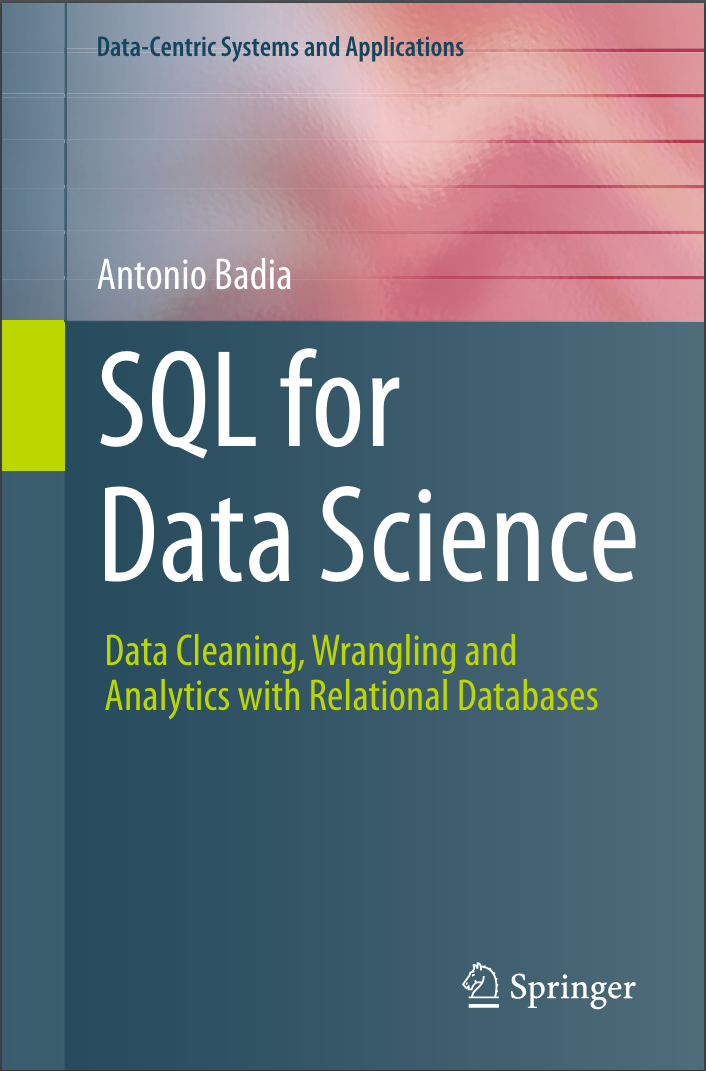 SQL for Data Science: Data Cleaning, Wrangling and Analytics with Relational Databases
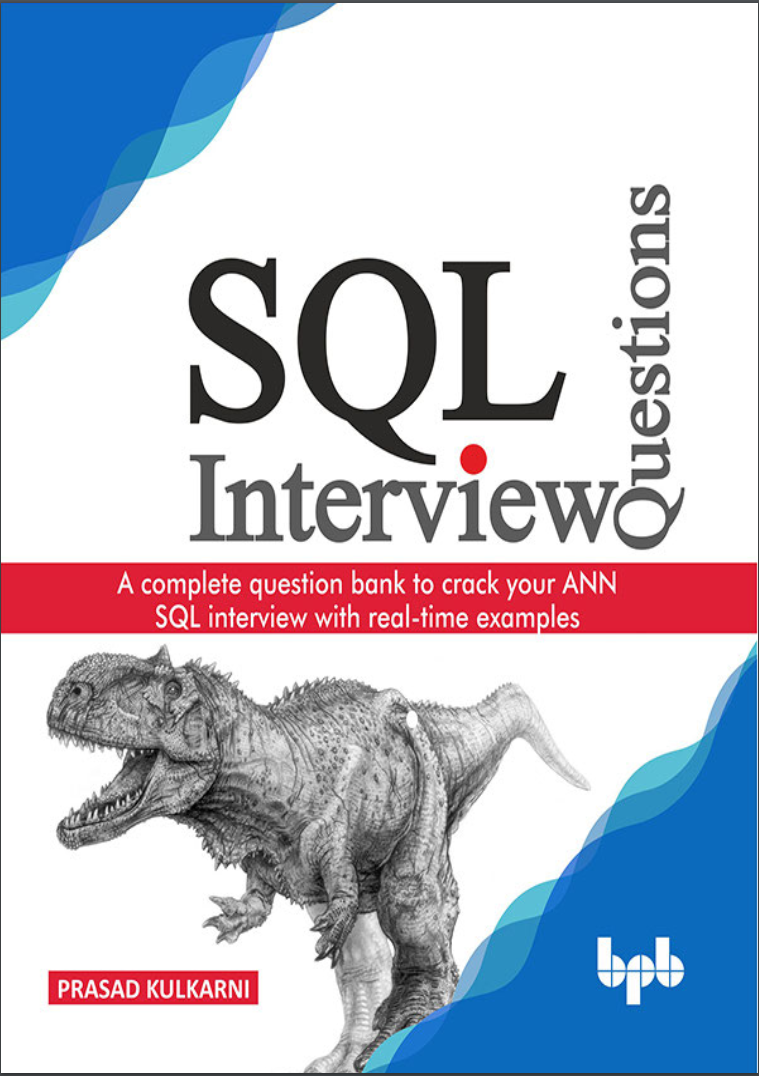 SQL Interview Questions: A complete question bank to crack your ANN SQL interview with real-time examples
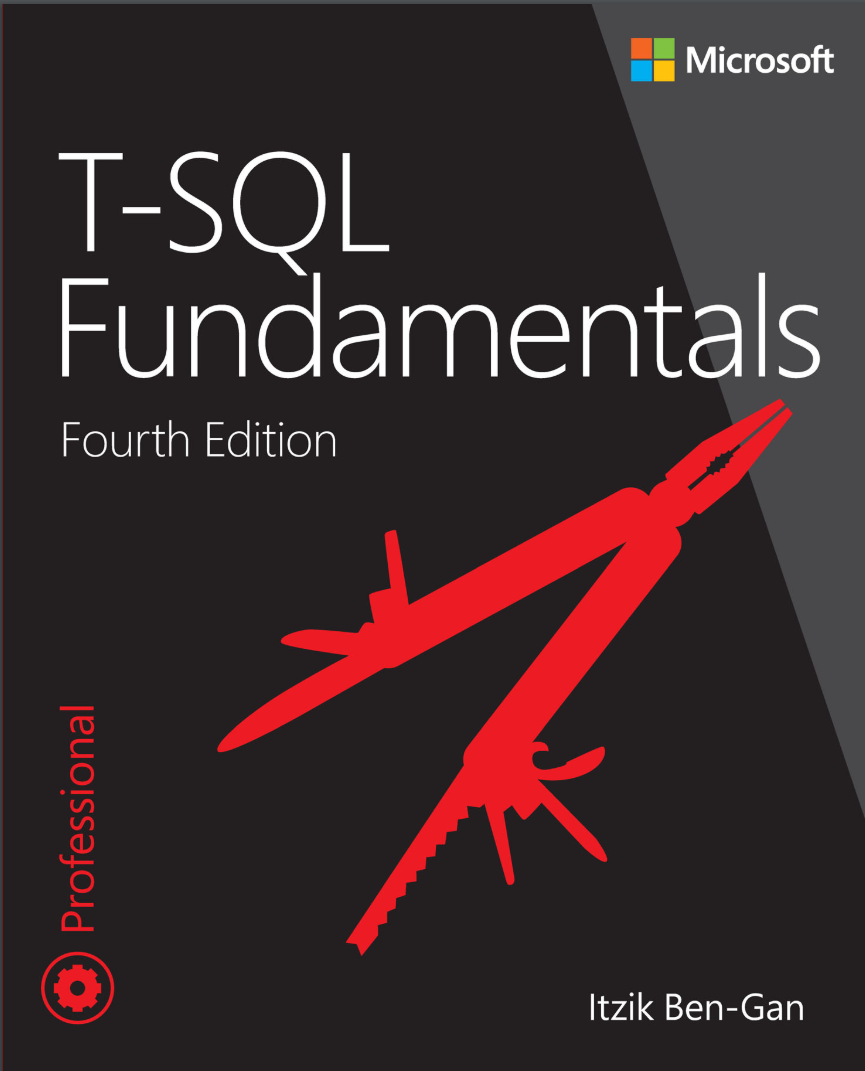 T-SQL Fundamentals. 4Ed
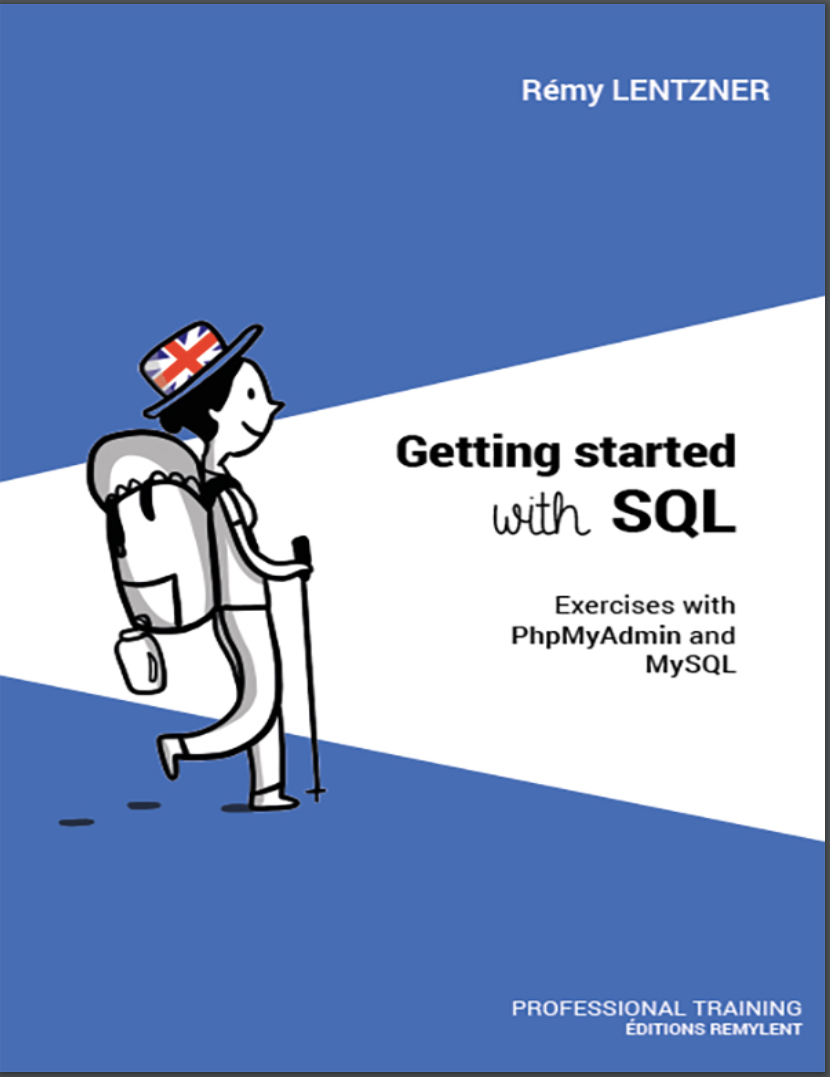 GETTING STARTED WITH SQL. Exercises with PhpMyAdmin and MySQL
 A Comprehensive Study of SQL: Practice and Implementation