Mastering SwiftUI for iOS 16 and Xcode 14: Learn how to build fluid UIs and a real world app with SwiftUI

Оглавление⌄
Preface....15 Chapter 1 - Introduction to SwiftUI....24 Chapter 2 - Getting Started with SwiftUI and Working with Text....35 Chapter 3 - Working with Images....55 Chapter 4 - Layout User Interfaces with Stacks....79 Chapter 5 - Understanding ScrollView and Building a Carousel UI....112 Chapter 6 - Working with SwiftUI Buttons and Gradient....132 Chapter 7 - Understanding State and Binding....164 Chapter 8 - Implementing Path and Shape for Line Drawing and Pie Charts....178 Chapter 9 - Basic Animations and Transitions....201 Chapter 10 - Understanding Dynamic List, ForEach and Identifiable....233 Chapter 11 - Working with Navigation UI and Navigation Bar Customization....257 Chapter 12 - Playing with Modal Views, Floating Buttons and Alerts....285 Chapter 13 - Building a Form with Picker, Toggle and Stepper....302 Chapter 14 - Data Sharing with Combine and Environment Objects....317 Chapter 15 - Building a Registration Form with Combine and View Model....335 Chapter 16 - Working with Swipe-to-Delete, Context Menu and Action Sheets....358 Chapter 17 - Using Gestures....375 Chapter 18 - Displaying an Expandable Bottom Sheet Using Presentation Detents....396 Chapter 19 - Creating a Tinder-like UI with Gestures and Animations....416 Chapter 20 - Creating an Apple Wallet like Animation and View Transition....448 Chapter 21 - Working with JSON, Slider and Data Filtering....478 Chapter 22 - Building a ToDo app with Core Data....510 Chapter 23 - Integrating UIKit with SwiftUI Using UIViewRepresentable....542 Chapter 24 - Creating a Search Bar View and Working with Custom Binding....559 Chapter 25 - Putting Everything Together to Build a Real World App....568 Chapter 26 - Creating an App Store like Animated View Transition....608 Chapter 27 - Building an Image Carousel....636 Chapter 28 - Building an Expandable List View Using OutlineGroup....666 Chapter 29 - Building Grid Layout Using LazyVGrid and LazyHGrid....680 Chapter 30 - Creating an Animated Activity Ring with Shape and Animatable....709 Chapter 31 - Working with AnimatableModifier and LibraryContentProvider....738 Chapter 32 - Working with TextEditor to Create Multiline Text Fields....750 Chapter 33 - Using matchedGeometryEffect to Create View Animations....756 Chapter 34 - ScrollViewReader and Grid Animation....777 Chapter 35 - Working with Tab View and Tab Bar Customization....789 Chapter 36 - Using AsyncImage in SwiftUI for Loading Images Asynchronously....801 Chapter 37 - Implementing Search Bar Using Searchable....810 Chapter 38 - Creating Bar Charts and Line Charts with the Charts Framework....820 Chapter 39 - Capturing Text within Image Using Live Text APIs....834 Chapter 40 - How to Use ShareLink for Sharing Data Like Text and Photos....843 Chapter 41 - Using ImageRenderer to Convert SwiftUI Views into Images....852 Chapter 42 - Using ImageRenderer to Convert SwiftUI Views into Images....860 Chapter 43 - Using Gauge to Display Progress and Create a Speedometer....868 Chapter 44 - Creating Grid Layout Using Grid APIs....880 Chapter 45 - Switching Layout with AnyLayout....892
Описание
Ниже — практический обзор по теме «will».
Fully updated for Xcode 14, iOS 16 & Swift 5.7.
We will dive deep into this brand new UI framework. The SwiftUI book is written for both beginners and developers having some experience with Swift programming. We will explore the commonly used UI components and teach you how to build complex layouts. In this book, you will learn various animation techniques and build some cool view animations. Animations play a key role in modern mobile apps.
We will also put together everything you learn to build a ToDo app and a personal finance app with SwiftUI & Combine.
Over 900 Pages and 40 Projects
We will start with the basics and then dive deep into SwiftUI. You will learn how to work with the built-in components, animations, create complex UIs, and explore new APIs introduced in iOS 16.
Файл доступен для загрузки ниже.
Поделиться
Частые вопросы
Можно ли скачать «Mastering SwiftUI for iOS 16 and Xcode 14: Learn how to build fluid UIs and a real world app with SwiftUI» бесплатно?
Да, «Mastering SwiftUI for iOS 16 and Xcode 14: Learn how to build fluid UIs and a real world app with SwiftUI» доступна для бесплатного скачивания на нашем сайте в формате PDF. Ссылка на файл находится на этой странице.
В каком формате и какого размера файл?
Книга предоставляется в формате PDF, размер файла 17,2 МБ.
Кто автор и когда вышла книга?
автор — Ng Simon, издательство AppCoda Limited, год выпуска 2022, 897 страниц.
О чём книга «Mastering SwiftUI for iOS 16 and Xcode 14: Learn how to build fluid UIs and a real world app with SwiftUI»?
Fully updated for Xcode 14, iOS 16 & Swift 5.7.The SwiftUI book is written for both beginners and developers having some experience with Swift programming.
Похожие материалы
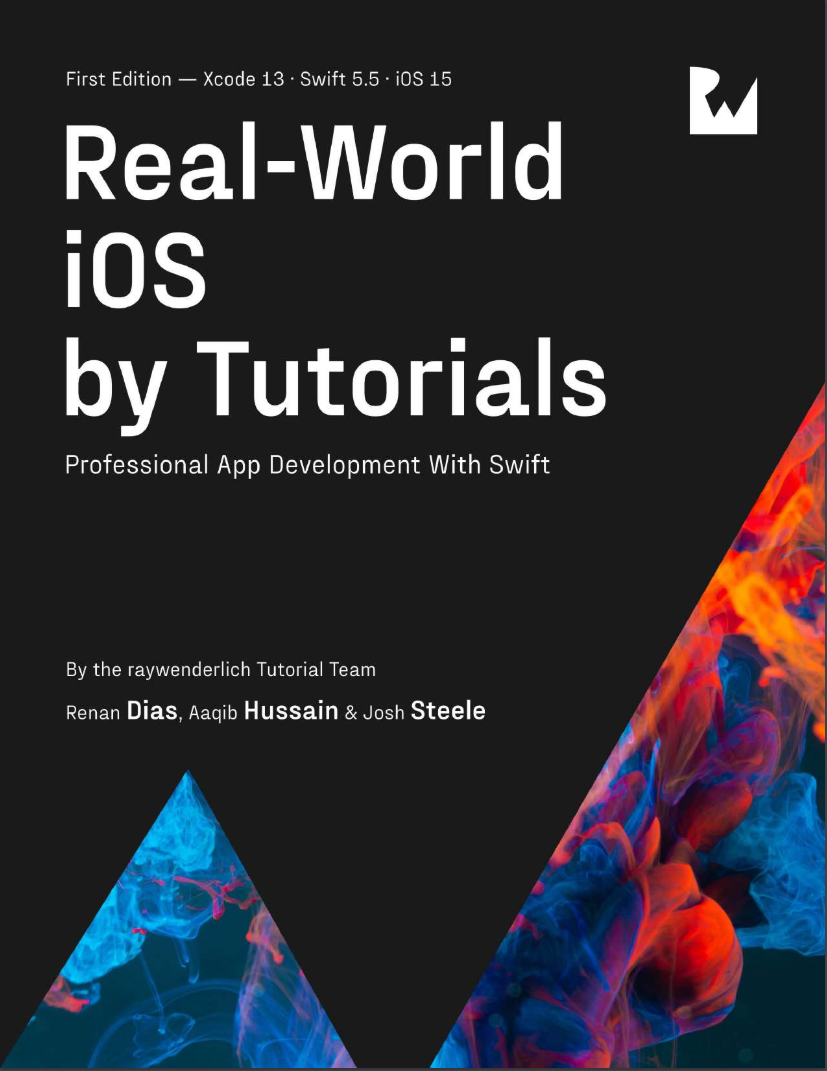 Real-World iOS by Tutorials: Professional App Development With Swift
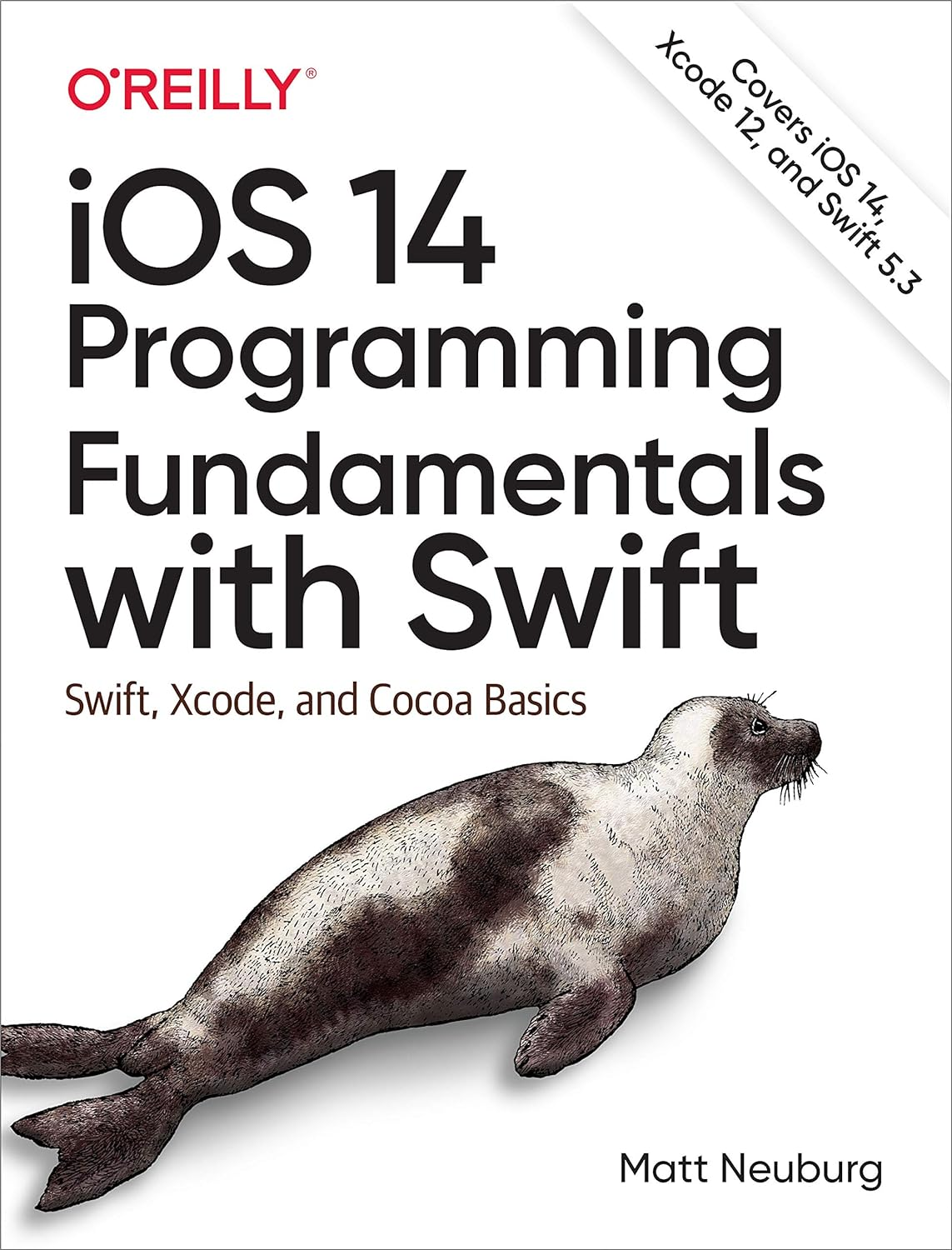 iOS 14 Programming Fundamentals with Swift: Swift, Xcode, and Cocoa Basics
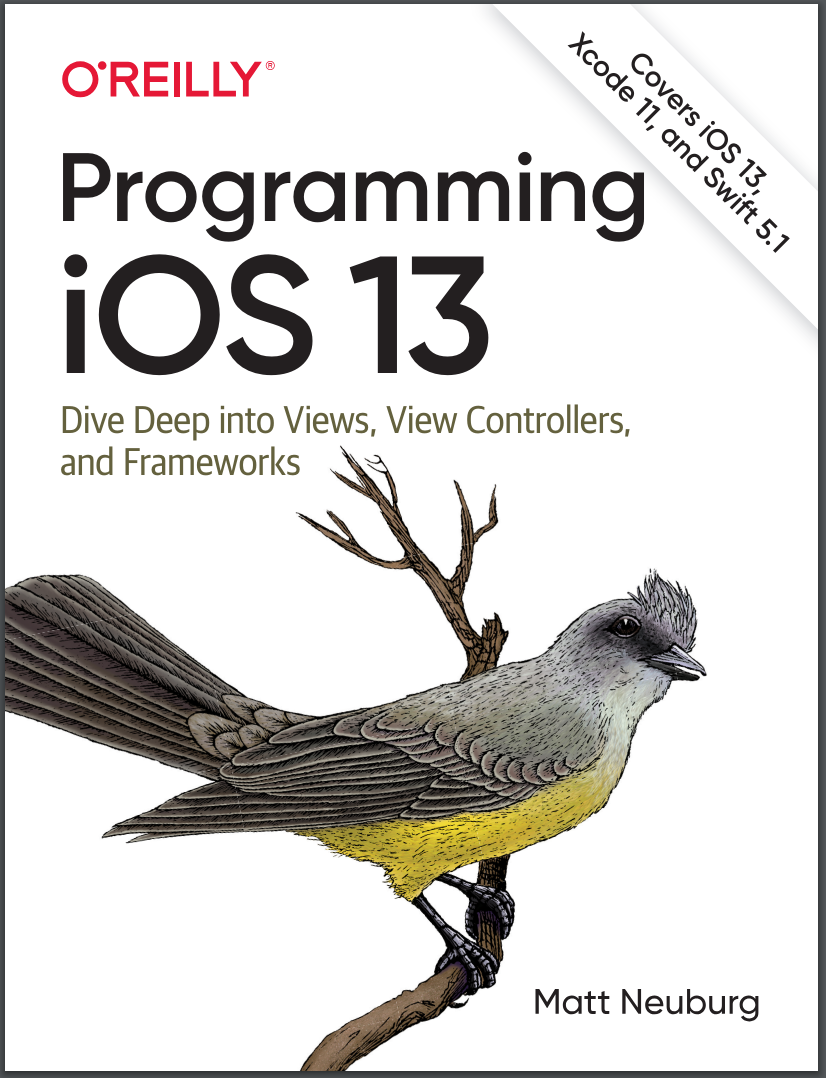 Programming iOS 13: Dive Deep into Views, View Controllers, and Frameworks
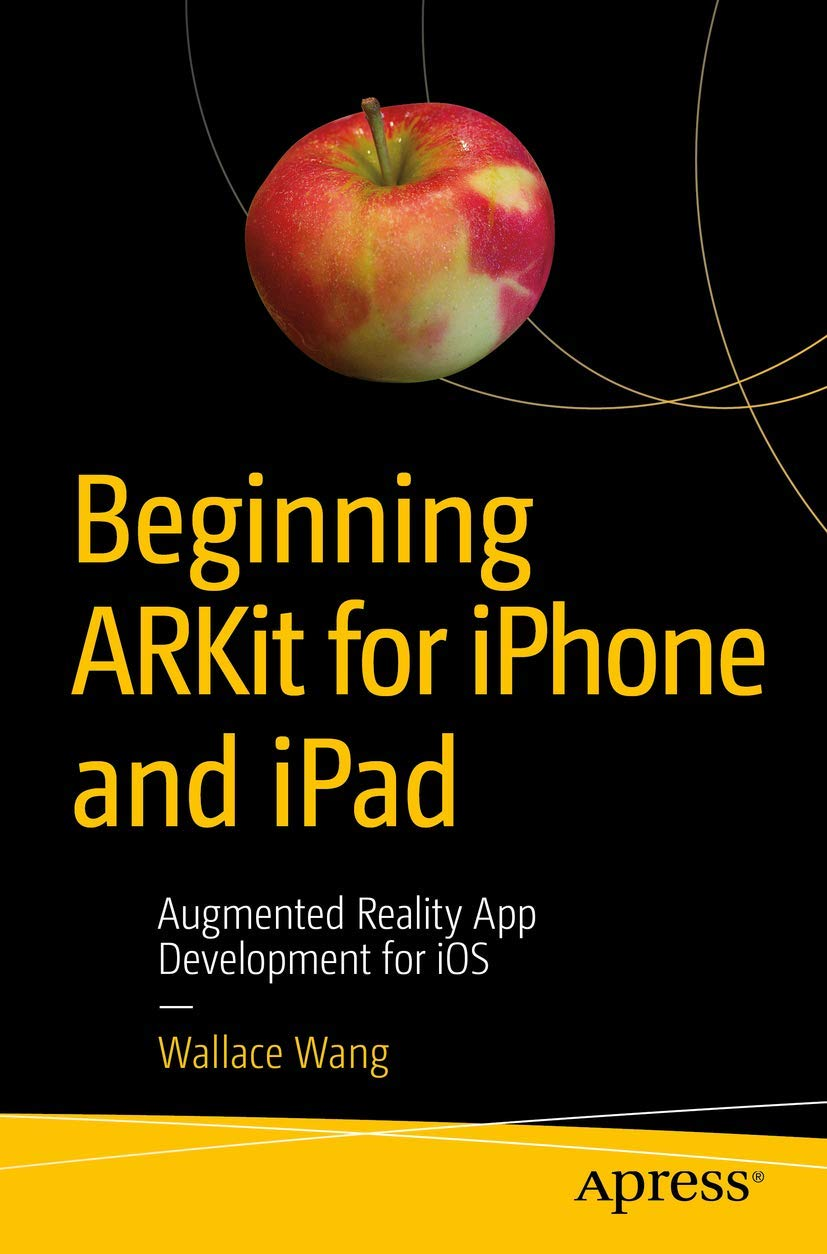 Beginning ARKit for iPhone and iPad: Augmented Reality App Development for iOS
 Swift для детей: Самоучитель по созданию приложений для iOS
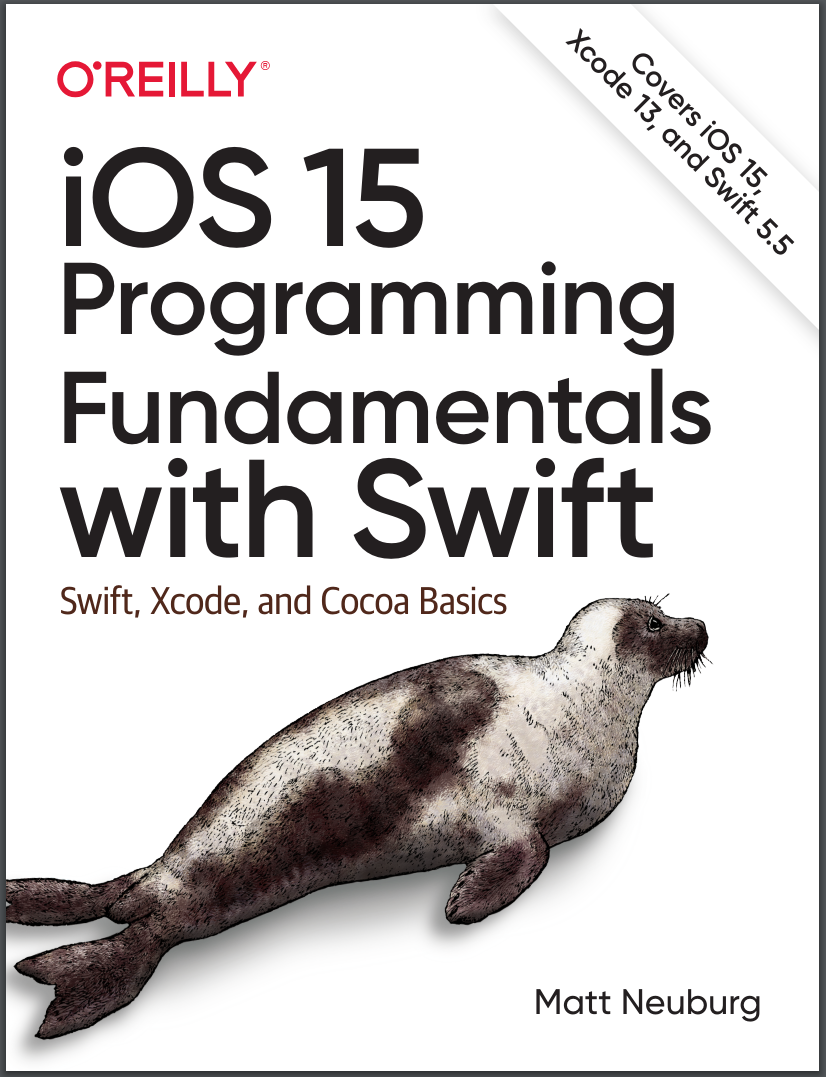 iOS 15 Programming Fundamentals with Swift: Swift, Xcode, and Cocoa Basics
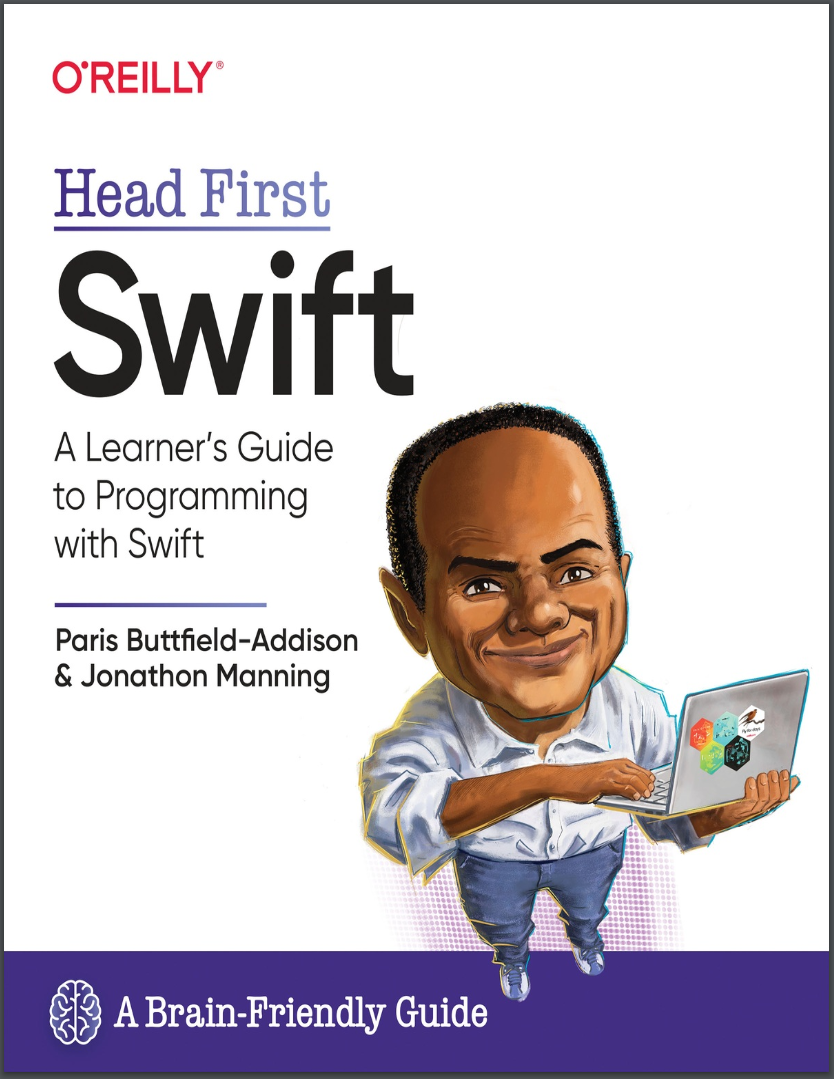 Head First Swift: A Learner's Guide to Programming with Swift
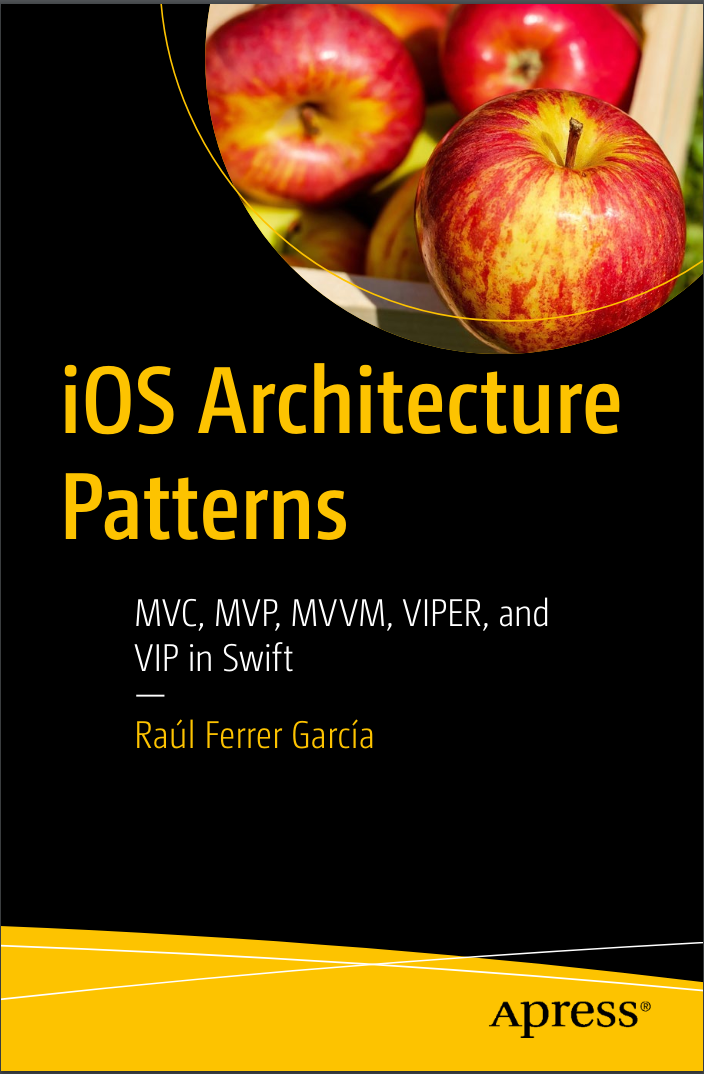 iOS Architecture Patterns: MVP, MVVM, VIPER, and VIP in Swift