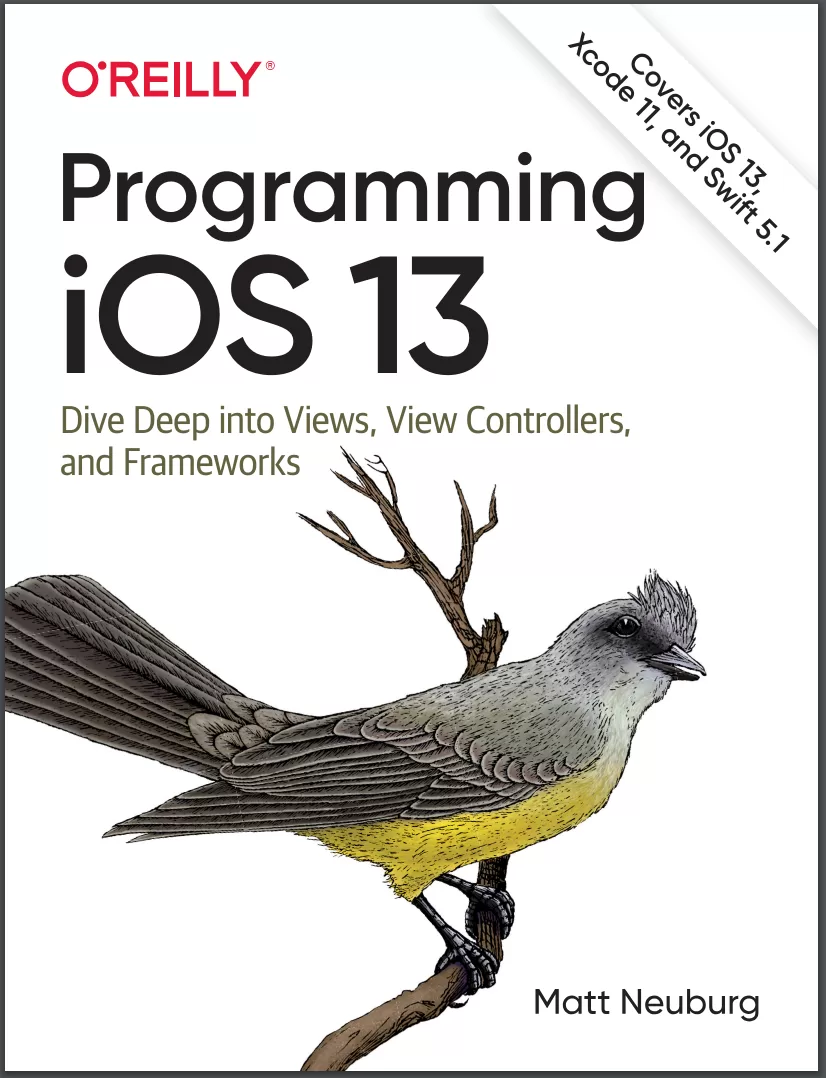
Programming iOS 13: Dive Deep into Views, View Controllers, and Frameworks
Оглавление⌄
CoverTable of ContentsChange HistoryBeta 9—June 9,....2021Beta 8—April 27,....2021Beta 7—March 11,....2021Beta 6—August 11,....2020Beta 5—June 5,....2020Beta 4—March 23,....2020Beta 3—February 9,....2020Beta 2—December 4,....2019Beta 1—October 30,....2019AcknowledgmentsSo You Want to Write Some Client-Side CodeBasic AssumptionsThe Tools We’ll UseHow This Book Is OrganizedLet’s Build an AppThe Sample CodePart I—Getting Started1. Getting Started with Client-Side RailsManaging State and Front-End DevelopmentConfiguring WebpackerUsing WebpackerWhat’s Next2. Hotwire and TurboThe Hotwire WayInstalling TurboWhat Is Turbo Drive?Adding Interactivity with Turbo FramesNavigating Outside a Turbo FrameExtending Our Page with Turbo StreamsTurbo Frames vs. Turbo StreamsLazy Loading a Turbo FrameWhat’s Next3. StimulusWhat Is Stimulus?Installing StimulusAdding Our First ControllerCreating an ActionAdding a TargetUsing ValuesAutomating Value ChangesStimulus Has ClassGoing GenericStimulus Quick ReferenceWhat’s Next4. ReactWhat Is React?Installing ReactAdding Our First ComponentComposing ComponentsConnecting to the PageInteractivity, State, and HooksSharing StateWhat’s Next5. Cascading Style SheetsBuilding CSS in webpackAdding CSS and Assets to webpackAnimating CSSAdding CSS TransitionsAnimating Turbo Streams with Animate.cssUsing CSS and React ComponentsWhat’s NextPart II—Going Deeper6. TypeScriptUsing TypeScriptUnderstanding Basic TypeScript TypesStatic vs. Dynamic TypingAdding Type Annotations to VariablesAdding Type Annotations to FunctionsAdding Type Annotations to ClassesDefining InterfacesType Checking Classes and InterfacesGetting Type Knowledge to TypeScriptWhat’s Next7. webpackUnderstanding Why webpack ExistsManaging Dependencies with YarnUnderstanding webpack ConfigurationWhat’s Next8. WebpackerWebpacker BasicsWriting Code Using WebpackerIntegrating Webpacker with FrameworksRunning webpackDeploying Webpacker in ProductionCustomizing WebpackerWhat’s NextPart III—Managing Servers and State9. Talking to the ServerUsing Stimulus to Manage FormsStimulus and AjaxUsing Data in StimulusAcquiring Data in React with useStateWhat’s Next10. Immediate Communication with ActionCableInstalling ActionCableTurbo Streams and ActionCableStimulus and ActionCableReact and ActionCableWhat’s Next11. Managing State in Stimulus CodeUsing Data Values for LogicObserving and Responding to DOM ChangesRendering CSS with Data AttributesWhat’s Next12. Managing State in ReactUsing ReducersUsing Context to Share StateAdding Asynchronous Events to ContextsWhat’s Next13. Using Redux to Manage StateInstalling and Using ReduxAdding Asynchronous Actions to ReduxWhat’s NextPart IV—Validating Your Code14. Validating Code with Advanced TypeScriptCreating Union TypesSpecifying Types with Literal TypesUsing Enums and Literal TypesBuilding Mapped Types and Utility TypesTypeScript Configuration OptionsDealing with StrictnessWhat’s Next15. Testing with CypressWhy Cypress?Installing CypressConfiguring Cypress and RailsWriting Our First TestUnderstanding How Cypress WorksWhat’s Next16. More Testing and TroubleshootingWriting More Cypress TestsTesting the Schedule FilterCypress and ReactCypress Utilities and APITroubleshootingWhat’s NextA1. Framework SwapThe All-Hotwire AppThe All-React AppComparisonIndex
Описание
Коротко и по делу о том, что важно знать про views.
If you’re grounded in the basics of Swift, Xcode, and the Cocoa framework, this book provides a structured explanation of all essential real-world iOS app components. Through deep exploration and copious code examples, you’ll learn how to create views, manipulate view controllers, and add features from iOS frameworks.
Create, arrange, draw, layer, and animate views that respondto touchUse view controllers to manage multiple screens of interfaceMaster interface classes for scroll views, table views, text,popovers, split views, web views, and controlsDive into frameworks for sound, video, maps, and sensorsAccess user libraries: music, photos, contacts, and calendarExplore files, networking, and threadsStay up-to-date on iOS 13 innovations, such as:
Pick up iOS 13 Programming Fundamentals with Swiftto learn about Swift, Xcode, and Cocoa. Symbol imagesLight and dark modeSheet presentationDiffable data sources and compositional layoutContext menus and previewsWindow scene delegates and multiple windows on iPadWant to brush up on the basics? Together with Programming iOS 13, you’ll gaina solid, rigorous, and practical understanding of iOS 13 development.
На этом основные моменты по теме закрыты.
Поделиться
Частые вопросы
Можно ли скачать «Programming iOS 13: Dive Deep into Views, View Controllers, and Frameworks» бесплатно?
Да, «Programming iOS 13: Dive Deep into Views, View Controllers, and Frameworks» доступна для бесплатного скачивания на нашем сайте в формате PDF. Ссылка на файл находится на этой странице.
В каком формате и какого размера файл?
Книга предоставляется в формате PDF, размер файла 5,1 МБ.
Кто автор и когда вышла книга?
автор — Neuburg Matt, издательство O’Reilly Media, Inc., год выпуска 2020, 1204 страниц.
О чём книга «Programming iOS 13: Dive Deep into Views, View Controllers, and Frameworks»?
If you’re grounded in the basics of Swift, Xcode, and the Cocoa framework, this book provides a structured explanation of all essential real-world iOS app components.
Похожие материалы
 Real-World iOS by Tutorials: Professional App Development With Swift
 iOS 14 Programming Fundamentals with Swift: Swift, Xcode, and Cocoa Basics
 Beginning ARKit for iPhone and iPad: Augmented Reality App Development for iOS
 Swift для детей: Самоучитель по созданию приложений для iOS
 iOS 15 Programming Fundamentals with Swift: Swift, Xcode, and Cocoa Basics
 Head First Swift: A Learner's Guide to Programming with Swift
 iOS Architecture Patterns: MVP, MVVM, VIPER, and VIP in Swift
 Combine: Asynchronous Programming with Swift. 3 Ed