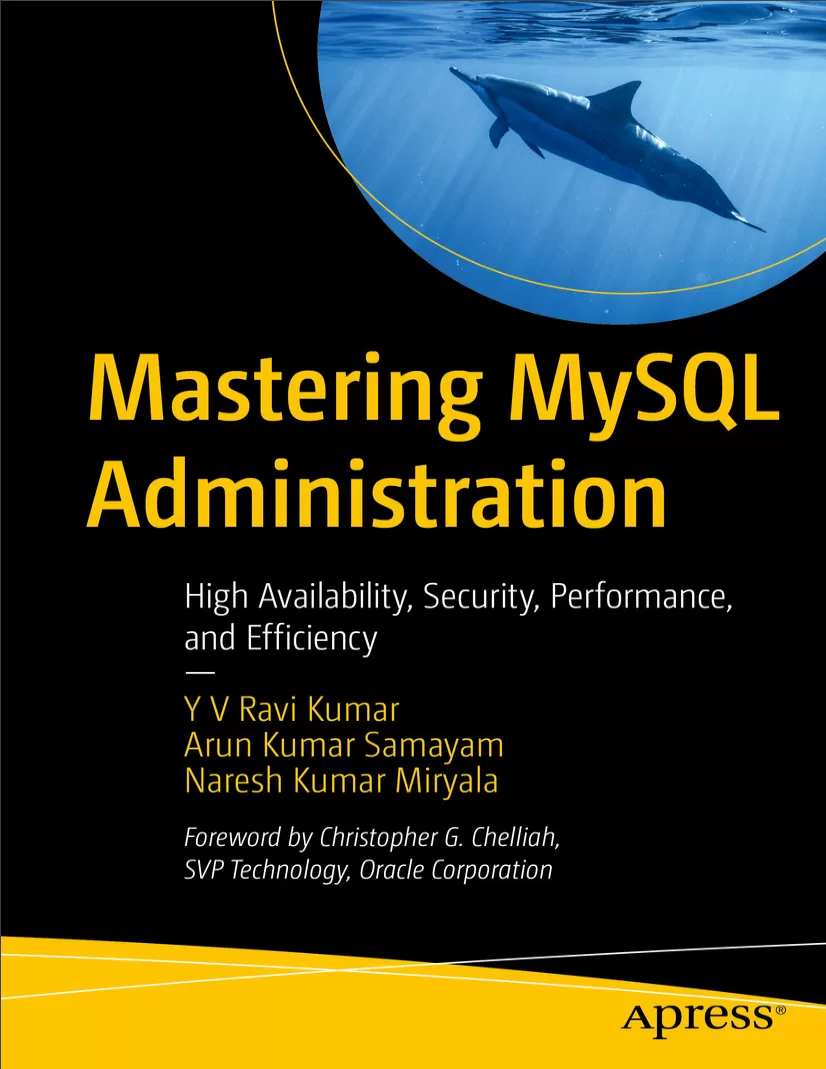
Mastering MySQL Administration: High Availability, Security, Performance, and Efficiency
Оглавление⌄
Table of Contents....4 About the Authors....16 About the Technical Reviewer....19 Acknowledgments....20 Foreword....23 Chapter 1: MySQL Installation and Upgrade....24 Introduction....24 Installing MySQL 8.0....24 Installing MySQL 8.0 on Linux Using the YUM Repository....26 Installing MySQL 8.0 on Linux Using Binary Distribution....38 Installing MySQL 8.0 on Linux Using Binary Distribution – Commercial Edition....51 Installing MySQL 8.0 on Microsoft Windows....64 Installing MySQL 8.0 on Docker....93 Upgrading MySQL 5.7 to MySQL 8.0.34....102 Overview....102 Assumptions....103 Prerequisites....103 Upgrade Steps....106 Downgrading MySQL....121 MySQL 8.2....121 What Is New in MySQL 8.2....121 What Is Deprecated in MySQL 8.2....122 Summary....123 Chapter 2: MySQL Utilities....124 Introduction....124 MySQL....125 MySQL Dump....126 How to Back Up a Single Database....127 How to Back Up Multiple Databases....127 How to Back Up All the Databases....127 Useful command line options with MySQL Dump....128 How to Restore Single MySQL Database....128 How to Restore All MySQL Databases....129 MySQL Pump....129 MySQL Backup....130 MySQL Check....134 MySQL Binlog....135 MySQL Safe....136 MySQL Dump Slow....137 MySQL Show....137 MySQL Secure Installation....139 MySQL Import....140 MySQL Config....142 MySQL Config Editor....143 MySQL Slap....144 MySQL Router....145 MySQL Shell....146 MySQL Workbench....149 Summary....151 Chapter 3: MySQL Server Administration....152 Introduction....152 Configuring the MySQL Server....152 MySQL Data Directory....155 Startup and Shutdown of MySQL Server....162 Connection Management....163 Storage Engines....168 Multiple Instance Management....194 Summary....211 Chapter 4: MySQL Tablespace Management and Partitioning....212 Introduction....212 Tablespaces....212 Tablespace Management – Resizing a System Tablespace....213 Tablespace Management – Moving an Undo Tablespace....217 Tablespace Management – Dropping an Undo Tablespace....219 Tablespace Management – Resizing a Temporary Tablespace....222 Tablespace Management – File-per-Table Tablespaces....226 Types of Partitioning in MySQL....232 RANGE Partitioning....232 LIST Partitioning....238 COLUMNS Partitioning....241 HASH Partitioning....243 KEY Partitioning....246 SUBPARTITION....247 Summary....250 Chapter 5: MySQL High Availability, Replication, and Scalability....251 Introduction....251 High-Level Overview....252 Binlog Replication....253 GTID-Based Replication....276 GTID = source_id:transaction_id....276 MySQL Scalability....286 Summary....294 Chapter 6: MySQL InnoDB Cluster and ClusterSet....295 Introduction....295 High-Level Overview....295 Configuring InnoDB Clusterset....297 InnoDB Cluster Connection Routing Using MySQL Router....350 Scenario 1: InnoDB Clusterset – Role Switch of Clusters....367 Scenario 2: Role Switch of Instances Within the Clusters....378 Scenario 3: Test Failure of an Instance in Secondary Role Within the Clusters....382 Scenario 4: Test Failure of an Instance in Primary Role Within the DR Cluster....390 InnoDB Clusterset Scenarios – Recover InnoDB Clusterset from a Major Outage....398 Summary....417 Chapter 7: MySQL NDB Cluster....418 Introduction....418 When to Use NDB....418 NDB Cluster vs. InnoDB Cluster Comparison....419 NDB Cluster Components....419 Management Nodes....419 Data Nodes....419 SQL Nodes....420 Fragmented Replicas....420 NDB Cluster Installation....421 High-Level Architecture....421 Prerequisites....421 Download the Software....422 Downloading the rpm to the Server....425 Install the rpm Packages....427 NDB Cluster Configuration....429 Configuring Management Nodes....429 Configuring Data Nodes and SQL Nodes....431 Configuring SQL API Nodes....431 NDB Cluster Initiation....432 Initiate the Management Node....432 Initiate the Data Nodes....432 Data Node 01....432 Data Node 02....432 Initiate the SQL API Nodes....433 SQL API Node 01....433 SQL API Node 02....433 Monitor the NDB Cluster from Management Node....434 Restart Node 02....435 NDB Cluster Validation....436 Create Sample Tables and Data....436 NDB Cluster Restart....439 NDB Cluster Graceful Restart....439 NDB Cluster Force Restart....440 NDB Cluster Data Node Crash....442 NDB Cluster Replication....444 Requirements for NDB Cluster Replication....445 Preparing the NDB Cluster for Replication....445 Prepare Source and Create Replica User....446 Prepare Target and Create Replication User....448 Summary....450 Chapter 8: MySQL Logical Backup....452 Introduction....452 Using mysqldump....452 Using MyDumper....463 Using Percona Xtrabackup....477 Summary....503 Chapter 9: MySQL Enterprise Backup and Recovery....504 Introduction....504 Installing MySQL Enterprise Backup....507 Configuring MySQL Enterprise Backup....509 Perform a Full Instance Backup....512 Perform an Incremental Backup....515 Perform an Encrypted Backup....518 Perform a Backup of a Replica Server....520 Perform a Restore of Complete MySQL Server from Backup....524 Perform a Restore of an Incremental Backup....531 Perform a Backup to a Cloud Storage....546 Summary....553 Chapter 10: MySQL Security....554 Introduction....554 Best Practices for Securing MySQL Database....555 Use of Strong Passwords....555 Upgrade MySQL Software to the Latest Version....555 Role-Based Access Control (RBAC)....555 Operating System Hardening....555 Audit Logging....556 Robust Monitoring....556 Secure Data Through Encryption....556 Secure Backup and Recovery Strategy....556 Firewall Configuration....556 Securing MySQL Installation....556 Change Default Root Password....557 Remove Anonymous Users....557 Remove the Test Database....558 Set Password Complexity....558 Restricting Privileges of User Accounts....558 Disable Remote Access for Root User....560 Securing Using CLI....560 Changing the Default Port in MySQL....562 How to Change the Ports....563 Changing the Port Numbers....563 How to Run MySQL As a Non-root User....564 Change Default datadir and Run As Non-root User....564 Update Config to Change the User....565 Data-at-Rest Encryption (DARE/TDE)....565 Prerequisites of Encryption....566 Pre-checks for Enabling Encryption....567 Enable Encryption....568 Post Enable Encryption....568 General Tablespace Encryption....569 Verify Encrypted Tablespaces....569 File-per-Table Tablespace Encryption....569 Redo Log Encryption....570 Undo Log Encryption....570 Master Key Rotation....570 Database Encryption in Transit (SSL/TLS)....571 Secure MySQL Backups....575 Use Encryption Along with mysqldump....576 Enterprise Firewall....577 Installing the Firewall Plug-in....577 Configuring the Firewall Plug-in....578 Understanding Different Operational Modes....578 Enable Protection Mode....579 Enterprise Audit....580 Make Plug-in Persistent....581 Enable Auditing for All the Users....582 Validate Audit Logs....583 Role-Based Access Control....585 How Can We Implement RBAC in MySQL ?....585 Authentication with MySQL....585 Native Authentication....586 LDAP Authentication....587 Prerequisite for LDAP Authentication....587 Enable LDAP with Simple Bind....587 Enable LDAP with SASL Plug-in....588 PAM Authentication....590 Validate If Any LDAP Settings Are Used....591 Configure PAM to Use LDAP....591 Install auth_pam Plug-in....591 Validate Login....592 Windows Authentication....593 Summary....594 Chapter 11: MySQL Performance Tuning....595 Introduction....595 Design Database for Optimum Performance....596 Server Requirements....596 CPU....596 Memory....597 Disk Storage....597 Database Settings....597 innodb_dedicated_server....597 Innodb_buffer_pool_size....598 Innodb_buffer_pool_instances....599 Innodb_log_file_size....599 innodb_log_files_in_group....599 Innodb_redo_log_capacity....600 innodb_log_buffer_size....600 Innodb_flush_log_at_trx_commit....601 innodb_flush_log_at_timeout....601 innodb_file_per_table....602 Innodb_doublewrite....603 Innodb_flush_method....603 sort_buffer_size....604 join_buffer_size....604 read_buffer_size....604 log_queries_not_using_indexes....605 Best Practices for Performance Optimization....605 Database Config Changes....605 Analyze Performance Bottlenecks....607 Monitor OS Resources....607 Slow Query Log....608 Performance Schema....608 Performance Tuning Tools....613 Analyze Table....613 Optimize Table Statement....614 Information Schema Table Stats View....616 Check Table Statement....618 Checksum Table Statement....618 MySQL Indexes....619 Index Structures....619 Index Types....620 Non-unique (Regular) Index....621 Unique Index....623 Primary Key Index....627 Compound Index....630 Hash Index....635 Invisible Indexes....637 Rebuild Indexes....643 Index Considerations and Syntax....645 Summary....646 Chapter 12: MySQL Enterprise Monitor....647 Introduction....647 Installation Prerequisites for MySQL Enterprise Monitor (MEM)....649 Installing MySQL Enterprise Monitor....653 Monitoring a MySQL Instance....672 Summary....679 Chapter 13: Monitoring MySQL Using Oracle Enterprise Manager Cloud Control 13c....680 Introduction....680 Prerequisite Checks....681 Oracle Enterprise Manager Cloud Control Version....681 EM Support for MySQL Version....682 Supported Platforms....682 OS User for Management Agent....683 Monitoring User for MySQL Instance....683 Update Hosts File....684 Open Firewall Ports....685 Agent Install Directory....686 Installing the MySQL Database Plug-in....686 Checking the Availability of Plug-in in OEM Cloud Control 13c....686 Viewing Information About Plug-in....687 Downloading Plug-ins in Online Mode....689 Deploying Plug-in on OMS....692 Deploying Plug-ins on Oracle Management Agent Host....702 Adding MySQL Targets....713 Adding Targets Using Autodiscovery....713 Promote the Discovered Targets....716 Monitoring the Targets....719 Monitor Newly Added Management Agent....719 Monitor Newly Added Management Agent Host....720 Monitor Newly Added MySQL Target....720 Validate Targets from Enterprise Repository Database....721 Summary....722 Chapter 14: MySQL Troubleshooting....723 Introduction....723 Scenario 1: Access denied for user root....723 Scenario 2: MySQL too many connections....724 Scenario 3: MySQL Host ‘host_name’ is blocked....725 Scenario 4: [InnoDB] Unable to lock ./ibdata1 error: 11....726 Scenario 5: Fatal error: Please read “Security” section of the manual to find out how to run mysqld as ....727 Scenario 6: MySQL packet too large....728 Scenario 7: MySQL standby replication stopped due to Error_code: 1032....729 Scenario 8: [Repl] Replica I/O for channel: Error connecting to source ‘replica_user@10.10.10.10:3306’....730 Scenario 9: MySQL Error: Out of memory....730 Scenario 10: MySQL Error: Unable to connect to database....731 Scenario 11: MySQL Backup Error: MAIN: [ERROR] unknown variable ‘defaults-file=/etc/my.cnf’....731 Scenario 12: MySQL Backup Error: MAIN ERROR: The backup directory does already exist and is not empty. Remove or clear it and retry.....732 Scenario 13: InnoDB Cluster Error: ERROR: New account(s) with proper source address specification to allow remote connection from all instances must be created to manage the cluster.....732 Scenario 14: InnoDB Cluster Error: ERROR: The following tables do not have a Primary Key or equivalent column:....733 Scenario 15: InnoDB Cluster Error: ERROR: RuntimeError: Cannot add an instance with the same server UUID....734 Scenario 16: InnoDB Cluster Error: ERROR: The instance mysql-c:3306 does not belong to the cluster. ERROR: MYSQLSH 51104: Metadata for instance mysql-c:3306 not found....735 Scenario 17: InnoDB Cluster Error: Dba.getCluster: This function is not available through a session to a standalone instance (metadata exists, instance belongs to that metadata, but GR is not active) (MYSQLSH 51314). Unable to get cluster status p....736 Scenario 18: Binlog location is full....736 Summary....738 Index....739
Описание
Ниже — практический обзор по теме «mysql».
It covers installation, upgrades, monitoring, high availability, disaster recovery, security, and performance and troubleshooting. This book is your one-stop resource on MySQL database installation and server management for administrators. You will become fluent in MySQL 8.2, the latest version of the highly scalable and robust relational database system.
It also covers high availability with InnoDB and NDB clusters, MySQL routers and enterprise MySQL tools, along with robust security design and performance techniques. With a hands-on approach, the book offers step-by-step guidance on installing, upgrading, and establishing robust high availability and disaster recovery capabilities for MySQL databases. Throughout, the authors punctuate concepts with examples taken from their experience with large-scale implementations at companies such as Meta and American Airlines, anchoring this practical guide to MySQL 8.2 administration in the real world.
Файл доступен для загрузки ниже.
Поделиться
Частые вопросы
Можно ли скачать «Mastering MySQL Administration: High Availability, Security, Performance, and Efficiency» бесплатно?
Да, «Mastering MySQL Administration: High Availability, Security, Performance, and Efficiency» доступна для бесплатного скачивания на нашем сайте в формате PDF. Ссылка на файл находится на этой странице.
В каком формате и какого размера файл?
Книга предоставляется в формате PDF, размер файла 6,3 МБ.
Кто автор и когда вышла книга?
автор — Miryala Naresh Kumar , Ravi Satya Durga Prasad Yenugula , Samayam Arun Kumar, издательство Apress Media, LLC., год выпуска 2024, 750 страниц.
О чём книга «Mastering MySQL Administration: High Availability, Security, Performance, and Efficiency»?
This book is your one-stop resource on MySQL database installation and server management for administrators.
Похожие материалы
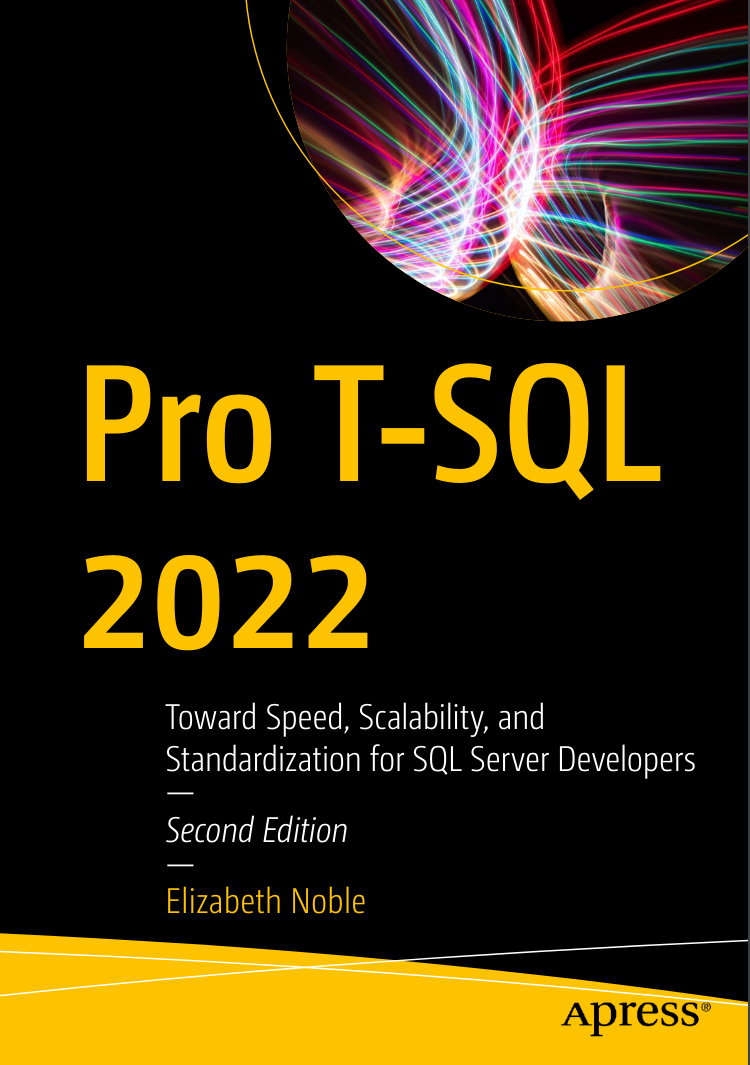 Pro T-SQL 2022: Toward Speed, Scalability, and Standardization for SQL Server Developers. 2 Ed
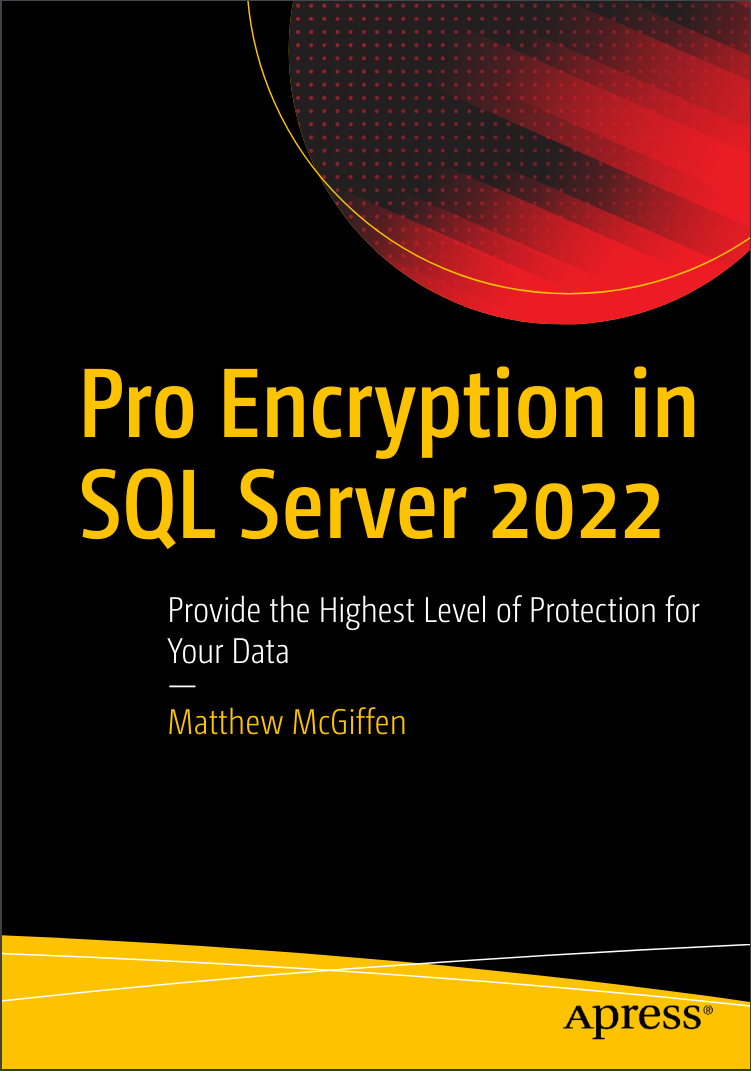 Pro Encryption in SQL Server 2022: Provide the Highest Level of Protection for Your Data
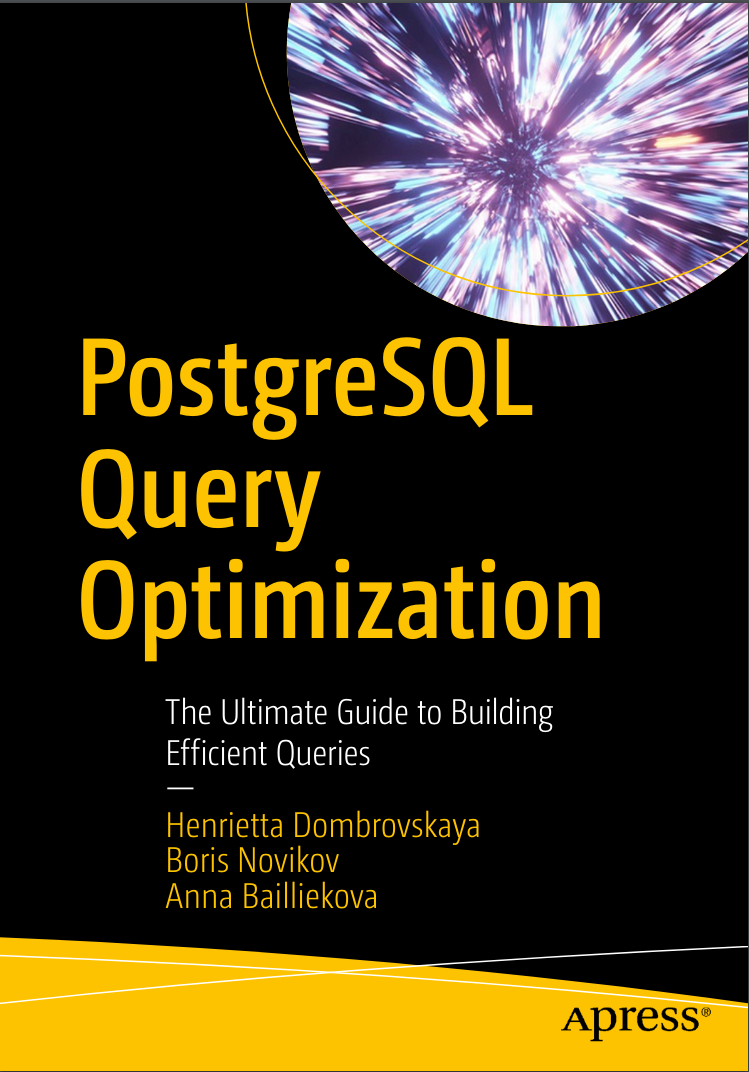 PostgreSQL Query Optimization: The Ultimate Guide to Building Efficient Queries
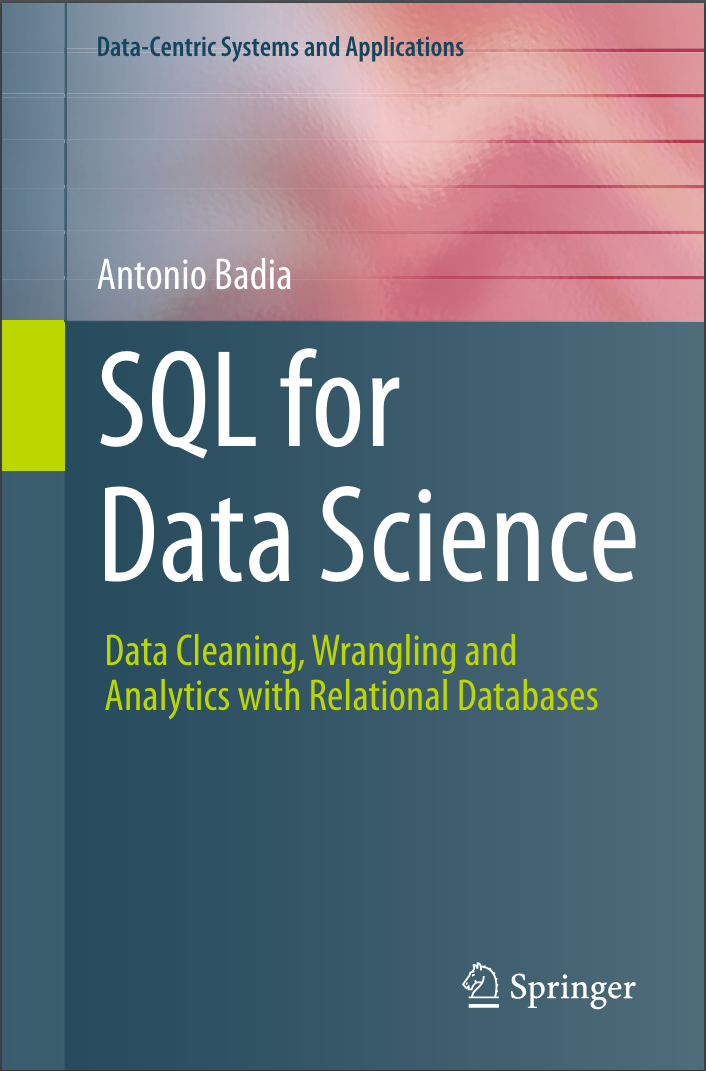 SQL for Data Science: Data Cleaning, Wrangling and Analytics with Relational Databases
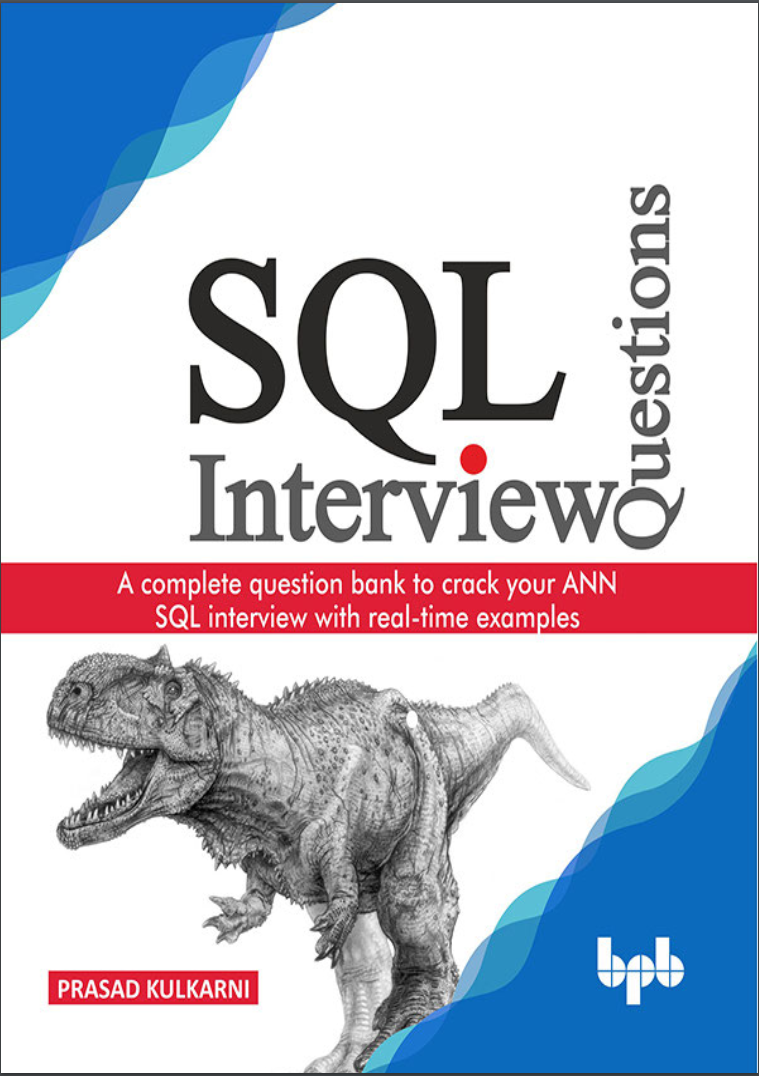 SQL Interview Questions: A complete question bank to crack your ANN SQL interview with real-time examples
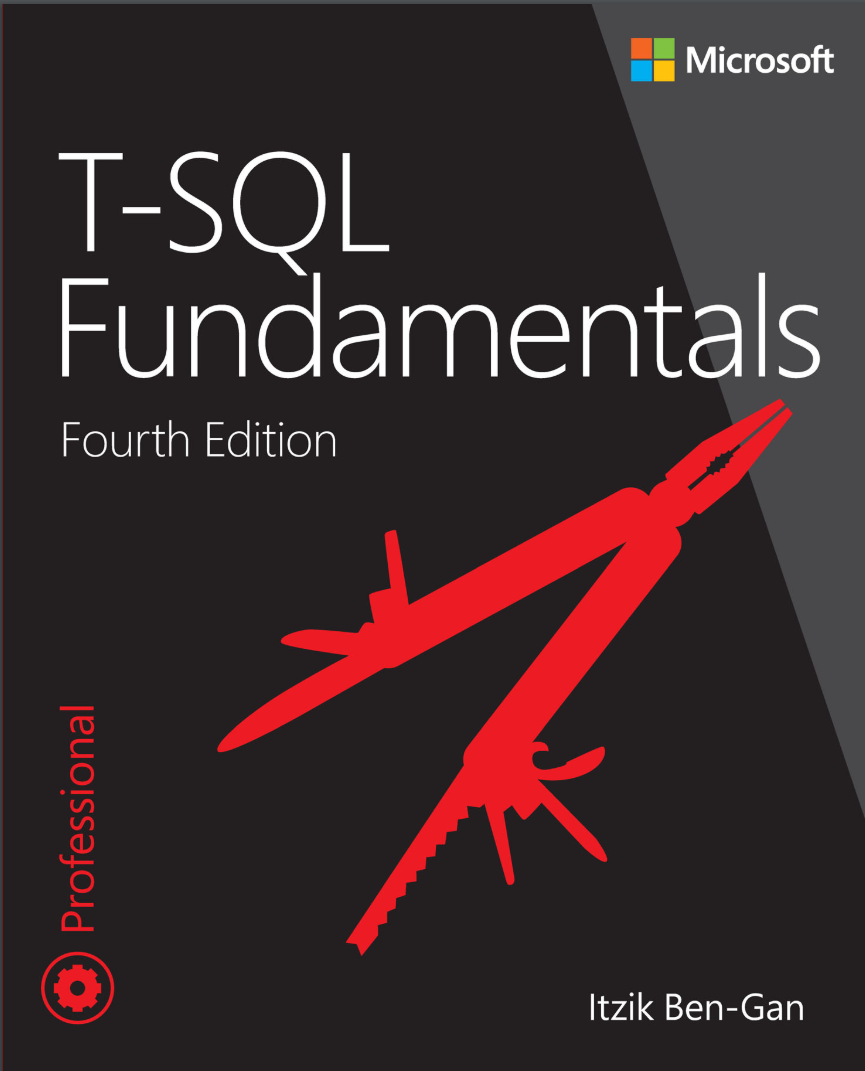 T-SQL Fundamentals. 4Ed
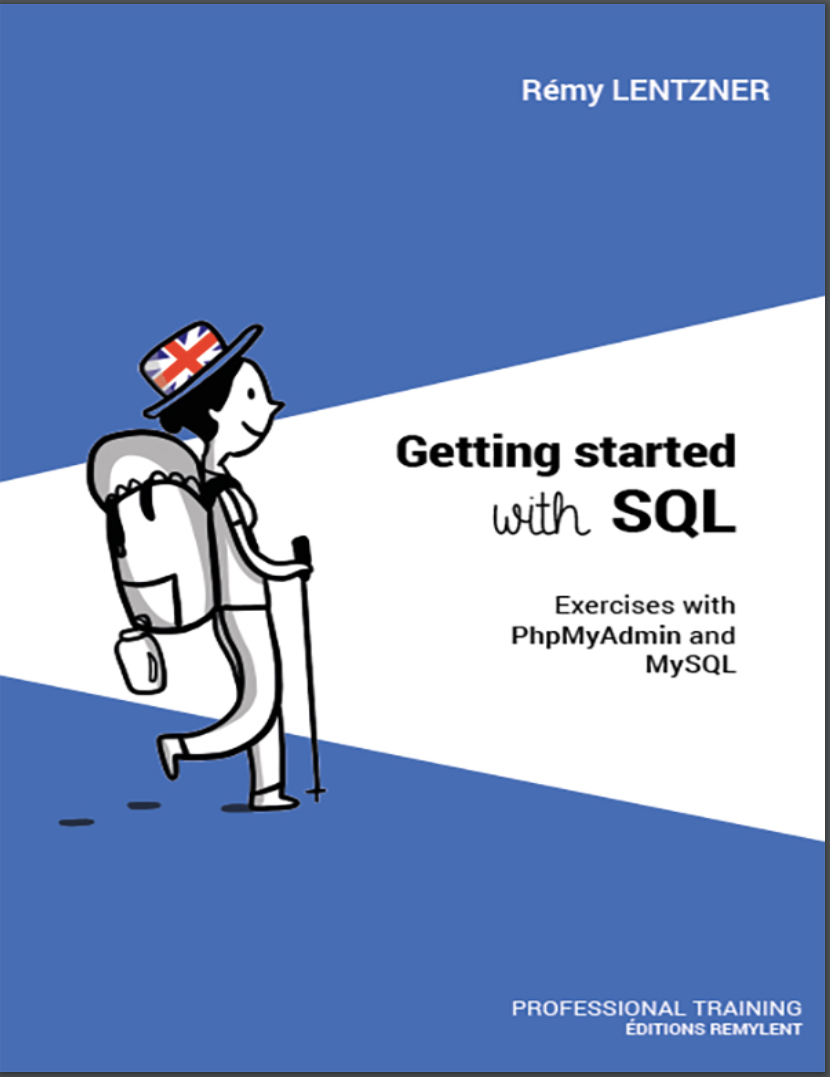 GETTING STARTED WITH SQL. Exercises with PhpMyAdmin and MySQL
 A Comprehensive Study of SQL: Practice and Implementation