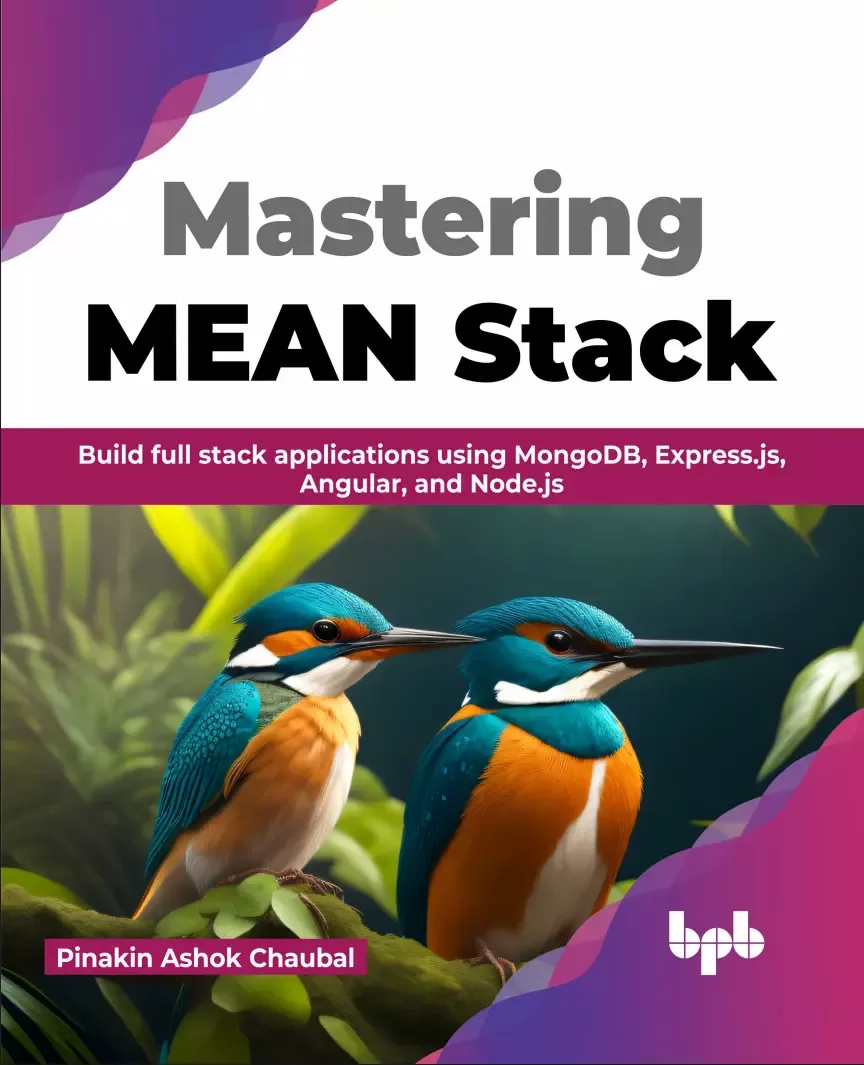
Mastering MEAN Stack: Build full stack applications using MongoDB, Express.js, Angular, and Node.js
Оглавление⌄
Book title ....1 Inner title ....3 Copyright....4 Dedicated....4 About the Author....6 About the Reviewer....6 Acknowledgement....8 Preface....8 Code Bundle and Coloured Images....12 Reviews....12 Table of Contents....14 Chapter 1: Fundamentals of Full Stack Development and the MEAN Stack....24 Structure....26 Objectives....26 What is full stack development?....26 Frontend....26 Backend....28 Database....28 Introduction to the MEAN stack....28 Our sample application....28 Introduction to Node.js....30 Introduction to Express.js....30 Introduction to MongoDB....30 Introduction to Angular....30 Introduction to TypeScript and Bootstrap....32 Introduction to TypeScript....32 Introduction to Bootstrap....32 Introduction to Git as a version control system....32 Interaction between components of the MEAN stack....34 Introduction to Docker and Kubernetes as deployment tools....34 Conclusion....34 Questions....34 Chapter 2: Architectural Design of Our Sample Applic ation....36 Structure....36 Objectives....38 What are single-page applications?....38 Advantages of SPA....38 Disadvantages of SPA....38 What are multi-page applications?....38 Advantages of multi-page applications....40 Disadvantages of multi-page applications....40 Single-page v/s multi-page applications....40 Common MEAN stack architecture....40 Going with the event-driven approach....40 Best practices for designing an API....42 Working with the singleton pattern....42 Working with the Observer pattern....42 Designing a flexible architecture....42 Differences between the architecture of an application in the dev and prod environment....44 Conclusion....44 Questions....44 Chapter 3: Installing the Components....44 Structure....44 Objectives....46 Installing the Node.js runtime....46 Installing the Node.js on Windows....46 Installing the Node.js runtime on macOS....46 Installing the Node.js runtime on Linux....48 Creating the project folder....48 Installing the Angular-CLI....50 Creating a new Angular project....50 Installing Angular Material....50 Verifying that Angular works....52 Exploring the project structure....52 Scanning the package: json file....54 The node_modules folder....54 Looking at the app folder....56 Starting an Angular application....56 Conclusion....58 Questions....58 Chapter 4: Creation of the Frontend Using Angular....60 Structure....60 Objectives....62 Understanding the folder structure....62 Working with components....62 General component structure of an Angular app....64 Component structure for our application....64 Creation of Nav Bar component....66 Looking at the nav-bar.component.ts....66 Looking at the nav-bar.component.html....68 Routing in Angular....68 Routing module....68 Few Routing directives....70 The RouterLink directive....70 The RouterLinkActive directive....70 The RouterLinkActiveOptions directive....70 Implementing the Home page....70 Looking at the Home component’s TypeScript code....72 Looking at the Home component’s HTML code....72 Implementing the Register page....74 Looking at the Register component’s TypeScript code....74 Looking at the Register component’s template code....76 Getting input from the user....78 Angular Material....78 Conclusion....78 Questions....78 Chapter 5: Addition of Node.js and Ideas for Integration....80 Structure....80 Objectives....82 Understanding an API....82 Verbs used in building REST APIs....82 Creating the posts and comments projects....82 Creating the posts project....82 Creating the comments project....84 Testing of the services....86 Testing the posts service....86 Testing the comments service....88 Ideas of connecting with frontend....88 Conclusion....90 Questions....90 Chapter 6: Handling Authorization....90 Structure....90 Objectives....92 Introducing the authentication service....92 Introduction to Google Cloud....92 What is a Kubernetes cluster?....92 Creating a Google Cloud account....94 Creating a new project....94 Setting up a Kubernetes cluster....96 Creating an auth docker build....98 Creating a .dockerignore file....100 Creating an authentication deployment....100 Key elements of a deployment....102 Key elements of a service....102 Introducing MongoDB and creating an auth Mongo deployment....104 Building a user model....104 Creating index.ts....108 Creating an Ingress service yaml....110 Creating an Ingress load balancer....110 Creating a Kubernetes Secret....112 Using Skaffold for build automation....114 Introduction to middleware....114 Introduction to cookies and JSON web tokens....116 Password encryption....116 Error handling using express-validator....116 Understanding an error-handler....118 Understanding the current-user....118 Understanding validate-request.ts....120 Understanding require-auth.ts....120 Creating an abstract class for custom error handling....122 Creating subclasses for validation....122 Understanding request-validation-err.ts....122 Understanding database-connection-err.ts....122 Understanding bad-request-err.ts....124 Understanding not-found-err.ts....124 Understanding no-auth-err.ts....124 Separating the logic for routes....126 Creating Signup, Signin and CurrentUser routes....126 Signup route....126 Signin route....128 CurrentUser route....130 Signout route....130 Testing the application using Postman....132 Conclusion....134 Questions....134 Chapter 7: Creating the Posts Service and NATS Streaming Integration....136 Structure....136 Objectives....138 Introducing the common module....138 Creating a GIT repository for the common module....140 Publishing the common module to NPM....140 Installing required packages in the common module....140 Making changes to package.json and tsconfig....142 Making changes to package.json....142 Changes to tsconfig....142 Moving the authentication logic in the common module....144 Installing the common module in the auth folder....144 Standard process for new services....144 The Posts service....146 Creating the Posts folder....146 Updating the index.ts....146 Creating the Posts deployment YAML....148 Creating the Posts Mongo DB deployment YAML....150 Making changes to the Skaffold YAML....152 Looking at the Auth deployment YAML....152 Looking at the Auth index.ts....154 Creating the Posts service....154 Creating a new Post....154 Updating an existing Post....156 Displaying all Posts....158 Displaying a specific Post....158 Creation of the nats-wrapper class....160 Creation of the Posts model....160 Introduction to the NATS streaming server....162 Creating the NATS deployment file....164 Creating a basic publisher and listener ts files....166 The Test Publisher....166 The Test Listener....166 Understanding the BaseListener and PostCreatedListener....168 The base-listener class....168 The post-created-listener class....170 Understanding the BasePublisher, PostCreatedPublisher and PostUpdatedPublisher....172 The base-publisher class....172 The post-created-publisher class....174 The post-updated-publisher class....174 Understanding the PostCreatedEvent and the PostUpdatedEvent....174 The PostCreatedEvent....174 Understanding the PostUpdatedEvent....174 Understanding the subjects enum....176 Updating the common module....176 Testing the publisher and listener....176 Testing out the Posts service using Postman....178 Conclusion....180 Questions....182 Chapter 8: Introducing Automated Testing....182 Introduction....182 Structure....182 Objectives....184 Introducing SuperTest....184 Setting up automated testing....184 The index.ts refactor for Auth service....184 Setup for Auth service....186 Designing the tests for the Auth Service....188 Tests for Signup route handler....188 Tests for Signin route handler....192 Tests for current user route handler....194 Tests for Signout route handler....194 Executing the tests for the Auth Service....196 The index.ts refactor for the POST service....196 Setup for the POST service....200 Designing the tests for the Posts Service....202 Tests for createPost route handler....202 Tests for the updatePost route handler....204 Tests for the indexPost route handler....208 Tests for the showPosts route handler....210 Executing the tests for the Posts Service....210 Conclusion....212 Questions....212 Chapter 9: Integrating the Comments Service....212 Introduction....212 Structure....212 Objectives....214 Comments service....214 Nesting comments inside posts....214 Pros and cons of nesting....214 What are sub-documents?....214 Pros and cons of sub-documents....216 What are references?....216 Advantages of references....216 Conclusion....216 Questions....216 Chapter 10: Creating the Comments Service....218 Structure....218 Objectives....220 Comments service....220 Comments and comments Mongo YAMLs....220 Changes to ingress yaml....222 Duplicating the comments model inside the post....222 Referencing the comments model inside the post model....224 Editing the routes....226 The createPost route....226 The updatePost route....228 Updates to the te....230 Changes to the createPost test....230 Changes to the updatePost test....232 Executing the tests....238 Conclusion....238 Questions....238 Chapter 11: Implementing the Frontend....240 Introduction....240 Structure....240 Objectives....242 What is the App component?....242 Nesting other components inside the app component....242 What are components and services?....242 Components....242 Services....244 Looking at the register component....244 Register.component.html file....244 Register.component.ts file....248 Auth Service....250 Running the app....254 Conclusion....256 Questions....256 Index....256 Back title ....264
Описание
Коротко и по делу о том, что важно знать про stack.
A step-by-step guide to building web applications with the MEAN stack
Key FeaturesGain a comprehensive understanding of full stack development and the MEAN stack.Implement automated testing using Supertest and JEST for reliable and efficient code testing.Understand the importance of deployment with containers.DescriptionThe MEAN stack, comprising MongoDB, Express.js, Angular, and Node.js, is a widely used and robust web development framework. Acquiring expertise in the MEAN stack will equip you with the necessary skills to strengthen your web development capabilities, enabling you to build efficient and modern web applications.
It covers all the essential aspects of building robust web applications, from architectural design to implementation. This book is a comprehensive guide to full stack development using the MEAN stack (MongoDB, Express.js, Angular, and Node.js). The book introduces the fundamentals of full-stack development and the advantages of using the MEAN stack. The book also covers security mechanisms like authentication and authorization to ensure application security. It explains the installation and configuration of the MEAN stack components and teaches how to connect them to create powerful full-stack applications seamlessly. The book will help you gain proficiency in front-end development with Angular and back-end integration with Node.js. The book also covers real-time data updates using NATS Streaming, automated testing techniques, and the integration of additional services like comments.
By the end of the book, you can confidently build full-stack applications using the MEAN stack.
What you will learnInstall and configure the necessary components for building web applications.Master frontend development using Angular, including component creation and data binding.Discover the power of Node.js and its integration with Angular for efficient backend development.Explore the integration of the Comments service and understand the concepts of subdocuments and references.Test the integration of the Posts and Comments service, ensuring smooth communication between the two components.Who this book is forWhether you are an absolute beginner or an experienced developer, this book caters to both audiences, providing valuable insights and practical knowledge.
На этом основные моменты по теме закрыты.
Поделиться
Частые вопросы
Можно ли скачать «Mastering MEAN Stack: Build full stack applications using MongoDB, Express.js, Angular, and Node.js» бесплатно?
Да, «Mastering MEAN Stack: Build full stack applications using MongoDB, Express.js, Angular, and Node.js» доступна для бесплатного скачивания на нашем сайте в формате PDF. Ссылка на файл находится на этой странице.
В каком формате и какого размера файл?
Книга предоставляется в формате PDF, размер файла 2,1 МБ.
Кто автор и когда вышла книга?
автор — Chaubal Pinakin Ashok, издательство BPB Publications, год выпуска 2023, 264 страниц.
О чём книга «Mastering MEAN Stack: Build full stack applications using MongoDB, Express.js, Angular, and Node.js»?
A step-by-step guide to building web applications with the MEAN stackKey FeaturesGain a comprehensive understanding of full stack development and the MEAN stack.Implement automated testing using Supertest and JEST for reliable and efficient
Похожие материалы
 Pro T-SQL 2022: Toward Speed, Scalability, and Standardization for SQL Server Developers. 2 Ed
 Pro Encryption in SQL Server 2022: Provide the Highest Level of Protection for Your Data
 PostgreSQL Query Optimization: The Ultimate Guide to Building Efficient Queries
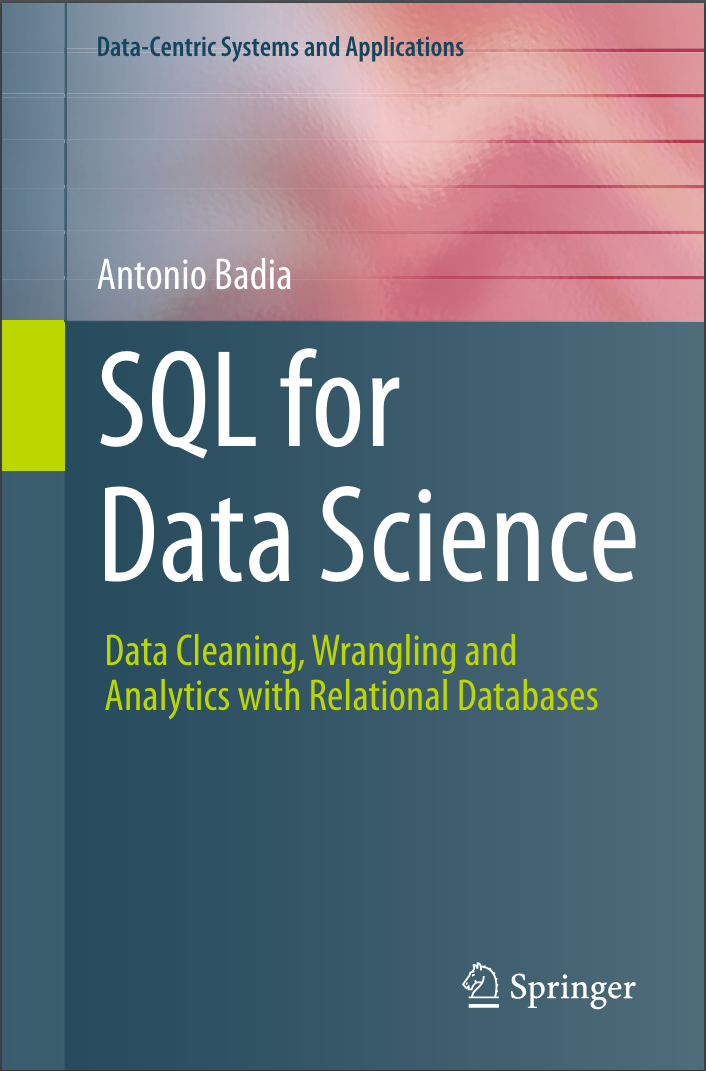 SQL for Data Science: Data Cleaning, Wrangling and Analytics with Relational Databases
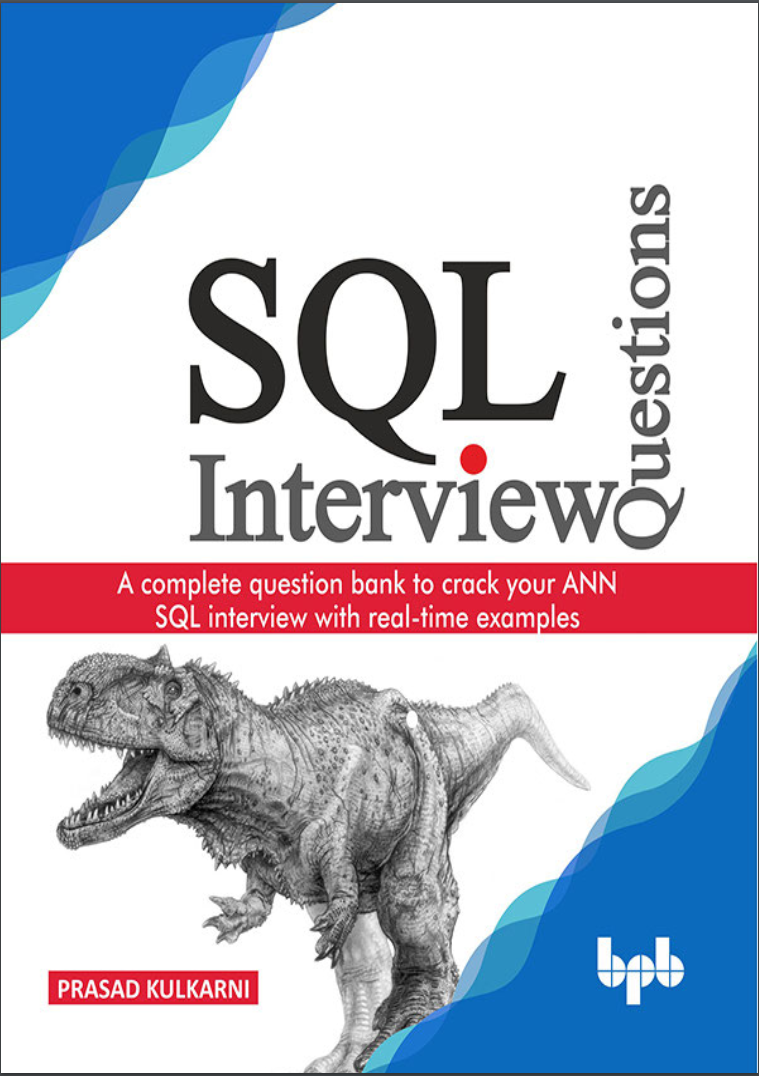 SQL Interview Questions: A complete question bank to crack your ANN SQL interview with real-time examples
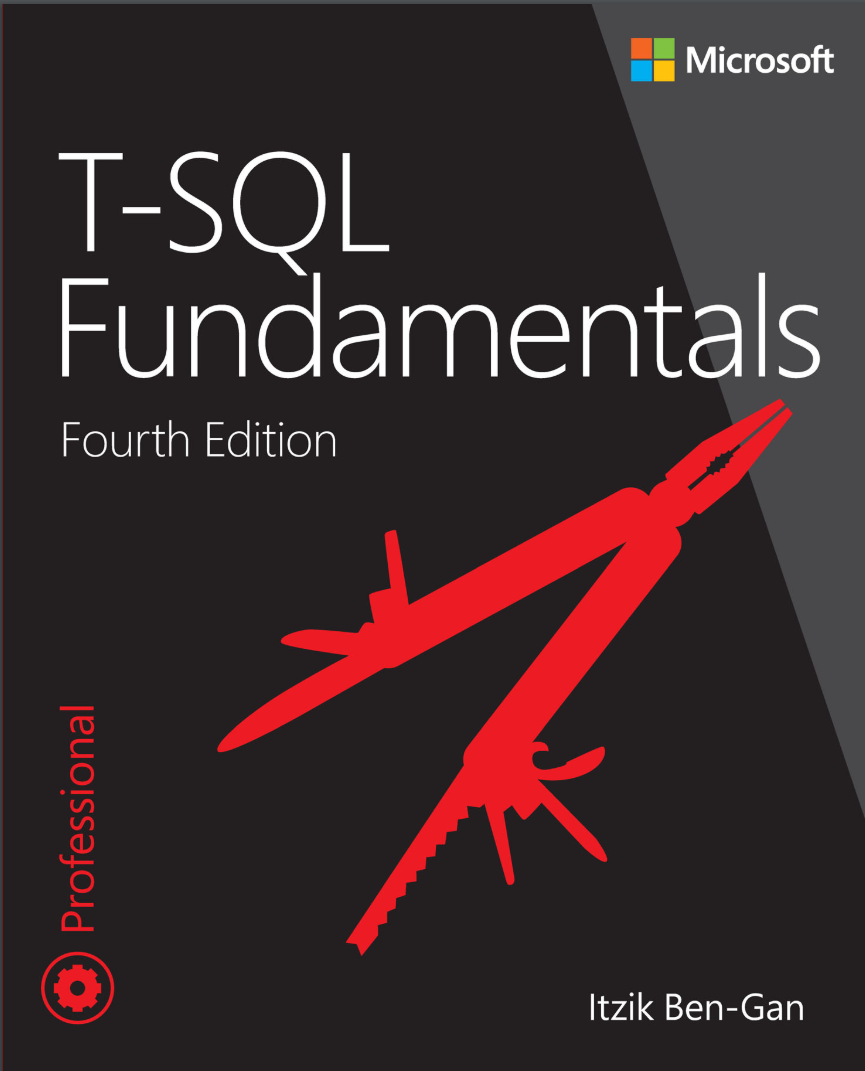 T-SQL Fundamentals. 4Ed
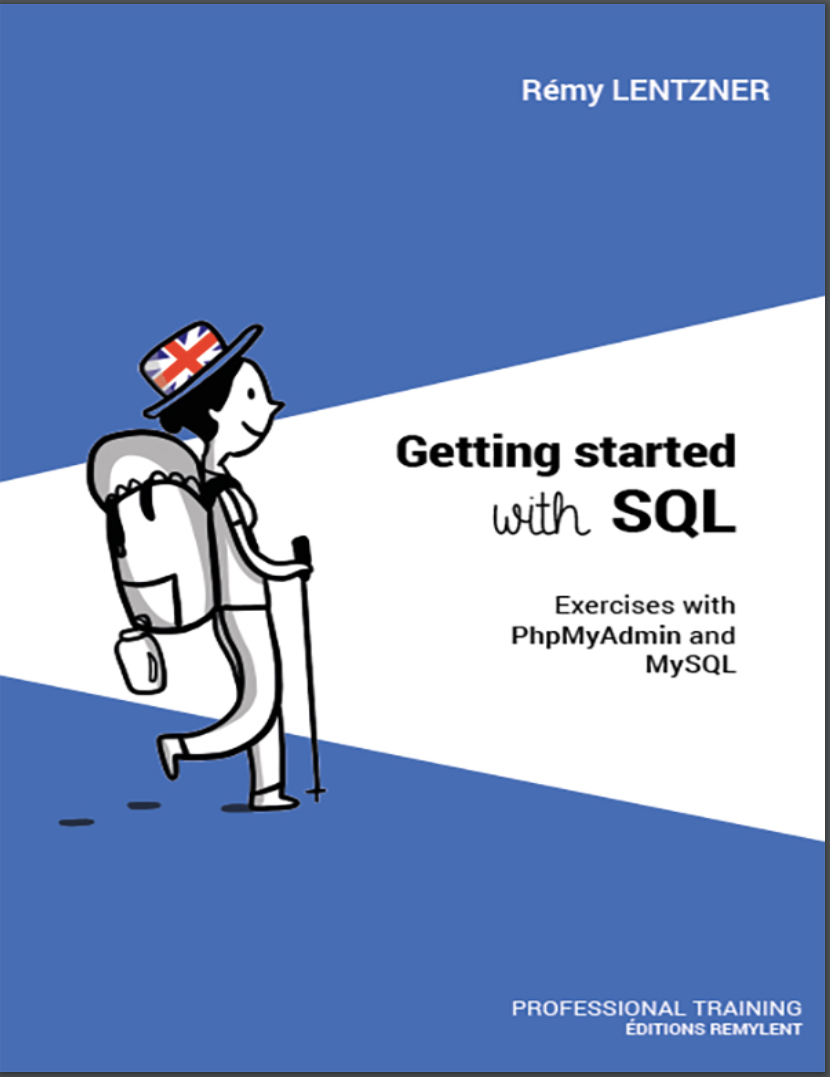 GETTING STARTED WITH SQL. Exercises with PhpMyAdmin and MySQL
 A Comprehensive Study of SQL: Practice and Implementation