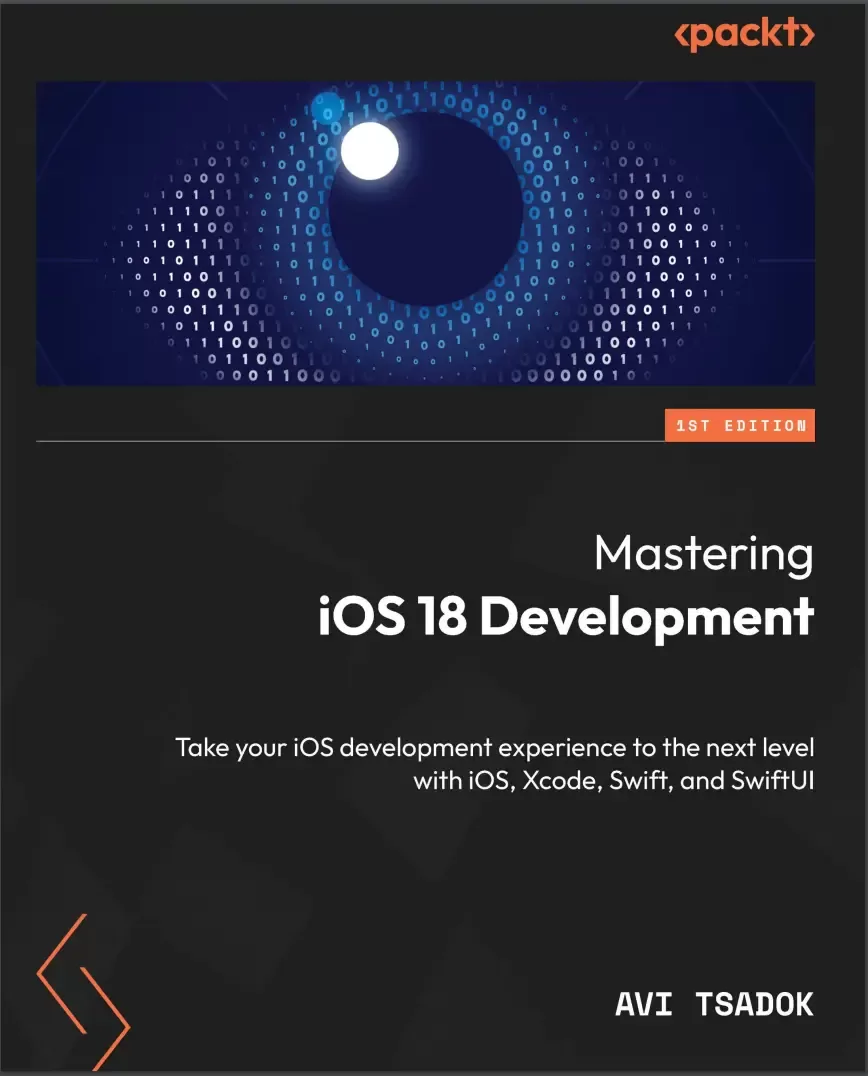
Mastering iOS 18 Development: Take your iOS development experience to the next level with iOS, Xcode, Swift, and SwiftUI
Оглавление⌄
Cover....1 Title Page....2 Copyright and Credits....3 Contributors....5 Table of Contents....8 Preface....16 Part 1: Getting Started with iOS 18 Development....24 Chapter 1: What’s New in iOS 18....26 Technical requirements....27 Understanding iOS 18 background....27 Introducing Swift Testing....28 Introducing Swift Data Improvements....28 Unique value....29 History API....29 Custom data stores in Swift Data....29 Introducing zoom transition....32 Adding a floating tab bar....34 Having more control over scroll views....36 Observing the scroll view position....36 Observing items’ visibility....38 Changing the text rendering behavior....39 Positioning sub-views from another view....40 Entering the AI revolution....42 Summary....43 Chapter 2: Simplifying Our Entities with SwiftData....44 Technical requirements....44 Understanding SwiftData’s background....45 Defining a SwiftData model....46 Expanding the @Model macro....46 Adding relationships....49 SwiftData relationship deletion rules....50 Defining the inverse relationship....51 Adding the @Attribute macro....53 Going non-persistent with transient....55 Exploring the container....56 Setting up ModelContainer....56 Connecting the container using the modelContainer modifier....57 Working with ModelConfiguration....58 Fetching and manipulating our data using model context....59 Saving new objects....60 Fetching objects....61 Migrating our data to a new schema....65 Learning the basic migration process....65 Creating a version schema....66 Creating the migration stages and plan....67 Connecting the migration plan to our container....69 Summary....70 Chapter 3: Understanding SwiftUI Observation....72 Technical requirements....72 Going over the SwiftUI observation system....73 Conforming to the ObservableObject protocol....73 Explaining the problem with the current observation situation....74 Adding the @Observable macro....75 Learning how the @Observable macro works....76 Excluding properties from observation using @ObservationIgnored....78 Observing computed variables....79 Working with environment variables....82 Adding an environment variable by type....82 Adding environment variable by key....84 Binding objects using @Bindable....86 Migrating to Observable....88 Summary....89 Chapter 4: Advanced Navigation with SwiftUI....90 Technical requirements....90 Understating why SwiftUI navigation is a challenge....91 Exploring NavigationStack....91 Separating the navigation destination using the navigationDestination view modifier....92 Using data models to trigger navigation....94 Responding to the path variable....96 Working with different types of data using NavigationPath....98 Working with the Coordinator pattern....100 Understanding the Coordinator’s principles....100 Building the Coordinator object....102 Adding CoordinatorView....103 Calling the coordinator straight from the view....104 Navigating with columns with NavigationSplitView....105 Creating NavigationSplitView....106 Moving to three columns....108 Summary....110 Chapter 5: Enhancing iOS Applications with WidgetKit....112 Technical requirements....112 The idea of widgets....113 Understanding how widgets work....114 Adding a widget....114 Configuring our widget....116 Working with static configuration....118 Understanding the Timeline Provider for Widgets....118 Building our widget UI....123 Working with timeline entries....124 Adding animations....125 Customize our widget....127 Using the AppEntity in our Widget....130 Keeping our widgets up to date....131 Reload widgets using the WidgetCenter....131 Go to the network for updates....133 Interacting with our widget....134 Opening a specific screen using links....134 Adding interactive capabilities....135 Adding a control widget....137 Summary....140 Chapter 6: SwiftUI Animations and SF Symbols....142 Technical requirements....142 The importance of animations....143 Understanding the concept of SwiftUI animations....143 Performing basic animations....144 Using the animation view modifier....144 Using the withAnimation function....145 Bringing some life to our animations with spring animations....147 Performing advanced animations....148 Performing transitions....148 Executing keyframe animations....152 Animating SF Symbols....156 Modifying symbol colors....158 Localizing our symbols....160 Summary....161 Chapter 7: Improving Feature Exploration with TipKit....162 Technical requirements....163 Learning the importance of tips....163 Understanding the basics of TipKit....163 What do tips look like?....165 Adding our first tip....166 Dismissing tips....170 Defining the tip ID....171 Customizing our tips....172 Customizing our tips’ appearance....172 Adding actions....175 Adding tips rules....177 Adding a rule based on a state....177 Adding a rule based on events....180 Grouping tips with TipGroup....182 Customizing display frequency....184 Setting the max display count for a specific tip....184 Setting our tips’ display frequency....184 Summary....185 Chapter 8: Connecting and Fetching Data from the Network....186 Technical requirements....186 Understanding mobile networking....187 Handling an HTTP request....188 Basic HTTP request methods....188 Working with URLSession....189 Handling the response....190 Integrating network calls within app flows....198 Just-in-time fetching....198 Read-through cache....199 Incremental loading....201 Full data sync with delta updates....202 Exploring Networking and Combine....205 Summary....208 Chapter 9: Creating Dynamic Graphs with Swift Charts....210 Technical requirements....210 Why charts?....211 Introducing the Swift Charts framework....211 Creating charts....213 Creating BarMark chart....213 Creating LineMark charts....219 Creating a SectorMark chart....223 Creating an AreaMark chart....225 Creating a PointMark chart....227 Visualizing functions with Charts....229 Allowing interaction using ChartProxy....231 Adding an overlay to our chart....232 Responding to the user’s gesture....234 Finding the closest data point to the user’s touch....234 Conforming to the Plottable protocol....236 Summary....237 Part 2: Refine your iOS Development with Advanced Techniques....238 Chapter 10: Swift Macros....240 Technical requirements....240 What is a Swift macro?....241 Exploring SwiftSyntax....242 Parsing and AST....243 Setting up SwiftSyntax....243 Building our Abstract Syntax Tree....245 Creating our first Swift macro....250 Adding a new Swift macro....250 Examining our Swift Macros package structure....252 Declaring our macro....253 Implementing the macro....255 Handling macros errors....261 Adding tests....263 Practice exercises....266 Summary....266 Chapter 11: Creating Pipelines with Combine....268 Technical requirements....268 Why use Combine?....269 Going over the basics....270 Starting with the publisher....270 Setting up the subscriber....271 Connecting operators....272 Delving into Combine components....273 Creating a custom publisher....274 Working with Subjects....275 Creating a custom subscriber....278 Connecting the custom publisher and subscriber....281 Working with operators....281 Learning about Combine using examples....287 Managing UIKit-based view state in a view model....287 Performing searches from multiple sources....288 Validating forms....290 Summary....292 Chapter 12: Being Smart with Apple Intelligence and ML....294 Technical requirements....295 Going over the basics of AI and machine learning....295 Learning the differences between AI and machine learning....295 Delving into the ML model....296 Training the model....296 Apple intelligence and ML....297 Exploring built-in ML frameworks....297 Interpreting text using NLP....298 Analyzing images using the Vision framework....302 Classifying audio using the Sound Analysis framework....305 Performing a semantic search with Core Spotlight....307 Integrating custom models using CoreML....311 Getting to know the Create ML application....312 Building our Spam Classifier model....314 Using our model with Core ML....321 Where to go from here....323 Summary....323 Chapter 13: Exposing Your App to Siri with App Intents....324 Technical requirements....324 Understanding the App Intents concept....325 Creating a simple app intent....325 Running the intent with the Shortcuts app....326 Creating an app shortcut....327 Adding a parameter to our app intent....328 Returning a custom view....330 Having multiple result types....332 Adding confirmation and conditions....333 Formalizing our content using app entities....335 Conforming to AppEntity....335 Creating an Open a task intent....337 Chaining app intents....338 Integrating our intent to other intents....339 Adjusting our app intents to work with Apple Intelligence....343 Exploring the Assistant Schema....343 Creating AssistantEntity....346 Summary....349 Chapter 14: Improving the App Quality with Swift Testing....350 Technical requirements....350 Understanding the importance of testing....351 Learning the testing history in Apple platforms....352 Exploring the Swift Testing basics....353 Adding a basic test....354 Providing names to our test functions....357 Enabling and disabling tests....357 Tagging our test functions....359 Working with arguments....361 Managing our tests....363 Going over the testing structure....364 Grouping our test functions into test suites....365 Building test plans....367 Setting up a Scheme....372 Tips to write testable code....373 Writing pure functions....374 Separating your code based on concerns....374 Performing mocking using protocols....375 Summary....377 Chapter 15: Exploring Architectures for iOS....378 Technical requirements....378 Understanding the importance of architecture....378 Learning what exactly architecture is....380 Going over the different architectures....381 Separating our project into layers....381 Separating our project into modules....387 Combining the multi-layer architecture with modules....388 Building hexagonal architecture....390 Comparing the different architectures....397 By separation of concerns....397 By testing....398 By maintenance and scalability....398 Summary....400 Index....402 Other Books You May Enjoy....415
Описание
В этом материале разберём тему: book.
Elevate your iOS development skills with this comprehensive iOS 18 guide covering the latest changes and improvements in iOS SDK and Swift, while mastering practical techniques to become an exceptional iOS developer
A recognized public speaker, Avi has a knack for demystifying complex concepts and brings unparalleled expertise to the forefront of iOS 18 development education. Key FeaturesStay up to date with the latest changes and improvements in iOS SDK and Swift programming languageLearn how you can improve user experience by focusing on customizing components and animationsGet to grips with advanced topics such as SwiftData and high-efficiency applications through an in-depth discussionPurchase of the print or Kindle book includes a free PDF eBookBook DescriptionEmbark on a comprehensive iOS 18 development journey with Avi Tsadok, a veteran iOS developer and author of 4 books and over 40 tutorials and articles. This guide focuses on iOS 18 advancements, equipping developers with tools to maximize its potential.
You’ll get to grips with optimizing performance and understanding advanced architectural paradigms. This book covers essential topics for seasoned developers, including Swift, SwiftUI, Xcode foundations, and the latest iOS SDK updates. By implementing the newest iOS updates, you’ll also explore intricate animation methods and harness a new framework, SwiftData that replaces Core Data for having persistent storage. You'll explore the world of machine learning with Apple’s Core ML diving into built-in frameworks like NLP, vision, and sound analysis to train and integrate your own models into iOS apps. The book builds your proficiency in advanced networking with URLSession and shows you how to conjure stunning visuals and adopt sophisticated testing techniques.
By the end of the book, you'll possess skills to build exceptional apps, excel in advanced roles, and confidently tackle iOS development challenges.
What you will learnDevelop functional iOS applications on the iOS platformBuild intricate custom animations and UI elementsMaster data handling and persistence in iOS appsUtilize Combine for efficient data managementHarness the power of the neural engine through CoreMLExplore architectures and streamline programming with Swift MacrosImprove engagement by adding Widgets and App IntentsWho this book is forIf you are an experienced iOS developer looking to enhance your mobile development skills, create exceptional applications, and excel in advanced positions, this book is designed for you. To derive maximum benefit from this book and ensure a strong understanding of the advanced content, it is recommended that you have a solid foundation in Swift, SwiftUI, and Xcode.
Если материал оказался полезен — сохраните страницу.
Поделиться
Частые вопросы
Можно ли скачать «Mastering iOS 18 Development: Take your iOS development experience to the next level with iOS, Xcode, Swift, and SwiftUI» бесплатно?
Да, «Mastering iOS 18 Development: Take your iOS development experience to the next level with iOS, Xcode, Swift, and SwiftUI» доступна для бесплатного скачивания на нашем сайте в формате PDF. Ссылка на файл находится на этой странице.
В каком формате и какого размера файл?
Книга предоставляется в формате PDF, размер файла 3,0 МБ.
Кто автор и когда вышла книга?
автор — Tsadok Avi, издательство Packt Publishing Limited, год выпуска 2024, 418 страниц.
О чём книга «Mastering iOS 18 Development: Take your iOS development experience to the next level with iOS, Xcode, Swift, and SwiftUI»?
Elevate your iOS development skills with this comprehensive iOS 18 guide covering the latest changes and improvements in iOS SDK and Swift, while mastering practical techniques to become an exceptional iOS developerKey FeaturesStay up to da
Похожие материалы
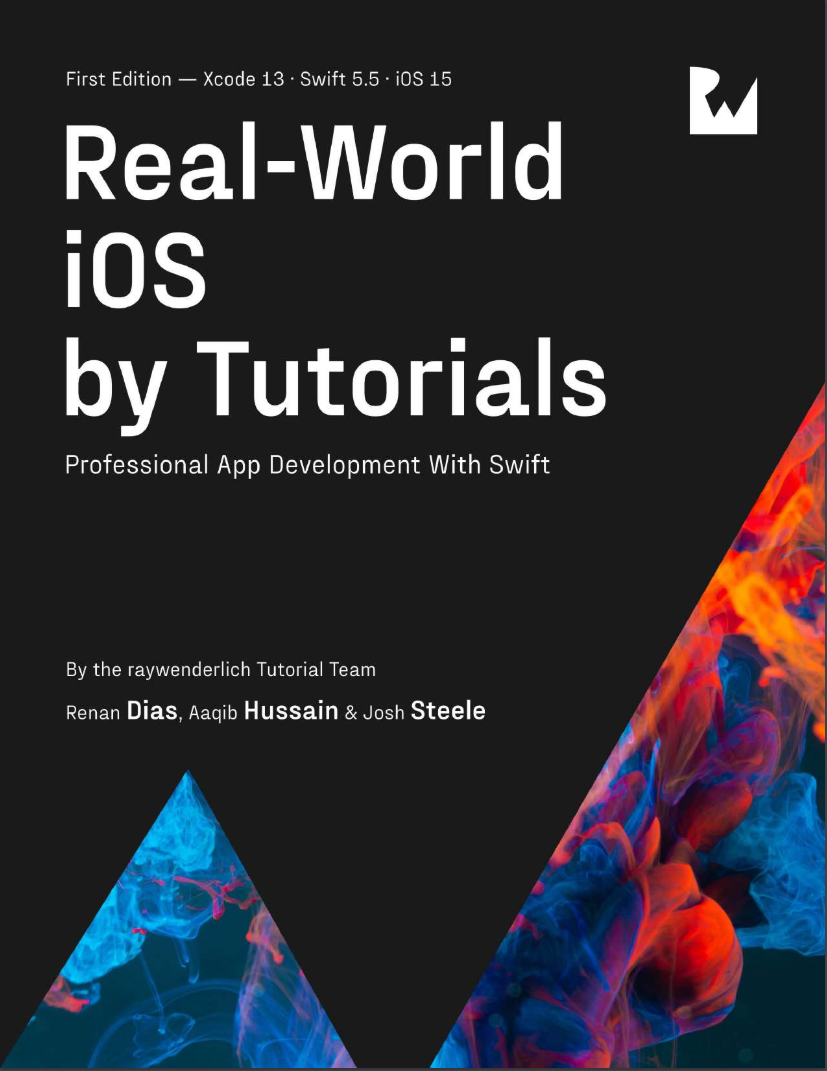 Real-World iOS by Tutorials: Professional App Development With Swift
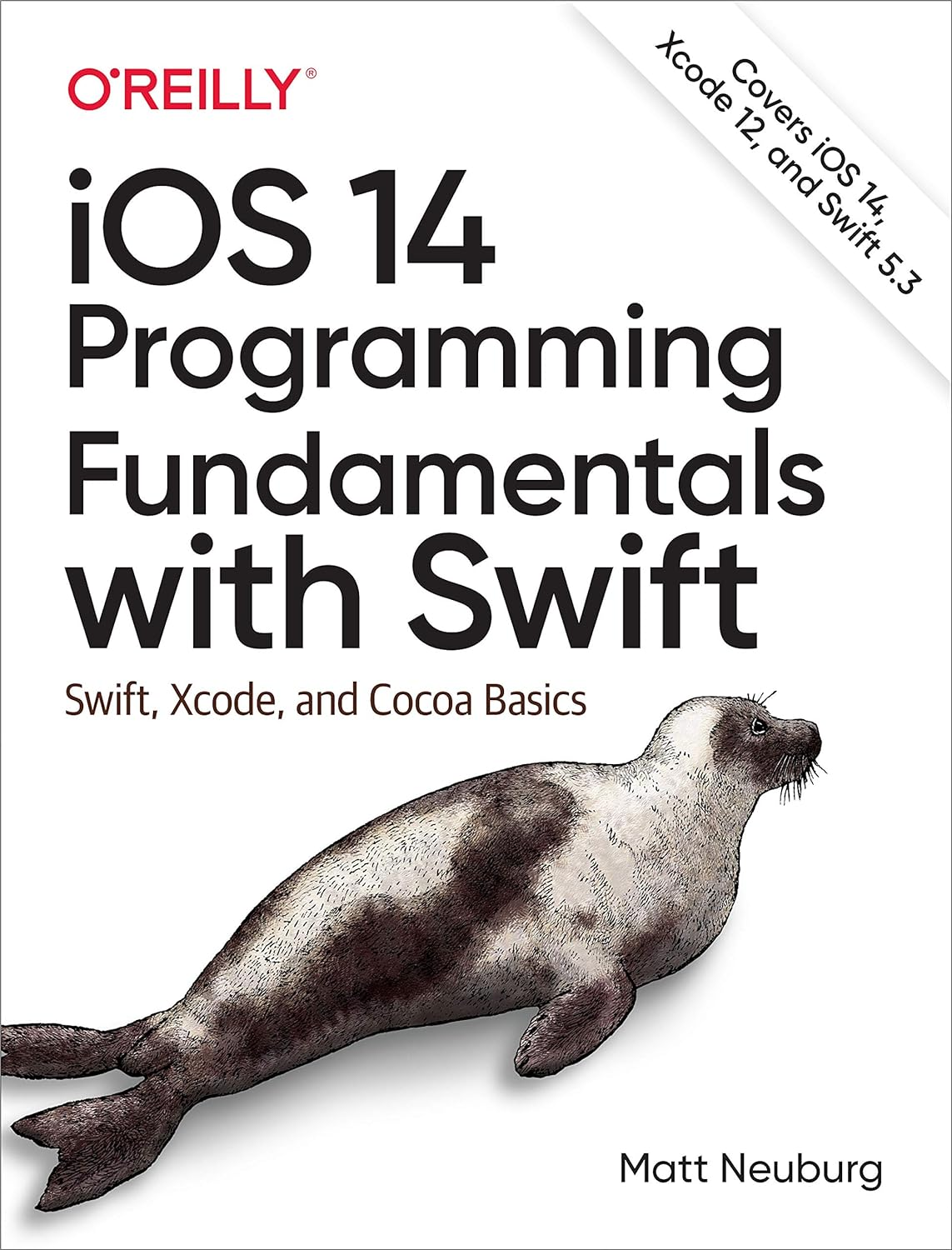 iOS 14 Programming Fundamentals with Swift: Swift, Xcode, and Cocoa Basics
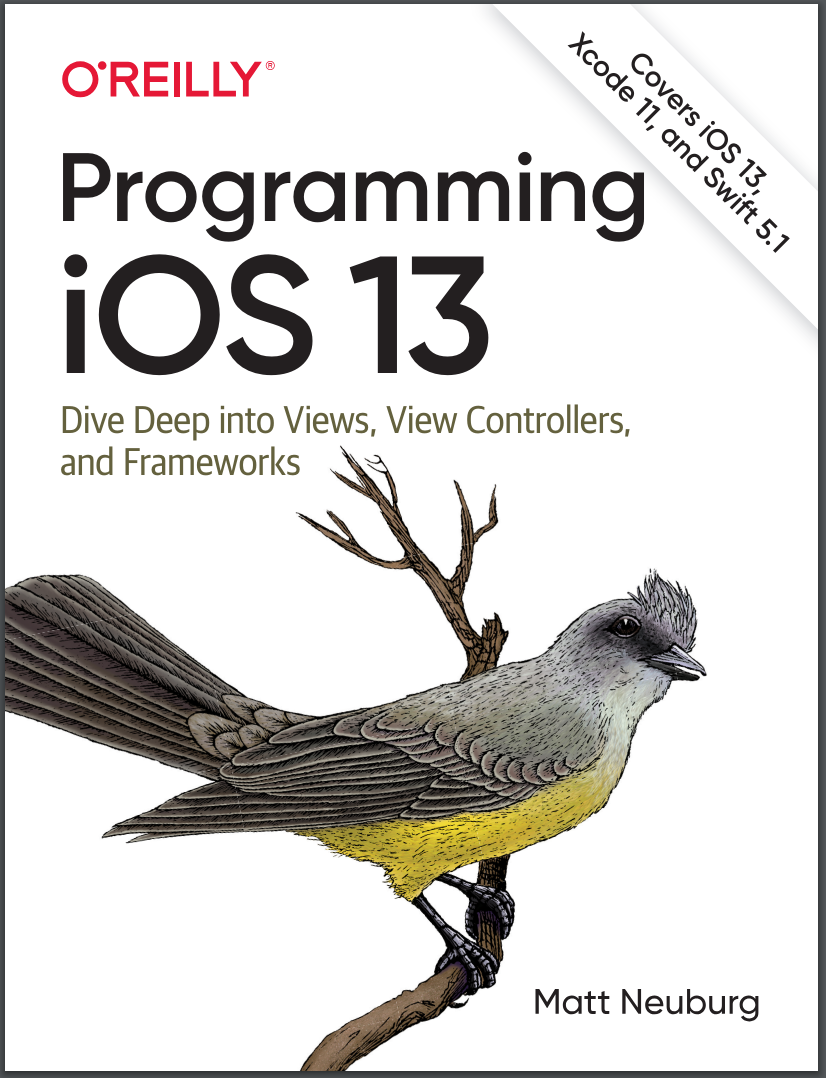 Programming iOS 13: Dive Deep into Views, View Controllers, and Frameworks
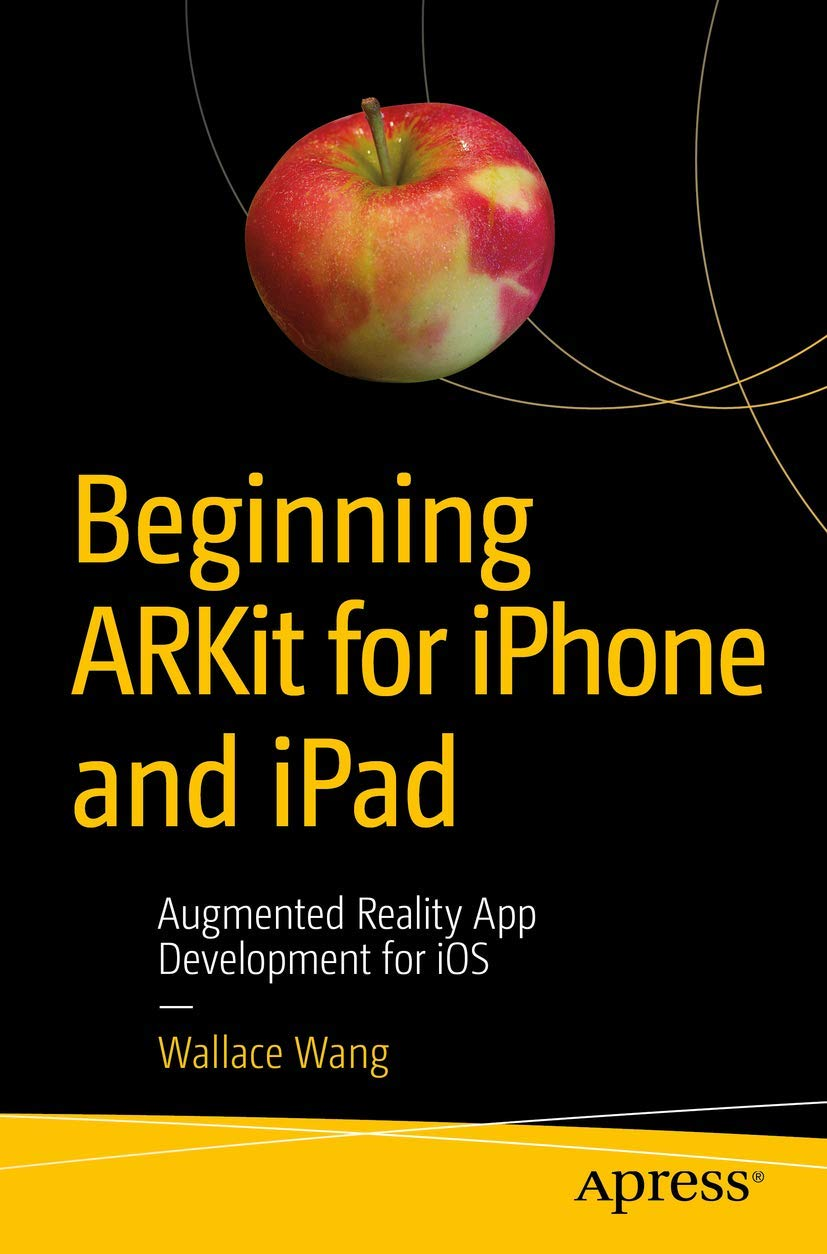 Beginning ARKit for iPhone and iPad: Augmented Reality App Development for iOS
 Swift для детей: Самоучитель по созданию приложений для iOS
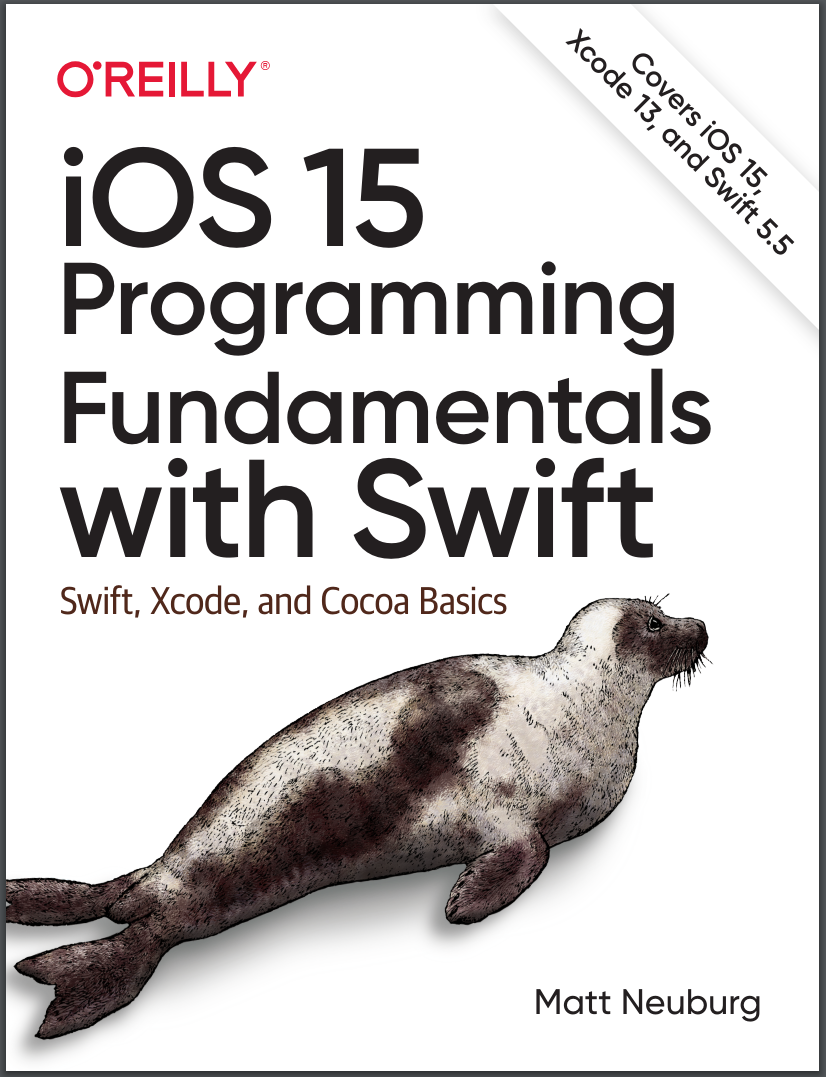 iOS 15 Programming Fundamentals with Swift: Swift, Xcode, and Cocoa Basics
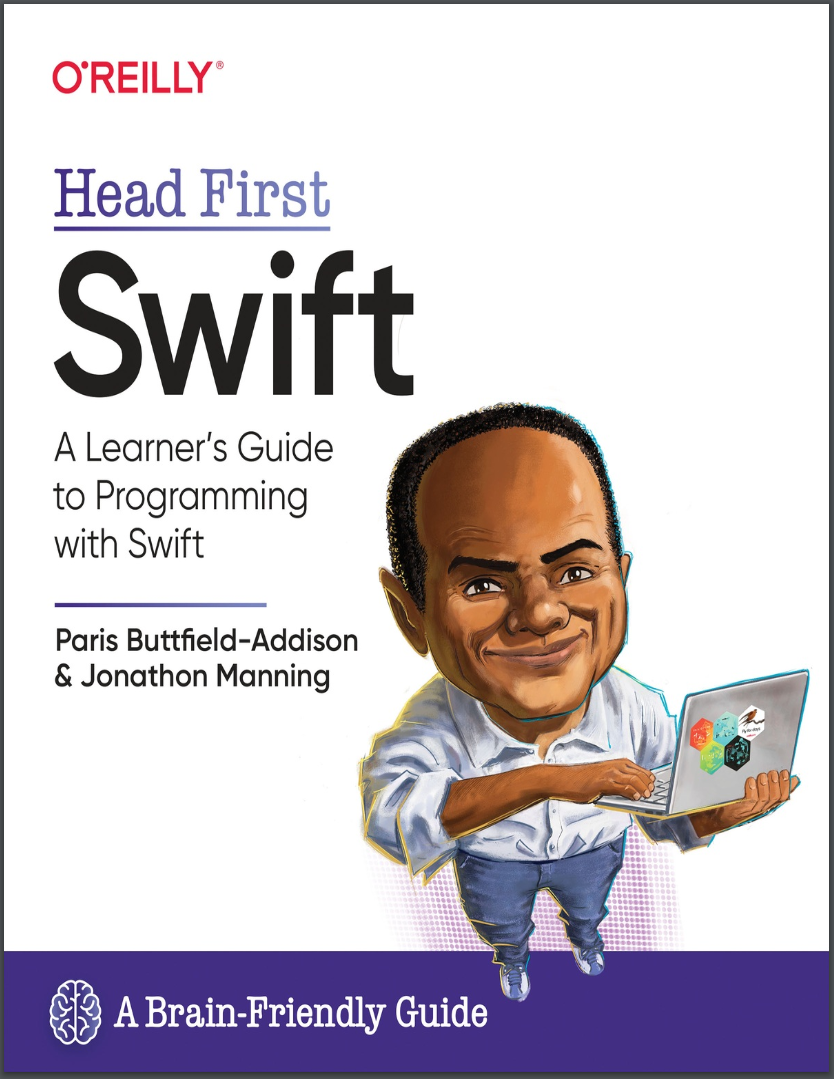 Head First Swift: A Learner's Guide to Programming with Swift
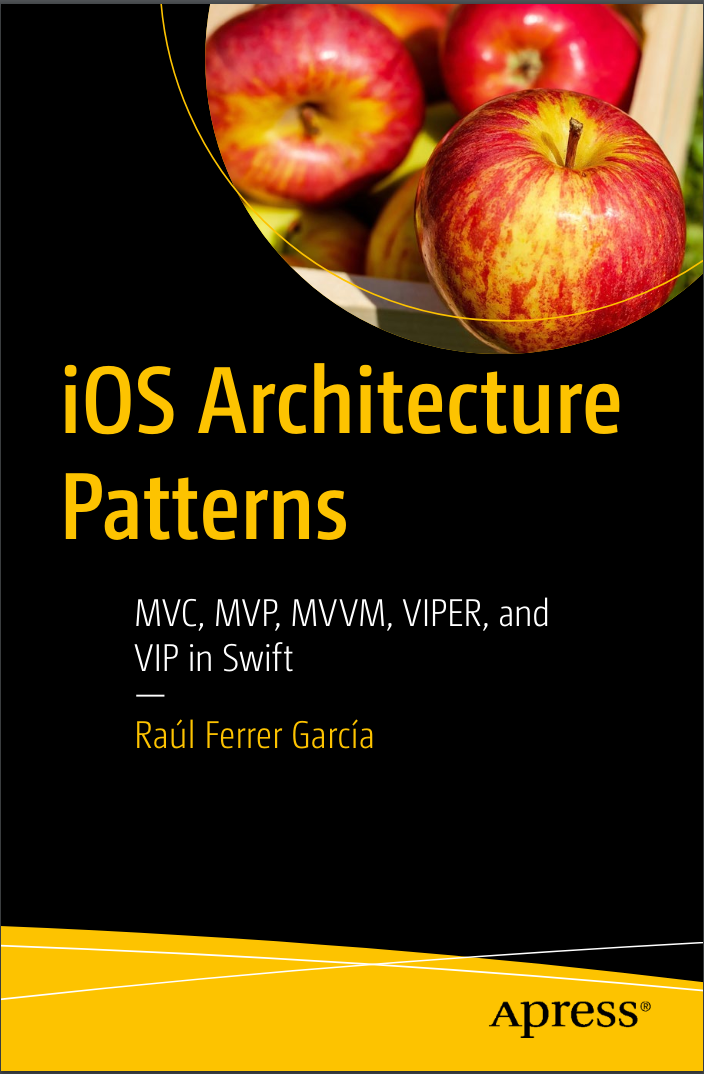 iOS Architecture Patterns: MVP, MVVM, VIPER, and VIP in Swift