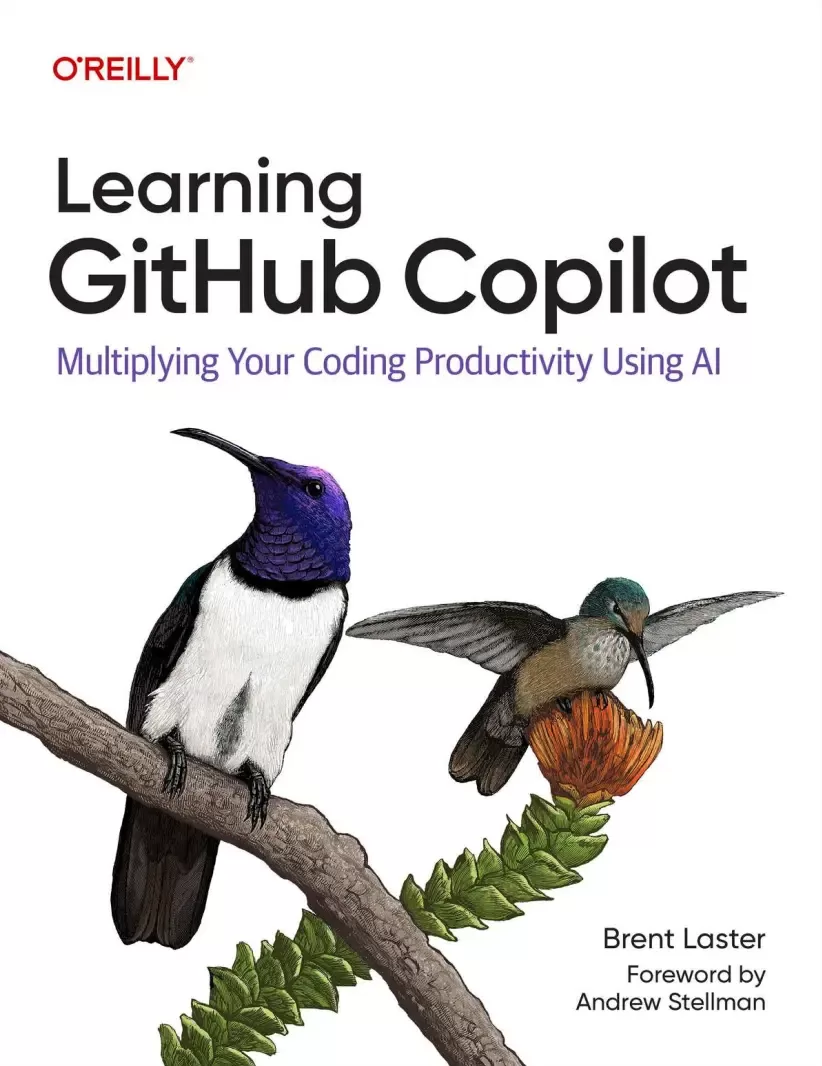
Learning GitHub Copilot: Multiplying Your Coding Productivity Using Al
Оглавление⌄
Foreword....8 Preface....11 The Structure of This Book....14 Intended Audience....15 Conventions Used in This Book....17 Using Code Examples....18 O’Reilly Online Learning....19 How to Contact Us....19 Acknowledgments....20 1. Foundations....24 What Is GitHub Copilot?....25 How Does Copilot Work?....28 Large Language Models....28 Code and Generative AI....30 High-Level Flow....34 Usage Considerations....42 Timeliness....42 Relevance....44 Completeness....45 Accuracy....46 Privacy....47 Security....50 Copilot Versus ChatGPT....52 Copilot Plans....54 Conclusion....61 2. Coding with Copilot....63 Inline Suggestions....65 Getting Additional Suggestions....70 Leveraging Comments....75 Directive Comments....76 Questions via Comments....84 Copilot and the Context Menu....86 Using Copilot to Review Your Code....93 Using Copilot’s Default Review Options....93 Creating Custom Review Instructions....96 Configuring Copilot in the IDE....101 Conclusion....110 3. Chatting with Copilot in the IDE....112 Accessing Chat’s Main Interface....113 Understanding Chat Output....120 Managing Chat Sessions....128 Prompt Engineering for Copilot....132 Making Effective Use of the Prompt Dialog....134 Adding Context Elements....136 Adding Participants....139 Understanding Options for Submitting Your Prompt....141 Using the Editor Inline Chat Interface....146 Using the Quick Chat Interface....154 Chat Shortcuts....155 Chat Participants....160 @workspace....162 @vscode....167 @terminal....169 Chat Variables....174 Chat in the Terminal....182 Creating Custom Code-Generation Instructions....184 Dealing with Hallucinations and Bad Answers....189 Conclusion....190 4. Advanced Editing and Autonomous Workflows in the IDE....192 Predictive Edits with Next Edit Suggestions....192 Copilot Edits....200 Agent Mode....211 Copilot Vision....228 Debugging with Copilot....242 Conclusion....249 5. Testing with Copilot....251 How Do I Test?....252 Creating Unit Tests....265 Using the /tests Command....266 Creating Tests from Explicit Prompts....272 Creating Tests from Comments....275 Validating Inputs....279 Creating Integration Tests....282 Defining Custom Testing Instructions....286 Testing Before the Coding and Leveraging Frameworks....288 Leveraging Agent Mode for Testing Workflows....298 Conclusion....303 6. Using Copilot to Document and Explain Code....305 Documenting Content....306 Generating Documentation Inline....306 Generating Documentation Through Chat....311 Generating Framework-Compatible Documentation....316 Generating Documentation for APIs....320 Creating Functional Documentation....322 Extracting Summary Documentation from the Code....325 Explaining Content....329 Understanding Code in a Language New to You....329 Understanding Generated Code and Conventions....331 Explaining the Logic Used in a Section of Code....334 Explaining What Might Go Wrong with a Set of Code....337 Explaining Items from the Terminal....338 Explaining How to Do Something in the Terminal....343 Conclusion....346 7. Keeping Copilot Timely and Relevant....348 Where Context Originates....349 How Timeliness and Relevancy May Be Affected....351 Training Cutoffs....352 Hallucinations....356 Lack of Real-Time Validation....357 Misplaced Context....359 Missing Context....362 User-Based Coping Strategies....365 Telling Copilot What to Use for Context....365 Changing the Model....370 Querying the Model to Determine Which Version Is Current....374 Guiding Copilot by Example....377 Adding Context to Make Code More Relevant....380 Conclusion....385 8. Other Ways to Leverage Copilot....388 Using Copilot with SQL....389 Queries....390 Stored Procedures....393 Optimizations....396 Working with YAML and Kubernetes....398 Generating Regular Expressions....408 Automatic Data Generation....410 GitHub CLI and Copilot....413 Conclusion....416 9. Using Copilot in GitHub....418 Using Chat with GitHub Repositories....419 Using Copilot for Change Workflows....433 Using Copilot with Pull Requests....445 Having Copilot Review Pull Requests....447 Leveraging Copilot to Simplify Initiating Pull Requests....452 Exploring Code Changes with Copilot....458 Using Copilot with GitHub Issues....467 Conclusion....472 10. Extending Copilot’s Functionality....474 Copilot Extensions Versus VS Code Extensions for Copilot....474 What Are Copilot Extensions?....476 Getting Copilot Extensions from the Marketplace....477 Understanding Copilot Extension Implementation Types....491 Assembling Building Blocks for Extensions....494 GitHub Apps....495 Endpoint Server....498 Implementing an Extension as an Agent....499 Performing a Basic Implementation....499 Configuring a GitHub App for a Copilot Agent Extension....510 Implementing an Extension via Skillsets....524 Performing a Basic Implementation....525 Configuring a GitHub App for a Copilot Extension Using Skillsets....530 Creating VS Code Extensions for Copilot....539 Conclusion....550 Index....552 About the Author....588
Описание
В этом материале разберём тему: copilot.
In this practical guide, author Brent Laster guides you through using generative AI for writing better code faster, generating tests with ease, creating polished documentation at any stage of development, and more. Supercharge your coding productivity with generative AI using GitHub Copilot. You'll also explore advanced uses—like leveraging Copilot's Agent functionality to add features autonomously and reviewing pull requests automatically.
Alongside the fundamentals, you’ll dive into Copilot Edits, Agent mode, and Copilot Vision. Learning GitHub Copilot is for developers, testers, DevOps engineers, and software professionals at all levels. You’ll also learn how to create your own Copilot extensions to expand its capabilities. Whether you’re working in Python, JavaScript, or any other language, this book helps you confidently integrate AI into your development workflow.
Harness real-time AI insights to explore and understand unfamiliar code and algorithmsMaster inline completions and the chat interface to automate common tasksTurn natural language prompts into complete functions, tests, and docs quickly and easilyOptimize AI results with context and prompts to get targeted solutionsStreamline feature development and refactors with AI assistance in your IDE
Файл доступен для загрузки ниже.
Поделиться
Частые вопросы
Можно ли скачать «Learning GitHub Copilot: Multiplying Your Coding Productivity Using Al» бесплатно?
Да, «Learning GitHub Copilot: Multiplying Your Coding Productivity Using Al» доступна для бесплатного скачивания на нашем сайте в формате PDF. Ссылка на файл находится на этой странице.
В каком формате и какого размера файл?
Книга предоставляется в формате PDF, размер файла 10,6 МБ.
Кто автор и когда вышла книга?
автор — Laster Brent, издательство O’Reilly Media, Inc., год выпуска 2025, 589 страниц.
О чём книга «Learning GitHub Copilot: Multiplying Your Coding Productivity Using Al»?
Supercharge your coding productivity with generative AI using GitHub Copilot.
Похожие материалы
 GitOps Cookbook. Kubernetes Automation in Practice
 Learning Git: A Hands-On and Visual Guide to the Basics of Git
 Git. Практическое руководство
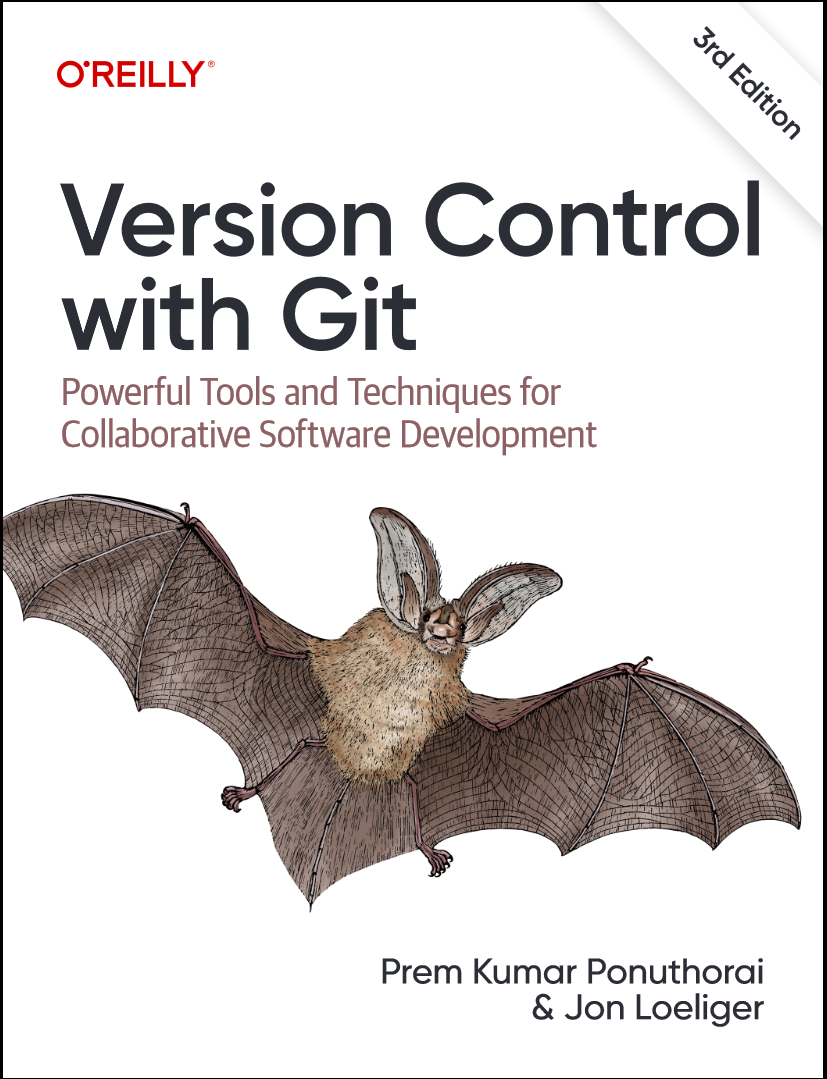 Version Control with Git. 3 Ed
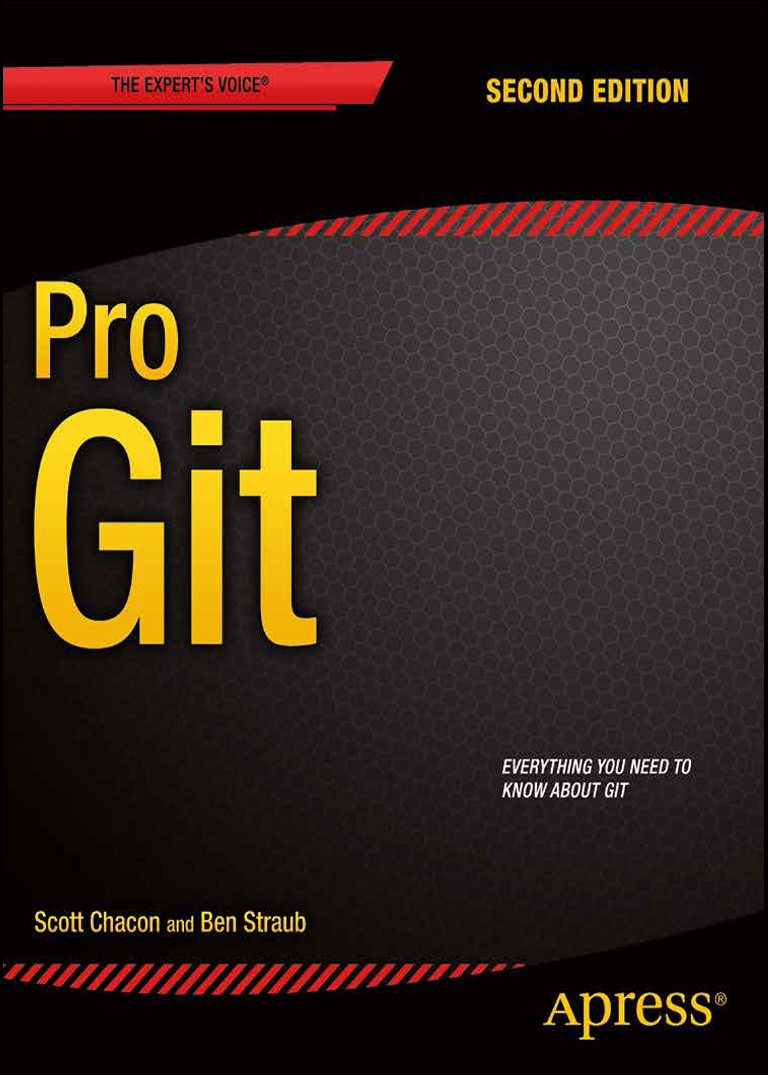 Pro Git. 2 изд
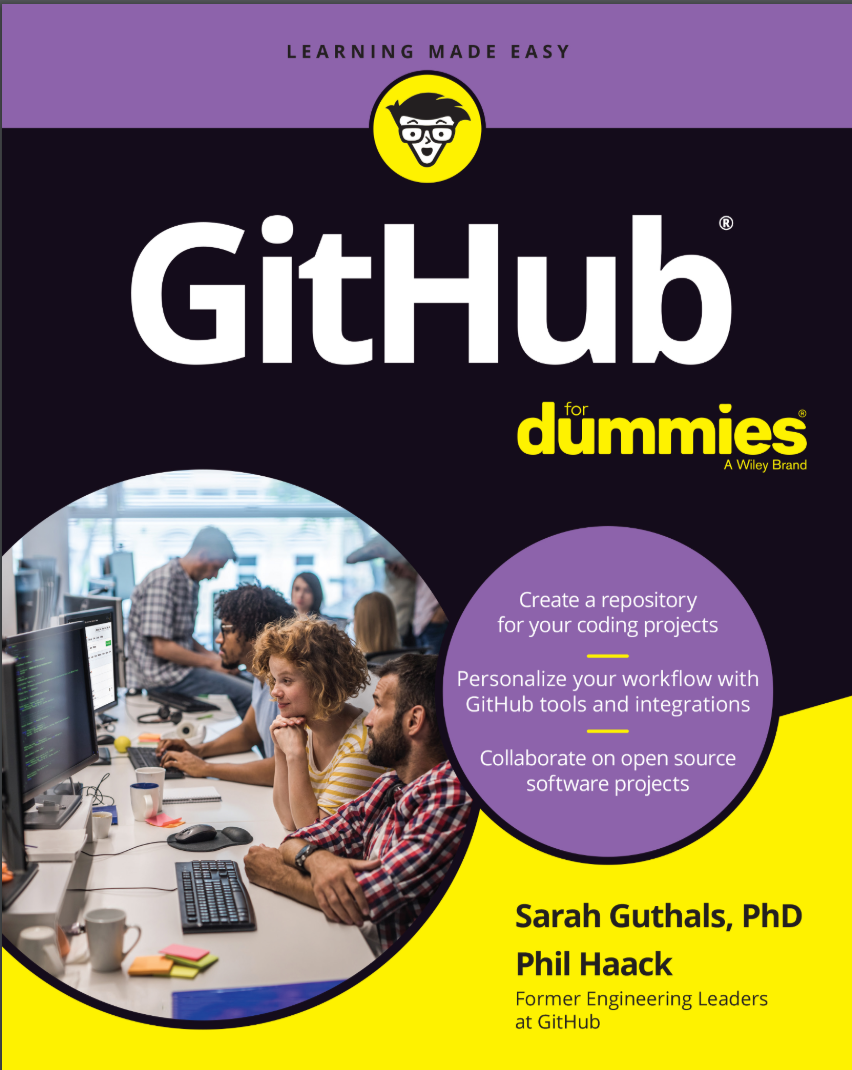 GitHub For Dummies
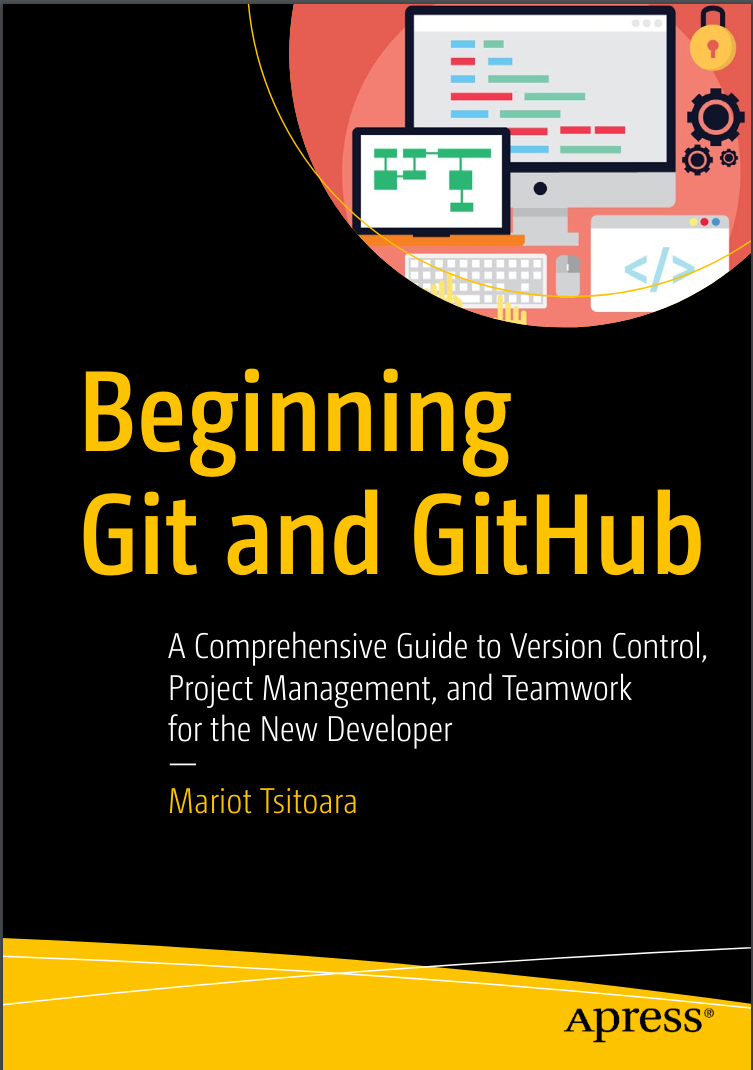 Beginning Git and GitHub: A Comprehensive Guide to Version Control, Project Management, and Teamwork for the New Developer
 Git для профессионального программиста. Подробное описание самой популярной системы контроля версий