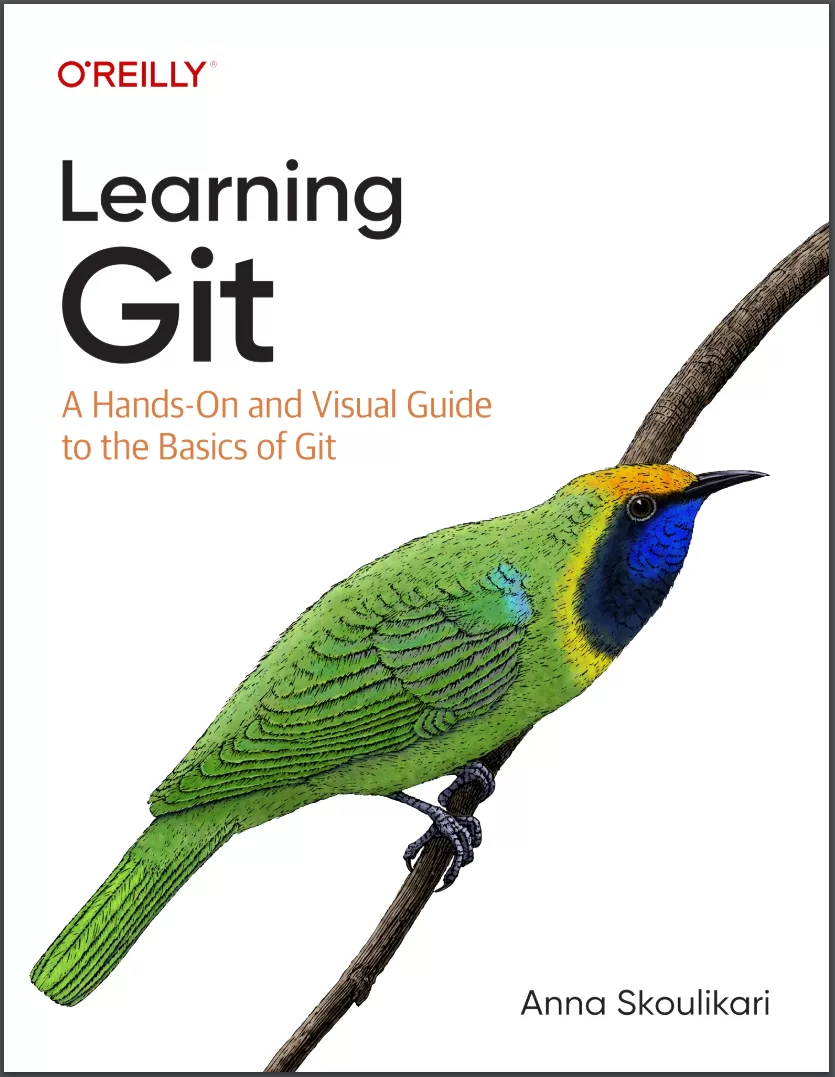
Learning Git: A Hands-On and Visual Guide to the Basics of Git
Оглавление⌄
PrefaceChapter 1. Git and the Command LineWhat Is Git?The Graphical User Interface and the Command LineOpening a Command Line WindowExecuting Commands in the Command LineInstalling GitCommand Options and ArgumentsClearing the Command LineOpening the Filesystem WindowWorking with DirectoriesClosing the Command LineSetting Git ConfigurationsPreparing a Text EditorIntegrated TerminalsSummaryChapter 2. Local RepositoriesCurrent SetupIntroducing RepositoriesInitializing a Local RepositoryThe Areas of GitAdding a File to a Git ProjectSummaryChapter 3. Making a CommitCurrent SetupWhy Do We Make Commits?The Two Steps to Make a CommitViewing a List of CommitsSummaryChapter 4. BranchesState of the Local RepositoryWhy Do We Use Branches?Unmodified and Modified FilesMaking Commits on a BranchCreating a BranchWhat Is HEAD?Switching BranchesWorking on a Separate BranchSummaryChapter 5. MergingState of the Local RepositoryIntroducing MergingTypes of MergesDoing a Fast-Forward MergeChecking Out CommitsCreating a Branch and Switching onto It in One GoSummaryChapter 6. Hosting Services and AuthenticationHosting Services and Remote RepositoriesSetting Up a Hosting Service AccountSetting Up Authentication CredentialsSummaryChapter 7. Creating and Pushing to a Remote RepositoryState of the Local RepositoryThe Two Ways to Start Work on a Git ProjectThe Interaction Between Local and Remote RepositoriesWhy Do We Use Remote Repositories?Creating a Remote Repository with DataWorking on a Remote Repository Directly on a Hosting ServiceSummaryChapter 8. Cloning and FetchingState of the Local and Remote RepositoriesCloning a Remote RepositoryDeleting BranchesGit Collaboration and BranchesIncorporating Changes from the Remote RepositoryDeleting Branches (Continued)SummaryChapter 9. Three-Way MergesState of the Local and Remote RepositoriesWhy Are Three-Way Merges Important?Setting Up a Three-Way Merge ScenarioDefining Upstream BranchesEditing the Same File Multiple Times Between CommitsWorking at the Same Time as Others on Different FilesThree-Way Merge in PracticePulling Changes from a Remote RepositoryState of the Local and Remote RepositoriesSummaryChapter 10. Merge ConflictsState of the Local and Remote RepositoriesIntroducing Merge ConflictsHow to Resolve Merge ConflictsSetting Up a Merge Conflict ScenarioThe Merge Conflict Resolution ProcessResolving Merge Conflicts in PracticeStaying Up to Date with a Remote RepositorySyncing the RepositoriesState of the Local and Remote RepositoriesSummaryChapter 11. RebasingState of the Local and Remote RepositoriesIntegrating Changes in GitWhy Is Rebasing Helpful?Setting Up the Rebasing ExampleUnstaging and Staging FilesPreparing to RebaseThe Five Stages of the Rebase ProcessRebasing and Merge ConflictsRebasing a Branch in PracticeThe Golden Rule of RebasingSyncing the RepositoriesState of the Local and Remote RepositoriesSummaryChapter 12. Pull Requests (Merge Requests)State of the Local and Remote RepositoriesIntroducing Pull RequestsHosting Service SpecificsWhy Use Pull Requests?Understanding How Pull Requests Are MergedPreparing to Make a Pull RequestAn Easier Way to Define Upstream BranchesCreating a Pull Request on a Hosting ServiceReviewing and Approving a Pull RequestMerging a Pull RequestDeleting Remote BranchesSyncing the Local Repositories and Cleaning UpState of the Local and Remote RepositoriesSummaryEpilogueAppendix A: Chapter PrerequisitesAppendix B: Command Quick ReferenceAppendix C: Visual Language ReferenceIndex
Описание
Ниже — практический обзор по теме «book».
It is especially designed for individuals that are just getting started learning technical skills, or that work in nontechnical roles but need to use Git to collaborate with their technical counterparts. This book is for anyone who wants to learn the basics of how Git works. Some examples of individuals that may benefit from this book include (but are not limited to) coding bootcamp students, computer science students, technical writers, product managers, designers, junior developers, data scientists, and self-taught programmers. If you have no experience with Git, that’s not a problem since this book starts from zero. The book is written for people with no experience using Git, as well as those with a bit of experience using Git. We’ll begin with installing Git and how to use the command line, and build from there. However, I encourage you not to skip it because it sets up the Rainbow project that you will be using throughout the rest of the book. If you already have some experience using Git or the command line, the first chapter may be a bit of review.
Если материал оказался полезен — сохраните страницу.
Поделиться
Частые вопросы
Можно ли скачать «Learning Git: A Hands-On and Visual Guide to the Basics of Git» бесплатно?
Да, «Learning Git: A Hands-On and Visual Guide to the Basics of Git» доступна для бесплатного скачивания на нашем сайте в формате PDF. Ссылка на файл находится на этой странице.
В каком формате и какого размера файл?
Книга предоставляется в формате PDF, размер файла 5,7 МБ.
Кто автор и когда вышла книга?
автор — Skoulikari Anna, издательство O’Reilly Media, Inc., год выпуска 2023, 633 страниц.
О чём книга «Learning Git: A Hands-On and Visual Guide to the Basics of Git»?
This book is for anyone who wants to learn the basics of how Git works.
Похожие материалы
 GitOps Cookbook. Kubernetes Automation in Practice
 Git. Практическое руководство
 Version Control with Git. 3 Ed
 Pro Git. 2 изд
 GitHub For Dummies
 Beginning Git and GitHub: A Comprehensive Guide to Version Control, Project Management, and Teamwork for the New Developer
 Git для профессионального программиста. Подробное описание самой популярной системы контроля версий
 Introducing GitHub: A Non-Technical Guide. 2 Ed