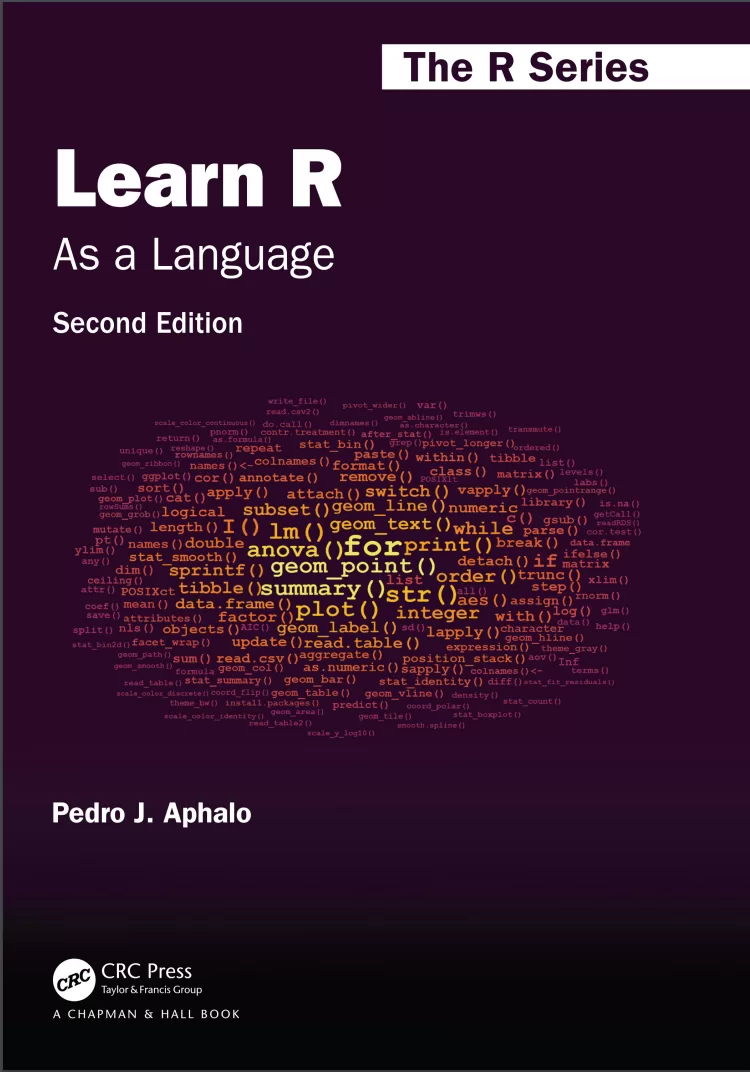
Learn R: As a Language. 2 Ed
Оглавление⌄
Cover....1 Half Title....2 Series Page....3 Title Page....1 Copyright Page....4 Contents....5 List of Figures....11 List of Tables....13 Preface....15 1. Using the Book to Learn R....19 1.1. Aims of This Chapter....19 1.2. Approach and Structure....19 1.3. Typographic and Naming Conventions....21 1.3.1. Call-outs....21 1.3.2. Code conventions and syntax highlighting....22 1.3.3. Diagrams....22 1.4. Finding Answers to Problems....23 1.4.1. What are the options?....23 1.4.2. R’s built-in help....23 1.4.3. Online forums....24 1.5. Further Reading....26 2. R: The Language and the Program....27 2.1. Aims of This Chapter....27 2.2. What is R?....28 2.2.1. R as a language....28 2.2.2. R as a computer program....29 2.3. Using R....30 2.3.1. Editors and IDEs....30 2.3.2. R sessions and workspaces....32 2.3.3. Using R interactively....33 2.3.4. Using R in a “batch job”....35 2.4. Reproducible Data Analysis with R....36 2.5. Getting Ready to Use R....38 2.6. Further Reading....39 3. Base R: “Words” and “Sentences”....41 3.1. Aims of This Chapter....41 3.2. Natural and Computer Languages....42 3.3. Numeric Values and Arithmetic....42 3.4. Character Values....59 3.5. Logical Values and Boolean Algebra....67 3.6. Comparison Operators and Operations....70 3.7. Sets and Set Operations....73 3.8. The Mode and Class of Objects....77 3.9. Type Conversions....78 3.10. Vector Manipulation....82 3.11. Matrices and Multidimensional Arrays....88 3.12. Factors....97 3.13. Further Reading....102 4. Base R: “Collective Nouns”....103 4.1. Aims of This Chapter....103 4.2. Data from Surveys and Experiments....104 4.3. Lists....104 4.3.1. Member extraction, deletion and insertion....105 4.3.2. Nested lists....109 4.4. Data Frames....112 4.4.1. Sub-setting data frames....120 4.4.2. Summarising and splitting data frames....123 4.4.3. Re-arranging columns and rows....125 4.4.4. Re-encoding or adding variables....127 4.4.5. Operating within data frames....128 4.5. Reshaping and Editing Data Frames....130 4.6. Attributes of R Objects....132 4.7. Saving and Loading Data....136 4.7.1. Data sets in R and packages....136 4.7.2. .rda files....136 4.7.3. .rds files....138 4.7.4. dput()....139 4.8. Plotting....139 4.8.1. Plotting data....139 4.8.2. Graphical output....140 4.9. Further Reading....142 5. Base R: “Paragraphs” and “Essays”....143 5.1. Aims of This Chapter....143 5.2. Writing Scripts....143 5.2.1. What is a script?....144 5.2.2. How do we use a script?....145 5.2.3. How to write a script....146 5.2.4. The need to be understandable to people....147 5.2.5. Debugging scripts....148 5.3. Compound Statements....150 5.4. Function Calls....151 5.5. Data Pipes....152 5.6. Conditional Evaluation....156 5.6.1. Non-vectorised if, else and switch....156 5.6.2. Vectorised ifelse()....162 5.7. Iteration....164 5.7.1. for loops....164 5.7.2. while loops....168 5.7.3. repeat loops....170 5.7.4. Nesting of loops....171 5.8. Apply Functions....172 5.8.1. Applying functions to vectors, lists and data frames....172 5.8.2. Applying functions to matrices and arrays....175 5.9. Functions that Replace Loops....177 5.10. The Multiple Faces of Loops....178 5.11. Iteration When Performance Is Important....180 5.12. Object Names as Character Strings....184 5.13. Clean-Up....185 5.14. Further Reading....186 6. Base R: Adding New “Words”....187 6.1. Aims of This Chapter....187 6.2. Defining Functions and Operators....187 6.2.1. Scope of names....191 6.2.2. Ordinary functions....192 6.2.3. Operators....193 6.3. Objects, Classes and Methods....194 6.4. Packages....197 6.4.1. Sharing of R-language extensions....197 6.4.2. Download, installation and use....198 6.4.3. Finding suitable packages....201 6.4.4. How packages work....202 6.5. Further Reading....203 7. Base R: “Verbs” and “Nouns” for Statistics....205 7.1. Aims of This Chapter....205 7.2. Statistical Summaries....206 7.3. Standard Probability Distributions....207 7.3.1. Density from parameters....208 7.3.2. Probabilities from parameters and quantiles....208 7.3.3. Quantiles from parameters and probabilities....209 7.3.4. “Random” draws from a distribution....210 7.4. Observed Probability Distributions....211 7.5. “Random” Sampling....212 7.6. Correlation....213 7.6.1. Pearson’s 𝑟....213 7.6.2. Kendall’s 𝜏 and Spearman’s 𝜌....215 7.7. 𝑡-test....215 7.8. Model Fitting in R....217 7.9. Fitting Linear Models....218 7.9.1. Regression....220 7.9.2. Analysis of variance, ANOVA....226 7.9.3. Analysis of covariance, ANCOVA....231 7.9.4. Model update and selection....231 7.10. Generalised Linear Models....235 7.11. Non-Linear Regression....238 7.12. Splines and Local Regression....241 7.13. Model Formulas....244 7.14. Time Series....250 7.15. Multivariate Statistics....254 7.15.1. Multivariate analysis of variance....254 7.15.2. Principal components analysis....254 7.15.3. Multidimensional scaling....256 7.15.4. Cluster analysis....258 7.16. Further Reading....259 8. R Extensions: Data Wrangling....261 8.1. Aims of This Chapter....261 8.2. Introduction....262 8.3. Packages Used in This Chapter....264 8.4. Replacements for data.frame....265 8.4.1. Package ‘data.table’....265 8.4.2. Package ‘tibble’....265 8.5. Data Pipes....271 8.5.1. ‘magrittr’....271 8.5.2. ‘wrapr’....271 8.5.3. Comparing pipes....272 8.6. Reshaping with ‘tidyr’....274 8.7. Data Manipulation with ‘dplyr’....277 8.7.1. Row-wise manipulations....277 8.7.2. Group-wise manipulations....280 8.7.3. Joins....282 8.8. Times and Dates with ‘lubridate’....285 8.9. Further Reading....288 9. R Extensions: Grammar of Graphics....289 9.1. Aims of This Chapter....289 9.2. Packages Used in This Chapter....289 9.3. The Components of a Plot....290 9.4. The Grammar of Graphics....291 9.4.1. The words of the grammar....292 9.4.2. The workings of the grammar....294 9.4.3. Plot construction....296 9.4.4. Plots as R objects....304 9.4.5. Scales and mappings....306 9.5. Geometries....312 9.5.1. Point....312 9.5.2. Rug....317 9.5.3. Line and area....318 9.5.4. Column....321 9.5.5. Tiles....322 9.5.6. Simple features (sf)....324 9.5.7. Text....324 9.5.8. Plot insets....329 9.6. Statistics....333 9.6.1. Functions....334 9.6.2. Summaries....335 9.6.3. Smoothers and models....338 9.6.4. Frequencies and counts....342 9.6.5. Density functions....344 9.6.6. Box and whiskers plots....346 9.6.7. Violin plots....347 9.7. Flipped Plot Layers....348 9.8. Facets....353 9.9. Positions....357 9.10. Scales....359 9.10.1. Axis and key labels....360 9.10.2. Continuous scales....362 9.10.3. Time and date scales for 𝑥 and 𝑦....369 9.10.4. Discrete scales for 𝑥 and 𝑦....371 9.10.5. Size and line width....372 9.10.6. Colour and fill....373 9.10.7. Continuous colour-related scales....375 9.10.8. Discrete colour-related scales....375 9.10.9. Binned scales....375 9.10.10. Identity scales....376 9.11. Adding Annotations....377 9.12. Coordinates and Circular Plots....380 9.12.1. Wind-rose plots....380 9.12.2. Pie charts....382 9.13. Themes....382 9.13.1. Complete themes....383 9.13.2. Incomplete themes....385 9.13.3. Defining a new theme....386 9.14. Composing Plots....387 9.15. Using plotmath Expressions....389 9.16. Creating Complex Data Displays....395 9.17. Creating Sets of Plots....395 9.17.1. Saving plot layers and scales in variables....395 9.17.2. Saving plot layers and scales in lists....396 9.17.3. Using functions as building blocks....396 9.18. Generating Output Files....397 9.19. Debugging Ggplots....398 9.20. Further Reading....399 10. Base R and Extensions: Data Sharing....401 10.1. Aims of This Chapter....401 10.2. Introduction....402 10.3. Packages Used in This Chapter....402 10.4. File Names and Operations....403 10.5. Opening and Closing File Connections....406 10.6. Plain-Text Files....406 10.6.1. Base R and ‘utils’....408 10.6.2. ‘readr’....413 10.7. XML and HTML Files....416 10.7.1. ‘xml2’....416 10.8. GPX Files....417 10.9. Worksheets....417 10.9.1. CSV files as middlemen....418 10.9.2. ‘readxl’....419 10.9.3. ‘xlsx’....420 10.9.4. ‘readODS’....421 10.10. Statistical Software....422 10.10.1. ‘foreign’....422 10.10.2. ‘haven’....423 10.11. NetCDF Files....424 10.11.1. ‘ncdf4’....425 10.11.2. ‘tidync’....426 10.12. Remotely Located Data....428 10.13. Databases....430 10.14. Data Acquisition from Physical Devices....431 10.14.1. ‘jsonlite’....431 10.15. Further Reading....432 Bibliography....433 General Index....437 Alphabetic Index of R Names....449 Index of R Names by Category....457 Frequently Asked Questions....465
Описание
В этом материале разберём тему: that.
Having fun requires challenges that wake up the learner’s curiosity but also provide an emotional reward on overcoming them. Learning a computer language like R can be either frustrating, fun, or boring. This book is designed so that it includes smaller and bigger challenges, in what I call playgrounds, in the hope that all readers will enjoy their path to R fluency. Although rarely mentioned separately, fluency in a computer programming language involves both writing and reading. Fluency in the use of a language is a skill that is acquired through practice and exploration. The parallels between natural and computer languages are many, but differences are also important. The approach I use is similar to that of a travel guide, encouraging exploration and describing the available alternatives and how to reach them. For students and professionals in the biological sciences, humanities, and many applied fields, recognizing the parallels between R and natural languages should help them feel at home with R. The intention is to guide the reader through the R landscape of 2020 and beyond.
FeaturesR as it is currently usedFew prescriptive rules―mostly the author’s preferences together with alternativesExplanation of the R grammar emphasizing the "R way of doing things"Tutoring for "programming in the small" using scriptsThe grammar of graphics and the grammar of data described as grammarsExamples of data exchange between R and the foreign world using common file formatsCoaching for becoming an independent R user, capable of both writing original code and solving future challengesWhat makes this book different from others:Tries to break the ice and help readers from all disciplines feel at home with RDoes not make assumptions about what the reader will use R forAttempts to do only one thing well: guide readers into becoming fluent in the R language
Если материал оказался полезен — сохраните страницу.
Поделиться
Частые вопросы
Можно ли скачать «Learn R: As a Language. 2 Ed» бесплатно?
Да, «Learn R: As a Language. 2 Ed» доступна для бесплатного скачивания на нашем сайте в формате PDF. Ссылка на файл находится на этой странице.
В каком формате и какого размера файл?
Книга предоставляется в формате PDF, размер файла 5,3 МБ.
Кто автор и когда вышла книга?
автор — Aphalo Pedro J., издательство CRC Press is an imprint of Taylor & Francis Group, LLC, год выпуска 2024, 465 страниц.
О чём книга «Learn R: As a Language. 2 Ed»?
Learning a computer language like R can be either frustrating, fun, or boring.
Похожие материалы
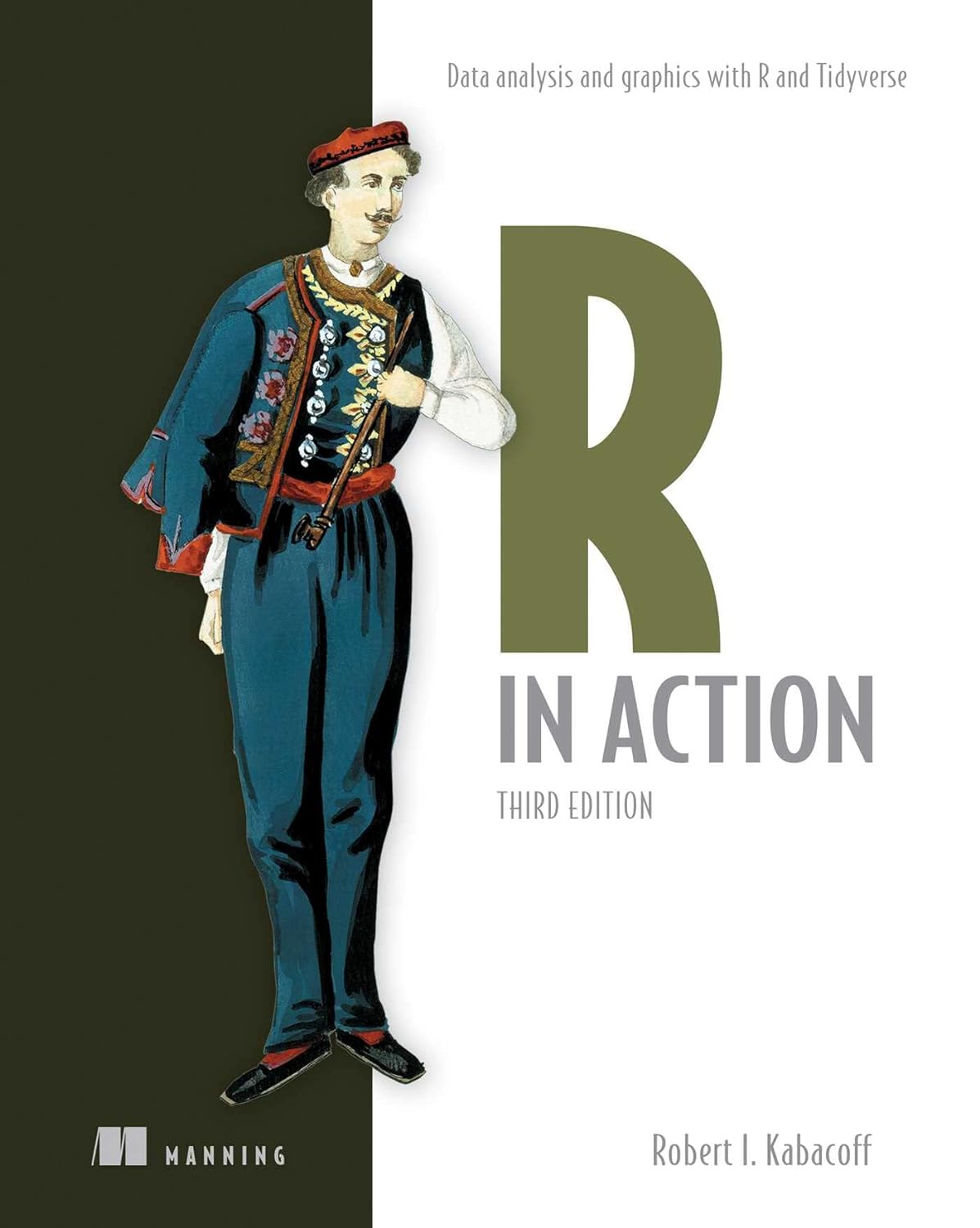 R in Action: Data analysis and graphics with R and Tidyverse. 3 Ed
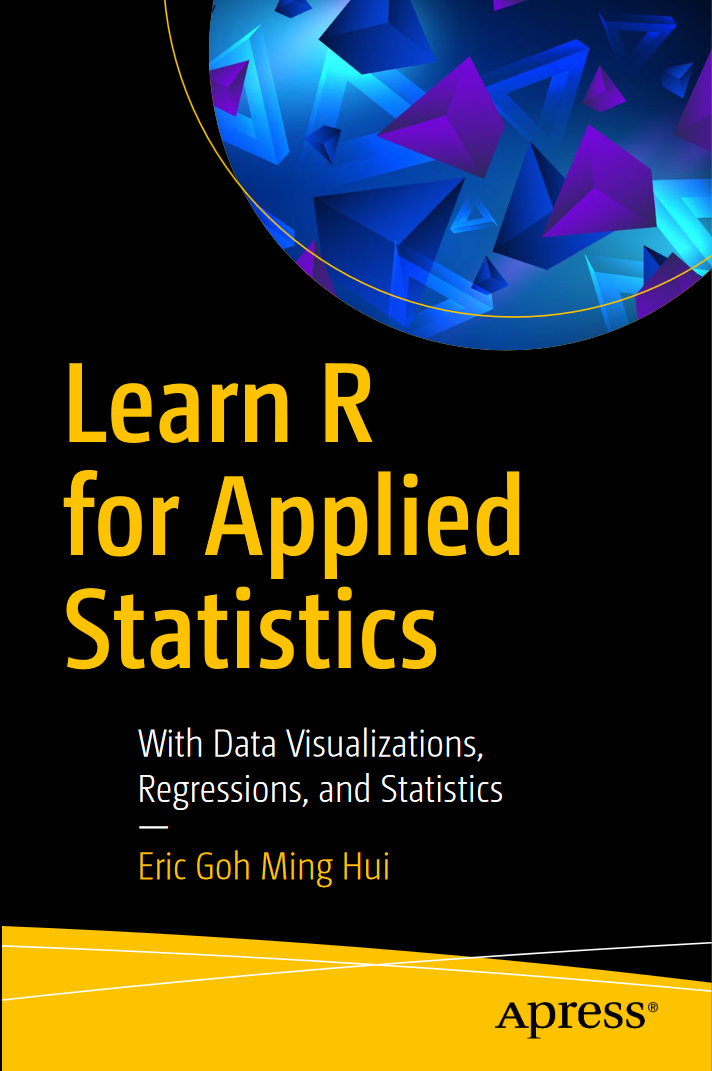 Learn R for Applied Statistics: With Data Visualizations, Regressions, and Statistics
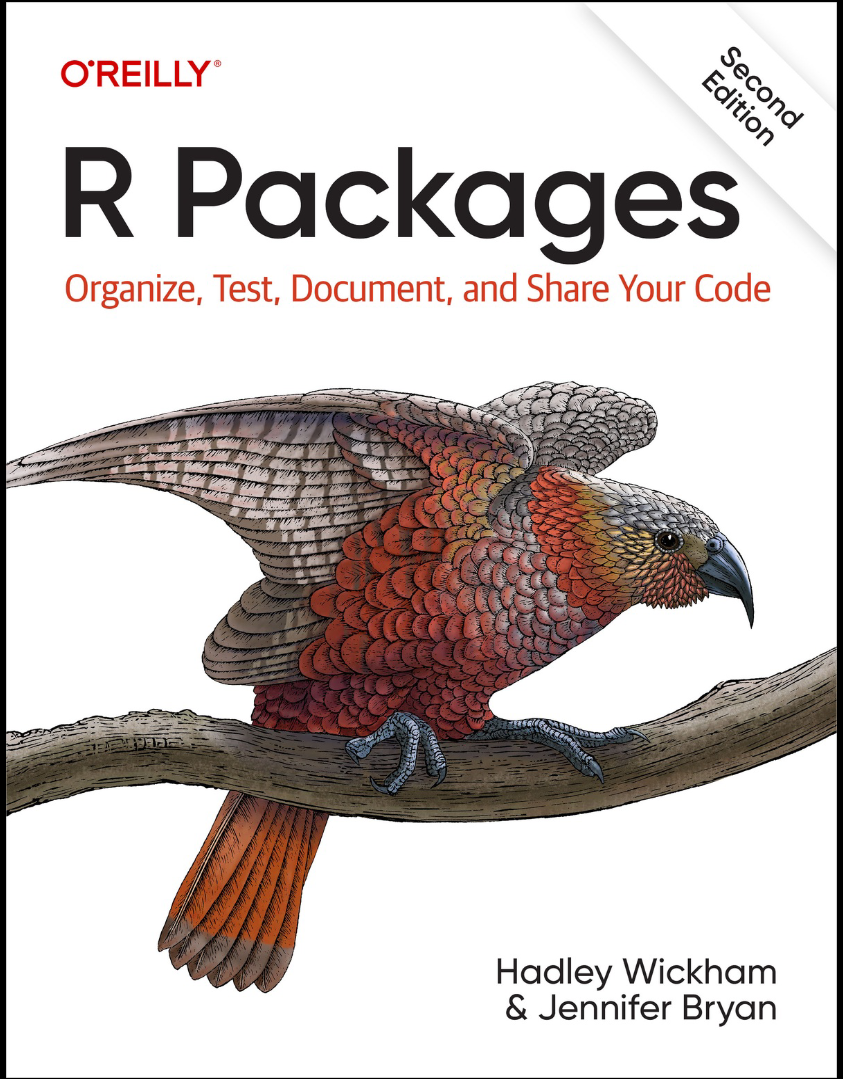 R Packages: Organize, Test, Document, and Share Your Code. 2 Ed
 Domain-Specific Languages in R: Advanced Statistical Programming
 Глубокое обучение с R и Keras. 2 изд
 R. Книга рецептов
 Introduction to Deep Learning Using R: A Step-by-Step Guide to Learning and Implementing Deep Learning Models Using R
 Искусство программирования на R. Погружение в большие данные