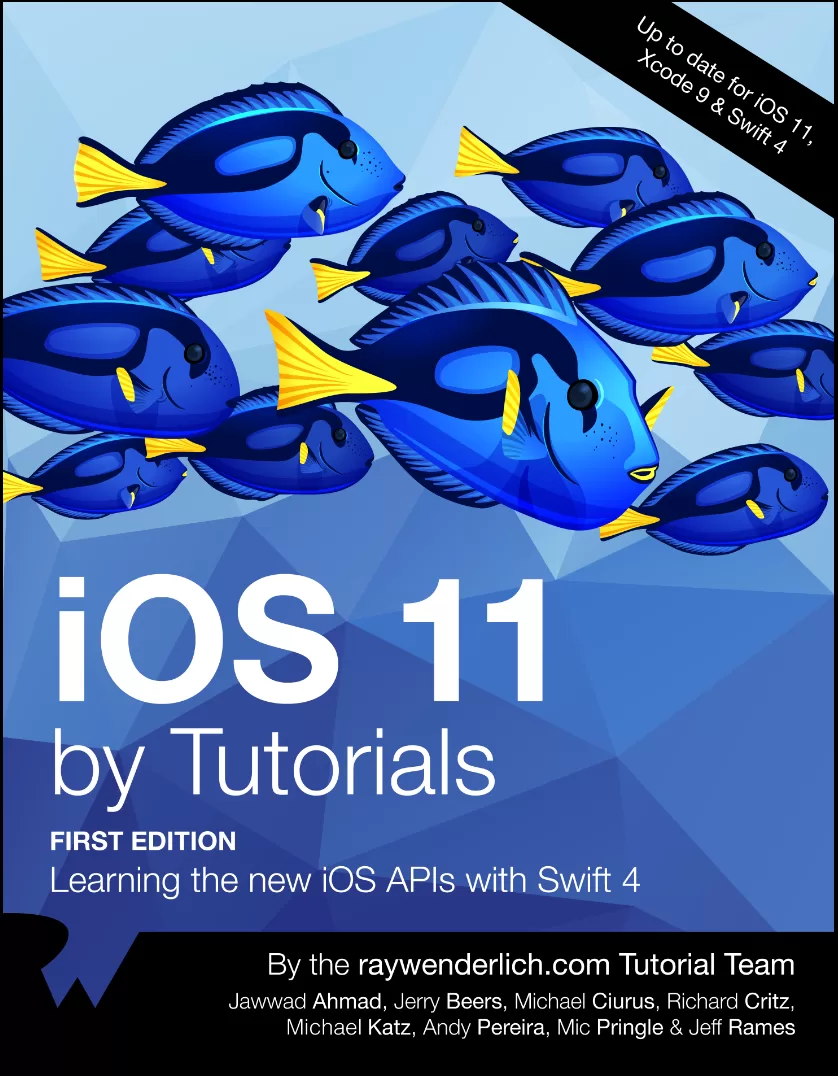
iOS 11 by Tutorials: Learning the new iOS APIs with Swift 4
Оглавление⌄
Table of Contents : ExtendedIntroductionWhat you needWho this book is forWhatʼs in storeBook source code and forumsBook updatesLicenseAcknowledgmentsAbout the coverChapter 1: Whatʼs New in Swift....4One-sided rangesStringsDictionary enhancementsGeneric subscripts and associated type constraintsLimiting @objc inferenceOther changesMigrating to Swift....4Where to go from here?Chapter 2: Whatʼs New In FoundationGetting startedDecoding SourcesMay I make an observation?Decoding articlesWhere to go from here?Chapter 3: Whatʼs New in Xcode....9Getting startedSource editor improvementsSource control improvementsBreakpoint improvementsFolder and group synchronyImproved view debuggerRuntime issues checkerSimulator improvementsXcode ServerWireless developmentNew build systemWhere to go from here?Chapter 4: Whatʼs new in UIKitGetting startedPaste configurationDrag and drop basicsWhatʼs new with table viewsWhatʼs new in AccessibilityUIColor in asset catalogsWhere to go from here?Chapter 5: Whatʼs New in LayoutGetting st-arrrr-tedLarge titlesSearch controllersSafe areaMarginsScroll viewsSelf-sizing cellsRefresh controlInsetsStack viewsImagesNavigation bar custom viewsWhere to go from here?Chapter 6: Beginning Drag and DropGetting startedStarting a dragAccepting the dropModel coordinationPerforming the dropUpdating the sourceFlockingWhere to go from here?Chapter 7: Advanced Drag and DropGetting startedAdding drag supportMultiple representations with item providersAdding drop supportAnimating drag & dropAdding animationIndicating progressData privacySpring loadingWhere to go from here?Chapter 8: Document Based AppsDocuments on iOSGetting startedCreating filesDisplaying filesOpening from other appsCustomizing the document browserAnimation controllerCustom activitiesWhere to go from here?Chapter 9: Core ML & Vision FrameworkGetting startedDetecting facesWorking with landmarksCore ML: Scene ClassificationTipping the hatWhere to go from here?Chapter 10: Natural Language ProcessingGetting startedLanguage identificationAdding a search featureUsing named entitiesSentiment analysisWhere to go from here?Chapter 11: Introduction to ARKitGetting startedARKit sessionSetting up ARKitCreating AR objectsMeasuring distancesARSession stateWhere to go from here?Chapter 12: PDFKitGetting startedDisplaying a PDFUnder my thumb nailAnnotationsPerforming custom actionsSaving PDFsWhere to go from here?Chapter 13: MusicKitGetting startedDeveloper tokenAsking for permissionGetting a list of songsMusic playbackHandling errorsWhere to go from here?Chapter 14: Password AutoFillGetting startedBasic autofillAssociating your websiteWhere to go from here?Chapter 15: Dynamic TypeA brief reviewHow dynamic type impacts layoutGetting startedBaseline to baselineUIFontMetricsImagesModifying the layoutWhere to go from here?Conclusion
Описание
Коротко и по делу о том, что важно знать про learn.
iOS 11 introduces lots of great APIs and other changes, from the brand new Drag and Drop, to augmenting your world with ARKit, to expanding your app's horizons with machine learning in CoreML. Reading and understanding all the official Apple documentation on these changes can be time-consuming — and confusing.
This is where iOS 11 by Tutorials comes to the rescue! In this book, you’ll learn the new iOS 11 APIs the quick and easy way: by following fun and easy-to-read tutorials.
Who This Book Is ForThis book is for intermediate iOS developers who already know the basics of iOS and Swift development but want to learn the new APIs introduced in iOS 11.
Topics Covered in iOS 11 by TutorialsARKit: Learn how to use ARKit to place 3D objects in your users' environment.CoreML: Explore using CoreML to analyze text: identifying its language, detecting sentiments, and much more. Then, turn to the Vision framework and learn how to do face detection and object classification.Drag and Drop: Learn how to use the new Drag and Drop API, moving items around within a single app and sharing them with other apps.Swift 4: Discover the enhancements in Swift 4, and its support in Foundation, such as the new Codable protocol, improvements to Dictionaries, and one-sided ranges.Layout and UIKit: Learn all about the new UI paradigms, including large titles, integrated search bars, and layout safe areas.PDFKit: Create PDFs using native Apple support, complete with thumbnails, markup, and forms.MusicKit: Give your users their music right in your app using the new MusicKit framework.And much more, including password autofill, dynamic type, and document based apps.One thing you can count on: after reading this book, you’ll be prepared to take advantage of all the improvements iOS 11 has to offer!
На этом основные моменты по теме закрыты.
Поделиться
Частые вопросы
Можно ли скачать «iOS 11 by Tutorials: Learning the new iOS APIs with Swift 4» бесплатно?
Да, «iOS 11 by Tutorials: Learning the new iOS APIs with Swift 4» доступна для бесплатного скачивания на нашем сайте в формате PDF. Ссылка на файл находится на этой странице.
В каком формате и какого размера файл?
Книга предоставляется в формате PDF, размер файла 4,2 МБ.
Кто автор и когда вышла книга?
автор — Ahmad Jawwad , Beers Jerry , Ciurus Michael , Critz Richard , Katz Michael , Pereira Andy , Pringle Mic , Rames Jeff, издательство Razeware LLC., год выпуска 2017, 306 страниц.
О чём книга «iOS 11 by Tutorials: Learning the new iOS APIs with Swift 4»?
iOS 11 introduces lots of great APIs and other changes, from the brand new Drag and Drop, to augmenting your world with ARKit, to expanding your app's horizons with machine learning in CoreML.
Похожие материалы
 Real-World iOS by Tutorials: Professional App Development With Swift
 iOS 14 Programming Fundamentals with Swift: Swift, Xcode, and Cocoa Basics
 Programming iOS 13: Dive Deep into Views, View Controllers, and Frameworks
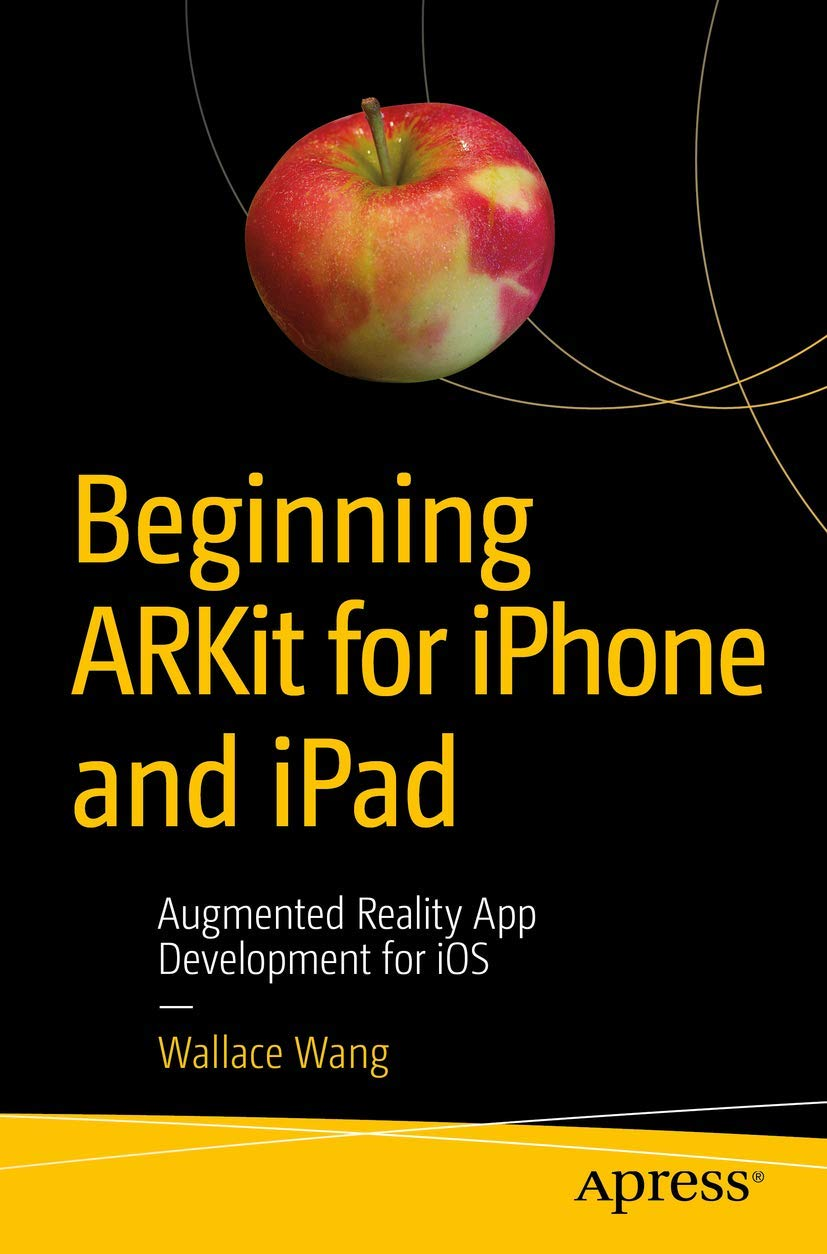 Beginning ARKit for iPhone and iPad: Augmented Reality App Development for iOS
 Swift для детей: Самоучитель по созданию приложений для iOS
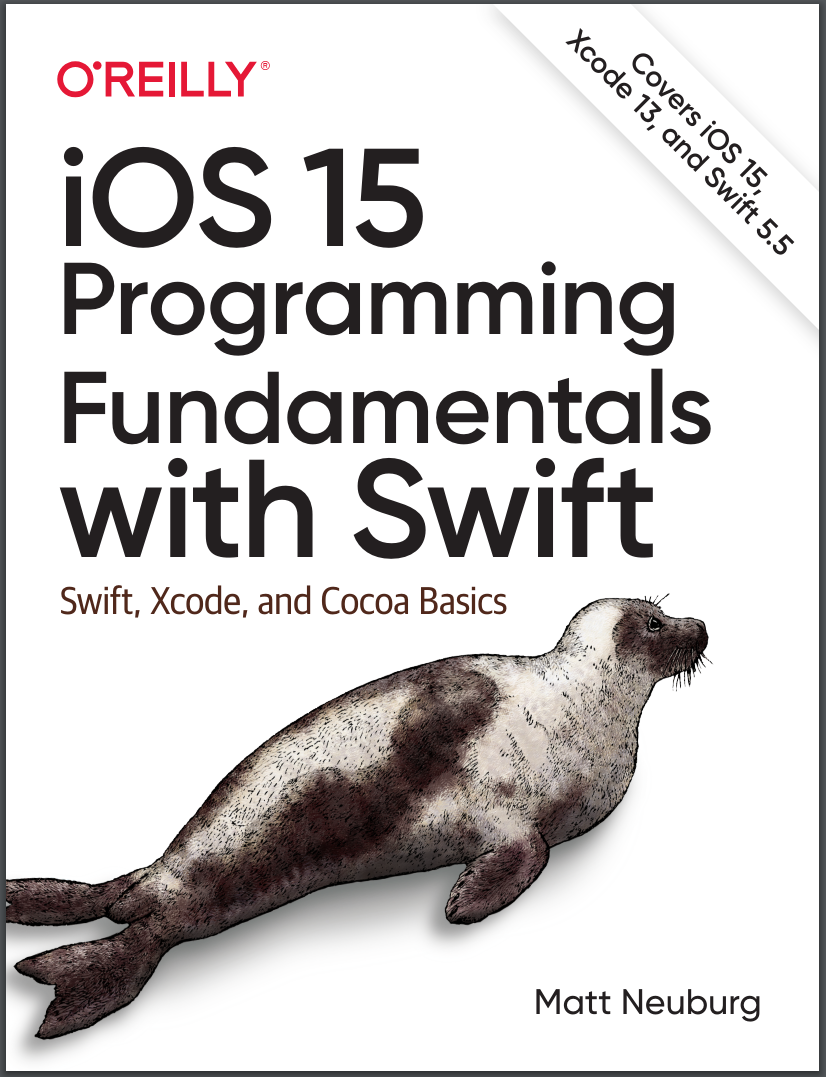 iOS 15 Programming Fundamentals with Swift: Swift, Xcode, and Cocoa Basics
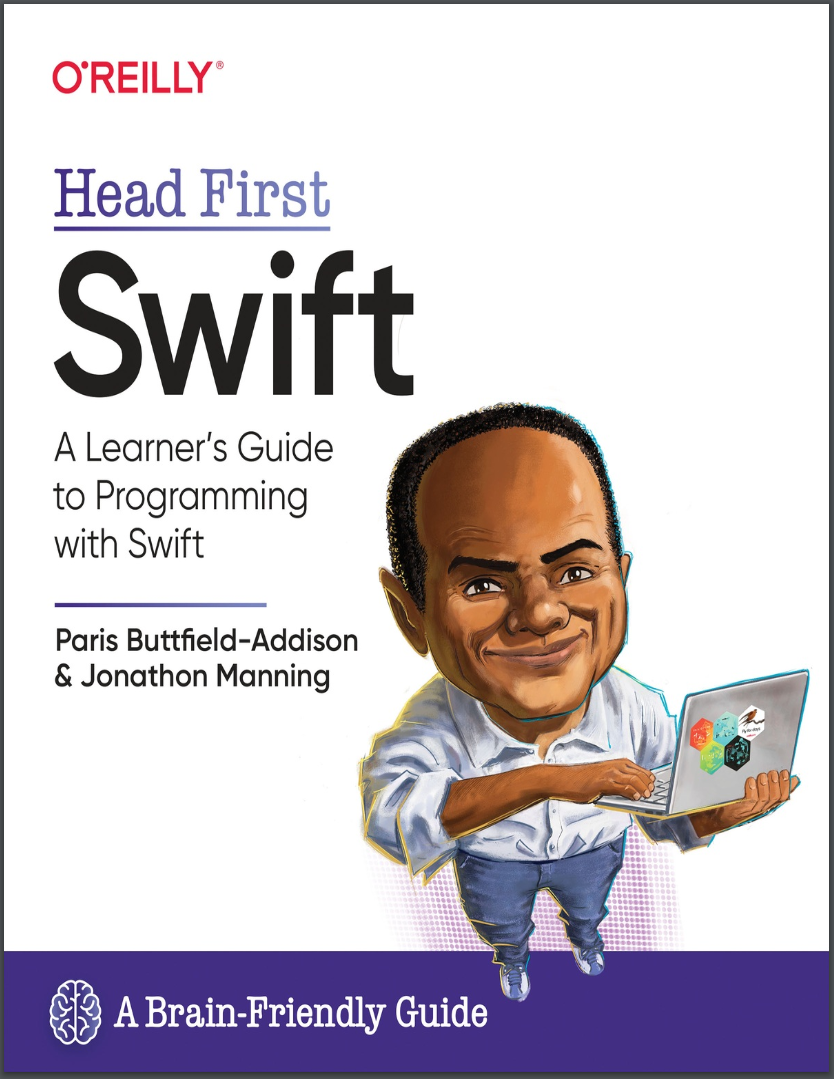 Head First Swift: A Learner's Guide to Programming with Swift
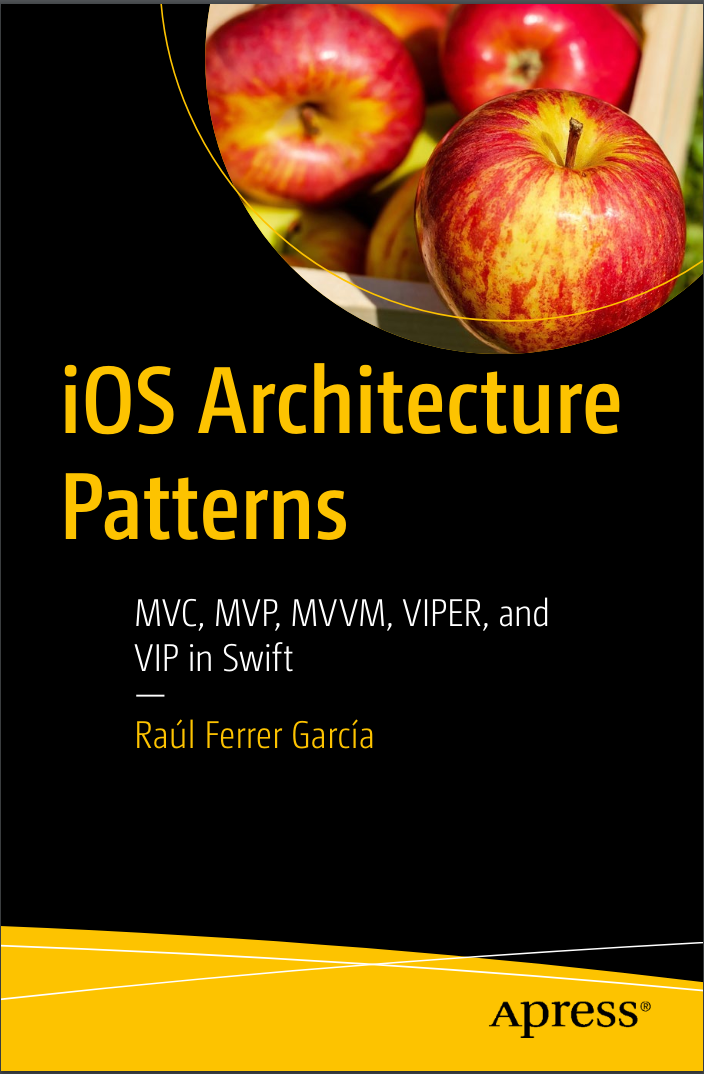 iOS Architecture Patterns: MVP, MVVM, VIPER, and VIP in Swift