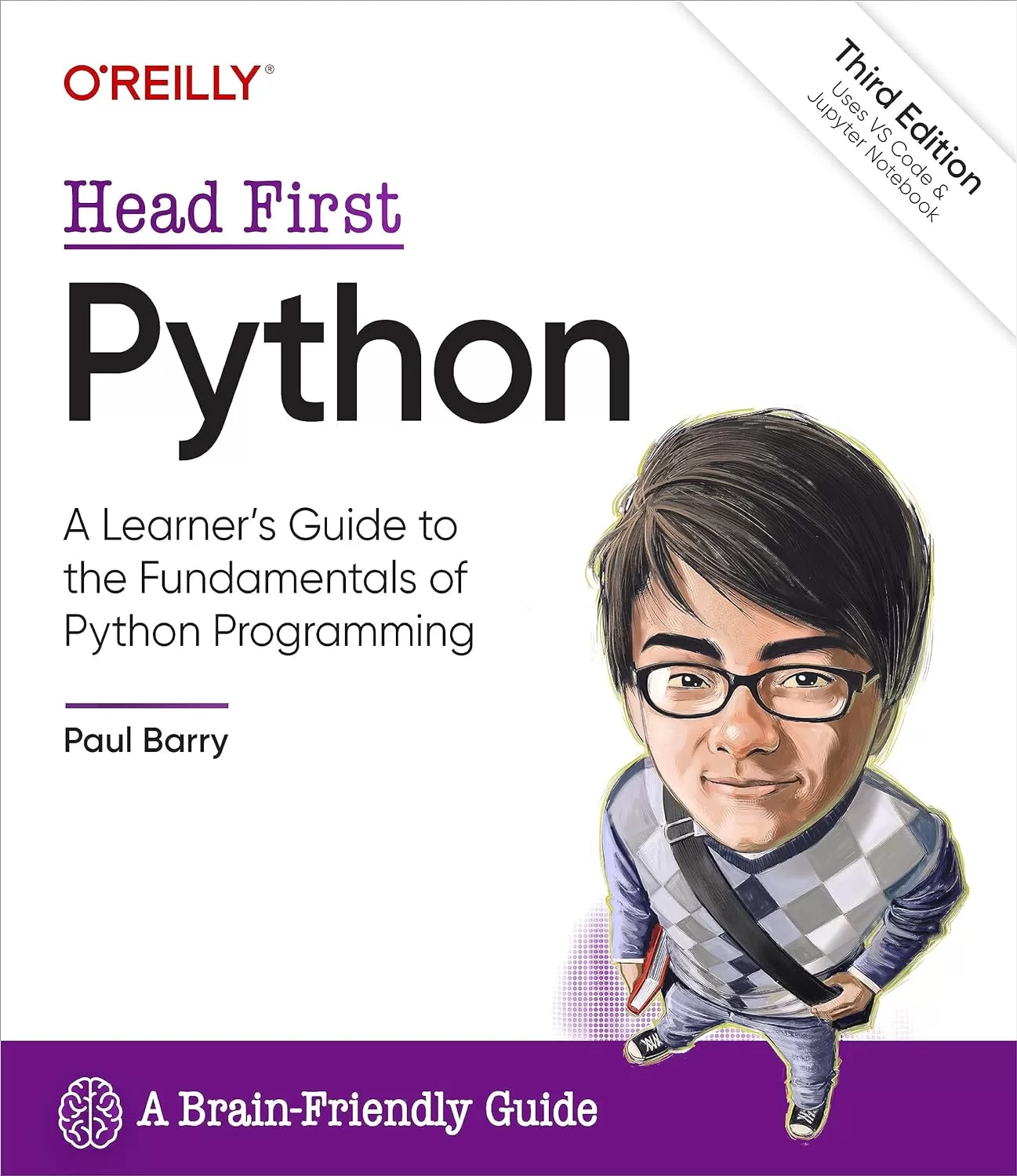
Head First Python: A Learner's Guide to the Fundamentals of Python Programming, Third Edition, uses VS Code & Jupyter Notebook. 3 Ed
Оглавление⌄
Cover....1 Title Page....4 Copyright....5 About the Author....7 Table of Contents....8 Intro: how to use this book....24 Who is this book for?....25 We know what you’re thinking....26 Metacognition: thinking about thinking....28 Here’s what WE did....29 Read Me ....31 Let’s install the latest Python....33 Python on its own is not enough....34 Configure VS Code to your taste....35 Add two required extensions to VS Code....36 VS Code’s Python support is state-of-the-art....37 The Technical Review Team....39 Acknowledgments....40 Chapter 0: why Python?....42 Getting ready to run some code....48 Preparing for your first Jupyter experience....49 Let’s pop some code into your notebook editor....50 Press Shift+Enter to run your code....51 What if you want more than one card?....56 Take a closer look at the card drawing code....58 The Big 4: list, tuple, dictionary, and set....59 Model your deck of cards with a set....60 The print dir combo mambo....61 Getting help with dir’s output....62 Populate the set with cards....63 This feels like a deck of cards now....65 What exactly is “card”?....66 Need to find something? ....69 Let’s pause and take stock....70 Python ships with a rich Standard Library....71 With Python you’ll only write the code you need....75 Just when you thought you were done…....82 Chapter 1: diving in....84 How is the Coach working right now?....86 The Coach needs a more capable stopwatch....87 Cubicle Conversation....89 The file and the spreadsheet are “related”....92 Our first task: Extract the filename’s data....93 A string is an object with attributes....94 Extract the swimmer’s data from the filename....99 Don’t try to guess what a method does…....100 Splitting (aka, breaking apart) a string....101 There’s still some work to do....103 Read error messages from the bottom up....107 Be careful when combining method calls....108 Cubicle Conversation....109 Let’s try another string method....110 All that remains is to create some variables....113 Task #1 is done!....118 Task #2: Process the data in the file....119 Chapter 2: lists of numbers....122 Task #2: Process the data in the file....123 Grab a copy of the Coach’s data....124 The open BIF works with files....125 Using with to open (and close) a file....126 Anatomy of with… open… as…....127 Variables are created dynamically, as needed....129 The file’s data is what you really want....130 We have the swimmer’s data from the file....132 Let’s take stock of our progress so far....133 What needs to happen next feels familiar....135 The previous chapter is paying dividends....138 Converting a time string into a time value....139 Convert the times to hundredths of seconds....140 To hundredths of seconds with Python....141 A quick review of Python’s for loop....143 The gloves are off… for loops vs. while loops....146 You’re cruising now and making great progress!....148 Let’s keep a copy of the conversions....149 Displaying a list of your list’s methods....150 It’s time to calculate the average....155 Convert the average to a swim time string....156 It’s time to bring everything together....160 Task #2 (finally) gets over the line!....163 Chapter 3: list of files....168 Cubicle Conversation....169 You already have most of the code you need....170 How to create a function in Python....171 Save your code as often as you wish....172 Simply copying code is not enough....173 Be sure to copy all the code you need....174 Use modules to share code....181 Bask in the glory of your returned data....182 Functions return a tuple when required....184 Let’s get a list of the Coach’s filenames....190 It’s time for a bit of detective work…....191 What can you do to lists?....192 Is the issue with your data or your code?....200 Cubicle Conversation....201 Decisions, decisions, decisions....204 Let’s look for the colon “in” the string....205 Did you end up with 60 processed files?....212 The Coach’s code is taking shape…....213 Chapter 4: formatted string literals....218 Cubicle Conversation....222 Getting from a simple chart to a Coach chart....226 Build the strings your HTML needs in code....227 String concatenation doesn’t scale....230 f-strings are a very popular Python feature....235 Generating SVG is easy with f-strings!....236 The data is all there, or is it?....237 Make sure you return all the data you need....238 You have numbers now, but are they usable?....239 All that’s left is the end of your webpage....248 Writing to files, like reading, is painless....249 It’s time to display your handiwork....252 All that’s left are two aesthetic tweaks…....253 It’s time for another custom function....255 Let’s add another function to your module....256 What’s with that hundredths value?....259 Rounding is not what you want (in this case)....260 Things are progressing well…....262 Chapter 5: getting organized....266 Let’s extract a list of swimmers’ names....268 The list-set-list duplicate removing trick....270 The Coach now has a list of names....272 A small change makes a “big” difference....273 Every tuple is unique....274 Perform super fast lookups with dictionaries....277 Dictionaries are key/value lookup stores....278 Anatomy of building a dictionary ....281 Dictionaries are optimized for speedy lookup....289 Display the entire dictionary....290 The pprint module pretty-prints your data....291 Your dictionary-of-lists is easily processed....292 This is really stating to come together....293 Chapter 6: building a webapp....300 Install Flask from PyPI....302 Prepare your folder to host your webapp....303 The Flask MVP....304 You have options when working with your code....306 Anatomy of the MVP Flask app....308 Building your webapp, bit by bit…....315 What’s the deal with that NameError?....320 Cubicle Conversation....321 Flask includes built-in session support....322 Flask’s session technology is a dictionary....323 Adjusting your code with the “better fix”....326 Building Jinja2 templates saves you time....332 Extend base.html to create more pages....334 Dynamically creating a drop-down list....337 Selecting a swimmer ....341 You need to somehow process the form’s data....342 Your form’s data is available as a dictionary....343 You’re inching closer to a working system....347 Functions support default parameter values....348 Default parameter values are optional....349 The final version of your code, 1 of 2....350 The final version of your code, 2 of 2....351 As a first webapp goes, this is looking good....353 The Coach’s system is ready for prime time....354 Chapter 7: deployment....358 There’s still something that doesn’t feel right....366 Jinja2 executes code between {{ and }}....371 Cubicle Conversation....372 The ten steps to cloud deployment....373 A beginner account is all you need....374 There’s nothing stopping you from starting…....375 When in doubt, stick with the defaults....376 The placeholder webapp doesn’t do much....377 Deploying your code to PythonAnywhere....378 Extract your code in the console....379 Configure the Web tab to point to your code....380 Edit your webapp’s WSGI file....381 Your cloud-hosted webapp is ready!....385 Chapter 8: working with HTML....390 The Coach needs more data....391 Cubicle Conversation....392 Get to know your data before scraping....393 We need a plan of action…....394 A step-by-step guide to web scraping....395 It’s time for some HTML-parsing technology....397 Grab the raw HTML page from Wikipedia....400 Get to know your scraped data....401 You can copy a slice from any sequence....403 Anatomy of slices, 1 of 3....404 Anatomy of slices, 2 of 3....405 Anatomy of slices, 3 of 3....406 It’s time for some HTML parsing power....411 Searching your soup for tags of interest....412 The returned soup is also searchable....413 Which table contains the data you need?....416 Four big tables and four sets of world records....418 It’s time to extract the actual data....419 Extract data from all the tables, 1 of 2....423 Extract data from all the tables, 2 of 2....424 That nested loop did the trick!....427 Chapter 9: working with data....430 Bending your data to your will…....431 You now have the data you need…....435 Apply what you already know…....437 Is there too much data here?....440 Filtering on the relay data....441 You’re now ready to update your bar charts....442 Cubicle Conversation....443 Python ships with a built-in JSON library....444 JSON is textual, but far from pretty....445 Getting to the webapp integration....449 All that’s needed: an edit and a copy’n’paste…....450 Adding the world records to your bar chart....451 Is your latest version of the webapp ready?....455 Cubicle Conversation....456 PythonAnywhere has you covered…....459 You need to upload your utility code, too....460 Deploy your latest webapp to PythonAnywhere....461 Tell PythonAnywhere to run your latest code....462 Test your utilities before cloud deployment....463 Let’s run your task daily at 1:00am....464 Chapter 9 1/2: working with elephants dataframes....468 The elephant in the room… or is it a panda?....469 A dictionary of dictionaries with pandas?....470 Start by conforming to convention....471 A list of pandas dataframes....472 Selecting columns from a dataframe....473 Dataframe to dictionary, attempt #1....474 Removing unwanted data from a dataframe....475 Negating your pandas conditonal expression....476 Dataframe to dictionary, attempt #2....477 Dataframe to dictionary, attempt #3....478 It’s another dictionary of dictionaries....479 Comparing gazpacho to pandas....483 It was only the shortest of glimpses…....489 Chapter 10: databases....492 The Coach has been in touch…....493 Cubicle Conversation....494 It pays to plan ahead…....496 Task #1: Decide on your database structure....498 The napkin structure + data....500 Installing the DBcm module from PyPI....501 Getting started with DBcm and SQLite....502 DBcm works alongside the “with” statement....503 Use triple-quoted strings for your SQL....505 Not all SQL returns results....507 Your tables are ready (and Task #1 is done)....512 Determining the list of swimmer’s files....513 Task #2: Adding data to a database table....514 Stay safe with Python’s SQL placeholders....516 Let’s repeat this process for the events....531 All that’s left is your times table…....535 The times are in the swimmer’s files…....536 A database update utility, 1 of 2....542 A database update utility, 2 of 2....543 Task #2 is (finally) done....544 Chapter 11: list comprehensions....548 Let’s explore the queries in a new notebook....551 Five lines of loop code become one....554 Getting from five lines of code to one…....555 A nondunder combo mambo....556 One query down, three to go…....561 Two queries down, two to go…....563 The last, but not least (query)…....564 The database utilities code, 1 of 2....569 The database utilities code, 2 of 2....570 It’s nearly time for the database integration....573 Cubicle Conversation....574 It’s time to integrate your database code!....581 Updating your existing webapp’s code....585 Review your template(s) for changes…....586 So… what’s the deal with your template?....589 Let’s display a list of events…....593 All that’s left is to draw the bar chart…....597 Reviewing the most-recent swimclub.py code....599 Meet the SVG-generating Jinja2 template....601 The convert_utils module....603 list zip… what?!?....606 Your database integrations are complete!....608 Chapter 12: deployment revisited....612 Cubicle Conversation....614 Migrating to MariaDB....616 Moving the Coach’s data to MariaDB....617 Apply three edits to schema.sql....618 Reusing your tables, 2 of 2....619 Let’s check your tables are defined correctly....620 Copying your existing data to MariaDB....621 Make your queries compatible with MariaDB....623 Your database utility code need edits, too....624 Create a new database on PythonAnywhere....627 Adjust your database credentials dictionary....628 Copying everything to the cloud....629 Update your webapp with your latest code....630 Just a few more steps…....631 Populate your cloud database with data....632 It’s time for a PythonAnywhere Test Drive....633 Is something wrong with PythonAnywhere?....635 Cubicle Conversation....636 The Coach is a happy chappy!....637 Appendix....642 1. Classes....643 2. Exceptions....646 3. Testing....647 4. The walrus operator....648 5. Where’s the switch? What switch?....649 6. Advanced language features....650 7. Concurrency....651 8. Type Hints....652 9. Virtual Environments....653 10. Tools....654 Index....656Описание
В этом материале разберём тему: python.
With Head First Python, you'll quickly grasp Python's fundamentals by working with built-in data structures and functions. Want to learn the Python language without slogging your way through how-to manuals? You'll build your very own web app, which—once it's ready for prime time—runs in the cloud. This third edition is a complete learning experience that will help you become a bona fide Python programmer in no time. You'll learn how to wrangle data with Python, scrape data from the web, feed data to pandas, and interact with databases.
If you haven't, you're in for a treat. What's so special about this book?If you've read a Head First book, you know what to expect: a visually rich format designed for the way your brain works. With this book, you'll learn Python through a multisensory experience that engages your mind—rather than a text-heavy approach that puts you to sleep.
На этом основные моменты по теме закрыты.
Поделиться
Частые вопросы
Можно ли скачать «Head First Python: A Learner's Guide to the Fundamentals of Python Programming, Third Edition, uses VS Code & Jupyter Notebook. 3 Ed» бесплатно?
Да, «Head First Python: A Learner's Guide to the Fundamentals of Python Programming, Third Edition, uses VS Code & Jupyter Notebook. 3 Ed» доступна для бесплатного скачивания на нашем сайте в формате PDF. Ссылка на файл находится на этой странице.
В каком формате и какого размера файл?
Книга предоставляется в формате PDF, размер файла 14,0 МБ.
Кто автор и когда вышла книга?
автор — Barry Paul, издательство O’Reilly Media, Inc., год выпуска 2023, 666 страниц.
О чём книга «Head First Python: A Learner's Guide to the Fundamentals of Python Programming, Third Edition, uses VS Code & Jupyter Notebook. 3 Ed»?
Want to learn the Python language without slogging your way through how-to manuals?
Похожие материалы
 Основы программирования на Python
 Python для детей. Самоучитель по программированию
 Python. Сборник упражнений. Введение в язык Python с задачами и решениями
 Структуры данных в Python: начальный курс
 Python за 7 дней. Краткий курс для начинающих
 Python in a Nutshell: A Desktop Quick Reference. 4 Ed
 Python for Microcontrollers: Getting Started with MicroPython
 Programming with MicroPython