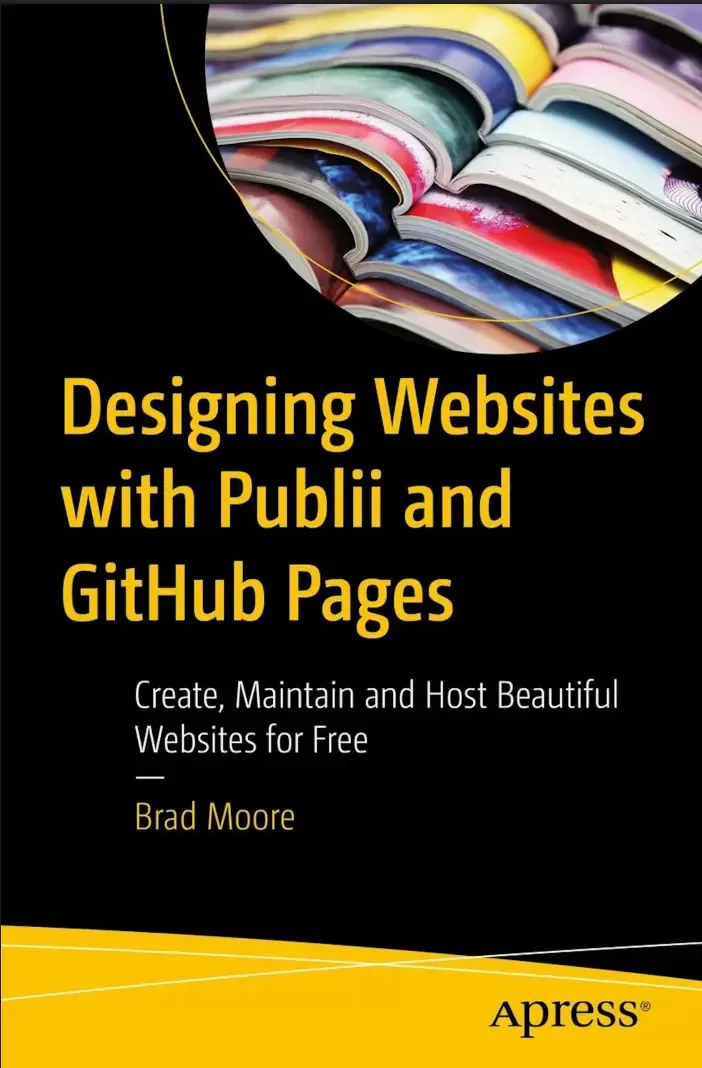
Designing Websites with Publii and GitHub Pages: Create, Maintain and Host Beautiful Websites for Free
Оглавление⌄
About the Author ...............................................................................................xvAbout the Technical Reviewer ..............................................................................xviiAcknowledgments ..............................................................................................xixPart I: Building the Foundation ....1Chapter 1: A Small Step or a Giant Leap? ....3Introduction ....4What’s in It for Me? ....5What Lies Ahead ....7What Sort of Tools Will I Need? ....9Write Everything Down! ....10Overview of the Workflow ....11Summary ....13Chapter 2: Getting Started ....15Getting an Email Address ....16Choosing an Email Address ....22Choosing a Password ....27Getting Started with GitHub ....33But What Exactly Is GitHub? ....33Creating a New GitHub Account ....34Signing In to GitHub ....41Summary ....44Chapter 3: Getting Publii CMS Running ....47Introduction to Publii CMS ....47Downloading Publii CMS ....50Installing Publii CMS ....53Windows Installation ....53macOS Installation ....58Create Your First Website ....65Modifying Publii CMS Site Settings ....68Advanced Options ....72Previewing the Site ....80Summary ....83Chapter 4: Getting Ready for Content ....85Theme Settings ....85Layout: Hero Section ....91Post List ....97Colors ....99Fonts ....102Additional: Favicon ....107Author Settings ....110Basic Author Information ....114Author Avatar ....117Author Featured Image ....122Author SEO ....124Menu Settings ....126Add a Menu ....126Assigning Menus ....129Add Menu Items ....131Tag Settings ....138Creating Tags ....142Adding a Tag for News ....142Adding Remaining Tags ....151Summary ....153Chapter 5: Adding Content ....155Content Is King ....155What Is a Blog ....157Posts ....158WYSIWYG Editor ....159Block Editor ....160Markdown Editor ....161The WYSIWYG Editor ....162Add a New Post ....162Post Options ....182Posts List Panel ....194Managing Posts ....195Duplicating a Post ....196Changing Post Status ....198Changing Published Date ....199Deleting a Post ....201The Block Editor ....202Creating a New Post ....203Add a Post Title ....204Save Post As a Draft ....204Post Body Text ....206Changing Heading Level ....208Formatting a Bullet List ....209Adding an Image ....211Inserting a Block ....215Separating Paragraphs into Text Blocks ....217Converting a Text Block ....219Adding a Separator ....222Moving Blocks ....224Formatting Text Within a Block ....225Adding a Link in a Text Block ....227Deleting a Block ....231Apply Post Options ....233Publishing the Post ....236Summary ....240Editors ....240Posts ....241Post Elements ....242Text Formatting ....243Post State ....243Chapter 6: Page Building in Publii CMS ....245Creating a Page ....246The Markdown Editor ....246Rules for Markdown ....247New Page Using Markdown Editor ....250Adding a Page Title ....252Terms and Conditions ....253Page Body Text ....257Formatting Headings ....260Bold Text ....262Adding a Link ....264Ordered Lists ....266Implementing Ordered Lists ....270Adding Emphasis ....273Inserting Images ....275Publish the Page ....281Page Options and Settings ....281Saving Draft As Published ....289Adding a Link to the Menu ....291Converting Posts to Pages ....299Nested Pages ....303What Are Nested Pages ....303Modifying Hierarchy in Page Options ....304Modifying Hierarchy in Pages List Panel ....308Viewing Nests Pages ....315Summary ....319Chapter 7: Creating a GitHub Page ....323Getting Back to GitHub ....325Logging In ....325Creating a Repository ....328Uploading a Test File ....332Configuring GitHub Pages ....340Testing the Website ....346Final Steps ....347Summary ....350Chapter 8: Configure Publii CMS for Sync ....353Understanding Synchronization ....353Publii CMS Synchronization Settings ....354Synchronize ....379Begin the Sync Process ....380View Your Website ....382Issues with Cached Pages ....383Try, Try Again… ....386Troubleshooting ....387Summary ....388Part II: Enhancing Your Website ....391Chapter 9: Backups and Sites ....393Backing Up a Site ....394Creating a Backup ....394Storing Backups ....400Restoring Backups ....411Deleting a Backup ....422Managing Sites ....424Creating a New Site ....425Duplicating a Site ....428Deleting a Site ....432Navigating Between Sites ....434Renaming a Site ....436Summary ....439Chapter 10: Themes ....441Getting a Theme ....442Installing a Theme ....447Deleting a Theme ....452Activating a Theme ....453Theme Settings for New Theme ....461Featured Posts ....472Summary ....476Chapter 11: Single-Page Sites ....479More About Pages ....480Leveraging Earlier Work ....481Adding a New Page ....483Selecting a Theme ....504Setting the Homepage ....507Adding a Blog ....509Pretty URLs ....511Posts Prefix ....512Add Links to Blog ....513Create a Footer Menu ....519Summary ....524Chapter 12: Gallery and Contacts ....527Adding a Gallery ....528Add a Third-Party Contact Page ....540Configuring Server ....566Summary ....572Chapter 13: Internet Real Estate ....575Domain Names ....576Registering a Domain Name ....578Selecting a Name ....578Registering a Domain Name ....583Configuring DNS ....597What Is DNS ....598GitHub Settings ....599Configuring Your DNS ....603Verifying the DNS Settings ....610Testing the Domain Name ....613Modifying Publii CMS Server Settings ....616Summary ....617Part III: Advanced Customizations ....619Chapter 14: Plugins and Cookies ....621Plugins ....622Getting a Comments Plugin ....622Installing the Plugin ....629Registering for the Service ....632Activating the Plugin ....640Configuring the Plugin ....643Enabling Comments in Publii CMS ....644Other Great Plugins ....648Cookie Banner Notice ....651Having a Privacy Policy ....653Enabling the Banner Notice ....654Modifying the Footer Menu ....662Summary ....664Chapter 15: CSS Tricks ....667FAQ Section ....667Getting the Code ....670Creating an FAQ Page ....671Adding Custom CSS to Publii CMS ....674Linking the FAQ to the Homepage ....679Styling Links As Buttons ....682Getting the Code and CSS ....683Adding Custom CSS to Publii CMS ....687Modifying the Homepage Page ....688The Final Word ....693Summary ....696Index ....699
Описание
Ниже — практический обзор по теме «your».
Are you paying too much for your hosting solution? Does getting online seem overwhelmingly difficult? Have you always wanted to have a blog but don’t know where to start? The solution to these problems is choosing the right tools. Do you settle for a Facebook page for your business website but know you need more? This book will guide you through the process of setting up a Publii-based publishing platform and hosting your site for free on GitHub.
This book walks you through the process of installing and using Publii, setting up accounts on GitHub and hosting a static blog or website there. Publii is a free, open source, desktop application that runs on Windows, Mac, and Linux and makes building the website or blog you dream of is a simple process. You will gain background insights on here to get no-cost imagery for website, how to leverage AI to generate ideas, outlines, and images. You’ll also review search engine optimization (SEO) best practices to ensure your site is searchable.
Designing Websites with Publii and GitHub Pages is your roadmap to creating a website and understanding how the publishing workflow works.
What You Will LearnUse text editors such as WYSIWYG, Block, and Markdown
Make a page from a post.
Work on advanced processes such as installing themes and plugins
Manage and back up your data
Explore GDRP and cooking banner considerations
Who This Book Is ForThose with limited or no programming or compute skills who want to learn how to set up a website.
Файл доступен для загрузки ниже.
Поделиться
Частые вопросы
Можно ли скачать «Designing Websites with Publii and GitHub Pages: Create, Maintain and Host Beautiful Websites for Free» бесплатно?
Да, «Designing Websites with Publii and GitHub Pages: Create, Maintain and Host Beautiful Websites for Free» доступна для бесплатного скачивания на нашем сайте в формате PDF. Ссылка на файл находится на этой странице.
В каком формате и какого размера файл?
Книга предоставляется в формате PDF, размер файла 10,8 МБ.
Кто автор и когда вышла книга?
автор — Moore Brad, издательство Apress Media, LLC., год выпуска 2025, 710 страниц.
О чём книга «Designing Websites with Publii and GitHub Pages: Create, Maintain and Host Beautiful Websites for Free»?
Does getting online seem overwhelmingly difficult?
Похожие материалы
 GitOps Cookbook. Kubernetes Automation in Practice
 Learning Git: A Hands-On and Visual Guide to the Basics of Git
 Git. Практическое руководство
 Version Control with Git. 3 Ed
 Pro Git. 2 изд
 GitHub For Dummies
 Beginning Git and GitHub: A Comprehensive Guide to Version Control, Project Management, and Teamwork for the New Developer
 Git для профессионального программиста. Подробное описание самой популярной системы контроля версий