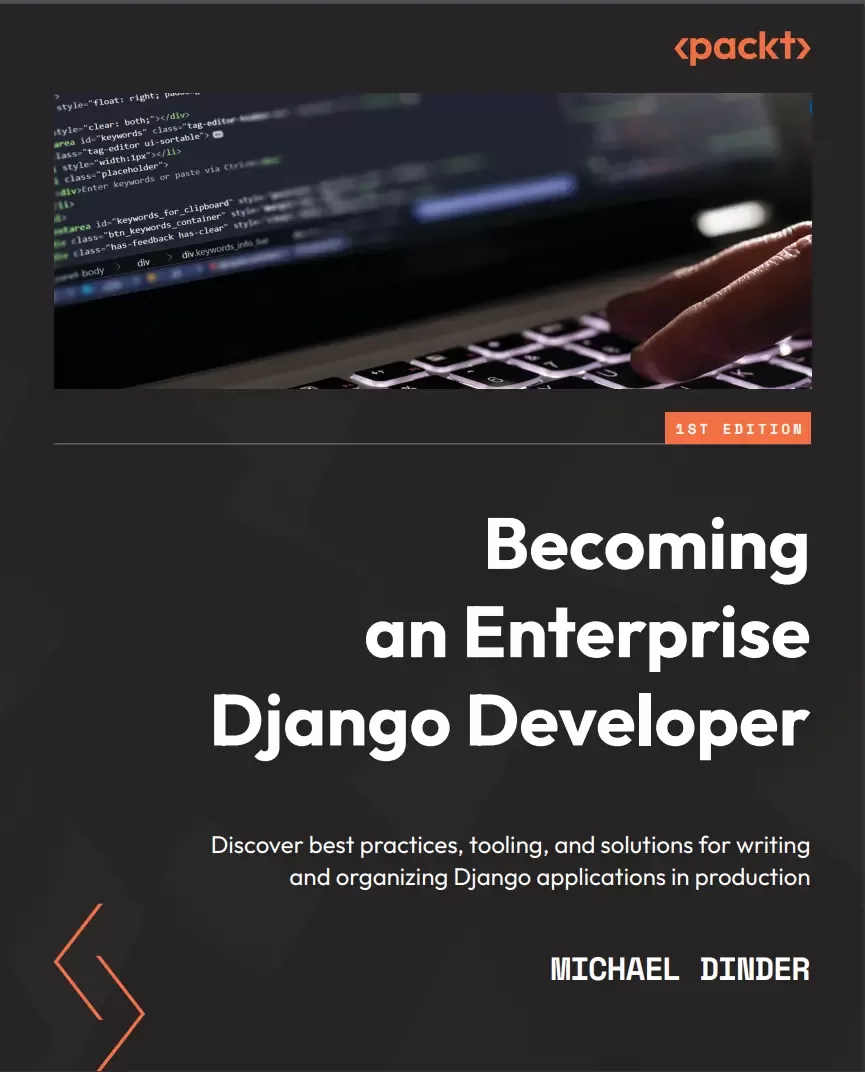
Becoming an Enterprise Django Developer: Discover best practices, tooling, and solutions for writing and organizing Django applications in production
Оглавление⌄
Cover....1 Title Page....2 Copyright and Credits....3 Contributors....5 About the reviewer....6 Table of Contents....8 Preface....14 Part 1 – Starting a Project....20 Chapter 1: Undertaking a Colossal Project....22 Technical requirements....23 Building an enterprise....25 Reasons to choose enterprise-level applications....25 Types of enterprise systems....26 Why Python/Django?....29 Types of APIs....31 Designing and planning....33 Requirements gathering....33 Visualization and interpretation....37 Hosting and deployment....46 Creating and configuring a Heroku plan....47 Configuring Heroku environments....49 Custom repositories....54 Advanced deployment....60 Domain Name System....63 Summary....65 Chapter 2: Project Configuration....68 Technical requirements....69 Choosing development tools....70 Text editors....71 Integrated development environments....72 Starting a project....76 Using the IDE....76 Using the command line....78 Creating a virtual environment....79 Configuring the requirements.txt file(s)....81 Using the IDE....82 Using the command line....86 Project configuration....90 Django settings.py file....90 Creating an environment file....92 Creating a Procfile....95 Django static files....96 Django media files....97 Creating a .gitignore file....98 Creating a Django app....100 Using basic database settings....103 SQLite....104 MySQL....105 MariaDB....106 Oracle....106 SQL Server....107 PostgreSQL....108 Preparing PostgreSQL for Heroku....109 Installing PostgreSQL....109 Using the PgAdmin tool....112 Environment connection settings....115 Building initial table structures....116 Remote data migrations....118 Heroku database push/pull operations....119 Summary....121 Chapter 3: Models, Relations, and Inheritance....122 Technical requirements....123 Preparing for this chapter....123 Writing model classes....124 Standard field types....125 Third-party field types....131 Model field validators....134 Working with model field relationships....136 Field arguments....136 Field type – ForeignKey....138 Field type – ManyToManyField....140 Mutable versus immutable objects....141 Using the Meta subclass....143 Meta options – verbose_name and verbose_name_plural....143 Meta option – ordering....143 Meta option – indexes....144 Meta option – db_table....146 Customizing models....148 Writing methods....148 Decorators....150 Extending models....151 Extending basic model classes....152 Extending the Django User model....155 Using the Django shell....157 Running basic Python scripts....158 Generating a SECRET_KEY variable....159 Saving data....160 Loading the chapter_3 data fixture....164 Performing queries....165 Model method – all()....165 Model method – get()....166 Model method – filter()....166 Aggregates....167 Writing model managers....170 Summary....172 Part 2 – Django Components....174 Chapter 4: URLs, Views, and Templates....176 Technical requirements....177 Preparing for this chapter....178 Configuring URL patterns....179 Basic path functions....179 Redirecting patterns....189 Using path converters....191 Mapping URL patterns....195 Using simple views....195 Using kwargs in views....197 Working with conditional responses....201 Linking models to views and templates....203 Resolving URLs....205 Naming URL patterns....205 Using the reverse() function....206 Using the {% url %} template tag....208 Processing trailing slashes....210 Resolving absolute URLs....211 Creating a context processor....211 From the request object....214 From within a model class....216 Working with complex views....218 Class-based views....218 Extending class-based views....222 Asynchronous views....223 Working with templates....223 Template tags....224 Template filters....228 Custom tags and filters....229 Error page templates....231 Summary....232 Chapter 5: Django Forms....234 Technical requirements....235 Preparing for this chapter....236 Types of forms....237 Form class – Form....237 Form class – ModelForm....238 Using form fields....238 Common field arguments....239 Field widgets....241 Field validators....242 Cleaning forms....244 Method – clean_{{ your_field_name }}()....245 Method – clean()....247 Creating custom form fields....248 Field class – Field....249 Using a custom field....251 Working with form views....253 View class – FormView....253 HTTP request methods....256 Rendering forms in templates....259 Render form – as_p....261 Render form – as_table....262 Render form – as_ul....262 Render form – using template_name....263 Render demo....265 Linking a model to a form....266 View class – CreateView....267 View class – UpdateView....271 Adding inline formsets....275 Formset function – formset_factory....275 Using inline formsets in the view class....277 Rendering inline formsets in the template....279 Dynamic inline formsets....281 Summary....284 Chapter 6: Exploring the Django Admin Site....286 Technical requirements....287 Preparing for this chapter....288 Using the Django admin site....288 Activating the Django admin site....289 Logging into the Django admin site....290 Writing admin classes....291 Registering models....293 Configuring admin class options....295 Changelist view-related options....296 Change/add view-related options....305 Add view-related options....318 Adding admin class methods....320 Method – get_form()....321 Method – save_model()....323 Method – delete_model()....323 Writing custom admin form classes....324 Initializing an admin form....324 Using the Django authentication system....326 Adding a seller....326 Granting permissions....328 Permission groups....329 Summary....330 Chapter 7: Working with Messages, Email Notifications, and PDF Reports....332 Technical requirements....333 Preparing for this chapter....334 Creating a Mailtrap account....334 Using the Django messages framework....337 Enabling the Django messages framework....337 Creating a message....342 Displaying messages....348 Configuring email notifications....350 As plain text emails....350 As HTML emails....353 As HTML emails with a plain text alternative....354 With file attachments....356 That fail silently....358 Writing custom email templates....359 For plain text emails....359 For HTML emails....361 Providing template context....363 Generating PDF reports....366 As template-based PDFs....367 Adding context....372 Summary....374 Part 3 – Advanced Django Components....376 Chapter 8: Working with the Django REST Framework....378 Technical requirements....380 Preparing for this chapter....381 Installing the Django REST framework....381 Serializing objects....383 The serializer classes....385 The viewset classes....388 Using URL routers....390 Using the Browsable API....392 Building SPA-like pages....395 Creating the view....395 Building the template....397 Writing the JavaScript....398 Mapping the URL pattern....402 First demo....402 Writing custom API endpoints....405 Creating the view....405 Building the template....408 Modifying the JavaScript....409 Mapping the URL pattern....410 Second demo....411 Authenticating with tokens....415 Project configuration....415 Creating the view....417 Building the template....420 Modifying the JavaScript....420 Mapping the URL pattern....421 Third demo....422 Summary....425 Chapter 9: Django Testing....426 Technical requirements....427 Preparing for this chapter....428 Understanding automated testing in Django....430 Getting started with unit testing....432 Basic unit test script....432 Testing Django models....434 Testing HTTP view requests....438 Testing method-based views....438 Testing class-based views....441 Testing authenticated view requests....444 Using the Client() class....444 Testing Django REST API endpoints....448 Creating an object test case....448 Updating an object test case....450 Using the DjDT....453 Installing the DjDT....453 How to use the DjDT....456 Summary....467 Chapter 10: Database Management....468 Technical requirements....469 Preparing for this chapter....470 Exporting data into a data fixture....471 Using the dumpdata command....472 Importing data from a data fixture....482 Using the importdata command....482 Using the select_related() method....484 Creating the view....484 Building the template....485 Mapping the URL pattern....487 First demo....488 Using the prefetch_related() method....490 Vehicles view....490 Sellers view....494 Using the Prefetch() class....502 Modifying the view....502 Modifying the template....503 Fourth demo....504 Summary....505 Index....508 Other Books You May Enjoy....523Описание
В этом материале разберём тему: django.
This book will help you explore the multifarious options available for enterprise Django development. Django is a powerful framework but choosing the right add-ons that match the scale and scope of your enterprise projects can be tricky. Countless organizations are already using Django and more migrating to it, unleashing the power of Python with many different packages and dependencies, including AI technologies.
You'll learn various ways in which data can be rendered onto a page and discover the power of Django for large-scale production applications. This practical guide will help you understand practices, blueprints, and design decisions to put Django to work the way you want it to. Starting with the basics of getting an enterprise project up and running, you'll get to grips with maintaining the project throughout its lifecycle while learning what the Django application lifecycle is.
By the end of this book, you'll have learned how to build and deploy a Django project to the web and implement various components into the site.
If you are a Python web developer looking to learn how to maintain a production website and explore Django beyond the basics, this book is for you. What You Will Learn:Use Django to develop enterprise-level apps to help scale your businessUnderstand the steps and tools used to scale up a proof-of-concept project to production without going too deep into specific technologiesExplore core Django components and how to use them in different ways to suit your app's needsFind out how Django allows you to build RESTful APIsExtract, parse, and migrate data from an old database system to a new system with Django and PythonWrite and run a test using the built-in testing tools in DjangoWho this book is for:The book is for Django developers who want to learn the full-stack enterprise app development lifecycle. The book assumes intermediate-level knowledge of Python programming and the Django framework.
Файл доступен для загрузки ниже.
Поделиться
Частые вопросы
Можно ли скачать «Becoming an Enterprise Django Developer: Discover best practices, tooling, and solutions for writing and organizing Django applications in production» бесплатно?
Да, «Becoming an Enterprise Django Developer: Discover best practices, tooling, and solutions for writing and organizing Django applications in production» доступна для бесплатного скачивания на нашем сайте в формате PDF. Ссылка на файл находится на этой странице.
В каком формате и какого размера файл?
Книга предоставляется в формате PDF, размер файла 9,4 МБ.
Кто автор и когда вышла книга?
автор — Dinder Mike, издательство Packt Publishing Limited, год выпуска 2022, 526 страниц.
О чём книга «Becoming an Enterprise Django Developer: Discover best practices, tooling, and solutions for writing and organizing Django applications in production»?
Django is a powerful framework but choosing the right add-ons that match the scale and scope of your enterprise projects can be tricky.
Похожие материалы
 Основы программирования на Python
 Python для детей. Самоучитель по программированию
 Python. Сборник упражнений. Введение в язык Python с задачами и решениями
 Структуры данных в Python: начальный курс
 Python за 7 дней. Краткий курс для начинающих
 Python in a Nutshell: A Desktop Quick Reference. 4 Ed
 Python for Microcontrollers: Getting Started with MicroPython
 Programming with MicroPython