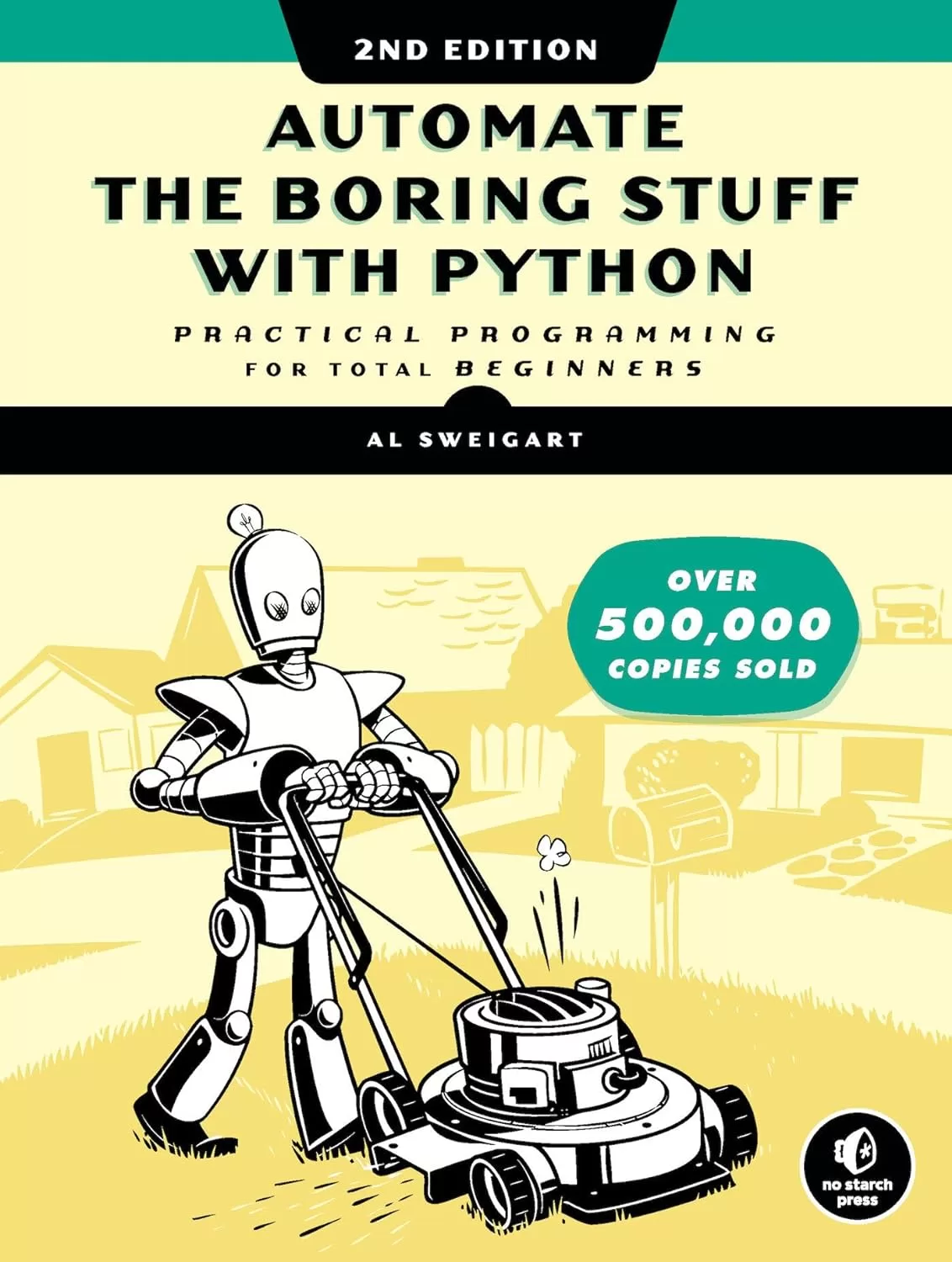
Automate the Boring Stuff with Python: Practical Programming for Total Beginners. 2 Ed
Оглавление⌄
Title Page....2 Copyright Page....3 Dedication....6 About the Author....7 About the Technical Reviewer....8 BRIEF CONTENTS....9 CONTENTS IN DETAIL....11 ACKNOWLEDGMENTS....56 INTRODUCTION....57 Whom Is This Book For?....58 Conventions....59 What Is Programming?....59 About This Book....65 Downloading and Installing Python....68 Downloading and Installing Mu....71 Starting Mu....71 Starting IDLE....72 The Interactive Shell....73 Installing Third-Party Modules....75 How to Find Help....75 Asking Smart Programming Questions....77 Summary....79 PART I: PYTHON PROGRAMMING BASICS....81 1 PYTHON BASICS....82 Entering Expressions into the Interactive Shell....83 The Integer, Floating-Point, and String Data Types....88 String Concatenation and Replication....90 Storing Values in Variables....93 Your First Program....99 Dissecting Your Program....102 Summary....113 Practice Questions....114 2 FLOW CONTROL....117 Boolean Values....119 Comparison Operators....120 Boolean Operators....124 Mixing Boolean and Comparison Operators....127 Elements of Flow Control....129 Program Execution....131 Flow Control Statements....132 Importing Modules....167 Ending a Program Early with the sys.exit() Function....170 A Short Program: Guess the Number....171 A Short Program: Rock, Paper, Scissors....176 Summary....184 Practice Questions....184 3 FUNCTIONS....187 def Statements with Parameters....190 Return Values and return Statements....192 The None Value....195 Keyword Arguments and the print() Function....196 The Call Stack....199 Local and Global Scope....203 The global Statement....210 Exception Handling....215 A Short Program: Zigzag....219 Summary....224 Practice Questions....224 Practice Projects....225 4 LISTS....228 The List Data Type....228 Working with Lists....238 Augmented Assignment Operators....248 Methods....251 Example Program: Magic 8 Ball with a List....260 Sequence Data Types....261 References....269 A Short Program: Conway’s Game of Life....279 Summary....288 Practice Questions....289 Practice Projects....291 5 DICTIONARIES AND STRUCTURING DATA....296 The Dictionary Data Type....296 Pretty Printing....309 Using Data Structures to Model Real-World Things....311 Summary....326 Practice Questions....326 Practice Projects....327 6 MANIPULATING STRINGS....331 Working with Strings....331 Putting Strings Inside Other Strings....340 Useful String Methods....342 Numeric Values of Characters with the ord() and chr() Functions....359 Copying and Pasting Strings with the pyperclip Module....361 Project: Multi-Clipboard Automatic Messages....362 Project: Adding Bullets to Wiki Markup....368 A Short Progam: Pig Latin....373 Summary....380 Practice Questions....382 Practice Projects....383 PART II: AUTOMATING TASKS....392 7 PATTERN MATCHING WITH REGULAR EXPRESSIONS....393 Finding Patterns of Text Without Regular Expressions....394 Finding Patterns of Text with Regular Expressions....398 More Pattern Matching with Regular Expressions....402 Greedy and Non-greedy Matching....413 The findall() Method....415 Character Classes....417 Making Your Own Character Classes....419 The Caret and Dollar Sign Characters....420 The Wildcard Character....422 Review of Regex Symbols....426 Case-Insensitive Matching....427 Substituting Strings with the sub() Method....428 Managing Complex Regexes....429 Combining re.IGNORECASE, re.DOTALL, and re.VERBOSE....430 Project: Phone Number and Email Address Extractor....432 Summary....441 Practice Questions....442 Practice Projects....445 8 INPUT VALIDATION....448 The PyInputPlus Module....450 Project: How to Keep an Idiot Busy for Hours....463 Project: Multiplication Quiz....466 Summary....470 Practice Questions....471 Practice Projects....472 9 READING AND WRITING FILES....474 Files and File Paths....474 The File Reading/Writing Process....503 Saving Variables with the shelve Module....511 Saving Variables with the pprint.pformat() Function....514 Project: Generating Random Quiz Files....516 Project: Updatable Multi-Clipboard....526 Summary....531 Practice Questions....532 Practice Projects....533 10 ORGANIZING FILES....536 The shutil Module....537 Walking a Directory Tree....544 Compressing Files with the zipfile Module....548 Project: Renaming Files with American-Style Dates to European-Style Dates....553 Project: Backing Up a Folder into a ZIP File....561 Summary....567 Practice Questions....569 Practice Projects....569 11 DEBUGGING....571 Raising Exceptions....572 Getting the Traceback as a String....576 Assertions....579 Logging....584 Mu’s Debugger....595 Summary....604 Practice Questions....605 Practice Project....606 12 WEB SCRAPING....608 Project: mapIt.py with the webbrowser Module....609 Downloading Files from the Web with the requests Module....615 Saving Downloaded Files to the Hard Drive....619 HTML....622 Parsing HTML with the bs4 Module....631 Project: Opening All Search Results....640 Project: Downloading All XKCD Comics....646 Controlling the Browser with the selenium Module....656 Summary....672 Practice Questions....672 Practice Projects....674 13 WORKING WITH EXCEL SPREADSHEETS....676 Excel Documents....677 Installing the openpyxl Module....677 Reading Excel Documents....678 Project: Reading Data from a Spreadsheet....691 Writing Excel Documents....701 Project: Updating a Spreadsheet....705 Setting the Font Style of Cells....711 Font Objects....713 Formulas....715 Adjusting Rows and Columns....717 Charts....724 Summary....727 Practice Questions....728 Practice Projects....730 14 WORKING WITH GOOGLE SHEETS....734 Installing and Setting Up EZSheets....734 Spreadsheet Objects....739 Sheet Objects....748 Working with Google Sheets Quotas....763 Summary....764 Practice Questions....765 Practice Projects....766 15 WORKING WITH PDF AND WORD DOCUMENTS....769 PDF Documents....769 Project: Combining Select Pages from Many PDFs....784 Word Documents....791 Creating PDFs from Word Documents....811 Summary....812 Practice Questions....813 Practice Projects....815 16 WORKING WITH CSV FILES AND JSON DATA....819 The csv Module....820 Project: Removing the Header from CSV Files....833 JSON and APIs....840 The json Module....842 Project: Fetching Current Weather Data....844 Summary....852 Practice Questions....853 Practice Project....854 17 KEEPING TIME, SCHEDULING TASKS, AND LAUNCHING PROGRAMS....856 The time Module....856 Rounding Numbers....861 Project: Super Stopwatch....862 The datetime Module....867 Review of Python’s Time Functions....878 Multithreading....880 Project: Multithreaded XKCD Downloader....886 Launching Other Programs from Python....892 Project: Simple Countdown Program....901 Summary....905 Practice Questions....906 Practice Projects....906 18 SENDING EMAIL AND TEXT MESSAGES....909 Sending and Receiving Email with the Gmail API....910 SMTP....919 Sending Email....920 IMAP....929 Retrieving and Deleting Emails with IMAP....929 Project: Sending Member Dues Reminder Emails....951 Sending Text Messages with SMS Email Gateways....959 Sending Text Messages with Twilio....963 Project: “Just Text Me” Module....969 Summary....971 Practice Questions....972 Practice Projects....973 19 MANIPULATING IMAGES....978 Computer Image Fundamentals....979 Manipulating Images with Pillow....984 Project: Adding a Logo....1005 Drawing on Images....1016 Summary....1024 Practice Questions....1025 Practice Projects....1026 20 CONTROLLING THE KEYBOARD AND MOUSE WITH GUI AUTOMATION....1031 Installing the pyautogui Module....1032 Setting Up Accessibility Apps on macOS....1033 Staying on Track....1034 Controlling Mouse Movement....1035 Controlling Mouse Interaction....1040 Planning Your Mouse Movements....1046 Working with the Screen....1048 Image Recognition....1052 Getting Window Information....1055 Controlling the Keyboard....1063 Setting Up Your GUI Automation Scripts....1071 Review of the PyAutoGUI Functions....1073 Project: Automatic Form Filler....1076 Displaying Message Boxes....1088 Summary....1091 Practice Questions....1092 Practice Projects....1093 A INSTALLING THIRD-PARTY MODULES....1098 The pip Tool....1098 Installing Third-Party Modules....1099 Installing Modules for the Mu Editor....1103 B RUNNING PROGRAMS....1105 Running Programs from the Terminal Window....1105 Running Python Programs on Windows....1108 Running Python Programs on macOS....1110 Running Python Programs on Ubuntu Linux....1111 Running Python Programs with Assertions Disabled....1113 C ANSWERS TO THE PRACTICE QUESTIONS....1114 Chapter 1....1114 Chapter 2....1116 Chapter 3....1119 Chapter 4....1120 Chapter 5....1122 Chapter 6....1123 Chapter 7....1124 Chapter 8....1127 Chapter 9....1127 Chapter 10....1128 Chapter 11....1129 Chapter 12....1131 Chapter 13....1133 Chapter 14....1135 Chapter 15....1135 Chapter 16....1137 Chapter 17....1137 Chapter 18....1138 Chapter 19....1139 Chapter 20....1140 INDEX....1143
Описание
Коротко и по делу о том, что важно знать про files.
But what if you could have your computer do them for you? Learn how to code while you write programs that effortlessly perform useful feats of automation!The second edition of this international fan favorite includes a brand-new chapter on input validation, Gmail and Google Sheets automations, tips for updating CSV files, and more.If you've ever spent hours renaming files or updating spreadsheet cells, you know how tedious tasks like these can be. Automate the Boring Stuff with Python, 2nd Edition teaches even the technically uninclined how to write programs that do in minutes what would take hours to do by hand—no prior coding experience required!This new, fully revised edition of Al Sweigart’s bestselling Pythonic classic, Automate the Boring Stuff with Python, covers all the basics of Python 3 while exploring its rich library of modules for performing specific tasks, like scraping data off the Web, filling out forms, renaming files, organizing folders, sending email responses, and merging, splitting, or encrypting PDFs. Boring tasks no longer have to take to get through—and neither does learning Python! There’s also a brand-new chapter on input validation, tutorials on automating Gmail and Google Sheets, tips on automatically updating CSV files, and other recent feats of automations that improve your efficiency.Detailed, step-by-step instructions walk you through each program, allowing you to create useful tools as you build out your programming skills, and updated practice projects at the end of each chapter challenge you to improve those programs and use your newfound skills to automate similar tasks.
На этом основные моменты по теме закрыты.
Поделиться
Частые вопросы
Можно ли скачать «Automate the Boring Stuff with Python: Practical Programming for Total Beginners. 2 Ed» бесплатно?
Да, «Automate the Boring Stuff with Python: Practical Programming for Total Beginners. 2 Ed» доступна для бесплатного скачивания на нашем сайте в формате PDF. Ссылка на файл находится на этой странице.
В каком формате и какого размера файл?
Книга предоставляется в формате PDF, размер файла 4,8 МБ.
Кто автор и когда вышла книга?
автор — Sweigart Al, издательство No Starch Press, Inc., год выпуска 2020, 1253 страниц.
О чём книга «Automate the Boring Stuff with Python: Practical Programming for Total Beginners. 2 Ed»?
Learn how to code while you write programs that effortlessly perform useful feats of automation!The second edition of this international fan favorite includes a brand-new chapter on input validation, Gmail and Google Sheets automations, tip
Похожие материалы
 Основы программирования на Python
 Python для детей. Самоучитель по программированию
 Python. Сборник упражнений. Введение в язык Python с задачами и решениями
 Структуры данных в Python: начальный курс
 Python за 7 дней. Краткий курс для начинающих
 Python in a Nutshell: A Desktop Quick Reference. 4 Ed
 Python for Microcontrollers: Getting Started with MicroPython
 Programming with MicroPython