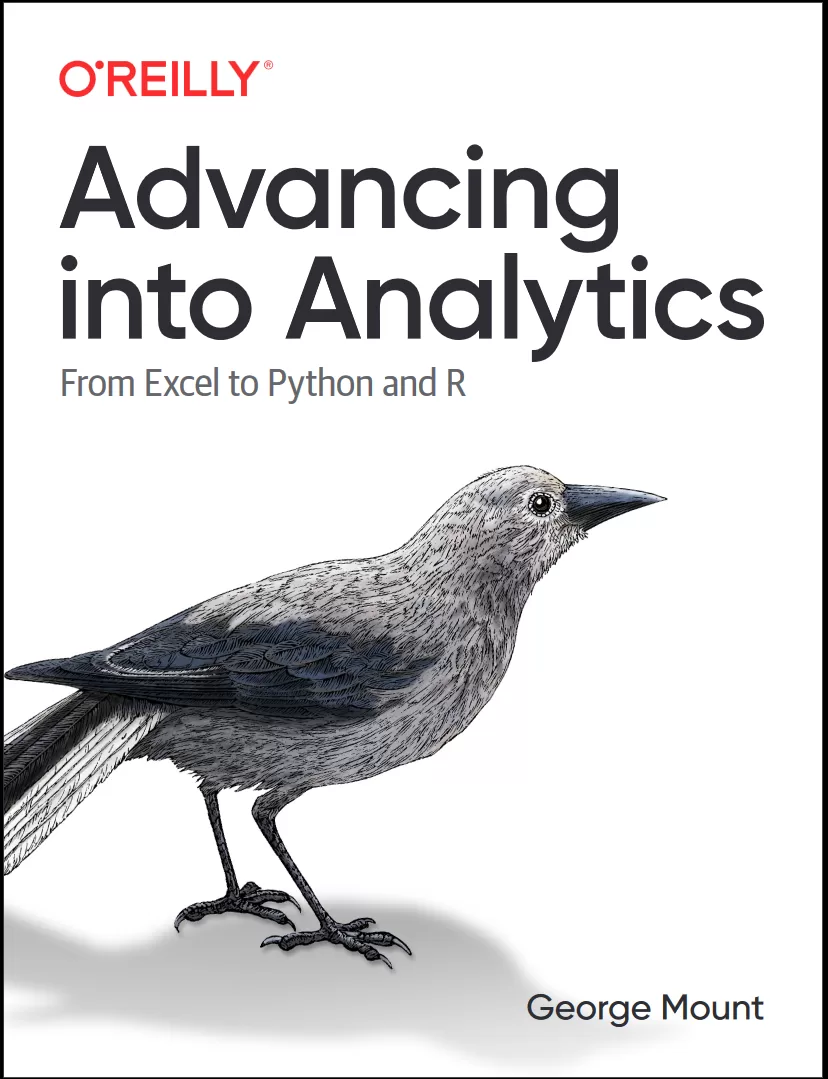
Advancing into Analytics: From Excel to Python and R
Оглавление⌄
Cover....1 Copyright....4 Table of Contents....5 Preface....11 Learning Objective....11 Prerequisites....11 Technical Requirements....11 Technological Requirements....12 How I Got Here....12 “Excel Bad, Coding Good”....13 The Instructional Benefits of Excel....14 Book Overview....15 End-of-Chapter Exercises....15 This Is Not a Laundry List....16 Don’t Panic....16 Conventions Used in This Book....16 Using Code Examples....17 O’Reilly Online Learning....18 How to Contact Us....18 Acknowledgments....19 Part I. Foundations of Analytics in Excel....21 Chapter 1. Foundations of Exploratory Data Analysis....23 What Is Exploratory Data Analysis?....23 Observations....25 Variables....25 Demonstration: Classifying Variables....29 Recap: Variable Types....31 Exploring Variables in Excel....31 Exploring Categorical Variables....32 Exploring Quantitative Variables....35 Conclusion....46 Exercises....46 Chapter 2. Foundations of Probability....47 Probability and Randomness....47 Probability and Sample Space....48 Probability and Experiments....48 Unconditional and Conditional Probability....48 Probability Distributions....49 Discrete Probability Distributions....49 Continuous Probability Distributions....52 Conclusion....60 Exercises....60 Chapter 3. Foundations of Inferential Statistics....61 The Framework of Statistical Inference....62 Collect a Representative Sample....62 State the Hypotheses....63 Formulate an Analysis Plan....65 Analyze the Data....67 Make a Decision....70 It’s Your World…the Data’s Only Living in It....77 Conclusion....78 Exercises....79 Chapter 4. Correlation and Regression....81 “Correlation Does Not Imply Causation”....81 Introducing Correlation....82 From Correlation to Regression....87 Linear Regression in Excel....89 Rethinking Our Results: Spurious Relationships....95 Conclusion....96 Advancing into Programming....97 Exercises....97 Chapter 5. The Data Analytics Stack....99 Statistics Versus Data Analytics Versus Data Science....99 Statistics....99 Data Analytics....100 Business Analytics....100 Data Science....100 Machine Learning....101 Distinct, but Not Exclusive....101 The Importance of the Data Analytics Stack....101 Spreadsheets....102 Databases....105 Business Intelligence Platforms....106 Data Programming Languages....107 Conclusion....108 What’s Next....109 Exercises....109 Part II. From Excel to R....111 Chapter 6. First Steps with R for Excel Users....113 Downloading R....113 Getting Started with RStudio....114 Packages in R....123 Upgrading R, RStudio, and R Packages....124 Conclusion....125 Exercises....127 Chapter 7. Data Structures in R....129 Vectors....129 Indexing and Subsetting Vectors....131 From Excel Tables to R Data Frames....132 Importing Data in R....135 Exploring a Data Frame....138 Indexing and Subsetting Data Frames....140 Writing Data Frames....141 Conclusion....142 Exercises....142 Chapter 8. Data Manipulation and Visualization in R....143 Data Manipulation with dplyr....144 Column-Wise Operations....144 Row-Wise Operations....147 Aggregating and Joining Data....149 dplyr and the Power of the Pipe (%>%)....152 Reshaping Data with tidyr....154 Data Visualization with ggplot2....156 Conclusion....162 Exercises....163 Chapter 9. Capstone: R for Data Analytics....165 Exploratory Data Analysis....166 Hypothesis Testing....170 Independent Samples t-test....171 Linear Regression....173 Train/Test Split and Validation....175 Conclusion....178 Exercises....178 Part III. From Excel to Python....179 Chapter 10. First Steps with Python for Excel Users....181 Downloading Python....181 Getting Started with Jupyter....182 Modules in Python....190 Upgrading Python, Anaconda, and Python packages....192 Conclusion....192 Exercises....193 Chapter 11. Data Structures in Python....195 NumPy arrays....196 Indexing and Subsetting NumPy Arrays....198 Introducing Pandas DataFrames....199 Importing Data in Python....200 Exploring a DataFrame....202 Indexing and Subsetting DataFrames....203 Writing DataFrames....204 Conclusion....204 Exercises....205 Chapter 12. Data Manipulation and Visualization in Python....207 Column-Wise Operations....208 Row-Wise Operations....210 Aggregating and Joining Data....212 Reshaping Data....213 Data Visualization....215 Conclusion....220 Exercises....221 Chapter 13. Capstone: Python for Data Analytics....223 Exploratory Data Analysis....224 Hypothesis Testing....226 Independent Samples T-test....227 Linear Regression....228 Train/Test Split and Validation....229 Conclusion....231 Exercises....231 Chapter 14. Conclusion and Next Steps....233 Further Slices of the Stack....233 Research Design and Business Experiments....233 Further Statistical Methods....234 Data Science and Machine Learning....234 Version Control....234 Ethics....235 Go Forth and Data How You Please....235 Parting Words....236 Index....237 About the Author....250 Colophon....250
Описание
Ниже — практический обзор по теме «data».
With this hands-on guide, intermediate Excel users will gain a solid understanding of analytics and the data stack. Data analytics may seem daunting, but if you're an experienced Excel user, you have a unique head start. By the time you complete this book, you'll be able to conduct exploratory data analysis and hypothesis testing using a programming language.
By using the tools and frameworks in this book, you'll be well positioned to continue learning more advanced data analysis techniques. Exploring and testing relationships are core to analytics. Author George Mount, founder and CEO of Stringfest Analytics, demonstrates key statistical concepts with spreadsheets, then pivots your existing knowledge about data manipulation into R and Python programming.
This practical book guides you through:Foundations of analytics in Excel: Use Excel to test relationships between variables and build compelling demonstrations of important concepts in statistics and analyticsFrom Excel to R: Cleanly transfer what you've learned about working with data from Excel to RFrom Excel to Python: Learn how to pivot your Excel data chops into Python and conduct a complete data analysis
Файл доступен для загрузки ниже.
Поделиться
Частые вопросы
Можно ли скачать «Advancing into Analytics: From Excel to Python and R» бесплатно?
Да, «Advancing into Analytics: From Excel to Python and R» доступна для бесплатного скачивания на нашем сайте в формате PDF. Ссылка на файл находится на этой странице.
В каком формате и какого размера файл?
Книга предоставляется в формате PDF, размер файла 3,2 МБ.
Кто автор и когда вышла книга?
автор — Mount George, издательство O’Reilly Media, Inc., год выпуска 2021, 251 страниц.
О чём книга «Advancing into Analytics: From Excel to Python and R»?
Data analytics may seem daunting, but if you're an experienced Excel user, you have a unique head start.
Похожие материалы
 Основы программирования на Python
 Python для детей. Самоучитель по программированию
 Python. Сборник упражнений. Введение в язык Python с задачами и решениями
 Структуры данных в Python: начальный курс
 Python за 7 дней. Краткий курс для начинающих
 Python in a Nutshell: A Desktop Quick Reference. 4 Ed
 Python for Microcontrollers: Getting Started with MicroPython
 Programming with MicroPython