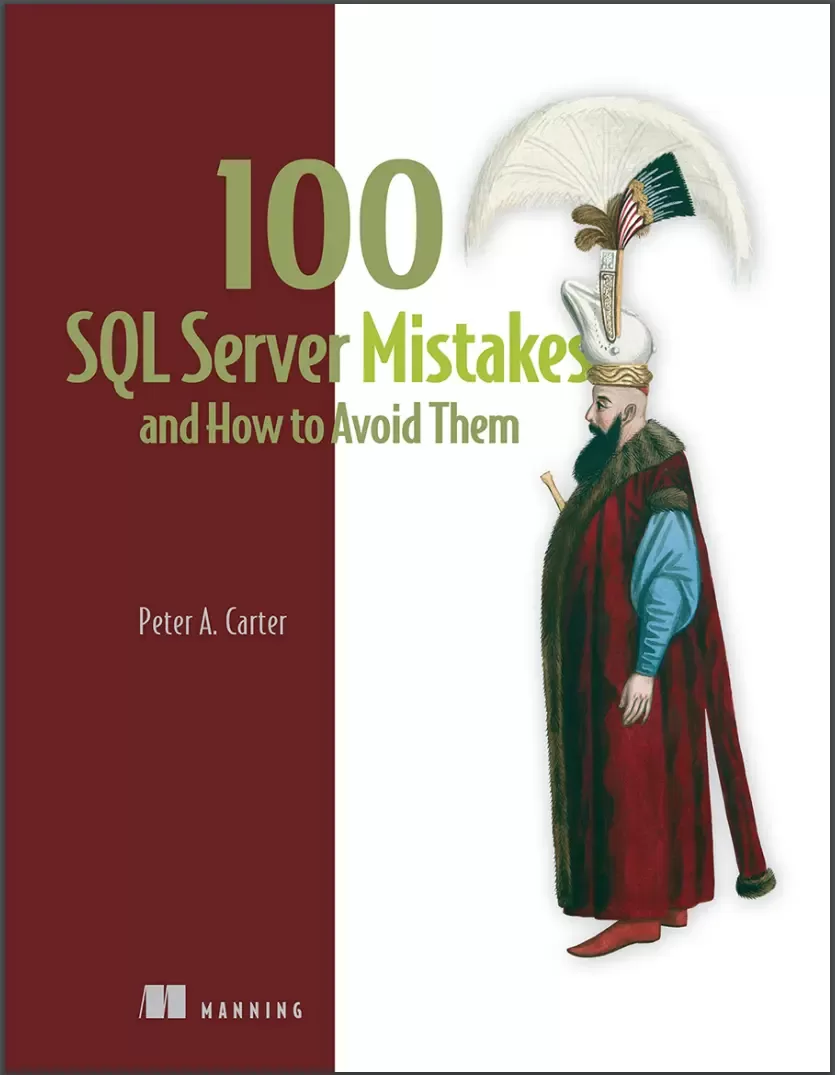
100 SQL Server Mistakes and How to Avoid Them
Оглавление⌄
100 SQL Server Mistakes....2 Copyright....4 dedication....6 contents....7 front matter....18 preface....18 acknowledgments....19 about this book....20 Who should read this book?....21 How this book is organized: A roadmap....21 About the code....24 liveBook discussion forum....24 about the author....25 about the cover illustration....26 1 Introducing SQL Server....28 1.1 The SQL Server index mistake (mistake 0)....29 1.2 An overview of SQL Server....30 1.2.1 Overview of the Database Engine....38 1.2.2 Heterogeneous platforms....43 1.3 Why we should still care about SQL Server....47 1.4 Why getting SQL Server right matters....49 Summary....50 2 Development standards....52 2.1 An example mistake....52 2.2 1 Nondescriptive object names....55 2.3 2 Using object prefixes....68 2.4 3 The dreaded sp_ prefix....76 2.5 4 Not making time for coding standards....84 2.6 5 Using ordinal column position....89 Summary....91 3 Data types....92 3.1 6 Always storing whole numbers in INT....96 3.2 7 Always using variable-length strings....102 3.3 8 Writing your own hierarchy code....107 3.4 9 Not storing XML data as native XML....122 3.4.1 Shredding XML....124 3.4.2 Reconstructing XML....136 3.4.3 Avoiding the overhead by storing data as XML....140 3.5 10 Ignoring JSON....146 Summary....153 4 Database design....155 4.1 11 Failing to normalize....156 4.1.1 Designing a schema using judgment....158 4.1.2 Problems with our database schema....169 4.1.3 Designing a database schema using normalization....171 4.2 12 Using a wide primary key....201 4.3 13 Not using foreign keys....213 Summary....220 5 T-SQL development....222 5.1 14 Dealing incorrectly with NULL values....223 5.2 15 Using NOLOCK as a performance tweak....226 5.3 16 Using SELECT as standard....231 5.4 17 Unnecessarily ordering data....237 5.5 18 Using DISTINCT without good reason....246 5.6 19 Using UNION unnecessarily....252 5.7 20 Using cursors....254 5.8 21 Deleting many rows in a single transaction....262 Summary....266 6 SSIS development....268 6.1 22 Throwing away bad data....275 6.2 23 Not optimizing data loads....286 6.3 24 Using SSIS as a T-SQL orchestration tool....291 6.3.1 Creating an Execute T-SQL Statement orchestration....293 6.3.2 Converting Execute T-SQL Statement tasks to data flows....299 6.4 25 Extracting all data when we only need a subset....310 Summary....314 7 Error handling, testing, source control, and deployment....316 7.1 26 Writing code that doesnt handle errors....318 7.2 27 Failing to alert on errors....344 7.3 28 Not utilizing debugging functionality....351 7.4 29 Not making use of Schema Compare....361 7.5 30 Failing to write unit tests....366 7.6 Modern development techniques....373 7.6.1 31 Not keeping code in source control....375 7.6.2 32 Not deploying code with a CICD pipeline....382 Summary....386 8 SQL Server installation....389 8.1 33 Using obscure instance names....390 8.2 34 Using Windows indiscriminately....392 8.3 35 Forgetting how useful containers can be....397 8.4 36 Using Desktop Experience unnecessarily....400 8.5 37 Using Enterprise Edition indiscriminately....405 8.6 38 Installing an instance when DBaaS or PaaS will suffice....409 8.7 39 Installing all features....413 8.8 40 Not scripting SQL Server installation....420 8.9 41 Thinking configuration management doesnt apply to SQL Server....429 8.10 42 Using SQL Server cloud images without modifying them....442 Summary....447 9 Instance and database management....450 9.1 43 Autoshrinking databases....451 9.2 44 Failing to rebuild indexes after data file shrink....455 9.3 45 Relying on autogrow....468 9.4 46 Using multiple log files....471 9.5 47 Allowing logs to become fragmented....475 9.6 48 Failing to capacity plan....480 9.7 49 Always placing TempDB and log files on dedicated drives....488 9.8 50 Not regularly checking for corruption....490 9.9 51 Failing to automate....494 9.10 52 Using cursors for administrative purposes....497 9.11 53 Failing to patch....501 Summary....504 10 Optimization....507 10.1 54 Turning on TF1117 and TF1118....509 10.2 55 Not using instant file initialization....513 10.3 56 Failing to leave enough memory for other applications....516 10.4 57 Failing to lock pages in memory....519 10.5 58 Working against the optimizer....521 10.6 59 Not taking advantage of DOP feedback....530 10.7 60 Not partitioning large tables....534 10.8 61 Not understanding the limitations of partition elimination....544 10.9 62 Not compressing large tables....550 10.10 63 Using Read Uncommitted....555 10.11 64 Using unnecessarily strong isolation levels....558 10.12 65 Not considering optimistic isolation levels....565 10.13 66 Throwing more hardware at the problem....569 Summary....572 11 Indexes....575 11.1 67 Assuming internal fragmentation is always bad....578 11.2 68 Believing that external fragmentation causes problems for all queries....584 11.3 69 Reorganizing indexes to fix page density....590 11.4 70 Misinterpreting fragmentation statistics....596 11.5 71 Not rebuilding indexes....600 11.6 72 Rebuilding all indexes indiscriminately....604 11.7 73 Updating statistics after rebuilding indexes....608 11.8 74 Not optimizing index maintenance for our needs....613 11.8.1 Considerations for MAXDOP....613 11.8.2 Considerations for SORT_IN_TEMPDB....615 11.8.3 Understanding OPTIMIZE_FOR_SEQUENTIAL_KEY....617 11.9 75 Not disabling indexes for bulk load....619 11.10 76 Relying too heavily on Database Engine Tuning Advisor....624 11.11 77 Not using columnstore indexes....626 Summary....633 12 Backups....637 12.1 78 Not considering RPO and RTO....639 12.2 79 Using database snapshots as a recovery strategy....645 12.3 80 Using crash-consistent snapshots as a recovery strategy....648 12.4 81 Not testing backups....651 12.4.1 Checking that backups completed successfully....651 12.4.2 Verifying backup integrity....656 12.5 82 Taking backups during an ETL window....659 12.6 83 Always using the FULL recovery model on data warehouse and development systems....666 12.7 84 Using SIMPLE recovery model for OLTP databases....670 12.8 85 Not backing up after changing recovery model....676 12.9 86 Scheduling log backups immediately after a full backup....680 12.10 87 Not using COPY_ONLY backups for ad hoc backups....682 12.11 88 Forgetting that backups are part of our security posture....685 Summary....688 13 Availability....691 13.1 89 Confusing HA and DR....692 13.2 90 Failing to architect for the requirements....699 13.3 91 Not testing the DR strategy....705 13.4 92 Assuming availability groups are always the right answer....708 13.5 93 Overloading a cluster....714 Summary....717 14 Security....720 14.1 94 Not implementing the principle of least privilege....724 14.2 95 Not disabling the sa account....729 14.3 96 Using the wrong granularity of a service account....732 14.4 97 Enabling xp_cmdshell....734 14.5 98 Failing to audit administrative activity....741 14.6 99 Exposing the business to whole-value substitution attacks....749 14.6.1 Preparing an encrypted environment....750 14.6.2 Understanding and preventing whole-value substitution attacks....756 14.7 100 Exposing the business to SQL injection attacks....761 Summary....773 index....776
Описание
Ниже — практический обзор по теме «server».
100 SQL Server Mistakes and How to Avoid Them prepares you for the pitfalls database professionals often encounter—from administration to development, availability, and security. You'll learn to sidestep common errors that slow down your T-SQL code and ensure your SQL Server is installed and configured to handle anything your organization throws at it.
Each chapter is filled with real-world issues drawn from author Peter A. Inside 100 SQL Server Mistakes and How to Avoid Them you'll learn to avoid:Development errors when writing T-SQLInstallation and administration mistakesOptimization misstepsCommon pitfalls relating to high availability and disaster recovery (HA/DR)Security oversights that can endanger your data100 SQL Server Mistakes and How to Avoid Them doesn't focus on the "happy path"—instead, it covers all the errors and problems you might face as a SQL Server developer or administrator. Carter’s two-decade-long career in SQL Server. Peter's seasoned advice helps dispel myths, debunk misconceptions, and set you on the right road.
Why is T-SQL running so slowly? About the technologyPerfecting a SQL Server system can be a complex balancing act. Are the right data available? What about that new server instance I need to administer? Are we protected against data theft? Even the most skilled SQL Server experts make mistakes that cost time and performance. This book can help you get it right the first time.
Real-world examples, code samples, and helpful diagrams make it easy to understand each issue and its solution. About the book100 SQL Server Mistakes and How to Avoid Them focuses exclusively on the errors that you might—and probably will—make as a SQL Server admin or developer. You’ll learn how to write performant code, design efficient database schemas, implement error handling, work with complex data types, and much more, all in a friendly, common-sense problem/solution format.
What's insideT-SQL developmentInstallation, administration, and optimizationHigh availability and securityAbout the readerReaders need to understand basic SQL Server concepts and SQL queries. Perfect for junior database admins, full-stack developers, and “accidental” DBAs.
На этом основные моменты по теме закрыты.
Поделиться
Частые вопросы
Можно ли скачать «100 SQL Server Mistakes and How to Avoid Them» бесплатно?
Да, «100 SQL Server Mistakes and How to Avoid Them» доступна для бесплатного скачивания на нашем сайте в формате PDF. Ссылка на файл находится на этой странице.
В каком формате и какого размера файл?
Книга предоставляется в формате PDF, размер файла 4,5 МБ.
Кто автор и когда вышла книга?
автор — Carter Peter, издательство Manning Publications Co., год выпуска 2025, 812 страниц.
О чём книга «100 SQL Server Mistakes and How to Avoid Them»?
100 SQL Server Mistakes and How to Avoid Them prepares you for the pitfalls database professionals often encounter—from administration to development, availability, and security.
Похожие материалы
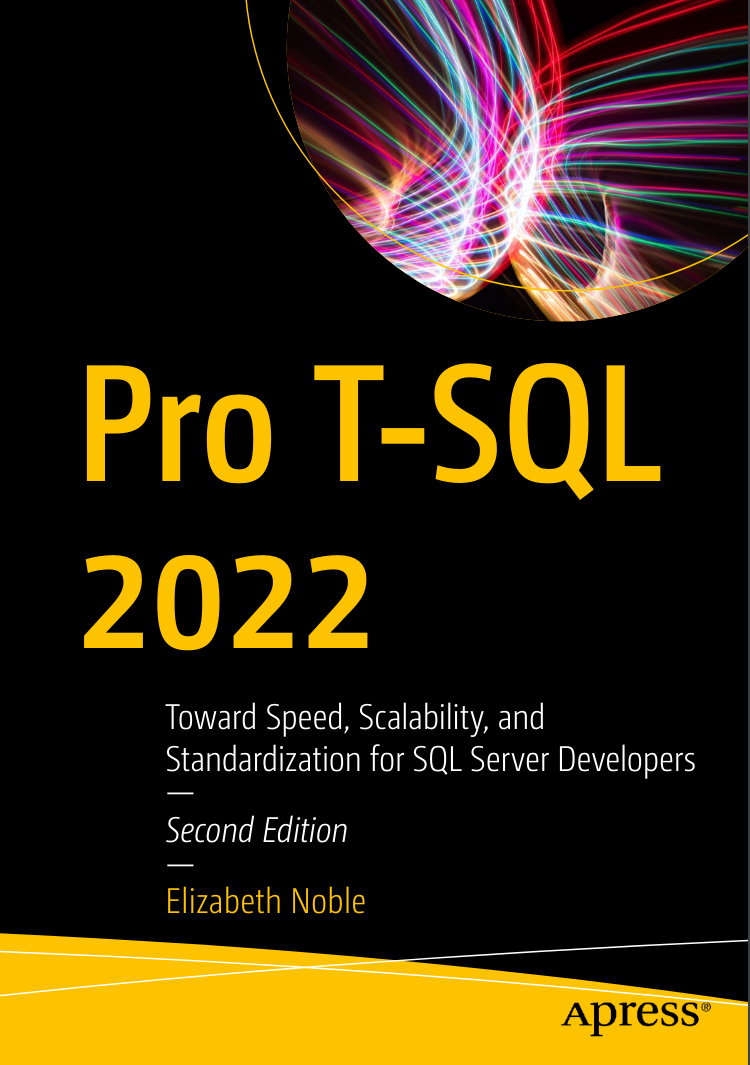 Pro T-SQL 2022: Toward Speed, Scalability, and Standardization for SQL Server Developers. 2 Ed
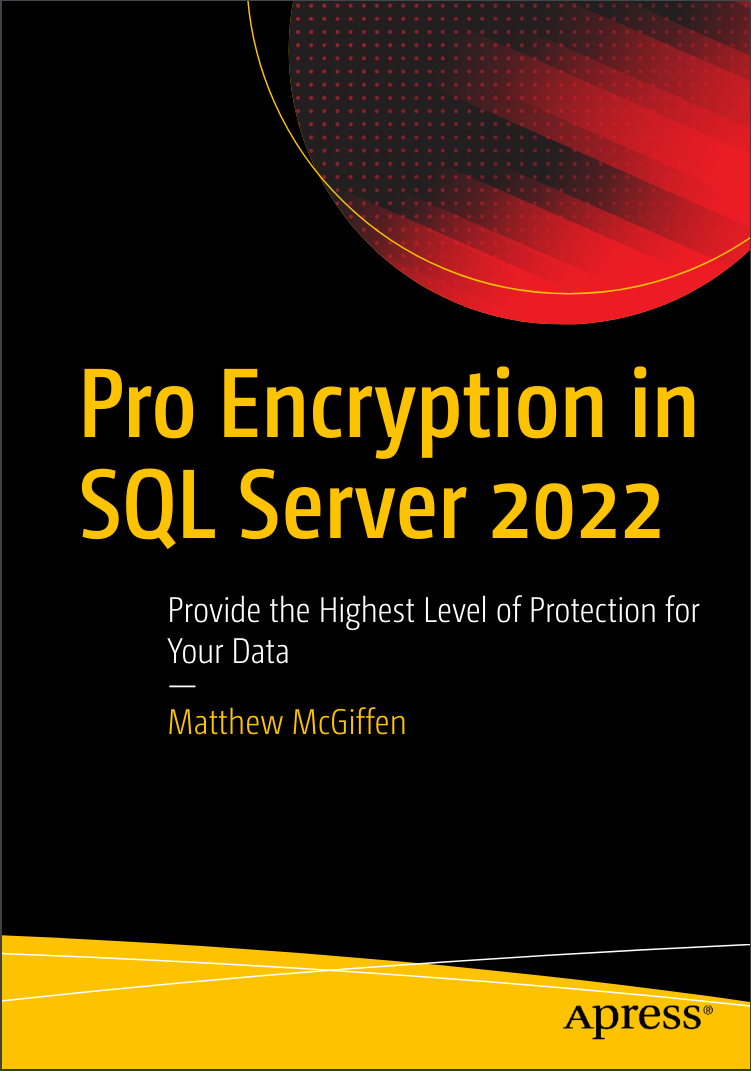 Pro Encryption in SQL Server 2022: Provide the Highest Level of Protection for Your Data
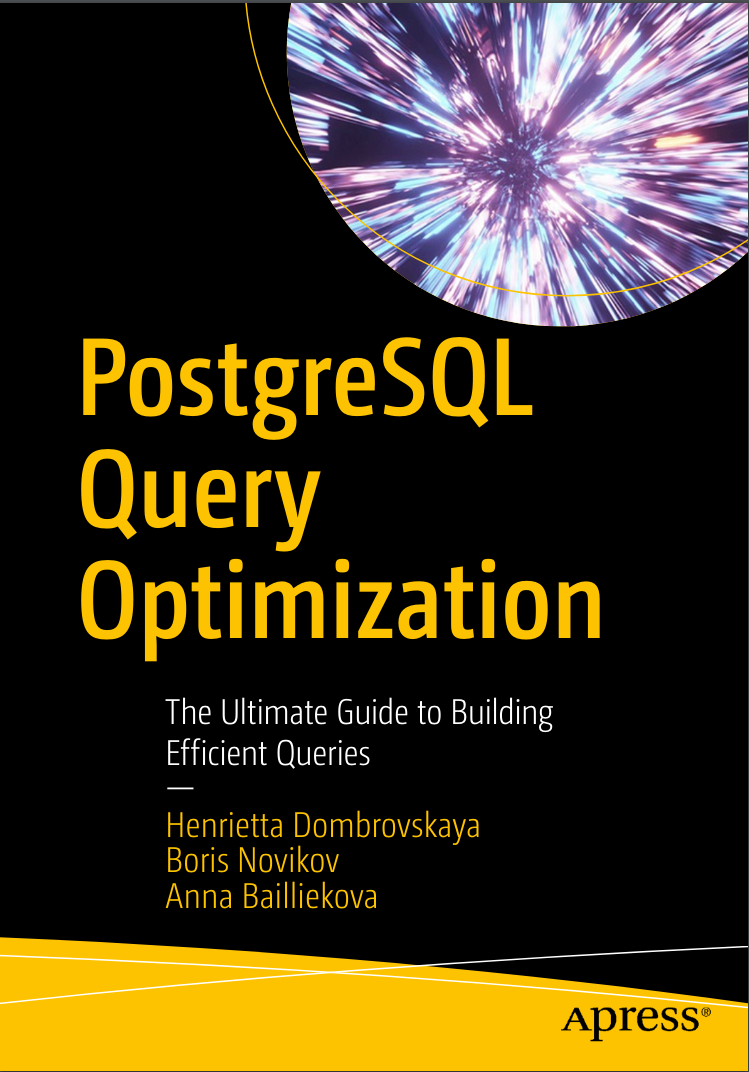 PostgreSQL Query Optimization: The Ultimate Guide to Building Efficient Queries
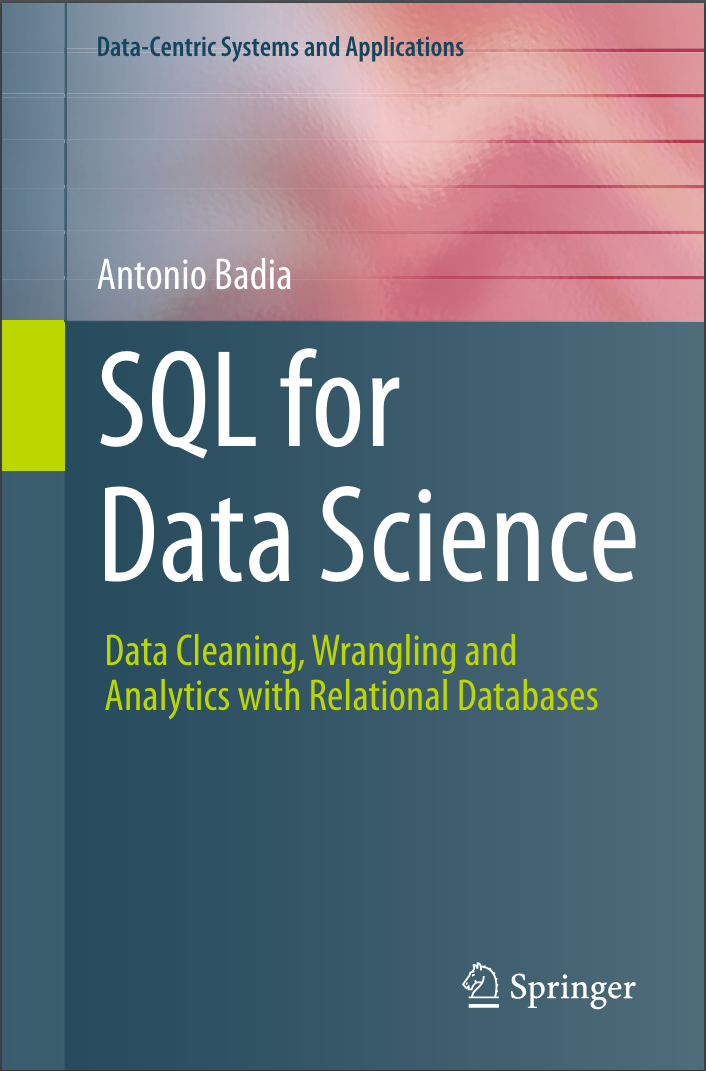 SQL for Data Science: Data Cleaning, Wrangling and Analytics with Relational Databases
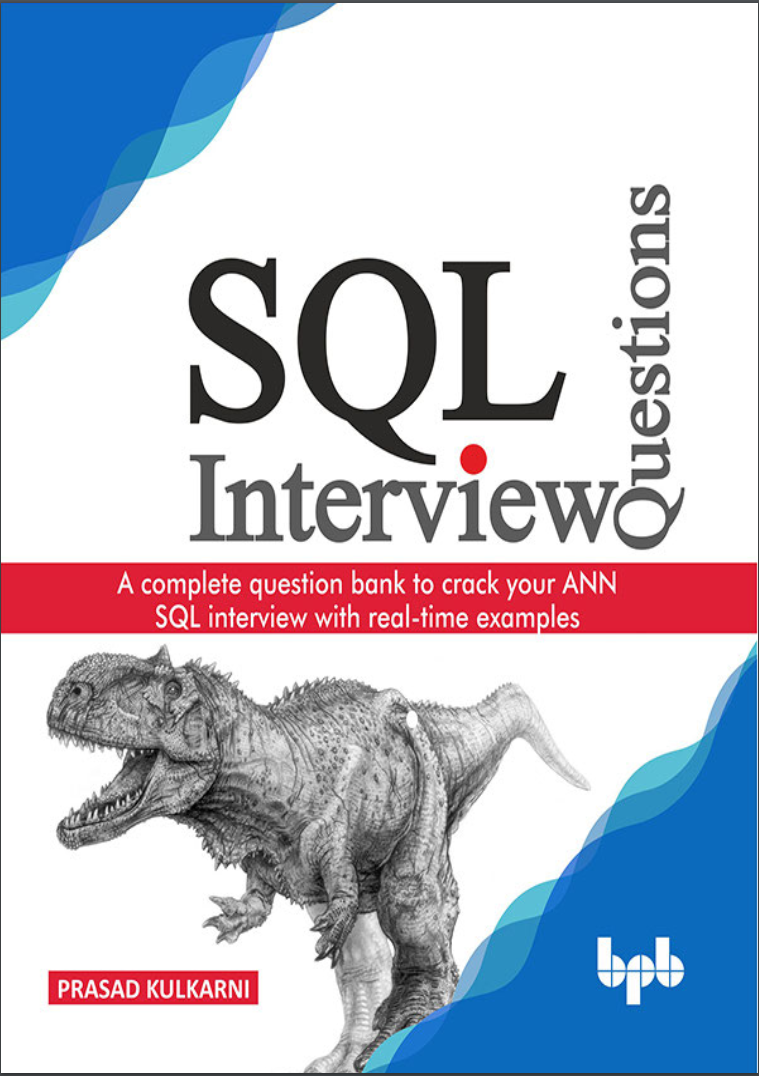 SQL Interview Questions: A complete question bank to crack your ANN SQL interview with real-time examples
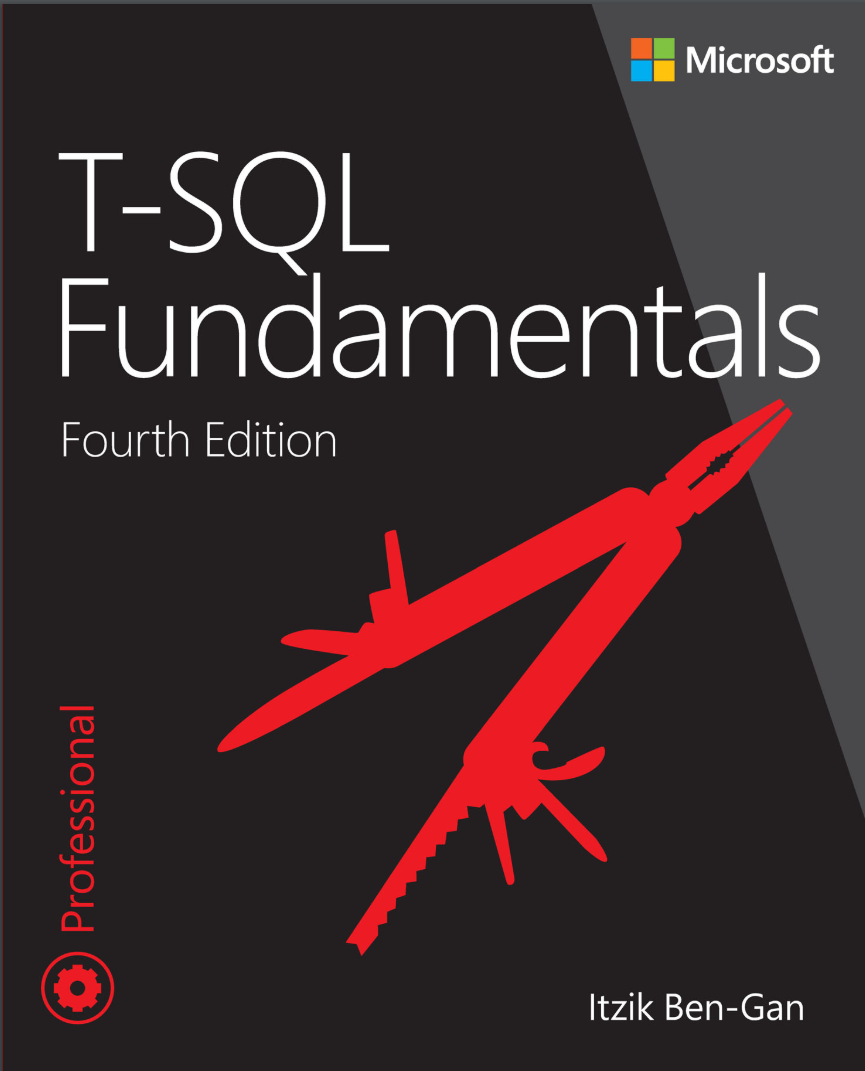 T-SQL Fundamentals. 4Ed
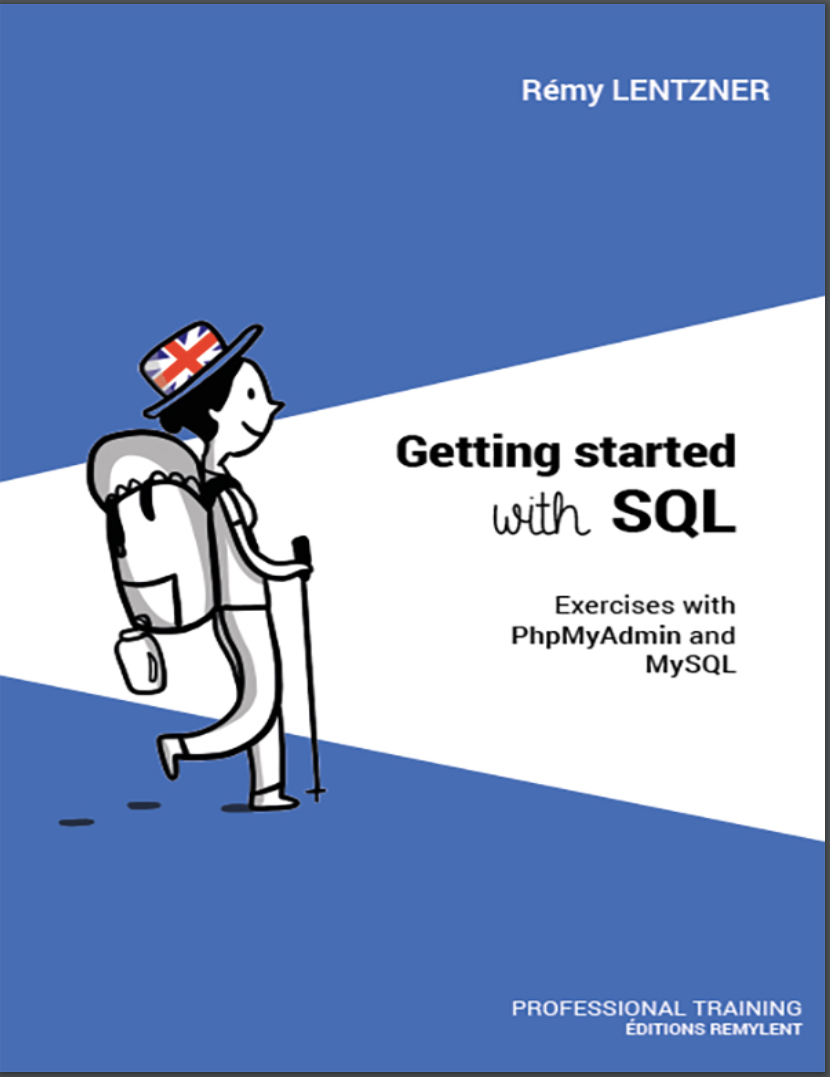 GETTING STARTED WITH SQL. Exercises with PhpMyAdmin and MySQL
 A Comprehensive Study of SQL: Practice and Implementation