Windows Forensics Analyst Field Guide: Engage in proactive cyber defense using digital forensics techniques
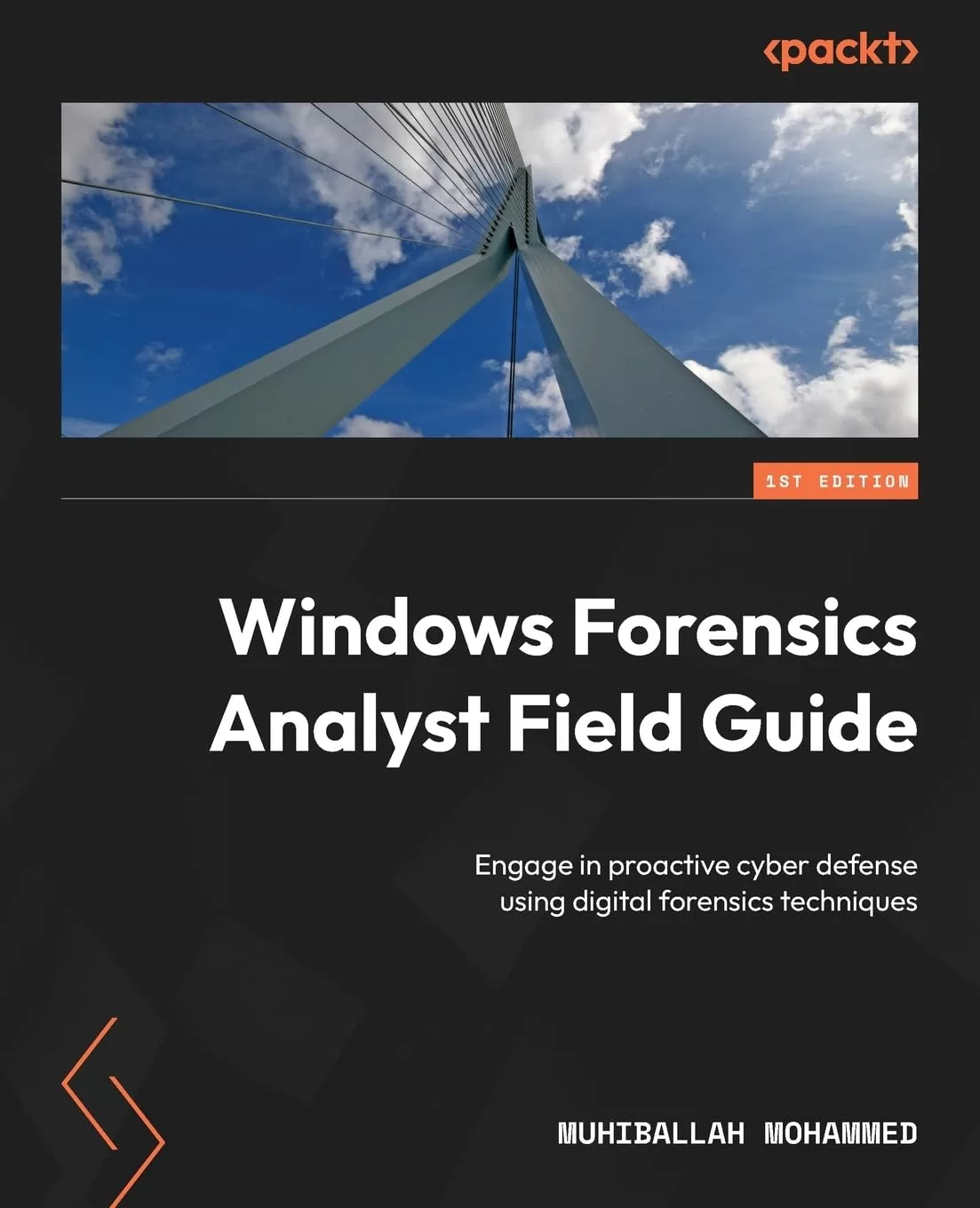
Оглавление⌄
Windows Forensics Analyst Field Guide....2 Contributors....7 About the author....7 About the reviewers....8 Preface....19 Who this book is for....20 What this book covers....21 To get the most out of this book....22 Conventions used....22 Get in touch....23 Reviews....23 Share Your Thoughts....23 Download a free PDF copy of this book....23 Part 1:Windows OS Forensics and Lab Preparation....25 Chapter 1: Introducing the Windows OS and Filesystems and Getting Prepared for the Labs....26 Technical requirements....26 What is a Microsoft OS?....27 The modern Windows OS and filesystems....30 Windows XP....30 Windows Vista....31 Windows 7, 8 and 8.1....32 Windows 10....33 Digital forensics and common terminology....34 What is digital forensics?....34 Digital forensic terminology....38 The process of digital forensics....40 Digital evidence....40 Windows VSS....43 Preparing a lab environment....45 Summary....54 Questions....55 Chapter 2: Evidence Acquisition....56 Technical requirements....56 An overview of evidence acquisition for Windows OS....56 A forensic analyst’s jump bag (first responder kit)....58 Understanding the order of volatility....60 Acquisition tools for Windows OS....62 Using FTK Imager....62 Using KAPE....69 Additional tools....76 Evidence collection and acquisition exercise....79 Summary....79 Chapter 3: Memory Forensics for the Windows OS....81 Technical requirements....81 Understanding memory forensics concepts and techniques....82 Some techniques to overcome the challenges....82 Why memory forensics is important....83 Exploring the main components of Windows....84 The kernel....84 Windows processes....84 Windows services....86 Device drivers....87 DLLs....88 The registry....89 The filesystem....89 Investigation methodology....90 Understanding Windows architecture....91 Looking at the memory acquisition tools....92 Using FTK Imager to capture memory....93 WinPmem....95 DumpIt....98 Belkasoft RAM Capturer....100 MAGNET RAM Capture....102 Using Volatility to analyze memory dumps and plugins....103 Volatility architecture....103 Volatility plugins....104 Volatility commands....104 Identifying the profile....106 The imageinfo plugin....106 The process list and tree....107 The netscan plugin....109 The hivescan and hivelist plugins....109 A brief overview of Volatility 3....111 Evidence collection and acquisition exercise....114 Summary....114 Chapter 4: The Windows Registry....116 Technical requirements....117 Windows Registry fundamentals....117 Why do we care about the Windows Registry?....117 Components of the Windows Registry....119 Windows Registry hierarchy....120 Windows Registry hives....121 HKLM....121 HKCU....122 HKCR....124 Windows Registry data types....126 User registry hives....127 NTUSER.DAT....127 UsrClass.dat....129 Windows Registry acquisition and analysis....130 regedit.exe and reg.exe....131 powershell.exe....133 Windows Registry acquisition....134 Windows Registry analysis tools....137 Registry Explorer....138 RegRipper....140 Registry Viewer....145 RECmd.exe....147 Windows Registry forensic analysis exercises....149 Summary....149 Chapter 5: User Profiling Using the Windows Registry....151 Profiling system details....151 Identifying the OS version....152 Identifying CurrentControlSet....153 Validating the computer name....154 Identifying time zones....156 Identifying services....157 Installed applications....158 The PrefetchParameters subkey....160 Network activities....161 Autostart registry keys....163 Profiling user activities....164 SAM registry hive....166 Domain and local user details....167 NTUSER.DAT....168 The RecentDocs key....169 The TypedPaths key....170 The TypedURLs subkey....171 User profiling using Windows Registry exercises....172 Summary....172 Part 2:Windows OS Additional Artifacts....173 Chapter 6: Application Execution Artifacts....174 Technical requirements....174 Windows evidence of execution artifacts....175 Looking at the NTUSER.DAT, Amcache, and SYSTEM hives....177 Understanding and analyzing UserAssist....178 Background Activity Moderator (BAM)....181 Shimcache....182 Amcache.hve....184 RunMRU....185 LastVisitedPidlMRU....186 Windows Prefetch....187 Application execution artifact exercises....191 Summary....192 Chapter 7: Forensic Analysis of USB Artifacts....193 Technical requirements....193 Overview of USB devices and types....194 Understanding stored evidence on USB devices....195 Analyzing USB artifacts....196 Identifying the USB device type, product, and vendor ID....198 Identifying the volume serial number....200 Identifying the volume name and letter....201 Using the USBDeview tool....201 Exploring a real-world scenario of identifying the root cause....203 USB artifacts analysis exercises....206 Summary....206 Chapter 8: Forensic Analysis of Browser Artifacts....208 Technical requirements....208 Overview of browsers....208 Internet Explorer....210 Microsoft Edge....211 Google Chrome....213 Chrome artifacts....214 Firefox....217 Browser forensics exercises....221 Summary....221 Chapter 9: Exploring Additional Artifacts....223 Technical requirements....223 Email forensic analysis....224 Types of phishing emails....224 Email header analysis....225 Analyzing Outlook emails....233 Event log analysis....236 Security event logs....237 Application event logs....240 Analyzing $MFT....242 MFTEcmd.exe....247 LNK file analysis....250 Recycle Bin analysis....254 ShellBags and jump lists....257 System Resource Utilization Monitor (SRUM)....261 Case study – analyzing malware infections....265 Analysis....265 Belksoft Live RAM Capturer....265 KAPE....266 Additional forensic artifacts exercises....273 Summary....273 Index....276 Why subscribe?....295 Other Books You May Enjoy....295 Packt is searching for authors like you....298 Share Your Thoughts....298 Download a free PDF copy of this book....298
Описание
Ниже — практический обзор по теме «windows».
This guide will enable you to enhance your skills as a digital forensic examiner by introducing you to cyber challenges that besiege modern entities. In this digitally driven era, safeguarding against relentless cyber threats is non-negotiable. It will help you to understand the indispensable role adept digital forensic experts play in preventing these threats and equip you with proactive tools to defend against ever-evolving cyber onslaughts.
From harnessing opensource tools for artifact collection to delving into advanced analysis, you’ll develop the skills needed to excel as a seasoned forensic examiner. The book begins by unveiling the intricacies of Windows operating systems and their foundational forensic artifacts, helping you master the art of streamlined investigative processes. As you advance, you’ll be able to effortlessly amass and dissect evidence to pinpoint the crux of issues. You’ll also delve into memory forensics tailored for Windows OS, decipher patterns within user data, and log and untangle intricate artifacts such as emails and browser data.
By the end of this book, you’ll be able to robustly counter computer intrusions and breaches, untangle digital complexities with unwavering assurance, and stride confidently in the realm of digital forensics.
What you will learnMaster the step-by-step investigation of efficient evidence analysisExplore Windows artifacts and leverage them to gain crucial insightsAcquire evidence using specialized tools such as FTK Imager to maximize retrievalGain a clear understanding of Windows memory forensics to extract key insightsExperience the benefits of registry keys and registry tools in user profiling by analyzing Windows registry hivesDecode artifacts such as emails, applications execution, and Windows browsers for pivotal insightsWho this book is forThis book is for forensic investigators with basic experience in the field, cybersecurity professionals, SOC analysts, DFIR analysts, and anyone interested in gaining deeper knowledge of Windows forensics. It's also a valuable resource for students and beginners in the field of IT who’re thinking of pursuing a career in digital forensics and incident response.
Если материал оказался полезен — сохраните страницу.
Поделиться
Частые вопросы
Можно ли скачать «Windows Forensics Analyst Field Guide: Engage in proactive cyber defense using digital forensics techniques» бесплатно?
Да, «Windows Forensics Analyst Field Guide: Engage in proactive cyber defense using digital forensics techniques» доступна для бесплатного скачивания на нашем сайте в формате PDF. Ссылка на файл находится на этой странице.
В каком формате и какого размера файл?
Книга предоставляется в формате PDF, размер файла 8,7 МБ.
Кто автор и когда вышла книга?
автор — Mohammed Muhiballah, издательство Packt Publishing Limited, год выпуска 2023, 299 страниц.
О чём книга «Windows Forensics Analyst Field Guide: Engage in proactive cyber defense using digital forensics techniques»?
In this digitally driven era, safeguarding against relentless cyber threats is non-negotiable.
Похожие материалы
 Security and Privacy Vision in 6G: A Comprehensive Guide
 Ethical Hacking: A Comprehensive Beginner’s Guide to Learn and Understand the Concept of Ethical Hacking
 Kali Linux. Тестирование на проникновение и безопасность
 Защита личной информации в интернете, смартфоне и компьютере
 Хакинг. Искусство эксплойта. 2 изд
 Кибербезопасность стратегии атак и обороны. Безопасность инфраструктуры с использованием тактик Красной и Синей команд
 Секреты безопасности и анонимности в интернете
 Реагирование на компьютерные инциденты. Прикладной курс