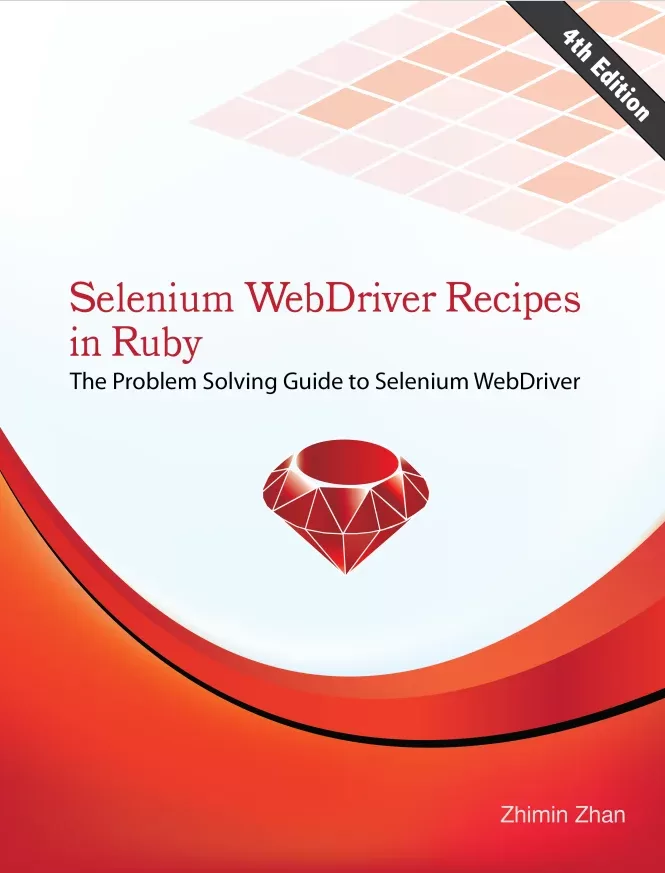
Selenium WebDriver Recipes in Ruby: The Problem Solving Guide to Selenium WebDriver. 4 Ed
Оглавление⌄
Table of ContentsPrefaceWho should read this bookHow to read this bookRecipe test scriptsSend me feedbackIntroductionSelenium language bindings: Java, C#, JavaScript, Python and RubyCross-browser testingRSpecRun recipe scriptsLocating web elementsStart browserInspect Web Element in BrowserFind element by IDFind element by NameFind element by Link TextFind element by Partial Link TextFind element by XPathFind element by Tag NameFind element by ClassFind element by CSS SelectorFind element by Relative locatorsChain find_element to find child elementsFind multiple elementsLocate a Web Element that disappears after InspectHyperlinkClick a link by textClick a link by IDClick a link by partial textClick a link by XPathClick Nth link with exact same labelVerify a link is present or not?Getting link data attributesTest links open a new browser windowButtonClick a button by textClick a form button by textSubmit a formClick a button by IDClick a button by nameClick an image buttonClick a button via JavaScriptAssert a button presentAssert a button enabled or disabled?TextField and TextAreaEnter text into a text field by nameEnter text into a text field by IDEnter text into a password fieldClear a text fieldEnter text into a multi-line text areaAssert valueFocus on a controlSet a value to a read-only or disabled text fieldSet and assert the value of a hidden fieldRadio buttonSelect a radio buttonClear radio option selectionAssert a radio option is selectedIterate radio buttons in a radio groupClick Nth radio button in a groupClick radio button by the following labelCustomized Radio buttons - iCheckCheckBoxSelect by nameUncheck a checkboxAssert a checkbox is checked (or not)Customized Checkboxes - iCheckSelect ListSelect an option by textSelect an option by valueSelect an option by indexSend keys to the select elementSelect an option by iterating all optionsSelect multiple optionsClear one selectionClear all selectionsAssert a label or value in a select listAssert selected option labelAssert the value of a select listAssert multiple selectionsNavigation and BrowserGo to a URLVisit pages within a sitePerform actions from right mouse click context menu such as `Back', `Forward' or `Refresh'Open browser in a certain sizeMaximize browser windowMove browser windowMinimize browser windowScroll focus to control vis JSScroll with Scroll Wheel ActionsSwitch between browser windows or tabsNew Browser Window or TabOpen new and close browser Tabs using JavaScriptRemember current web page URL, then come back to it laterAssertionAssert page titleAssert Page TextAssert Page SourceAssert Label TextAssert Span textAssert Div text or HTMLAssert Table textAssert text in a table cellAssert text in a table rowAssert image presentAssert element location and widthAssert element CSS styleAssert JS errors on a web pageFramesTesting FramesFind frames with find_elementTesting IFrameTest multiple iframesTesting AJAXWait within a time frameExplicit Waits until Time outImplicit Waits until Time outCreate your own polling check functionWait AJAX Call to complete using JQueryFile Upload and Popup dialogsFile uploadJavaScript pop-upsModal style dialogsBypass basic authentication by embedding username and password in URLTimeout on an operationInternet Explorer modal dialogDebugging Test ScriptsPrint text for debuggingWrite text to IDE outputWrite page source or element HTML into a fileTake screenshotsSave the screenshot of a specific web elementUsing IRBLeave browser open after test finishesPause/Stop test execution at a certain stepRun selected test steps against current browserTest DataGet date dynamicallyGet a random boolean valueGenerate a number within a rangeGet a random characterGet a random string at a fixed lengthGet a random string in a collectionGenerate random person names, emails, addresses with FakerGenerate a test file at fixed sizesRetrieve data from DatabaseBrowser Profile and CapabilitiesGet browser type and versionSet HTTP Proxy for BrowserVerify file download in ChromeLoad Chrome extensionsTest downloading PDF in FirefoxBypass basic authentication with Firefox AutoAuth pluginManage CookiesHeadless ChromeHeadless FirefoxTest responsive websitesDevice emulation on ChromeSet page load timeoutTesting slow pages that exceed default 60-second timeoutAdvanced User InteractionsDouble click a controlMove the mouse to a control - Mouse OverClick and hold - select multiple itemsContext Click - right click a controlDrag and dropDrag sliderSend key sequences - Select All and DeleteClick a specific part of an imageMouse move to coordinatesHTML 5 and JavaScriptHTML5 Email type fieldHTML5 Time FieldInvoke `onclick' JavaScript eventInvoke JavaScript events such as `onchange'Scroll to the bottom of a pageSelect2 - Single SelectSelect2 - Multiple SelectAngularJS web pagesEmber JS web pages``Share Location'' with FirefoxFaking Geolocation with JavaScriptSave a canvas to PNG imageVerify dynamic chartsTinyMCECKEditorSummerNoteCodeMirrorLeverage ProgrammingRaise exceptions to fail a testIgnorable test statement errorRead external fileData-Driven Tests with ExcelData-Driven Tests with CSVIdentify element IDs with dynamically generated long prefixesSending special keys to an element or browserUse of Unicode in test scriptsExtract a group of dynamic data : verify search results in orderVerify the uniqueness of a set of dataExtract dynamic visible data rows from a tableExtract dynamic text following a pattern using RegexQuick extract pattern text in comments with RegexOptimizationAssert text in page_source is faster than the textGetting the text from a more specific element is fasterAvoid programming if-else block code if possibleUse variable to cache not-changed dataEnter large text into a text boxUse Environment Variables to change test behaviors dynamicallyTest website in two languagesMulti-language testing with lookupsGotchasTest starts browser but no execution with a blank screenFailed to assert copied text in the browserThe same test works for Chrome, but not IE``unexpected tag name `input'''Element is not clickable or not visibleLack of knowledge of the programming languageExtend SeleniumWatirRWebSpecCapybaraSelenium with CucumberHow Selenium-WebDriver is integrated with Cucumber?Execute Cucumber testsCucumber or RSpec?Material Design Web AppSelect List (dropdown)CheckboxDrag range (noUiSlider)Verify Toast messageModalSelenium GridSelenium Server StandaloneExecute tests on a remote machineSet up Selenium GridUsing Selenium Grid to run testsIssues with Selenium GridSelenium....4New Browser Window or TabBasic Authentication via registerPrint to PDFSave element screenshotRelative LocatorsScroll Wheel ActionsSelenium DevToolsGeneralEventNetworkEmulatePageQuizAnswersAfterwordResourcesBookswebsitesBlogTools
Описание
Коротко и по делу о том, что важно знать про book.
In order to get the most of this book, basic Ruby coding skill is required.Usually, a ‘recipe’ book is a reference book. This book is for testers or programmers who write (or want to learn) automated tests with Selenium WebDriver. Readers can go directly to the part that interests them. This book supports this style of reading.If you are new to Selenium WebDriver, I recommend you to try out the recipes from the front to back. For example, if you are testing a multiple select list and don’t know how, you can look up in the Table of Contents, then go to chapter 8. The recipes in the first half of the book are arranged according to their levels of complexity, I believe readers can get the pattern of testing with Selenium and gain confidence after going through them
Если материал оказался полезен — сохраните страницу.
Поделиться
Частые вопросы
Можно ли скачать «Selenium WebDriver Recipes in Ruby: The Problem Solving Guide to Selenium WebDriver. 4 Ed» бесплатно?
Да, «Selenium WebDriver Recipes in Ruby: The Problem Solving Guide to Selenium WebDriver. 4 Ed» доступна для бесплатного скачивания на нашем сайте в формате PDF. Ссылка на файл находится на этой странице.
В каком формате и какого размера файл?
Книга предоставляется в формате PDF, размер файла 1,6 МБ.
Кто автор и когда вышла книга?
автор — Zhan Zhimin, издательство Lean Publishing, год выпуска 2022, 207 страниц.
О чём книга «Selenium WebDriver Recipes in Ruby: The Problem Solving Guide to Selenium WebDriver. 4 Ed»?
This book is for testers or programmers who write (or want to learn) automated tests with Selenium WebDriver.
Похожие материалы
 Ruby. Объектно-ориентированное проектирование
 Ruby on Rails Tutorial
 Modern Front-End Development for Rails
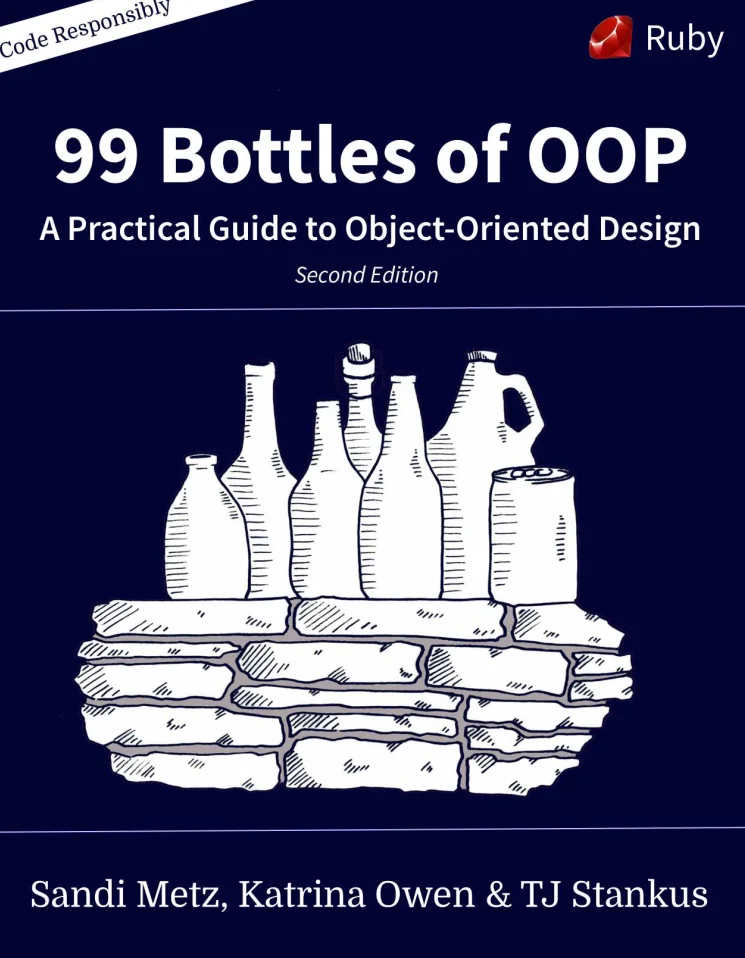 99 Bottles of OOP: A Practical Guide to Object-Oriented Design. 2 Ed
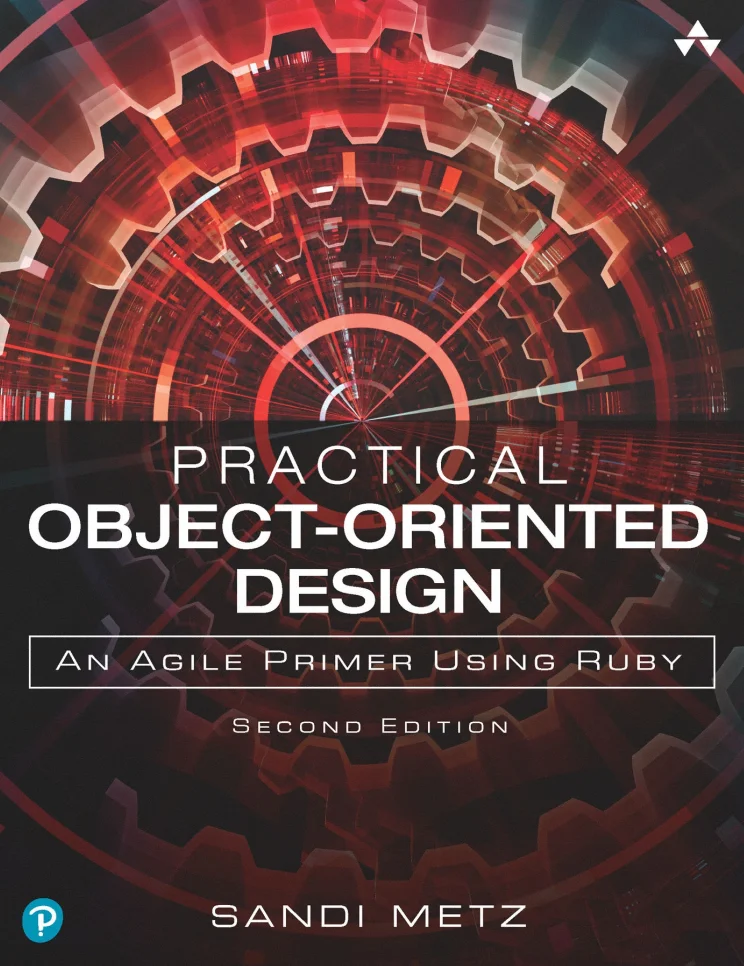 Practical Object-Oriented Design: Practical Object-Oriented Design in Ruby. 2 Ed
 Ruby для романтиков
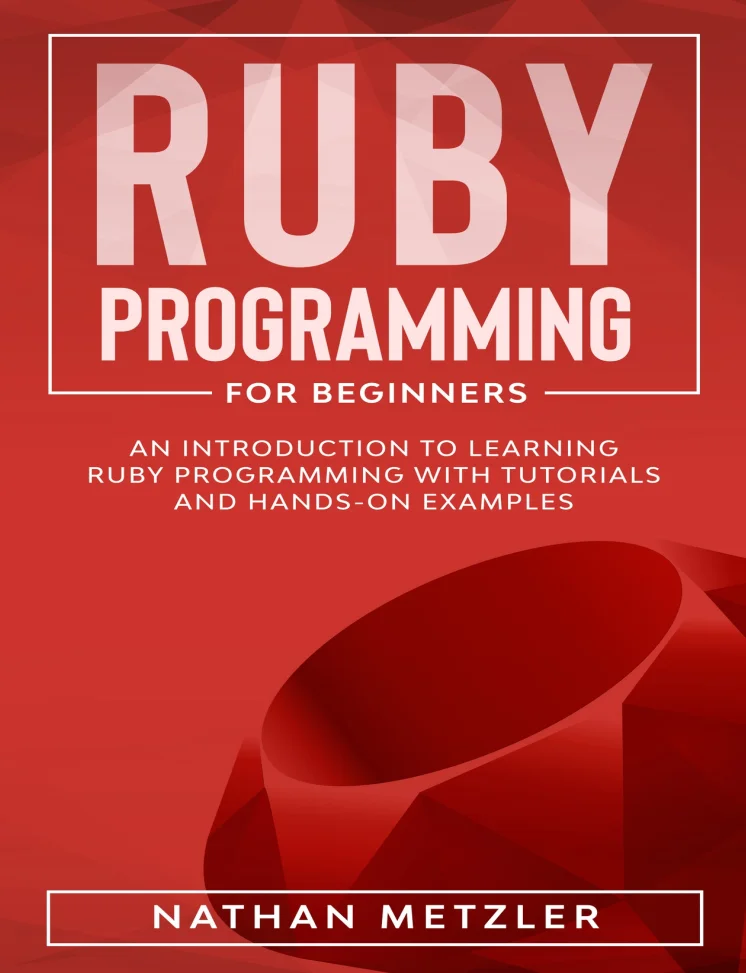 Ruby Programming for Beginners: An Introduction to Learning Ruby Programming with Tutorials and Hands-On Examples
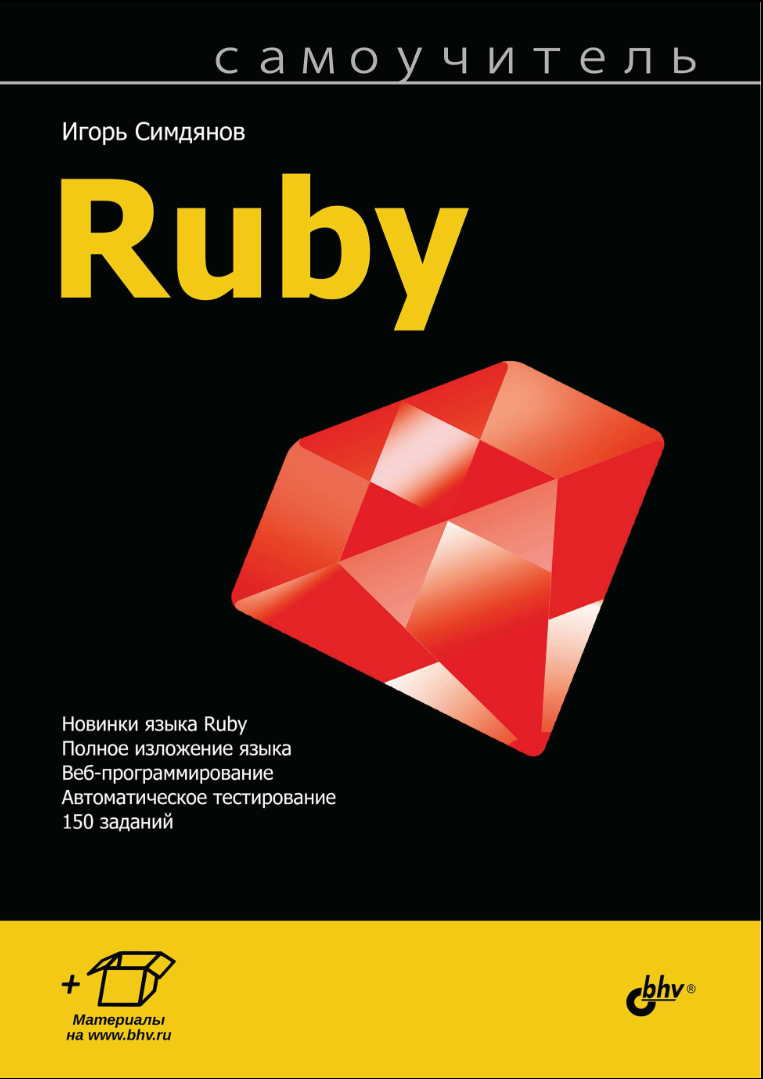 Самоучитель Ruby