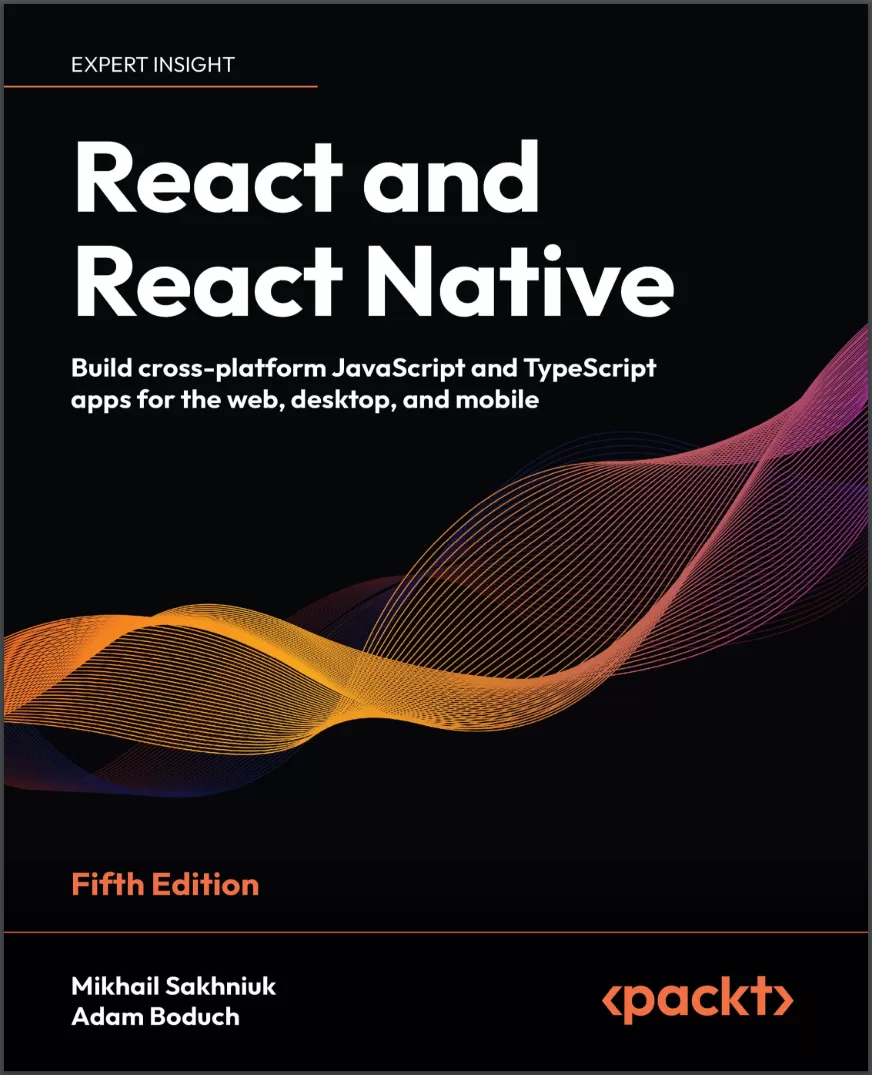
React and React Native: Build cross-platform JavaScript and TypeScript apps for the web, desktop, and mobile. 5 Ed
Оглавление⌄
Preface....18 Who this book is for....19 What this book covers....20 To get the most out of this book....22 Get in touch....24 Part I: React....29 Why React?....30 What is React?....31 React is just the view layer....31 Simplicity is good....33 Declarative UI structures....34 Data changes over time....37 Performance matters....38 The right level of abstraction....41 What’s new in React?....42 Setting up a new React project....45 Using web bundlers....45 Using frameworks....47 Online code editors....47 Summary....48 Join us on Discord!....49 Rendering with JSX....51 Technical requirements....52 Your first JSX content....52 Hello JSX....52 Rendering HTML....55 Built-in HTML tags....55 HTML tag conventions....56 Describing UI structures....57 Creating your own JSX elements....59 Encapsulating HTML....59 Nested elements....61 Using JavaScript expressions....63 Dynamic property values and text....63 Handling events....65 Mapping collections to elements....67 Building fragments of JSX....70 Using wrapper elements....71 Using fragments....72 Summary....73 Understanding React Components and Hooks....75 Technical requirements....76 Introduction to React components....76 What are component properties?....77 Passing property values....78 Default property values....81 What is component state?....82 React Hooks....82 Maintaining state using Hooks....83 Initial state values....84 Updating state values....85 Performing initialization and cleanup actions....88 Fetching component data....89 Canceling actions and resetting state....92 Optimizing side-effect actions....95 Sharing data using context Hooks....97 Memoization with Hooks....99 useMemo Hook....99 useCallback hook....99 useRef hook....101 Summary....102 Event Handling in the React Way....103 Technical requirements....104 Declaring event handlers....104 Declaring handler functions....104 Multiple event handlers....105 Declaring inline event handlers....106 Binding handlers to elements....107 Using synthetic event objects....108 Understanding event pooling....110 Summary....113 Crafting Reusable Components....115 Technical requirements....116 Reusable HTML elements....116 The diffculty with monolithic components....117 The JSX markup....118 Initial state....119 Event handler implementation....120 Refactoring component structures....123 Starting with the JSX....124 Implementing an article list component....126 Implementing an article item component....128 Implementing an AddArticle component....130 Render props....131 Rendering component trees....133 Feature components and utility components....135 Summary....135 Type-Checking and Validation with TypeScript....137 Technical requirements....137 Knowing what to expect....138 The importance of props validation....138 Potential issues without props validation....139 Options for props validation....140 Introduction to TypeScript....142 Why use TypeScript?....143 Setting up TypeScript in a project....146 Basic types in TypeScript....148 Interfaces and type aliases....152 Interfaces....153 Type aliases....153 Interfaces vs type aliases....154 Using TypeScript in React....155 Type-checking props in React components....155 Typing state....157 Typing event handlers....158 Typing context....159 Typing refs....160 Summary....161 Handling Navigation with Routes....163 Technical requirements....164 Declaring routes....164 Hello route....164 Decoupling route declarations....166 Handling route parameters....170 Resource IDs in routes....170 Query parameters....175 Using link components....177 Basic linking....177 URL and query parameters....179 Summary....181 Code Splitting Using Lazy Components and Suspense....183 Technical requirements....184 Using the lazy API....184 Dynamic imports and bundles....184 Making components lazy....186 Using the Suspense component....187 Top-level Suspense components....187 Working with spinner fallbacks....189 Avoiding lazy components....191 Exploring lazy pages and routes....193 Summary....195 User Interface Framework Components....197 Technical requirements....197 Layout and organization....198 Using containers....198 Building responsive grid layouts....201 Using navigation components....204 Navigating with drawers....204 Navigating with tabs....209 Collecting user input....211 Checkboxes and radio buttons....211 Text inputs and select inputs....213 Working with buttons....216 Working with styles and themes....217 Making styles....218 Customizing themes....219 Summary....220 High-Performance State Updates....222 Technical requirements....222 Batching state updates....223 React 18 batching....225 Prioritizing state updates....228 Handling asynchronous state updates....233 Summary....238 Fetching Data from a Server....239 Technical requirements....240 Working with remote data....240 Using the Fetch API....245 Using Axios....248 Using TanStack Query....251 Using GraphQL....253 Summary....256 State Management in React....258 What is global state?....258 React Context API and useReducer....264 Redux....267 MobX....270 Summary....274 Server-Side Rendering....275 Technical requirements....275 Working on the server....276 Server-side rendering....276 Static site and incremental static generation....280 Using Next.js....283 React Server Components....293 Summary....298 Unit Testing in React....300 Technical requirements....300 Testing in general....300 Test types and approaches....302 Unit testing....305 Setting up the test environment....307 Vitest features....308 Mocking....313 Testing ReactJS....319 Summary....327 Join us on Discord!....327 Part II: React Native....328 Why React Native?....329 Technical requirements....330 What is React Native?....330 React and JSX are familiar....332 The mobile browser experiences....333 Android and iOS: different yet the same....334 The case for mobile web apps....335 Summary....336 React Native under the Hood....337 Exploring the React Native architecture....337 The state of web and mobile apps in the past....338 React Native current architecture....341 JS as part of React Native....342 The “Native” part....343 Communication between threads....343 Styling....345 React Native future architecture....347 Explaining JS and Native modules....349 React Navigation....349 UI component libraries....350 Splash screen....351 Icons....351 Handling errors....351 Push notifications....352 Over-the-air updates....353 JS libraries....353 Exploring React Native components and APIs....354 Summary....356 Kick-Starting React Native Projects....357 Technical requirements....357 Exploring React Native CLI tools....358 Installing and using the Expo command-line tool....359 Viewing your app on your phone....361 Viewing your app on Expo Snack....369 Summary....376 Building Responsive Layouts with Flexbox....377 Technical requirements....377 Introducing Flexbox....378 Introducing React Native styles....380 Using the Styled Components library....384 Building Flexbox layouts....385 Simple three-column layout....385 Improved three-column layout....389 Flexible rows....394 Flexible grids....397 Flexible rows and columns....400 Summary....403 Navigating Between Screens....404 Technical requirements....405 The basics of navigation....405 Route parameters....413 The navigation header....420 Tab and drawer navigation....429 File-based navigation....433 Summary....436 Rendering Item Lists....437 Technical requirements....437 Rendering data collections....438 Sorting and filtering lists....442 Fetching list data....451 Lazy list loading....453 Implementing pull to refresh....456 Summary....458 Geolocation and Maps....459 Technical requirements....459 Using the Geolocation API....459 Rendering the map....464 Annotating points of interest....467 Plotting points....467 Plotting overlays....470 Summary....475 Collecting User Input....476 Technical requirements....476 Collecting text input....477 Selecting from a list of options....481 Toggling between on and off....488 Collecting date/time input....492 Summary....497 Responding to User Gestures....498 Technical requirements....499 Scrolling with your fingers....499 Giving touch feedback....502 Using Swipeable and Cancellable components....511 Summary....518 Showing Progress....519 Technical requirements....519 Understanding progress and usability....520 Indicating progress....520 Exploring navigation indicators....525 Measuring progress....527 Step progress....531 Displaying Modal Screens....536 Technical requirements....536 Terminology definitions....537 Getting user confirmation....538 Displaying a success confirmation....538 Error confirmation....546 Passive notifications....552 Activity modals....557 Summary....560 Using Animations....561 Technical requirements....561 Using React Native Reanimated....562 The Animated API....562 React Native Reanimated....562 Installing the React Native Reanimated library....564 Animating layout components....565 Animating component styles....573 Summary....575 Controlling Image Display....577 Technical requirements....577 Loading images....578 Resizing images....581 Lazy image loading....588 Rendering icons....595 Summary....598 Going Offline....599 Technical requirements....599 Detecting the state of the network....600 Storing application data....605 Synchronizing application data....609 Summary....616 Join us on Discord!....616 Other Books You May Enjoy....619 Index....624
Описание
Коротко и по делу о том, что важно знать про react.
Get a big-picture view of modern React and React Native and see how they go hand-in-hand - covering TypeScript development, Vite, state management strategies, unit testing with Jest, and more.
Key FeaturesNew content on TypeScript, React frameworks, state management strategies, and unit testingGet to grips with React fundamentals and modern React techniques and architectureBroaden your React expertise through mobile development with React NativeWelcome to your big-picture guide to the React ecosystem.
If you're new to React and looking to become a professional React developer, this book is for you. This updated fifth edition reflects the current state of React, including React framework coverage as well as TypeScript.
You'll discover JSX syntax, hooks, functional components, and event handling, learn techniques to fetch data from a server, and tackle the tricky problem of state management. Part 1 introduces you to React. Once you're comfortable with writing React in JavaScript, you'll pick up TypeScript development in later chapters.
React Native goes hand-in-hand with React. Part 2 transitions you into React Native for mobile development. With your React knowledge behind you, you'll appreciate where and how React Native differs as you write shared components for Android and iOS apps. You'll learn how to build responsive layouts, use animations, and implement geolocation.
By the end of this book, you'll have a big-picture view of React and React Native and be able to build applications with both.
What you will learnExplore React architecture, component properties, state, and contextWork with React Hooks for handling functions and componentsFetch data from a server using the Fetch API, GraphQL, and WebSocketsDive into internal and external state management strategiesBuild robust user interfaces (UIs) for mobile and desktop apps using Material-UIPerform unit testing for your components with Vitest and mockingManage app performance with server-side rendering, lazy components, and SuspenseWho this book is forThis book is for any JavaScript or TypeScript developer who wants to start learning how to use React and React Native for web and mobile app development.
No prior knowledge of React or React Native is required. However, a working knowledge of JavaScript is necessary to be able to follow along the content covered.
Если материал оказался полезен — сохраните страницу.
Поделиться
Частые вопросы
Можно ли скачать «React and React Native: Build cross-platform JavaScript and TypeScript apps for the web, desktop, and mobile. 5 Ed» бесплатно?
Да, «React and React Native: Build cross-platform JavaScript and TypeScript apps for the web, desktop, and mobile. 5 Ed» доступна для бесплатного скачивания на нашем сайте в формате PDF. Ссылка на файл находится на этой странице.
В каком формате и какого размера файл?
Книга предоставляется в формате PDF, размер файла 3,6 МБ.
Кто автор и когда вышла книга?
автор — Boduch Adam , Sakhniuk Mikhail, издательство Packt Publishing Limited, год выпуска 2024, 649 страниц.
О чём книга «React and React Native: Build cross-platform JavaScript and TypeScript apps for the web, desktop, and mobile. 5 Ed»?
Get a big-picture view of modern React and React Native and see how they go hand-in-hand - covering TypeScript development, Vite, state management strategies, unit testing with Jest, and more.Key FeaturesNew content on TypeScript, React fra
Похожие материалы
 JavaScript. Рецепты для разработчиков. 3 изд
 Become A Ninja With Angular
 Mastering jQuery: A Beginner’s Guide
 Professional JavaScript for Web Developers. 5 Ed
 React.js Design Patterns: Learn how to build scalable React apps with ease
 Typescript and JavaScript Coding Made Simple 2 Books in 1: A Beginner’s Guide to Programming
 React. Сборник рецептов. Практические приемы работы с фреймворком React
 JavaScript. Полное руководство: Справочник по самому популярному языку программирования. 7 изд