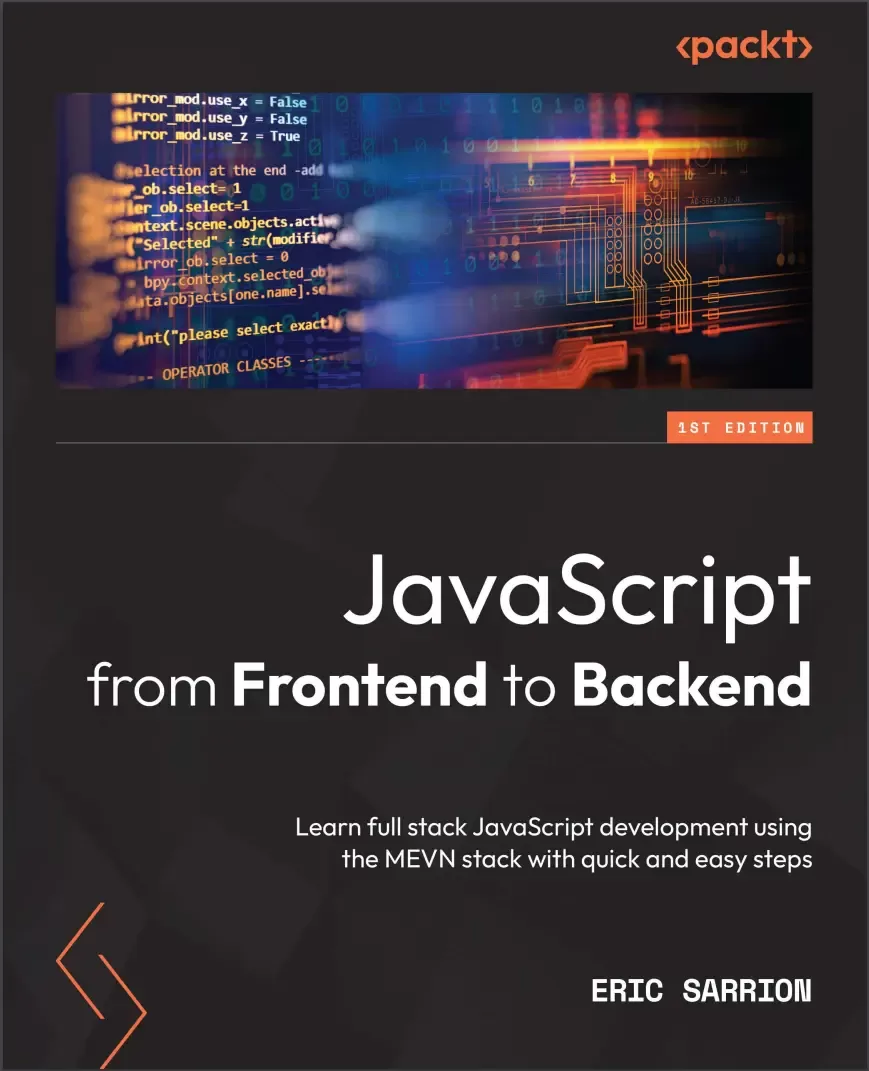
JavaScript from Frontend to Backend: Learn full stack JavaScript development using the MEVN stack with quick and easy steps
Оглавление⌄
Cover....1 Title Page....2 Copyright and Credits....3 Contributors....4 Table of Contents....6 Preface....12 Part 1: JavaScript Syntax....16 Chapter 1: Exploring the Core Concepts of JavaScript....18 Technical requirements....19 Types of variables used in JavaScript....20 Numerical values....20 Boolean values....21 Character strings....21 Arrays....21 Objects....22 Running a JavaScript program....23 Running a JavaScript program in a browser....23 Running a JavaScript program on a Node.js server....28 Differences between JavaScript code written for the browser and the server....29 Declaring variables in JavaScript....30 Using the const keyword....30 Using the var keyword....32 Using the let keyword....35 What if we don't use var or let to define a variable?....37 What is an uninitialized variable worth?....38 Writing conditions for conditional tests....40 Forms of writing instructions....40 Expressions used to write conditions....42 Nested test suites....44 Creating processing loops....45 Loops with while()....45 Loops with for()....47 Using functions....48 Function displaying the list of the first 10 integers....49 Function calculating the sum of the first 10 integers....53 Function calculating the sum of the first N integers....54 Summary....55 Chapter 2: Exploring the Advanced Concepts of JavaScript....56 Technical requirements....57 Classes and objects....57 Defining a class....57 Creating an object by using a class....58 Creating an object without using a class....60 Adding properties to a class....61 Adding methods to a class....62 Changing an object's property values....64 Using the class constructor....65 Merging one object with another....68 Arrays....70 Creating an array....70 Accessing array elements....72 Adding items to the array....79 Deleting array elements....81 Filtering elements in an array....84 Character strings....87 Creating a character string....87 Accessing characters in a string....90 Modifying a character string....92 Using regular expressions....93 Multitasking in JavaScript....97 Using the setTimeout() function....98 Using the setInterval() function....101 Using the clearInterval() function....102 Using promises....104 Part 2: JavaScript on the Client-Side....108 Chapter 3: Getting Started with Vue.js....110 Technical requirements....111 Using Vue.js in an HTML page....111 Creating our first Vue.js application....112 Using reactivity....114 Creating our first component....118 Inserting a component in the application file....119 Inserting a component from an external file....122 Adding methods in components....125 Defining methods in the methods section....126 Defining computed properties in the computed section....127 Using attributes in components....129 Using directives....132 The v-if and v-else directives....133 The v-show directive....135 The v-for directive....135 The v-model directive....138 Summary....141 Chapter 4: Advanced Concepts of Vue.js....142 Technical requirements....143 Managing events....143 Using the $event parameter....145 Checking that the entered value is less than 100....145 Allowing only digits to be entered....147 Assembling components....149 Using $emit() to communicate with a parent component....151 Using props to communicate with children....155 Using visual effects....158 When the element appears....159 When the element disappears....166 Using a name for the effect....169 Producing an effect on several elements....171 Examples of commonly used effects....172 The shrink effect....172 The opacity effect....174 The move-down effect....175 Summary....178 Chapter 5: Managing a List with Vue.js....180 Technical requirements....181 Displaying application screens....181 Splitting the application into components....184 Adding an element to the list....188 Using the component....189 Changing the appearance of the list using CSS code....192 Removing an element from the list....193 Modifying an element in the list....198 Transforming the element into an element....198 Exiting from the input field....200 Giving focus to the input field....203 Summary....206 Part 3: JavaScript on the Server-Side....208 Chapter 6: Creating and Using Node.js Modules....210 Technical requirements....211 Creating and using our own modules....211 Creating a module....211 Using the node_modules directory....213 Using the package.json file....214 Adding functionalities to the module....216 Using internal Node.js modules....221 Reading the contents of a file....221 Displaying file contents as strings....222 Using non-blocking file reading....223 Using downloaded modules with npm....225 Using the npm command....225 Using a downloaded module with npm....226 Summary....229 Chapter 7: Using Express with Node.js....230 Technical requirements....231 Using the Node.js http module....231 Installing the Express module....234 The MVC pattern used by Express....237 Using routes with Express....238 The initial content of the app.js file....238 Different types of routes possible....240 Analyzing routes defined in the app.js file....241 Adding a new route in the app.js file....244 Displaying views with Express....246 Summary....250 Chapter 8: Using MongoDB with Node.js....252 Technical requirements....253 Installing MongoDB ....253 Using the mongo utility....254 Installing the mongoose module....255 Connecting to the MongoDB database....256 Creating documents in MongoDB....258 Describing document structure using schemas and models....258 Creating the document....260 Searching for documents in MongoDB....266 Writing search conditions....267 Retrieving and displaying the results....268 Updating documents in MongoDB....273 Deleting documents in MongoDB....275 Summary....277 Chapter 9: Integrating Vue.js with Node.js....278 Technical requirements....279 Displaying application screens....279 Building the app with Express....287 MongoDB database structure....289 Installing the Axios library....292 Inserting a new element in the list....295 Replacing the text and index attributes with the element attribute....295 Description of the Axios library for communicating between the client and the server....300 Using Axios with a POST type request (client side)....301 POST type request processing (server side)....303 Verifying the correct operation of the insertion in the database....306 Displaying list elements....307 Using Axios with a GET type request (client side)....307 GET type request processing (server side)....309 Modifying an element in the list....312 Using Axios with a PUT type request (client side)....312 PUT type request processing (server side)....315 Removing an element from the list....317 Using Axios with a DELETE type request (client side)....317 DELETE type request processing (server side)....320 Summary....323 Thanks....323 Index....324 About Packt....332 Other Books You May Enjoy....333
Описание
В этом материале разберём тему: javascript.
Delve into the world of web development with Vue.js, Node.js, and MongoDB by exploring essential JavaScript concepts on the client side and the server side
Picking a starting point can be difficult. Key FeaturesGet up and running with JavaScript, the most popular web development language in the worldCut through the complexity and focus on the simple aspects of web developmentBuild a simple web application using Vue.js, Node.js, and MongoDBBook DescriptionJavaScript, the most widely used programming language in the world, has numerous libraries and modules and a dizzying array of need-to-know topics. Enter JavaScript from Frontend to Backend. This book begins with the basics of variables and objects in JavaScript and then moves quickly on to building components on the client-side with Vue.js and a simple list management application. This concise, practical guide will get you up to speed in next to no time. After that, the focus shifts to the server-side and Node.js, where you'll examine the MVC model and explore the Express module. You'll discover MongoDB and the Mongoose module. Once you've got to grips with the server-side and the client-side, the only thing that remains is the database. In the final chapter of this fast-paced guide, you'll combine all these pieces to integrate a Vue.js application into a Node.js server, using Express to structure the server code and MongoDB to store the information.By the end of this book, you will have the skills and confidence to successfully implement JavaScript concepts in your own projects and begin your career as a JavaScript developer.
What You Will Learn:Trigger deferred processing with JavaScriptImplement Express and MongoDB with Node.jsBuild components with Vue.jsUnderstand how to create and use modules with Node.jsFamiliarize yourself with npmBuild a client-side application entirely with JavaScriptDive into full stack development with Vue.js, Node.js, and MongoDBWho this book is for:This book is for JavaScript developers looking to strengthen their core JavaScript concepts and implement them in building full stack apps. Prior knowledge of HTML and CSS is a must.
Файл доступен для загрузки ниже.
Поделиться
Частые вопросы
Можно ли скачать «JavaScript from Frontend to Backend: Learn full stack JavaScript development using the MEVN stack with quick and easy steps» бесплатно?
Да, «JavaScript from Frontend to Backend: Learn full stack JavaScript development using the MEVN stack with quick and easy steps» доступна для бесплатного скачивания на нашем сайте в формате PDF. Ссылка на файл находится на этой странице.
В каком формате и какого размера файл?
Книга предоставляется в формате PDF, размер файла 1,9 МБ.
Кто автор и когда вышла книга?
автор — Sarrion Eric, издательство Packt Publishing Limited, год выпуска 2022, 336 страниц.
О чём книга «JavaScript from Frontend to Backend: Learn full stack JavaScript development using the MEVN stack with quick and easy steps»?
Delve into the world of web development with Vue.js, Node.js, and MongoDB by exploring essential JavaScript concepts on the client side and the server sideKey FeaturesGet up and running with JavaScript, the most popular web development lang
Похожие материалы
 JavaScript. Рецепты для разработчиков. 3 изд
 Become A Ninja With Angular
 Mastering jQuery: A Beginner’s Guide
 Professional JavaScript for Web Developers. 5 Ed
 React.js Design Patterns: Learn how to build scalable React apps with ease
 Typescript and JavaScript Coding Made Simple 2 Books in 1: A Beginner’s Guide to Programming
 React. Сборник рецептов. Практические приемы работы с фреймворком React
 JavaScript. Полное руководство: Справочник по самому популярному языку программирования. 7 изд