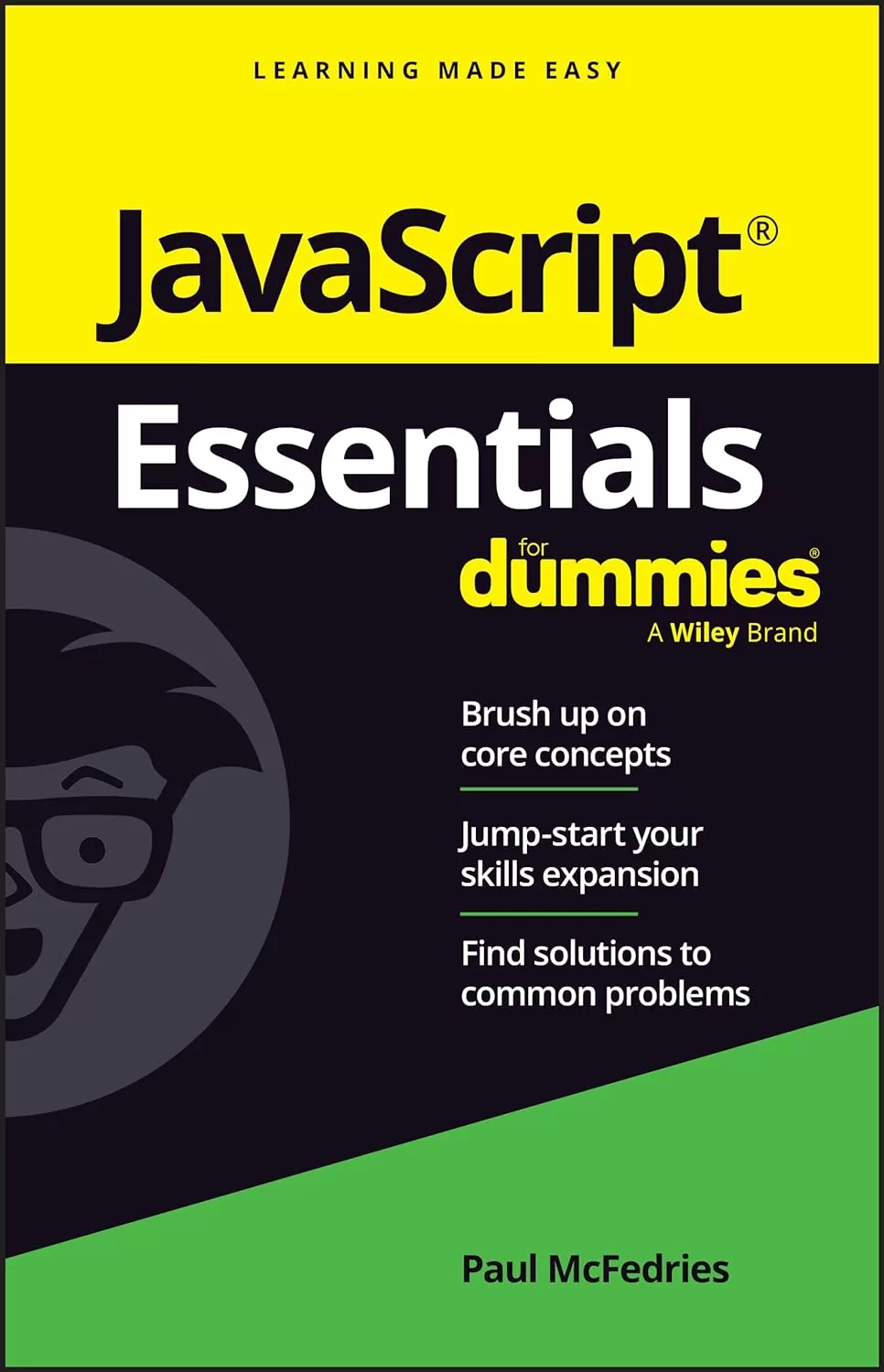
JavaScript Essentials For Dummies
Оглавление⌄
Title Page....3 Copyright Page....4 Table of Contents....7 Introduction....13 About This Book....14 Foolish Assumptions....14 Icons Used in This Book....15 Where to Go From Here....15 Chapter 1 JavaScript: The Big Picture....17 Adding JavaScript Code to a Web Page....17 The tag....17Where do you put the <script> tag?....18Example #1: Displaying a message to the user....19Example #2: Writing text to the page....20What You Need to Get Started....22Dealing with Two Exceptional Cases....22 Handling browsers with JavaScript turned off....22Handling very old browsers....24Commenting Your Code....25Moving to External JavaScript Files....26Chapter 2 Programming with Variables....29Getting Your Head around Variables....29Declaring a variable with let....30Storing a value in a variable....31Checking out another way to declare a variable: const....33Using variables in statements....34Naming Variables: Rules and Best Practices....36Rules for naming variables....36Ideas for good variable names....36Understanding Literal Data Types....38Working with numeric literals....38Exponential notation....39Hexadecimal integer values....39Working with string literals....40 Using quotation marks within strings....40Understanding escape sequences....41Working with Boolean literals....42Chapter 3 Building Expressions....43Understanding How Expressions Are Structured....43Creating Numeric Expressions....44Building String Expressions....45Building Comparison Expressions....46Building Logical Expressions....46Understanding Operator Precedence....47The order of precedence....47Controlling the order of precedence....49Chapter 4 Controlling the Flow of JavaScript....51Decision-Making with if Statements....52Branching with if. . .else Statements....53Understanding the Value of Code Looping....55Working with while Loops....56Working with for Loops....59Working with do. . .while Loops....63Chapter 5 Harnessing the Power of Functions....67Getting to Know the Function Structure....67Making a Function Call....68When the browser parses the <script> tag....69When the page load is complete....70When an event fires....72Passing One or More Values to a Function....73Passing one value to a function....74Passing two or more values to a function....75Getting a Value from a Function....77Working with Anonymous Functions....78Assigning an anonymous function to a variable....79Replacing a function call with an anonymous function....80Working with Arrow Functions....82Chapter 6 Coding the Document Object Model....85Getting Familiar with Objects....85Working with object properties....86Working with object methods....88Introducing the Document Object Model....89Specifying Elements in Your Code....91Specifying an element by id....91Specifying elements by tag name....91Specifying elements by class name....92Specifying elements by selector....92Working with collections of elements....93Touring the DOM with Code....95Getting the children of a parent element....96Getting all the child nodes....96Getting the first child node....97Getting the last child node....98Getting the parent of a child element....99Getting the siblings of an element....99Getting the previous sibling....100Getting the next sibling....100Adding, Modifying, and Removing Elements....101Adding an element to the page....101Step 1: Creating the element....101Step 2: Adding the new element as a child....102Step 3: Adding text and tags to the new element....103Inserting text or HTML into an element....104Removing an element....105Using Code to Mess Around with CSS....106Changing an element’s styles....106Adding a class to an element....106Removing a class....108Toggling a class....109Using Code to Tweak HTML Attributes....109Reading an attribute value....110Setting an attribute value....110Removing an attribute....111Listening for Page Events....112Chapter 7 Working with Arrays....117What Is an Array?....117Declaring an Array....118Populating an Array....118Declaring and populating an array at the same time....119Populating an array using a loop....120Iterating Arrays....121Iterating an array: forEach()....121Iterating to create a new array: map()....122Iterating an array down to a value: reduce()....123Iterating to locate an element: find()....124Manipulating Arrays....126The length property....126Some useful array methods....126Chapter 8 Coding Strings and Dates....129 Manipulating Strings....129Working with string templates....130Determining the length of a string....133Searching for substrings....133Learning the methods that extract substrings....134Dealing with Dates and Times....135Learning the arguments used with the Date object....136Getting to know the Date object....137Specifying the current date and time....137Specifying any date and time....137Getting info about a date....138Setting the date....138Chapter 9 Debugging JavaScript....141Laying Out Your Debugging Tools....141Debugging 101: Using the Console....143Getting the console onscreen....144Printing program data in the Console....144Running code in the Console....145Putting Your Code into Break Mode....146Invoking break mode....147Setting a breakpoint....147Adding a debugger statement....148Getting out of break mode....149Stepping Through Your Code....149Stepping one statement at a time....150Stepping into some code....150Stepping over some code....151Stepping out of some code....152Chapter 10 Dealing with Form Data....153Coding Text Fields....153Referencing by field type....154Getting a text field value....155Setting a text field value....155Programming Checkboxes....156Referencing checkboxes....157Getting the checkbox state....157Setting the checkbox state....158Coding Radio Buttons....159Referencing radio buttons....160Getting a radio button state....160Setting the radio button state....162Programming Selection Lists....162Referencing selection list options....163Getting the selected list option....164Changing the selected option....165Working with Form Events....166Setting the focus....167Monitoring the focus event....167 Monitoring the blur event....168Listening for element changes....168Handling Form Data....170Chapter 11 Ten JavaScript Debugging Strategies....173Get Thee to Your Dev Tools....173The Console Is Your Best Debugging Friend....174 Give Your Code a Break(point)....174Step Through Your Code....174Monitor Variable and Object Property Values....175Indent Your Code....175Break Down Complex Tasks....175 Break Up Long Statements....175Comment Out Problem Statements....176Use Comments To Document Your Scripts....176Index....177EULA....195
Описание
Ниже — практический обзор по теме «javascript».
This no-nonsense book gets right to the point, eliminating review material, wordy explanations, and fluff. JavaScript Essentials For Dummies is your quick reference to all the core concepts about JavaScript―the dynamic scripting language that is often the final step in creating powerful websites. Find out all you need to know about the foundations of JavaScript, swiftly and crystal clear. Perfect for a brush-up on the basics or as an everyday desk reference on the job, this is the reliable little book you can always turn to for answers.
Get a quick and thorough intro to the basic concepts of coding with JavaScriptReview what you've already learned or pick up essential new skillsAdd interactive features to websites with JavaScript programmingKeep this concise reference book handy for jogging your memory as you workThis book is to the point, focusing on the key topics you need to know about this popular programming language. Great for supplementing classroom learning, reviewing for a certification, or staying knowledgeable on the job.
Файл доступен для загрузки ниже.
Поделиться
Частые вопросы
Можно ли скачать «JavaScript Essentials For Dummies» бесплатно?
Да, «JavaScript Essentials For Dummies» доступна для бесплатного скачивания на нашем сайте в формате PDF. Ссылка на файл находится на этой странице.
В каком формате и какого размера файл?
Книга предоставляется в формате PDF, размер файла 1,5 МБ.
Кто автор и когда вышла книга?
автор — McFedries Paul, издательство John Wiley & Sons, Inc., год выпуска 2024, 195 страниц.
О чём книга «JavaScript Essentials For Dummies»?
JavaScript Essentials For Dummies is your quick reference to all the core concepts about JavaScript―the dynamic scripting language that is often the final step in creating powerful websites.
Похожие материалы
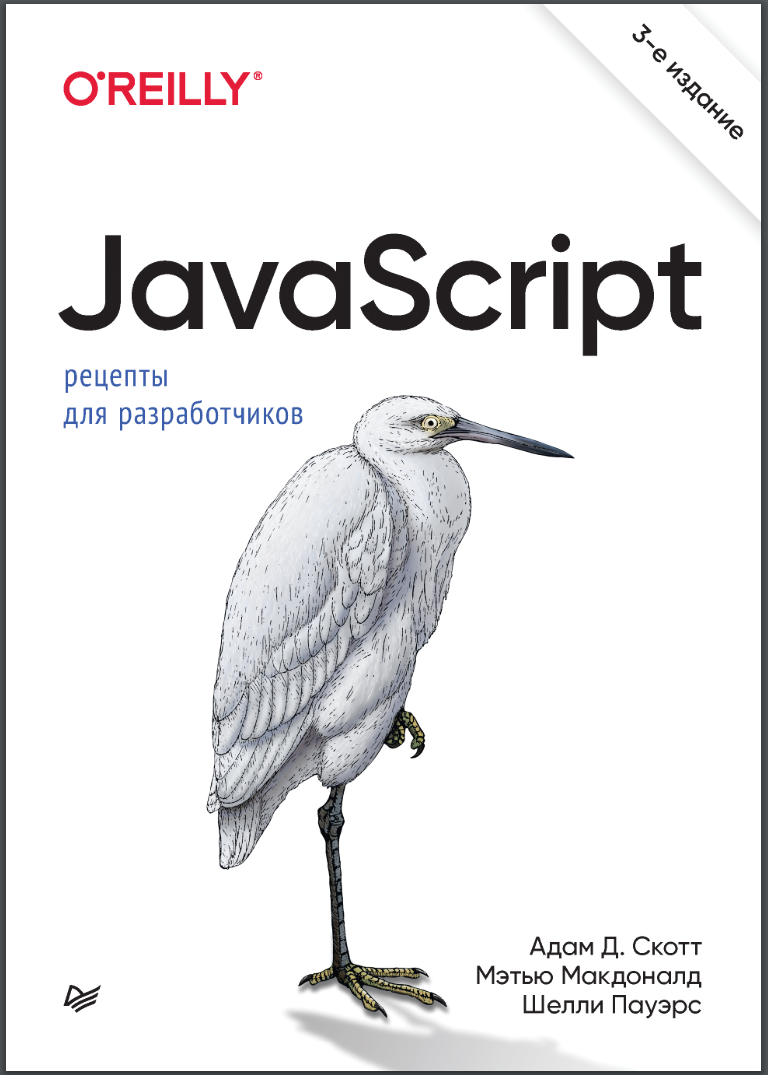 JavaScript. Рецепты для разработчиков. 3 изд
 Become A Ninja With Angular
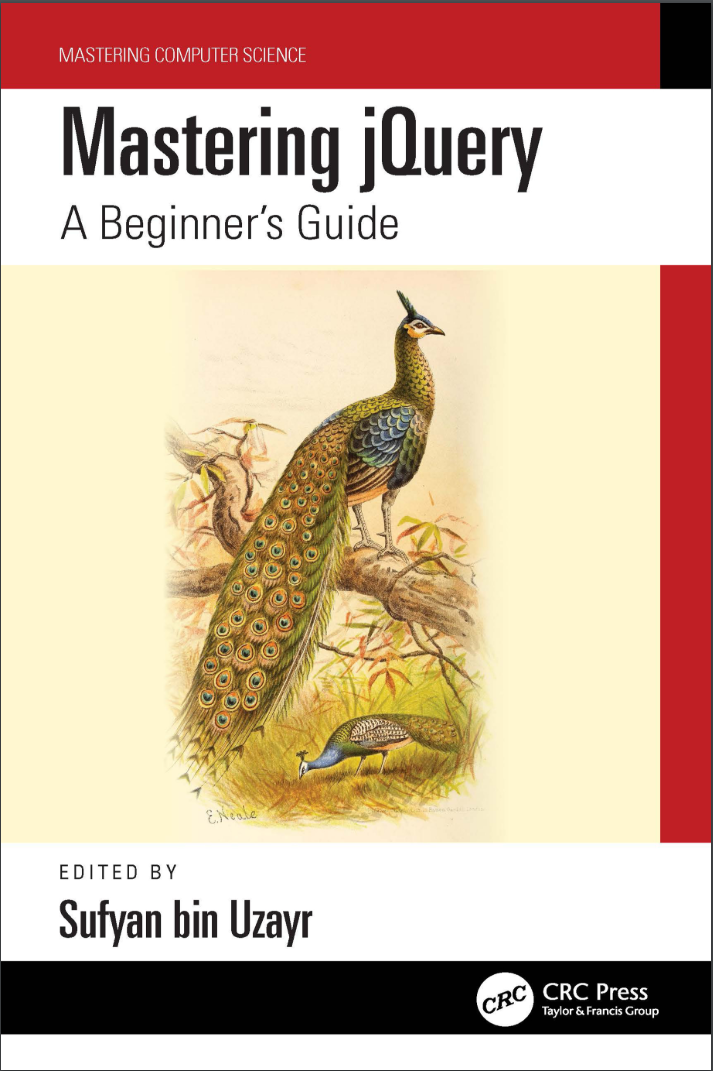 Mastering jQuery: A Beginner’s Guide
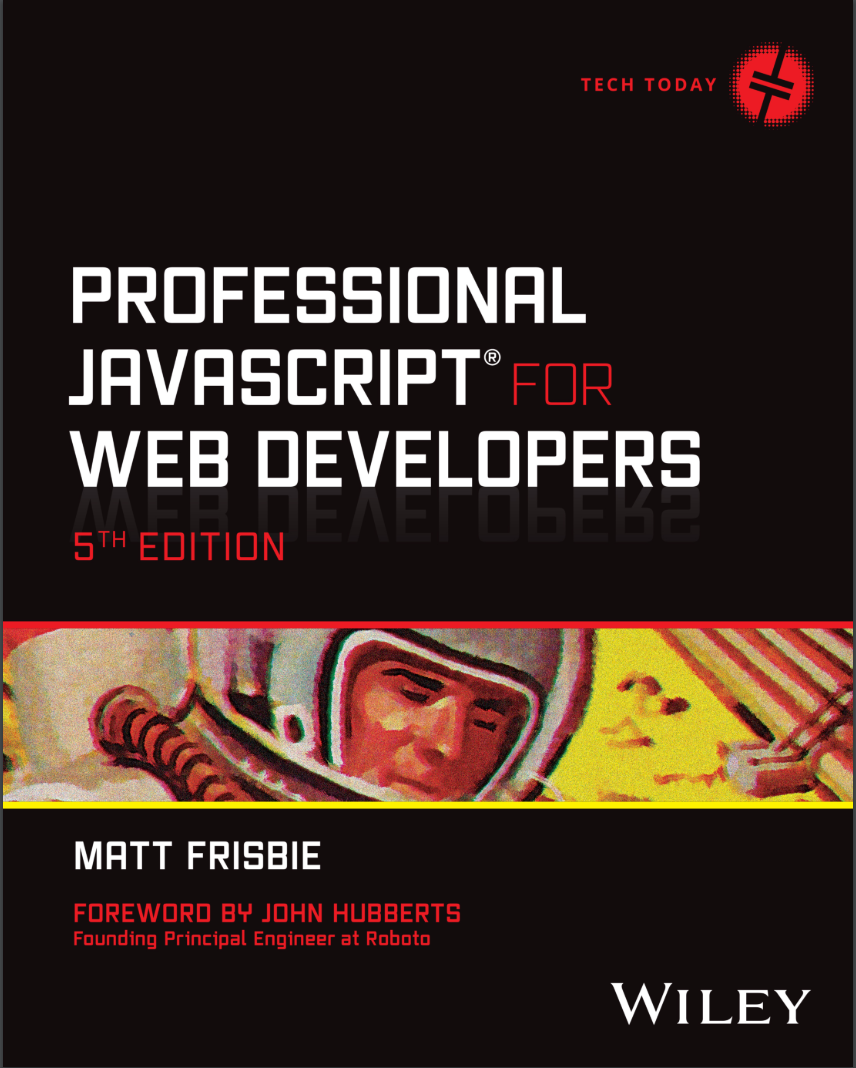 Professional JavaScript for Web Developers. 5 Ed
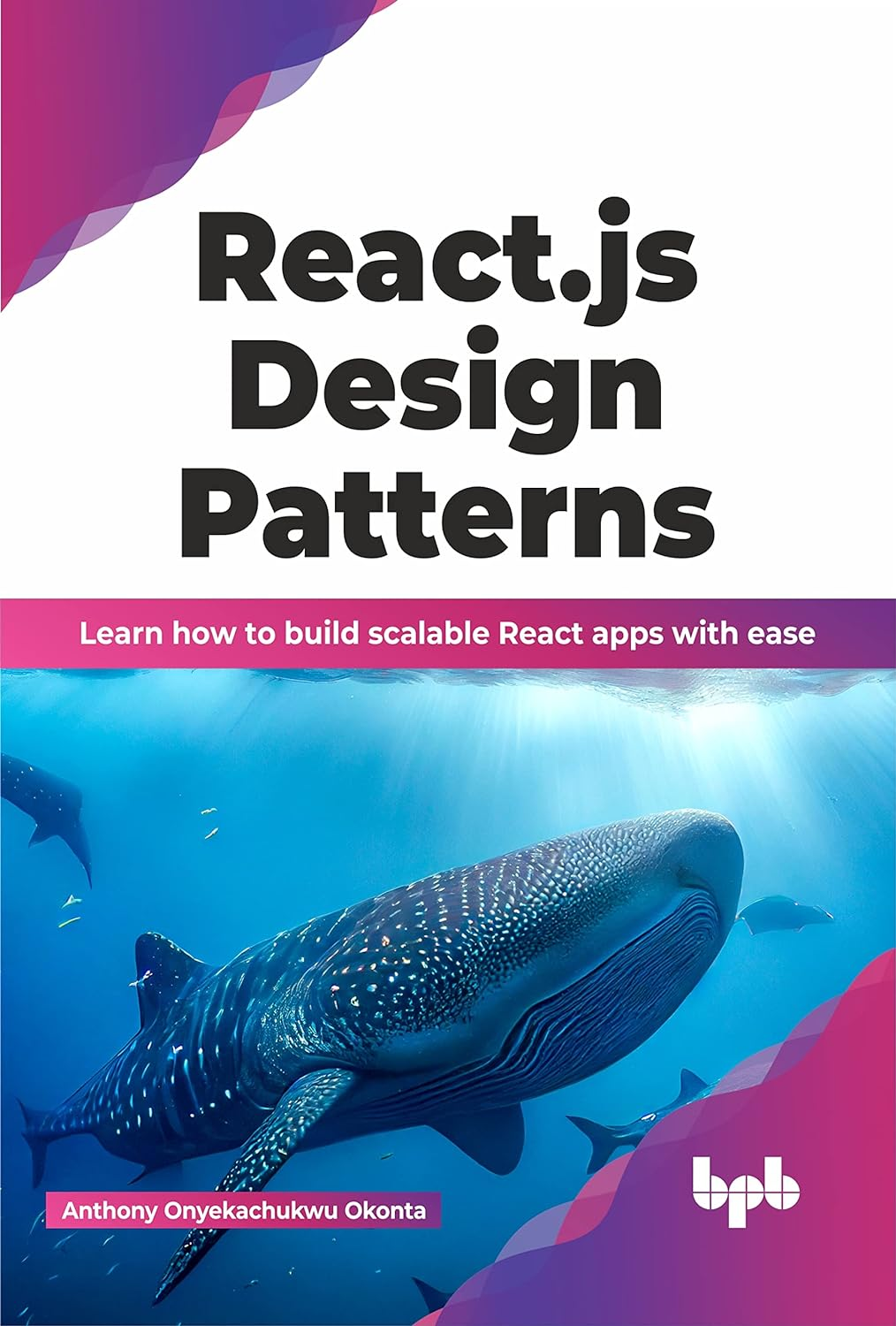 React.js Design Patterns: Learn how to build scalable React apps with ease
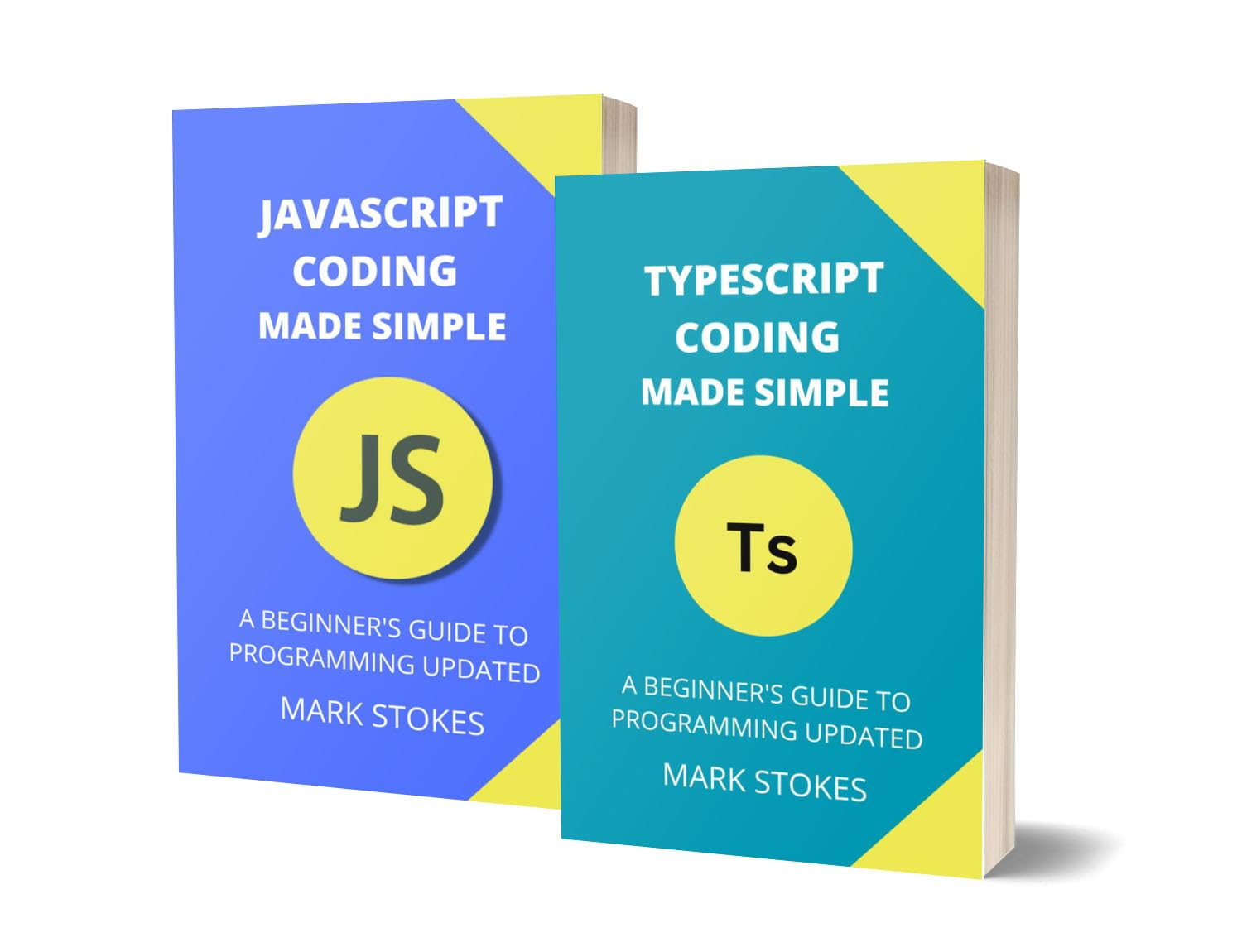 Typescript and JavaScript Coding Made Simple 2 Books in 1: A Beginner’s Guide to Programming
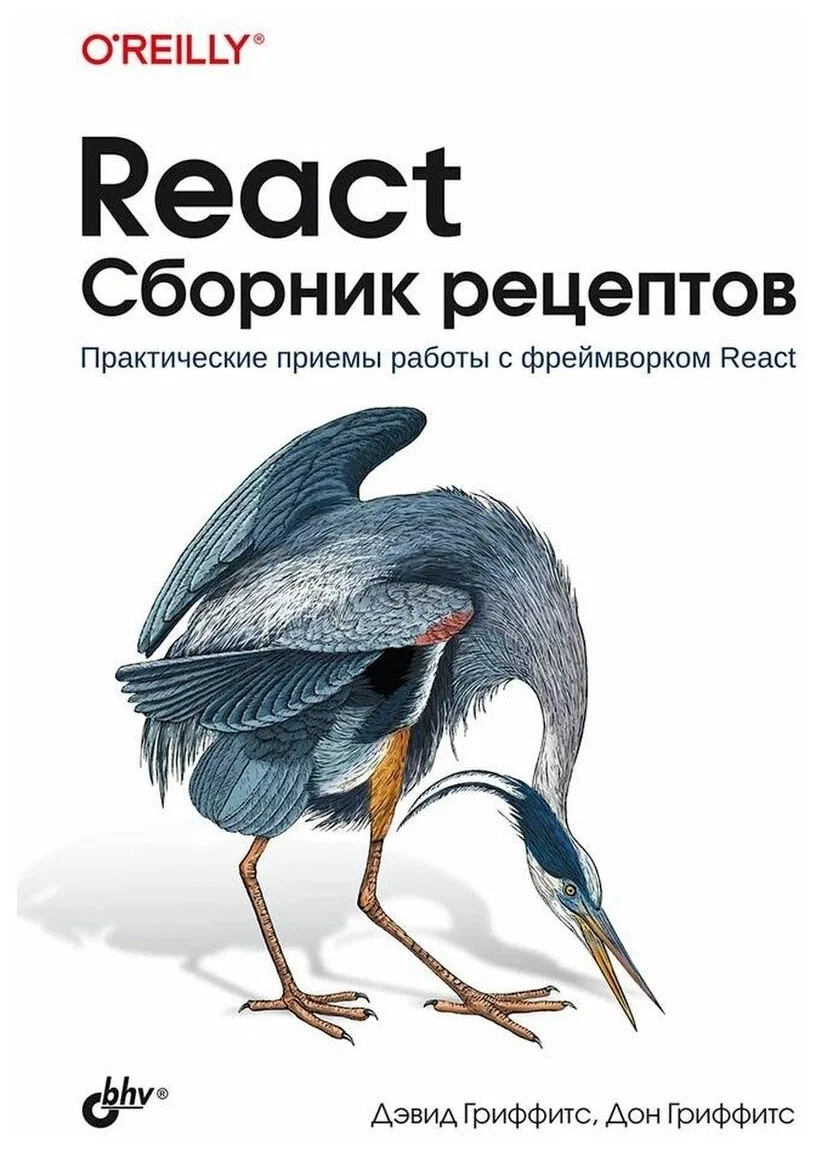 React. Сборник рецептов. Практические приемы работы с фреймворком React
 JavaScript. Полное руководство: Справочник по самому популярному языку программирования. 7 изд