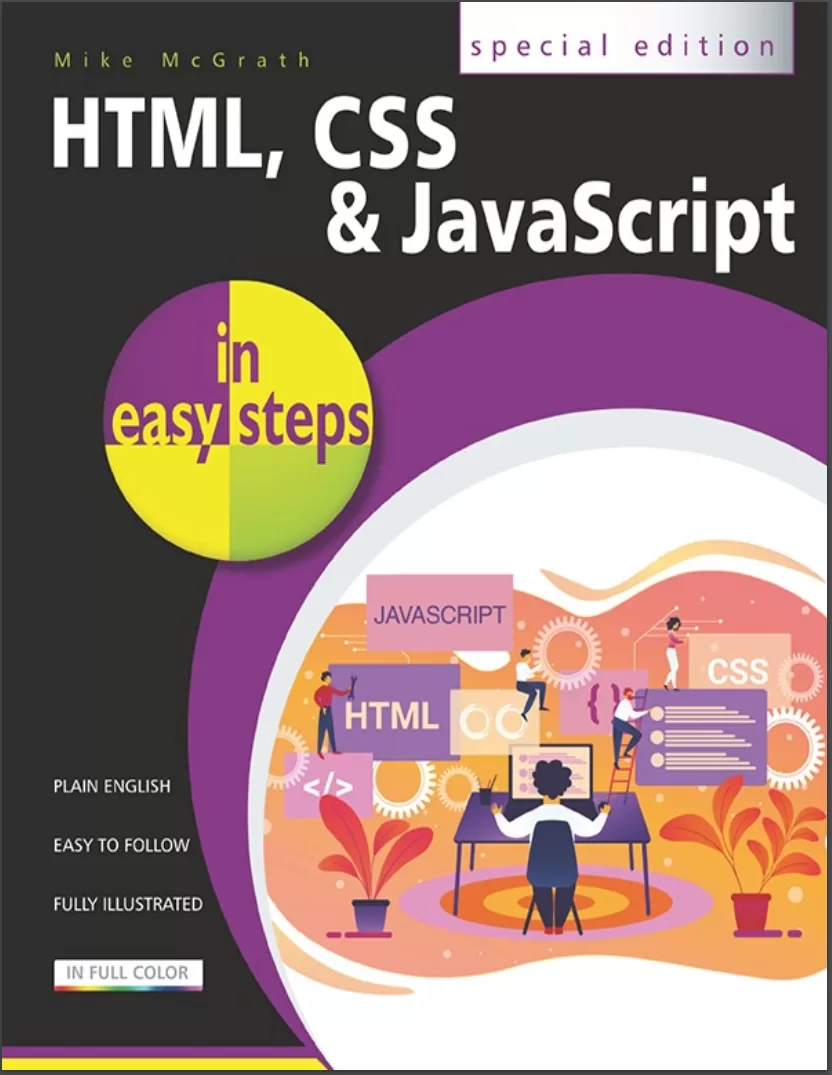
HTML, CSS & JavaScript in easy steps. Special Edition
Оглавление⌄
Title....2 Copyright....3 Contents....4 How to Use This Book....11 1 Get Started in HTML....13 Meet HTML....14 Understand Structure....17 Create Documents....20 Validate Documents....24 Bestow Titles....28 Supply Metadata....32 Describe Contents....35 Add Styles....38 Include Scripts....41 Link Resources....44 Summary....48 2 Structure Web Pages....50 Proclaim Headings....51 Group Headings....55 Include Navigation....58 Complete Framework....61 Create Sections....64 Provide Asides....67 Revise Divisions....70 Summary....74 3 Manage Text Content....75 Insert Paragraphs....77 Include Quotations....80 Add Emphasis....83 Add Modifications....86 Add Phrasing....89 Retain Formatting....92 Use Superscript....95 Display Code....98 Give Advice....101 Gauge Quantity....104 Direct Language....107 Create Hyperlinks....110 Access Keys....114 Fragment Links....117 Protocol Links....120 Summary....123 4 Write Lists and Tables....124 Unordered Lists....125 Ordered Lists....128 Description Lists....131 Basic Table....134 Span Cells....138 Enhance Tables....141 Control Columns....144 Summary....147 5 Incorporate Media Content....148 Add Images....150 Image Maps....154 Reference Figures....157 Select Pictures....160 Embed Objects....164 Embed Vectors....168 Embed Frames....172 Add Audio....176 Add Video....180 Indicate Progress....184 Use Templates....188 Insert Slots....191 Employ Dialogs....195 Paint Canvas....198 Summary....201 6 Create a Local Domain....202 Install Abyss....203 Install Python....207 Configure Abyss....211 Echo Script....215 Test Environment....219 Summary....222 7 Produce Input Forms....224 Submit Text....225 Input Types....228 Text Areas....231 Check Boxes....234 Hide Data....237 Upload Files....240 Push Buttons....243 Image Buttons....246 Add Logos....250 Select Options....253 Datalist Options....256 Label Controls....259 Summary....262 8 Get Started in CSS....264 Meet CSS....265 Create Rules....268 Apply Rules....271 Select Type....275 Select Class....278 Select Identity....280 Select Relatives....282 Select Attributes....286 Weigh Importance....289 Paint Colors....292 Set Backgrounds....296 Summary....300 9 Manage the Box Model....301 Recognize Boxes....302 Display Inline....306 Define Dimensions....309 Control Borders....312 Add Padding....315 Set Margins....318 Position Boxes....321 Fix Positions....324 Stack Boxes....328 Float Boxes....331 Handle Overflow....334 Layout Pages....337 Summary....340 10 Manipulate Text Content....342 Suggest Font....343 Set Size....346 Vary Style....349 Use Shorthand....352 Align Text....355 Control Space....358 Decorate Text....361 Change Direction....364 Enhance Text....367 Number Sections....371 Summary....374 11 Organize Tables & Lists....376 Construct Columns....377 Space Cells....380 Collapse Borders....383 Assign Features....386 Choose Markers....389 Position Markers....392 Provide Navigation....395 Make Dropdowns....398 Summary....402 12 Generate Effects....403 Choose Cursors....404 Show Focus....407 Roll Over....410 Push Buttons....413 Reveal Elements....417 Draw Corners....421 Cast Shadows....424 Blend Gradients....427 Decorate Borders....430 Transform Shapes....433 Make Transitions....436 Animate Elements....440 Fit Objects....444 Summary....447 13 Control the Web Page....448 Change Models....449 Draw Outlines....453 Use Columns....456 Span Columns....459 Use Flexbox....462 Align Items....465 Draw Grid....468 Place Items....471 Query Media....474 Switch Navigation....478 Summary....481 14 Design for Devices....483 Adapt Layouts....484 Compare Schemes....488 Combine Schemes....491 Add Breakpoints....494 Scale Images....497 Hide Content....500 Summary....503 15 Get Started in JavaScript....505 Meet JS....506 Include Scripts....508 Console Output....510 Make Statements....514 Avoid Keywords....518 Store Values....521 Create Functions....525 Assign Functions....529 Recognize Scope....533 Use Closures....536 Summary....540 16 Perform Useful Operations....542 Convert Values....543 Do Arithmetic....546 Assign Values....549 Make Comparisons....552 Assess Logic....555 Examine Conditions....558 Juggle Bits....561 Force Order....564 Summary....568 17 Manage the Script Flow....569 Branch If....570 Branch Alternatives....573 Switch Alternatives....576 Loop For....579 Loop While....582 Do Loops....585 Break Out....588 Catch Errors....591 Summary....594 18 Use Script Objects....596 Custom Objects....598 Extend Objects....601 Built-in Objects....604 Create Arrays....607 Loop Elements....610 Slice Arrays....613 Sort Elements....616 Get Dates....619 Extract Calendar....622 Extract Time....625 Set Dates....628 Match Patterns....631 Meet JSON....635 Make Promises....638 Fetch Data....641 Summary....644 19 Control Strings & Numbers....646 Calculate Areas....647 Compare Numbers....650 Round Decimals....653 Generate Randoms....656 Unite Strings....659 Split Strings....662 Find Characters....665 Trim Strings....668 Summary....671 20 Address the Window Object....673 Meet DOM....674 Inspect Properties....678 Show Dialogs....681 Scroll Around....684 Pop-up Windows....687 Make Timers....691 Examine Browsers....695 Check Status....699 Control Location....702 Travel History....705 Summary....708 21 Interact with the Document....709 Extract Info....710 Address Arrays....713 Address Elements....716 Write Content....719 Manage Cookies....722 Load Events....726 Mouse Events....729 Event Values....733 Check Boxes....736 Select Options....740 Reset Changes....743 Validate Forms....746 Summary....750 Back Cover....753
Описание
Коротко и по делу о том, что важно знать про html.
You'll learn how to create web pages to display text, images, lists, tables, hyperlinks, forms, audio, and video. Everything you need to get to grips with HTML, CSS and JavaScript – the three coding languages that are used to create modern web pages – all in easy steps!HTML, CSS & JavaScript in easy steps instructs the reader on each of the three coding languages that are used to create modern web pages; HyperText Markup Language (HTML) tags are used to control the structure of web page content, Cascading Style Sheets (CSS) rules are used to determine how web page content appears, and JavaScript functions are used to provide web page interactivity.HTML, CSS & JavaScript in easy steps contains examples and screenshots that illustrate each feature of all three coding languages. Each chapter builds your knowledge so by the end of the book you'll have gained a sound understanding of HTML markup, CSS rules and JavaScript functions.HTML, CSS & JavaScript in easy steps has an easy-to-follow style that will appeal to anyone who wants to create great functional web pages. It will appeal to programmers who want to quickly add web page coding to their skills set, and to the student who is studying website design at school or college, and to those seeking a career in web development.
На этом основные моменты по теме закрыты.
Поделиться
Частые вопросы
Можно ли скачать «HTML, CSS & JavaScript in easy steps. Special Edition» бесплатно?
Да, «HTML, CSS & JavaScript in easy steps. Special Edition» доступна для бесплатного скачивания на нашем сайте в формате PDF. Ссылка на файл находится на этой странице.
В каком формате и какого размера файл?
Книга предоставляется в формате PDF, размер файла 7,8 МБ.
Кто автор и когда вышла книга?
автор — McGrath Mike, издательство In Easy Steps Ltd., год выпуска 2020, 753 страниц.
О чём книга «HTML, CSS & JavaScript in easy steps. Special Edition»?
Everything you need to get to grips with HTML, CSS and JavaScript – the three coding languages that are used to create modern web pages – all in easy steps!HTML, CSS & JavaScript in easy steps instructs the reader on each of the three c
Похожие материалы
 HTML and CSS: Visual QuickStart Guide. 9 Ed
 HTML & CSS: Learn The Fundamentals In 7 days
 Шпаргалки для начинающего верстальщика HTML/CSS
 Веб-дизайн для начинающих. HTML, CSS, JavaScript и веб-графика. 5 изд
 The Absolute Beginner's Guide to HTML and CSS: A Step-by-Step Guide with Examples and Lab Exercises
 HTML5 + CSS3. Основы современного WEB-дизайна
 Responsive Web Design with HTML5 and CSS: Develop future-proof responsive websites using the latest HTML5 and CSS techniques. 3 Ed
 Bootstrap 5 Foundations: The Random Knowledge Enthusiast. Paperback