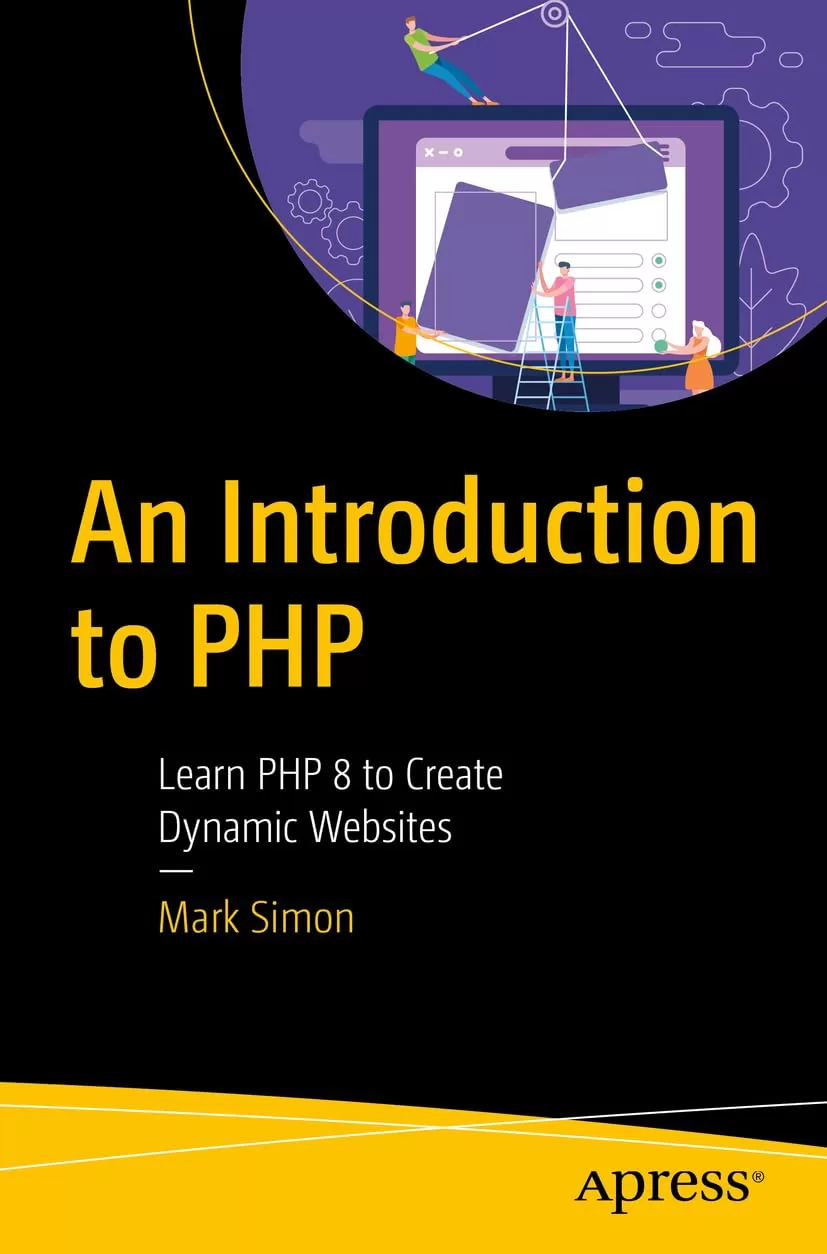
An Introduction to PHP: Learn PHP 8 to Create Dynamic Websites
Оглавление⌄
Table of Contents....5 About the Author....16 About the Technical Reviewers....17 Acknowledgments....18 Introduction....19 Chapter 1: Introduction and Setting Up....23 How the Web Works....24 The Sample Project....26 The Tools....27 A Coding Editor....28 Web Server Setup....29 Using the Virtual Hosts Applications....32 Adding the Domain Name....33 Editing the httpd.conf File....35 Adding a Virtual Host....37 Fixing the php.ini File....40 Configuring PHP....43 Setting PHP Options....45 Some Useful Configuration Options....46 PHP Execution....46 File Uploads....46 Legacy Settings....46 Sessions....47 Error Reporting....47 Other Settings....48 Starting Up....49 The Project Configuration Files....49 Finishing Up....51 Chapter 2: Working with PHP....53 Before We Start....54 Grouping: Brackets and Friends....54 Data Types....55 How PHP Processes Files....56 Renaming the Files....57 PHP Scripts....58 Experimenting....59 Adding Dynamic Data to the Page....61 Displaying Data....64 Including Files....66 Preparing and Implementing Include....68 Headings and Titles....70 Including Variables in the Include Files....71 Setting the Title and Heading....73 The Navigation Block....73 The Links Array....75 Creating the List of Links....76 Displaying the Links....80 Highlighting the Current Page....81 Comments....84 Summary....86 Coming Up....87 Chapter 3: Email and Form Processing....88 Preparation....89 The Contact Form....89 The Plan of Attack....93 Reading the Form Data....94 Outlining the Plan....96 Reading the Form Data....97 Preparing the Data....98 Persisting Fields....99 Form Validation....101 JavaScript and HTML5 Validation....101 Planning for Validation....102 Required Fields....103 Checking an Email Address....105 Email Injection....106 Handling the Errors....110 Displaying the Errors....110 The Errors Paragraph....111 Printing Empty Arrays....112 Sending Email with the mail() Function....113 The Main Email Variables....114 The Email Headers....116 The Header Data....117 After Sending the Message....120 Alternative Parts....120 Writing the Conditional Blocks....123 Reorganizing the Code....125 Configuration....125 Moving the Code....126 Summary....127 Coming Up....129 Chapter 4: Uploading Data and Files....130 The Upload Form....130 The File Input....133 Settings....134 Preliminary Coding....135 The Data Variables....135 Processing POSTed Data and Preliminary Validation....137 Image Validation....139 The $_FILES Array....139 Using File Data....140 Checking an Image File....143 Keeping the File....146 The File Name....147 Lower Case....149 Replacing Spaces....149 Defining the Location....150 Moving the File....152 Creating Additional Copies....153 Resized Image Configuration....155 Generating the Resized Copies....156 Tidying Up....157 Clearing the Error Array....157 Clearing the Old Values....158 Summary....158 Coming Up....159 Chapter 5: Working with a Database....160 Something About Databases....162 Running SQL....165 MySQL and PHPMyAdmin....165 Browsing....167 The Setup Page....167 Creating the Database and User....169 Preparing the Images Table....172 Using the Database with PHP....174 Connection....175 Connection String....175 Creating a Connection....176 A Crash Course in Classes and Objects....177 Handling Connection Errors....179 exit or die....180 Adding Options....181 Error Reporting....182 Prepared Statements....182 Setting the PDO Options....183 Using the Alternative Script....184 Summary....184 Coming Up....185 Chapter 6: Adding Data to the Database....186 Connecting to the Database....187 SQL Injection....188 Prepared Statements....190 When to Worry About SQL Injection....192 Adding the Image Data to the Table....193 Line Breaks....195 Creating Line Break Functions....196 The Prepared SQL Statement....200 Executing with Data....202 Retrieving the New ID....203 Modifying the Name....204 Constructing the New Name....205 Zero-Padding a Number....205 Updating the Database....206 Keeping the File and Creating the Resized Copies....207 Refactoring the Code....208 The Function Outline....208 Scope....210 Writing the addImageData() Function....211 Writing the addImageFile() Function....214 Using the Code in the Future....217 Summary....217 Coming Up....218 Chapter 7: File Handling....219 Preparation....220 The ZIP File....221 The CSV File....222 Processing the Uploaded Zip File....223 Checking the Zip File....224 Unzipping the File....226 Reading Text Files....231 Removing the Header Row....234 Splitting CSV Data....235 Importing the Data....237 Checking the MIME Types....239 Checking the Images....241 Finishing Up....243 A Crash Course in HTTP(S)....244 Headers Already Sent....246 Redirecting to the Next Page....247 Starting Over....250 Summary....254 Coming Up....255 Chapter 8: The Image Gallery....256 Preparation....257 Fetching the Thumbnails....259 Fetching from the Database....259 Fetching a Gallery Page....261 Fetching the Rows....265 Generating the Gallery Images....267 Selecting the Page....271 The Navigation Block....277 Remembering the Page....282 Displaying a Larger Image....286 Fetching a Miscellaneous Single Image....286 Selecting a Random Row from the Database....291 Fetching a Selected Image....293 Displaying a Random Image on Other Pages....296 Summary....300 Coming Up....302 Chapter 9: Managing Data....303 The Image Pages....304 The Image List Page....309 Preparatory Code for the Image List....310 Something About HTML Tables....312 Generating the Table Data....316 The Image Editing Page....323 The Prepare Events....324 Fetching the Data to be Edited....327 Adjusting the Image Blocks....329 Adjusting the Buttons....330 Adjusting the Upload Form....331 Disabling Fields for Remove....332 Implementing Update and Delete....333 Deleting Data....334 Updating the Image Data....337 Updating the Text Data....337 Replacing the Image....340 Checking a Checkbox....343 Adding the Checkbox....344 Testing the Checkbox....347 Finishing Touches....351 Clearing the $id when Adding an Image....351 Fixing the Hidden Field....352 Restoring the Images....352 Summary....353 Coming Up....355 Chapter 10: Sessions and Logging In....356 Sessions....357 Session Settings....358 Starting a Session....360 Using Session Data....363 Managing Users....365 Encryption and Hashing....366 Password Hashing in PHP....368 The User Table....369 Adding a User....370 Method 1: Running the SQL Directly....371 Method 2: Adding a Password Using PHPMyAdmin....374 Method 3: Adding an Admin User with the Setup Page....375 Logging In....376 Processing Login....377 Successful Login....381 Switching Between Content....382 Showing the User’s Name....384 Logging Out....387 Restricting Access....388 Summary....391 Coming Up....392 Chapter 11: A Configuration System....394 The ini File Contents....394 Reading an ini File....397 Generating the Configuration Form....402 Generating the Config Table....404 Saving the Configuration....409 Reading the New Values....409 Writing the ini File....411 Using the Configuration Settings....413 Resizing Images....416 Adding Configuration to Administration....421 Summary....422 Coming Up....423 Chapter 12: A Content Management System....424 The Blog Pages....425 The Blog Table....427 Preparatory Blog Code....430 Adding a Single Blog Article....435 Uploading the Optional Image....443 Checking for an Optional Image....445 Keeping the Optional Image....447 Previewing the Image....454 Selecting an Existing Image....456 Selecting an Image from a Menu....457 Processing the Selected Image....462 Previewing the Selected Image....465 Selecting an Image from a Radio Group....467 Choosing Between Buttons and the Menu....472 Redirecting to the Blog List Page....473 Importing Blog Articles....474 Changes to the Insert Code....474 Starting the Import Code....476 Handling the Import File....476 Copying the Blog Import Files....479 Importing the Blog Data....481 Calling a Function with an Array of Parameters....487 Finishing the Import....489 Reading a Blog Article....490 Preliminary Code....491 Getting the Selected Article ID....493 Fetching the Article....495 Fixing the Article Line Breaks....498 Displaying the Blog Image....500 Managing the Blog Articles....504 Building the Article Table....509 Processing the Prepare Events....512 Displaying the Image....515 Finishing the Preparation....518 Updating an Article....521 Deleting an Article....524 The Visitor Blog List....526 Preparatory Code....528 Generating the Blog Article List....530 Summary....533 Appendix A: Adding Markdown to Your Blog Articles....537 The Markdown Language....538 Adding Markdown to the Database....539 Adding a Checkbox to the Form....540 Reading the Markdown Setting....541 Manipulating the Markdown Setting....542 Displaying the Markdown Article....547 Appendix B: Non-PHP Tricks....551 Toggle Background....551 Visible Passwords....552 Required Upload....555 Preview Image....556 Previewing a Referenced Image....556 The File Input....558 Light Box....560 Paging Page Number....561 The Hopping Kangaroo....562 Appendix C: PHP Versions....564 The array() and list() Language Constructs....564 The … Operator....566 mail() Function Additional Headers....567 Function Data Types....569 Named Parameters....570 Appendix D: Default Library Functions....572 Resizing Images....573 The resizeImage() Function....574 Interpreting the Resize Dimensions....575 Loading the Original Image....579 Getting Information About the Original Image....580 Loading the Image Data....583 Saving the Resized Image....585 Creating the Blank Copy and Copying the Original....588 Copying the Original into the Image Copy....589 Padding Adjustments for Distorted Copies....592 Image Shapes....594 Adjusting the Size and Origin....595 The Complete resizeImage Function (So Far…)....598 Options....599 Omitting the Destination Name....600 Using the Options Array....602 Setting a Background Color....604 Changing the Saved Image Type....605 Setting a Clear Padding Background....607 Trimming the Image Copy....609 Using Named Parameters (PHP 8)....610 Named Parameters in the resizeImage() Function....612 splitSize....615 unzip Function....616 Markdown to HTML....621 Anchors....622 Headings....623 Miscellaneous Functions....624 The MimeType() Function....624 The printr() Function....625 Index....627
Описание
В этом материале разберём тему: will.
Use PHP to enhance your web pages. This book shows you how PHP programming works, and how to write and organize PHP code.
You start by writing PHP code and learn how to mix it with HTML and manage the code. The book starts with steps to download and install a setup for a sample website that will form the basis for upcoming chapters. From there, you will learn about dynamic content, along with a deep dive into form processing and sending email. You will learn how to configure your PHP project and develop a library. Saving uploaded data and uploading files is discussed next. You will then learn how to create an image catalog and manage data on your web page. By the end of the book, you will understand how to work with cookies, sessions, and logging in, followed by an example of creating a simple blog that reiterates the concepts developed in the previous chapters.
After reading this book, you will be able to configure, create, and manage your dynamic website.
What Will You LearnKnow the basics of programming with the PHP languageUse PHP to generate dynamic web pagesWork with SQL databasesWork with forms to upload text data and binary filesUse tips and tricks to write clean and maintainable codeWho This Book Is ForWeb developers and students learning to develop and maintain PHP code on their website
Файл доступен для загрузки ниже.
Поделиться
Частые вопросы
Можно ли скачать «An Introduction to PHP: Learn PHP 8 to Create Dynamic Websites» бесплатно?
Да, «An Introduction to PHP: Learn PHP 8 to Create Dynamic Websites» доступна для бесплатного скачивания на нашем сайте в формате PDF. Ссылка на файл находится на этой странице.
В каком формате и какого размера файл?
Книга предоставляется в формате PDF, размер файла 2,8 МБ.
Кто автор и когда вышла книга?
автор — Simon Mark, издательство Apress Media, LLC., год выпуска 2024, 639 страниц.
О чём книга «An Introduction to PHP: Learn PHP 8 to Create Dynamic Websites»?
Use PHP to enhance your web pages.
Похожие материалы
 Создаем динамические веб-сайты на PHP. 4 изд
 РНР: объекты, шаблоны и методики программирования. 5 изд
 Изучаем PHP 7. Руководство по созданию интерактивных веб-сайтов
 Самоучитель PHP 7
 Как написать и продать свой PHP скрипт
 Beginning Laravel: Build Websites with Laravel 5.8. 2 Ed
 The Art of Modern PHP 8: Learn how to write modern, performant, and enterprise-ready code with the latest PHP features and practices
 Laravel 9. Быстрая разработка веб-сайтов на PHP